
If you've ever typed "browser fingerprint am i unique" into a search engine, you're probably wondering how much your browser reveals about you — and just how unique that digital fingerprint truly is. The short answer: most browser fingerprints are surprisingly unique, often identifying you with high precision across the web. This uniqueness arises from a combination of factors like your device type, browser configurations, installed fonts, graphics capabilities, and more. Understanding the intricacies of browser fingerprinting sheds light on online tracking, privacy concerns, and how services like CaptchaLa use this data to distinguish real users from bots.
What Is Browser Fingerprinting and Why Does Uniqueness Matter?
Browser fingerprinting is a technique that collects various pieces of information from your browser and device to create a profile that is often unique to you. Unlike cookies, which can be deleted or blocked, fingerprints are harder to conceal or reset because they are generated from hardware and software properties that browsers expose by default.
The uniqueness of your fingerprint matters because it determines how effectively websites and services can identify you as an individual visitor. High uniqueness means that your fingerprint can serve as a reliable identifier without relying on cookies, which can be valuable for fraud detection, personalized experiences, and anti-bot measures. However, it also means there are potential privacy risks since advertisers and trackers can follow you across sites without explicit consent.
Key Factors Influencing Browser Fingerprint Uniqueness
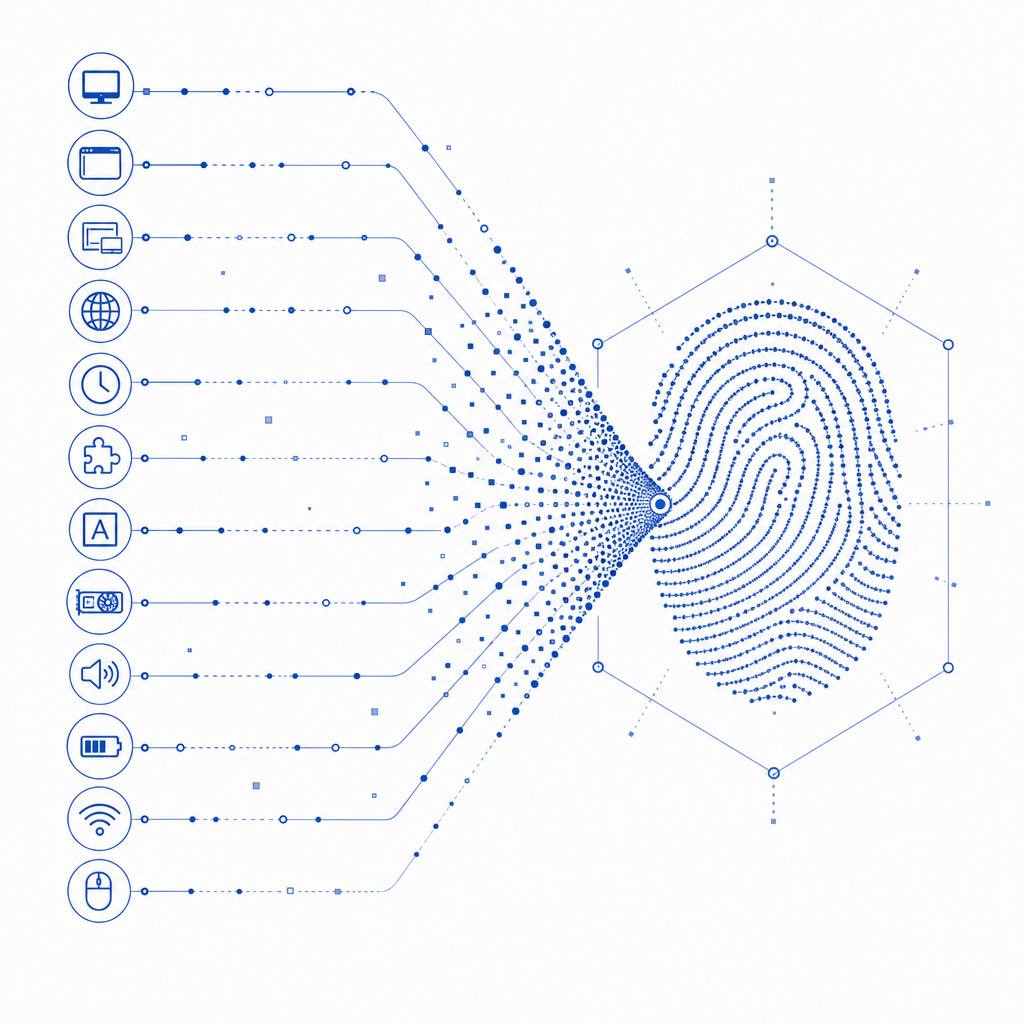
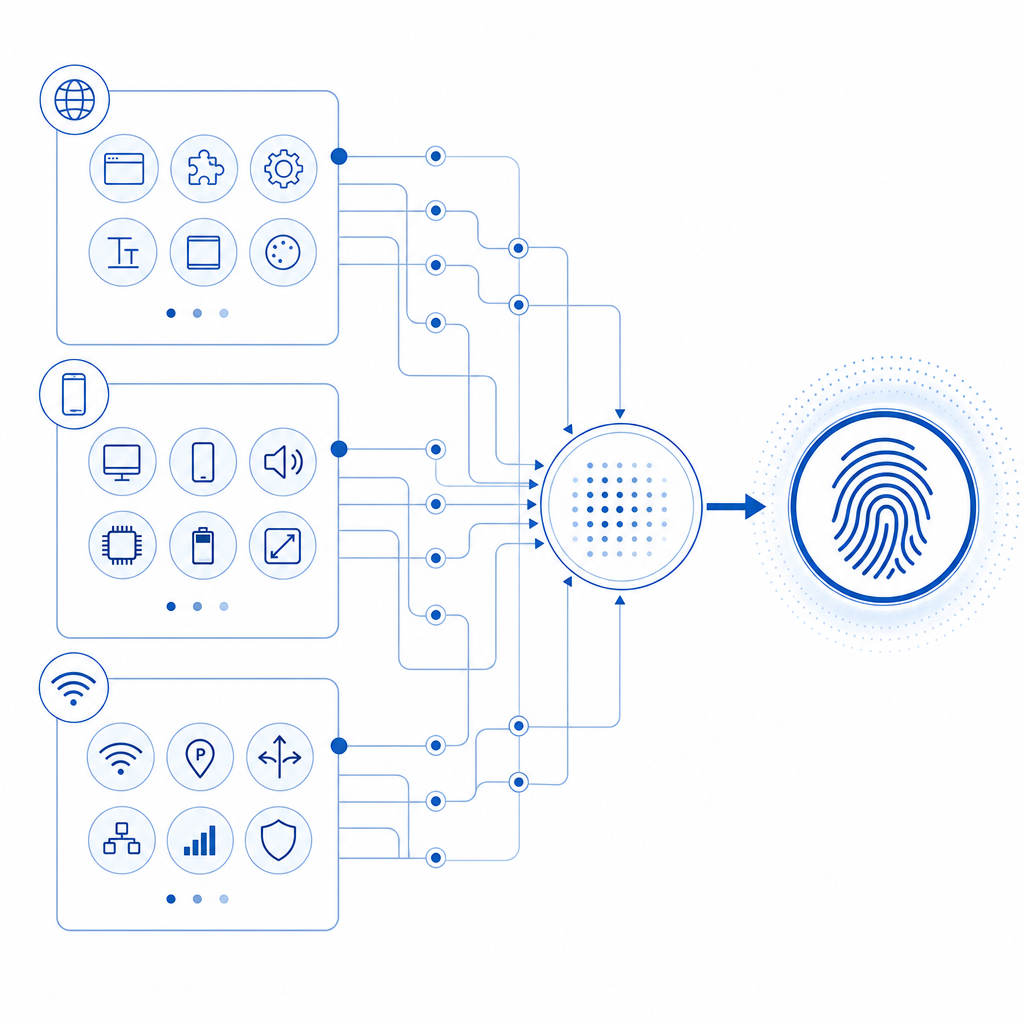
Your browser fingerprint is composed of dozens of data points — here are some of the most significant contributors:
- User Agent String: Describes your browser, version, OS, and device type.
- HTTP Headers: Language settings, encoding preferences.
- Screen Resolution and Color Depth: Physical display attributes.
- Installed Fonts and Plugins: Availability of certain fonts or plugins differs per user.
- Canvas and WebGL Graphics Rendering: Subtle differences in how your device renders graphics, famously used in canvas fingerprinting.
- Timezone and System Locale: Geographic and language metadata.
- Hardware Concurrency and Device Memory: Number of CPU cores and RAM available.
- Touch Support and Battery Status: Additional device capabilities.
The combination of these parameters, and many others, can create a profile that’s unique enough to single out a user in large populations.
Comparison Table: Browsers vs Typical Fingerprint Uniqueness
| Browser | Uniqueness Percentage (Typical) | Notes |
|---|---|---|
| Chrome | ~2-5% unique | Large user base; stable fingerprint traits |
| Firefox | ~5-7% unique | Privacy enhancements can reduce uniqueness |
| Safari | ~10% unique | Smaller user base; parts of fingerprint hidden |
| Edge | ~3-6% unique | Shares Chromium base; minor differences |
| Tor Browser (standard) | ~80% non-unique (high anonymity) | Designed to reduce fingerprinting risks |
This table typically shows how popular browsers compare in how easy or hard it is to uniquely identify a user based on fingerprinting. Privacy-focused browsers like Tor actively try to homogenize fingerprints to protect users.
How Does Uniqueness Impact Anti-Bot and CAPTCHAs?
Fingerprint uniqueness is a powerful tool for bot detection. Bots often exhibit fingerprint irregularities—they lack plugins, have abnormal hardware concurrency values, or don’t render graphics normally. Services like CaptchaLa leverage browser fingerprints combined with challenge interactions to assess whether a visitor is a legitimate user or a bot.
Unlike traditional CAPTCHAs which rely solely on user interaction challenges, combining fingerprint analysis improves accuracy and user experience by reducing false positives and unnecessary friction. Among popular anti-bot services, solutions vary:
- reCAPTCHA uses a mix of behavioral analysis and fingerprinting.
- hCaptcha incorporates privacy-focused fingerprinting along with challenge puzzles.
- Cloudflare Turnstile seeks to minimize user friction and fingerprint reliance but still uses some fingerprint signals.
CaptchaLa’s approach, supported by SDKs for Web (JS/Vue/React), iOS, Android, Flutter, and more, offers developers flexible options to integrate nuanced fingerprint defense along with validation endpoints for bot detection.
Measuring Your Own Fingerprint: Am I Unique?
Many tools online let you test how unique your fingerprint is by collecting data points and comparing them to a large dataset of other fingerprints. Websites like AmIUnique.org or Panopticlick project your uniqueness score based on criteria such as how often your combination of traits occurs in their database.
If your fingerprint is highly unique, even clearing cookies won’t hide you effectively. However, even small changes—like switching browsers, disabling certain fonts, or using privacy extensions—can alter your fingerprint, though not always enough to prevent recognition.
Tips for Reducing Fingerprint Uniqueness
- Use privacy-focused browsers like Brave or Tor.
- Disable or limit JavaScript on sites.
- Avoid unusual or uncommon plugins and fonts.
- Use VPNs or locations that mask your timezone.
- Regularly update your browser to minimize fingerprint stability.
While these can reduce uniqueness, they often come with usability trade-offs. Fingerprint defense strategies continue evolving, balancing privacy with security needs.
Technical Example: Simplified JavaScript to Extract Fingerprint Components
Here’s a basic example to show how some browser fingerprint elements can be collected programmatically:
// Basic browser fingerprint components collection
function getFingerprintComponents() {
  return {
    userAgent: navigator.userAgent, // browser details
    language: navigator.language, // preferred language
    platform: navigator.platform, // OS platform
    screenResolution: `${screen.width}x${screen.height}`, // screen size
    colorDepth: screen.colorDepth, // color depth
    timezoneOffset: new Date().getTimezoneOffset(), // timezone offset in minutes
    plugins: Array.from(navigator.plugins).map(p => p.name), // installed plugins
    hardwareConcurrency: navigator.hardwareConcurrency || "unknown", // CPU cores
    canvasFingerprint: getCanvasFingerprint() // custom function for canvas hash
  };
}

// Example canvas fingerprint generation (highly simplified)
function getCanvasFingerprint() {
  const canvas = document.createElement('canvas');
  const ctx = canvas.getContext('2d');
  ctx.textBaseline = "top";
  ctx.font = "14px 'Arial'";
  ctx.fillText('Fingerprint test', 2, 2);
  return canvas.toDataURL();
}

console.log(getFingerprintComponents());
Modern browser fingerprint libraries build on these principles but analyze many more dimensions with statistical modeling to increase accuracy.
Conclusion: What Does Being “Unique” Mean for You?
Your browser fingerprint is more than just a technical curiosity — it’s a digital identifier that affects your online privacy and the security of websites you visit. High uniqueness enhances fraud and bot protection systems like CaptchaLa by enabling reliable identification while presenting privacy challenges that users and regulators continue addressing.
If you’re interested in how fingerprinting integrates with bot detection and CAPTCHA challenges, checking out CaptchaLa’s documentation offers insights into deploying fingerprint-aware protections across web and mobile platforms. For developers curious about pricing tiers ranging from free to business scale, visit our pricing page to learn more.
Understanding your browser fingerprint’s uniqueness helps you grasp the delicate balance between identifying genuine users and preserving privacy — important as the web grows increasingly complex.
Where to go next? Explore CaptchaLa’s docs for SDK details or see pricing to find the best fit for your bot defense needs.