
When it comes to protecting websites and online services, a bot detection test online is essential to distinguish real users from automated bots. Simply put, a bot detection test is a practical method to measure how effectively a system identifies and blocks bot traffic. Whether you’re a developer evaluating CAPTCHA services or a site owner looking to improve security, knowing how these tests work and how to implement them makes a big difference in safeguarding your platform.
What Is a Bot Detection Test Online?
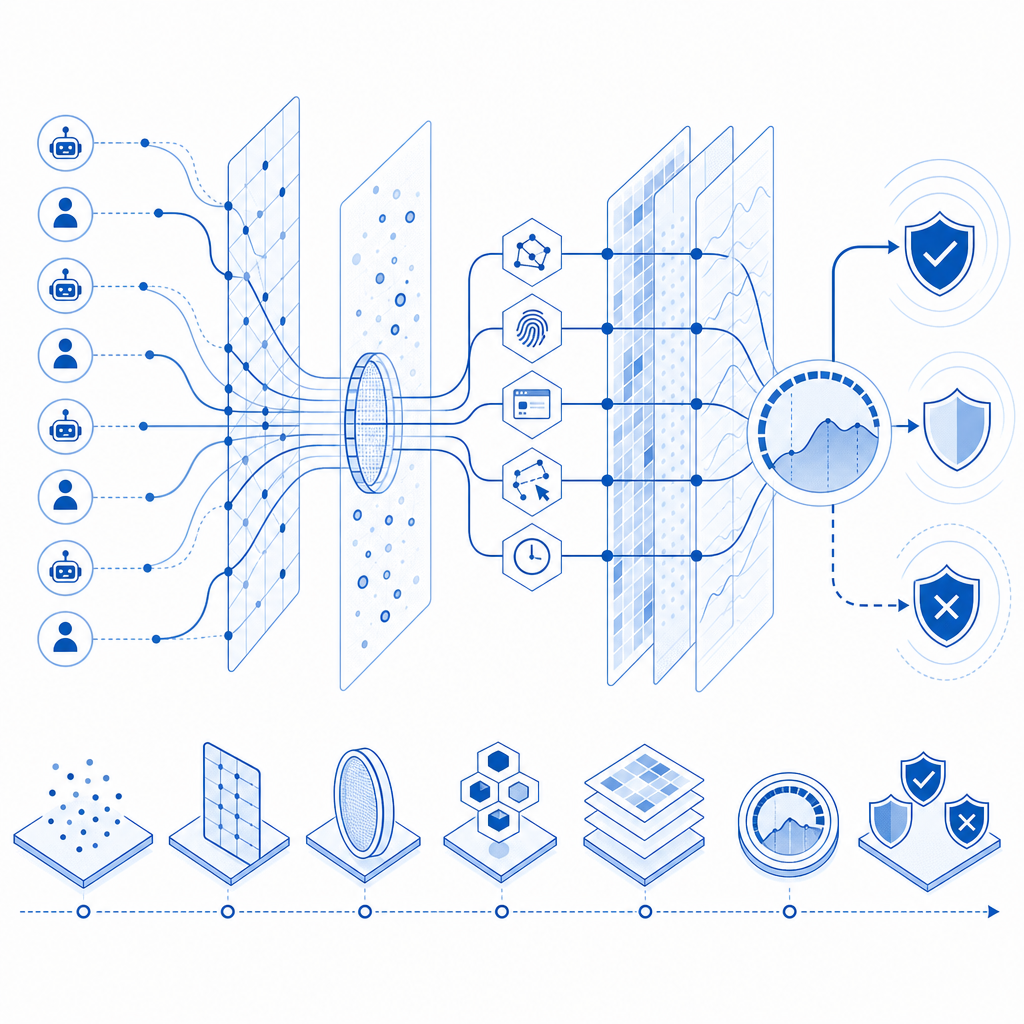
A bot detection test online refers to running real-time checks on incoming web traffic to evaluate whether a visitor is a human or an automated script. These tests can involve challenges, behavioral analysis, or risk scoring to verify user legitimacy. It’s a critical step for preventing credential stuffing, spamming, scraping, and other types of automated abuse that can degrade site performance or compromise security.
Bot detection testing can be done in multiple ways:
- Using CAPTCHAs that require solving puzzles humans can solve but bots are unlikely to handle
- Monitoring user behavior metrics like mouse movement, typing speed, and navigation patterns
- Analyzing network and device fingerprinting for anomalies
The goal is to detect bots with minimal disruption to real users, striking a balance between security and user experience.
How Online Bot Detection Tests Work: Techniques Compared
Here’s a quick comparison of common approaches used by popular providers and how they differ in bot detection testing:
| Technique | Description | Examples | User impact | Detection robustness |
|---|---|---|---|---|
| Challenge-Response | Users solve puzzles (images, text, audio) | reCAPTCHA v2, hCaptcha | Medium - some friction | High against simple bots |
| Behavioral Analysis | Monitoring user’s interactions invisibly | Cloudflare Turnstile, CaptchaLa | Low - mostly invisible | Good against sophisticated bots |
| Fingerprinting & Risk Scoring | Combining device/network data with AI | CaptchaLa, Anti-Fraud platforms | Invisible or light touch | Advanced, adaptive detection |
Among these, CaptchaLa offers native SDKs supporting multiple platforms including Web (JavaScript/React/Vue), iOS, Android, Flutter, and Electron. This enables seamless integration and accurate bot detection tests online tailored to your application’s architecture.
Steps to Perform a Bot Detection Test Online
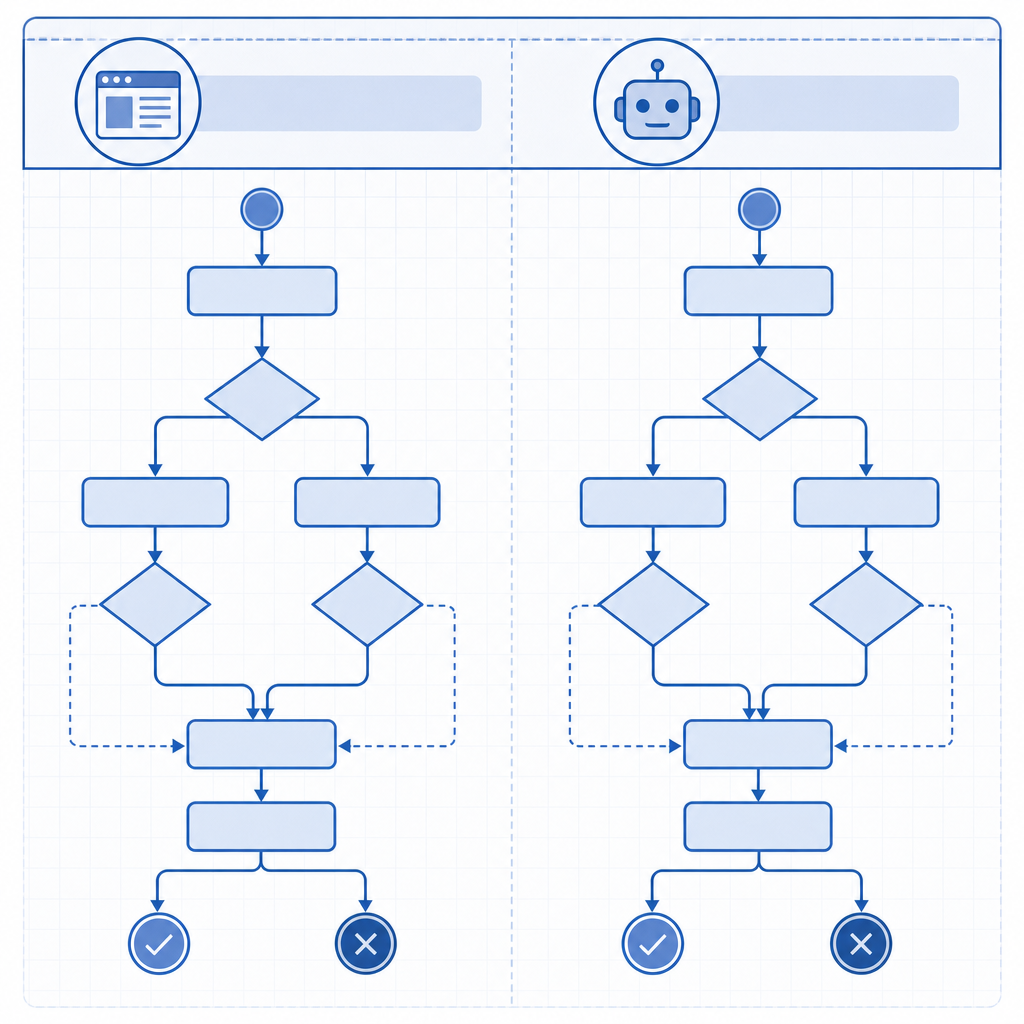
Implementing an effective bot detection test involves several technical steps, especially if integrating via APIs or SDKs. Here’s a general workflow:
Integrate the Bot Detection Widget or API
Add CaptchaLa’s loader script (https://cdn.captcha-cdn.net/captchala-loader.js) or SDK to your site or app. Choose from client-side JS or native libraries for mobile and desktop.Serve Challenges or Analyze Behavior
Depending on configuration, display a CAPTCHA challenge or perform invisible behavioral assessments in the background.Issue and Validate Tokens
When a user passes the test, the system generates a token. Your server then validates this token with CaptchaLa’s API via POST request tohttps://apiv1.captcha.la/v1/validate, sending thepass_tokenand user’s IP with authentication headers.Decide Access Based on Validation
Grant access only if validation succeeds, otherwise block or require additional verification.Log and Monitor Results
Keep track of bot detection success rates and false positives to fine-tune thresholds.
Here is a simplified validation request example in pseudo-code:
// Server-side pseudocode to validate bot detection token
const response = httpPost('https://apiv1.captcha.la/v1/validate', {
  pass_token: userToken,
  client_ip: userIp
}, {
  headers: {
    'X-App-Key': 'your-app-key',
    'X-App-Secret': 'your-app-secret'
  }
});

if (response.isValid) {
  // Allow user access
} else {
  // Deny or challenge again
}
Comparing CaptchaLa and Major Competitors in Bot Detection Testing
When choosing a bot detection service, it helps to understand how CaptchaLa compares to other well-known products:
| Feature | CaptchaLa | reCAPTCHA (Google) | hCaptcha | Cloudflare Turnstile |
|---|---|---|---|---|
| Challenge Type | Behavioral + challenge combo | Puzzle-based (v2), invisible (v3) | Puzzle images/text | Invisible behavior-based |
| SDK Support | Web, iOS, Android, Flutter, Electron | Web mainly, limited mobile | Web, mobile SDKs | Primarily web-based |
| Privacy | First-party data only | Shares data with Google | Privacy-focused, GDPR compliant | Focus on privacy compliance |
| Pricing | Free tier + scalable plans | Free, with usage limits | Usage-based pricing | Tiered plans |
| Token Validation API | Yes (robust server API) | Limited server verification | API validation available | API & webhook support |
The diversity in SDK support often determines ease of integration for various platforms. CaptchaLa’s extensive multi-language UI and native SDKs help developers run bot detection tests online in diverse environments, keeping user experience simple and privacy intact.
Optimizing Your Bot Detection Test Online
To maximize the effectiveness of your online bot detection test, consider these technical best practices:
Customize Challenge Difficulty
Adjust challenge complexity or behavioral thresholds according to your site’s risk profile.Use Adaptive Verification
Trigger CAPTCHA only on suspicious behavior or unknown devices to reduce friction.Leverage Server-Side Validation
Always verify tokens on the backend to prevent token forgery or replay attacks.Monitor Analytics and Feedback
Regularly review bot detection success rates and user complaints to optimize settings.Localize for Global Users
CaptchaLa supports 8 UI languages, improving accessibility and reducing false negatives worldwide.
Conclusion: Running Reliable Bot Detection Tests Online
Running a bot detection test online is a proactive measure that helps secure your website from malicious automated traffic while maintaining a smooth user experience. Whether you choose challenge-based or behavioral detection, leveraging platforms like CaptchaLa can simplify integration with comprehensive SDKs, server APIs, and scalable pricing.
Interested in testing or integrating a bot detection solution? Check out CaptchaLa pricing or dive deeper into the integration details in the CaptchaLa docs to get started today. Defense against bots starts with reliable testing — and good tools make all the difference.