
A bot detection test is a controlled way to verify whether your site can tell real users apart from automated traffic, without breaking legitimate sign-ins, signups, or checkout flows. The goal is not just to see whether bots get blocked, but whether your defenses are accurate, measurable, and safe under real traffic patterns.
If you only test with a handful of obvious scripts, you learn very little. A useful test checks how your system behaves across pages, devices, and request patterns, then measures whether challenge, validation, and fallback logic hold up when traffic gets messy.
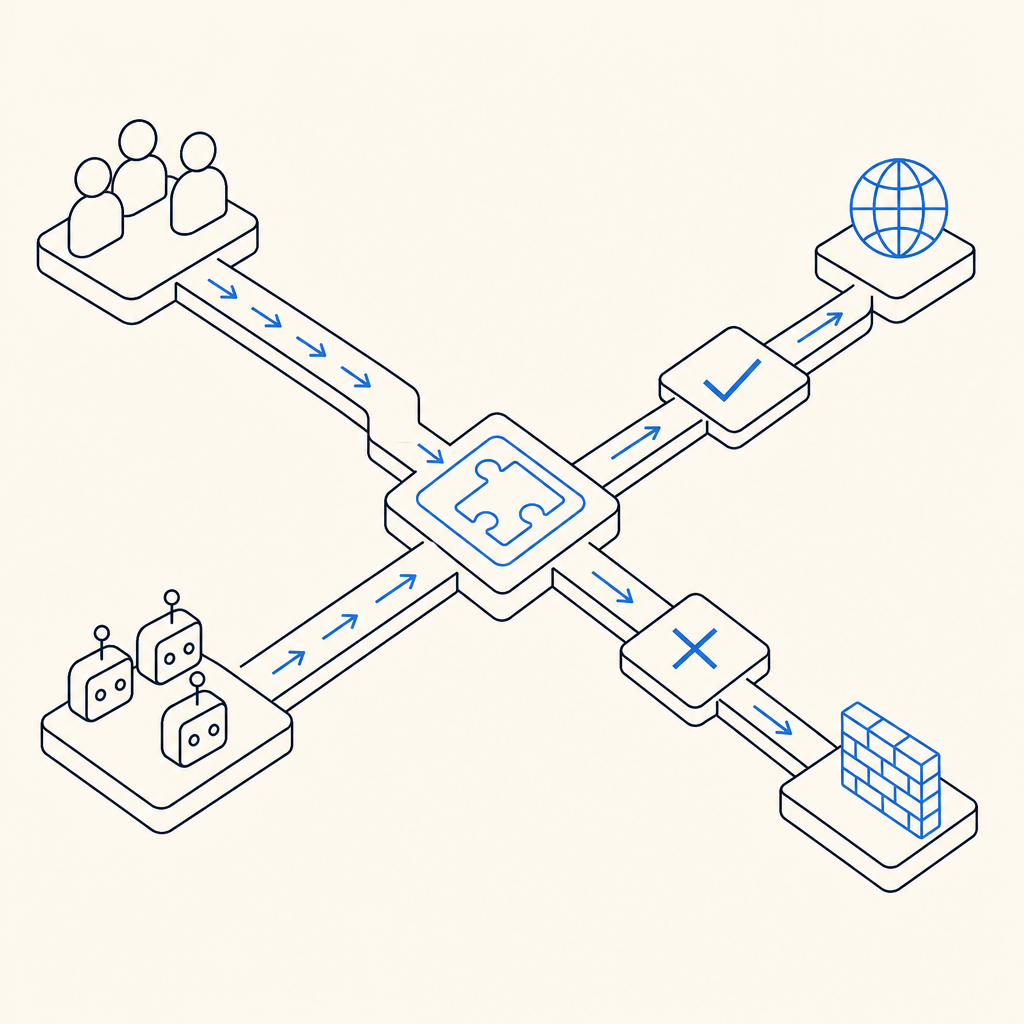
What a bot detection test should prove
A solid bot detection test answers four practical questions:
- Can your application distinguish suspicious automation from normal users?
- Do your controls trigger at the right time, on the right actions?
- Do they avoid blocking legitimate traffic too often?
- Can your backend validate decisions reliably when the client says “pass”?
That last point matters more than many teams realize. Client-side signals are useful, but your server must still verify outcomes. If a bot gets a challenge token somehow, the backend should be the final decision-maker.
A good test usually covers both prevention and validation. For example, you might challenge a signup form, then confirm the server accepts only valid pass results tied to the correct session or request context. If you use a product like CaptchaLa, this is the part where client interaction and server validation should be exercised together, not separately.
What to measure
Track a small set of metrics so the test produces evidence, not vibes:
- Challenge trigger rate on protected endpoints
- Pass rate for normal users
- Failure rate for suspected automation
- False positives by browser, device, or region
- Latency added by the challenge flow
- Server validation success and timeout rates
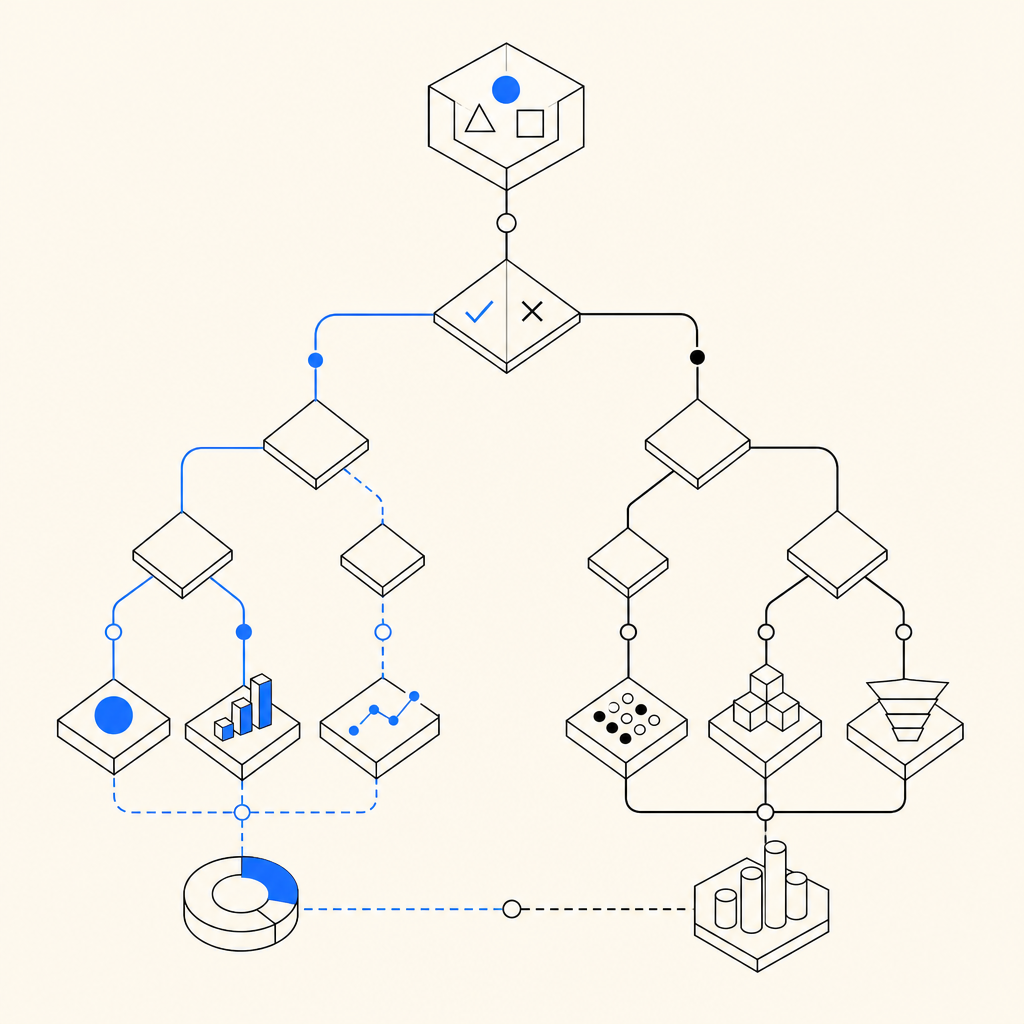
A practical bot detection test plan
The easiest way to structure the test is to work from high-value interactions outward.
1) Pick the flows that matter most
Start with actions bots target frequently:
- Account creation
- Password reset
- Login attempts
- Checkout and promo code entry
- Contact forms and API submissions
If your app supports multiple surfaces, include them all. CaptchaLa supports Web SDKs for JS, Vue, and React, plus iOS, Android, Flutter, and Electron, so the same testing mindset can apply across product areas rather than just one browser page.
2) Define what “normal” looks like
Before you test automation, capture baseline behavior from real traffic:
- Median time to complete the form
- Abandonment rate
- Device and browser mix
- Geographic distribution
- Typical retry frequency
- Session length before submission
This gives you a reference point when something starts looking too “clean” or too repetitive. Real users hesitate, mistype, navigate back, and sometimes reload. Bots often do not.
3) Test the challenge and validation pipeline
A robust setup has two sides:
- A client-side loader that renders the challenge
- A server-side validation step that confirms the result
For CaptchaLa, the loader is served from:
https://cdn.captcha-cdn.net/captchala-loader.jsAnd the server validation flow uses:
POST https://apiv1.captcha.la/v1/validatewith a body like:
{
  "pass_token": "example-token",
  "client_ip": "203.0.113.10"
}
plus your X-App-Key and X-App-Secret headers. That server check is the part you want to stress under load, retries, expired tokens, and invalid tokens.
4) Check false positives deliberately
False positives are expensive because they punish the very users you want to keep. Test edge cases such as:
- VPN users
- Mobile networks with IP churn
- Accessibility tools
- Password managers autofilling forms
- Slow devices and older browsers
If your bot detection test never includes these cases, your results may look great while quietly hurting conversions. That is especially true for signup and login flows, where friction has immediate business cost.
Comparing common approaches
Different defenses solve different parts of the problem. Here is a practical comparison:
| Tool | Strengths | Tradeoffs | Good fit |
|---|---|---|---|
| reCAPTCHA | Familiar, widely supported | Can add user friction and depends on Google ecosystem | General web forms |
| hCaptcha | Strong anti-abuse posture, common alternative | Similar challenge UX considerations | High-risk public forms |
| Cloudflare Turnstile | Low-friction for many users, easy to deploy on Cloudflare-adjacent stacks | Best fit varies by architecture and edge setup | Sites already using Cloudflare |
| CaptchaLa | Multi-platform SDKs, server validation flow, first-party data only | Requires you to wire client and server correctly | Apps that want consistent bot-defense testing across web and mobile |
The point of the comparison is not that one tool wins every time. It is that your bot detection test should reflect your actual stack, risk tolerance, and user experience goals. If you already use a CDN or edge platform, one option may be operationally simpler. If you need web and mobile coverage under one policy, another may be easier to standardize.
How to run the test without introducing gaps
A bot detection test can fail in subtle ways if client and server logic drift apart. Here is a simple workflow that keeps things aligned:
- Load the challenge early enough to protect the action, but not so early that it disrupts browsing.
- Pass the resulting token to your backend immediately after successful completion.
- Validate on the server before committing the sensitive action.
- Reject expired, reused, or malformed tokens.
- Log both challenge outcomes and validation outcomes with request metadata.
- Review failures by route, device, and IP reputation patterns.
- Re-test after every frontend or auth change.
A server-side implementation usually looks like this in concept:
// English comments only
async function validatePassToken(passToken, clientIp) {
  const response = await fetch("https://apiv1.captcha.la/v1/validate", {
    method: "POST",
    headers: {
      "Content-Type": "application/json",
      "X-App-Key": process.env.APP_KEY,
      "X-App-Secret": process.env.APP_SECRET
    },
    body: JSON.stringify({
      pass_token: passToken,
      client_ip: clientIp
    })
  });

  // Treat non-200 or invalid payloads as failure
  if (!response.ok) return { ok: false };

  return await response.json();
}
That pattern is simple, but the discipline around it matters. If the frontend accepts a pass result and the backend never verifies it, the test is not really testing security. It is only testing UX.
CaptchaLa also documents server-token issuance for more advanced flows via POST https://apiv1.captcha.la/v1/server/challenge/issue, which can be useful when your backend needs to initiate or coordinate the challenge process directly. For implementation details, the docs are the right place to confirm request formats and edge cases.
Deployment details that often get overlooked
Two practical details often decide whether a bot detection test is useful or misleading.
Token lifetime and replay
A pass token should be treated as single-use or narrowly scoped. During testing, verify that:
- Replayed tokens fail
- Tokens from one session do not validate in another
- Expired tokens are rejected cleanly
- Validation failures do not leak internal state
Regional and language coverage
If you operate globally, include localization and accessibility checks. CaptchaLa supports 8 UI languages, which is helpful when your protected flow is customer-facing and you need the challenge to remain understandable. That is especially important when testing markets where user frustration can look like “bot resistance” but is really just poor UX.
You should also verify library packaging and platform coverage if your app spans ecosystems. For example, CaptchaLa provides native SDKs across web and mobile, plus ecosystem-specific packages such as Maven la.captcha:captchala:1.0.2, CocoaPods Captchala 1.0.2, pub.dev captchala 1.3.2, and server SDKs like captchala-php and captchala-go. In a real bot detection test, consistency across these integrations matters more than any single client implementation.
Where relevant, compare your test results against cost and scaling expectations too. A free tier may be enough for early testing at 1000 requests per month, while production volumes may push you toward Pro or Business tiers depending on traffic. The key is to validate behavior before you scale usage, not after abuse starts.
Final checks before you call it done
A bot detection test is only successful if it improves confidence without adding unnecessary friction. Before you ship, confirm that:
- Protected endpoints are actually protected
- Validation happens on the server, not just in the browser
- Legitimate users can complete the flow quickly
- Logs show enough detail to investigate anomalies
- Fail-closed behavior is acceptable for your risk level
If you want a lightweight reference point for implementation details, start with the docs and then compare expected traffic against pricing so your test plan matches your deployment scale.
Where to go next: review the docs for validation and SDK setup, or check pricing if you’re planning to expand from testing into production rollout.