
If you’ve ever typed a query into Google only to be stopped by a captcha challenge, you might have wondered why that happens. A “captcha on Google search” usually appears when Google suspects unusual traffic coming from your device or network, requesting a validation step to confirm you’re human before showing search results. This is a protective measure to prevent automated bots from scraping data or launching attacks via Google’s search engine.
In this post, we’ll explore the reasons you might see a captcha on Google search, what it means for users and websites, and how captcha services like CaptchaLa help defend against bot traffic without compromising user experience.
Why Google Displays a Captcha on Search
Google’s captcha triggers occur mostly due to suspicious or high-volume activity patterns detected on your IP address or device. Common reasons include:
- Automated Queries: If bots or scripts run automated search queries, Google flags this as non-human behavior.
- Shared IP Addresses: Using a VPN, proxy, or shared network where other users also generate high traffic can cause captchas.
- Unusual Browser Behavior: Disabling JavaScript, blocking cookies, or using non-standard browsers can raise suspicion.
- Malware or Botnets: Infection on the user’s device or originating network causing bot-like activity.
- High Request Rates: Rapid, repeated searching or clicking may prompt the challenge for verification.
Google uses captchas as a last line of defense to maintain its search infrastructure's integrity and quality results. Though frustrating for genuine users, they play a vital role in blocking abusive automated tools.

How Captchas Work Behind the Scenes
A CAPTCHA (Completely Automated Public Turing test to tell Computers and Humans Apart) uses a challenge-response test that is easy for people but hard for machines. Google’s reCAPTCHA, arguably the most widely recognized example, analyzes several signals:
- User Interaction Data: Mouse movements, click timing, and IP reputation.
- Risk Analysis Engine: Scores user activity based on past behavior and threat intelligence.
- Challenge Presentation: If suspicious, the user sees image selection tasks, puzzle solving, or invisible challenges.
Beyond Google, numerous alternatives exist:
| Feature/Provider | reCAPTCHA (Google) | hCaptcha | Cloudflare Turnstile | CaptchaLa |
|---|---|---|---|---|
| Challenge Types | Image puzzles, checkbox, invisible | Image tasks, checkbox | Invisible or minimal friction | Multiple challenge types, customizable |
| Privacy Focus | Data used for Google services | Monetizes human work | Privacy-focused, no tracking | First-party data only |
| SDK Support | Web, Android, iOS | Web, mobile SDKs | Web, limited SDKs | Web (JS, Vue, React), iOS, Android, Flutter, Electron |
| Pricing Model | Free, with Google data collection | Paid tiers, human labor-based | Free for Cloudflare users | Free tier, Pro, Business plans |
| Customization | Limited | Some customization | Limited | High customization via docs |
Each service balances security, user experience, privacy, and ease of integration differently. For example, CaptchaLa emphasizes first-party data, broad SDK support, and straightforward API validation.
When Websites Use Captchas — More Than Google Search
Not only Google but many websites integrate captchas to prevent:
- Bot Attacks and Credential Stuffing: Automated sign-ins to steal accounts.
- Spam Submissions: In comment forms, contact pages, and sign-ups.
- Scraping and Content Theft: Bots harvesting web content for resale.
- Fake Registrations and Ticket Scalping: Preventing scalpers from overwhelming systems.
Developers choosing bot defense tools weigh multiple factors:
- Ease of Integration — SDK availability for target platforms.
- User Experience — Invisible captchas or simple challenges preferred.
- Privacy and Data Control — Minimizing user tracking and compliance with data laws.
- Cost and Scalability — Ability to handle traffic spikes affordably.
CaptchaLa’s documentation details native SDKs for Web (JS/Vue/React), iOS, Android, Flutter, and Electron, plus server integrations in PHP and Go — enabling flexibility for diverse architectures.
Technical Overview: How to Validate a CAPTCHA Response
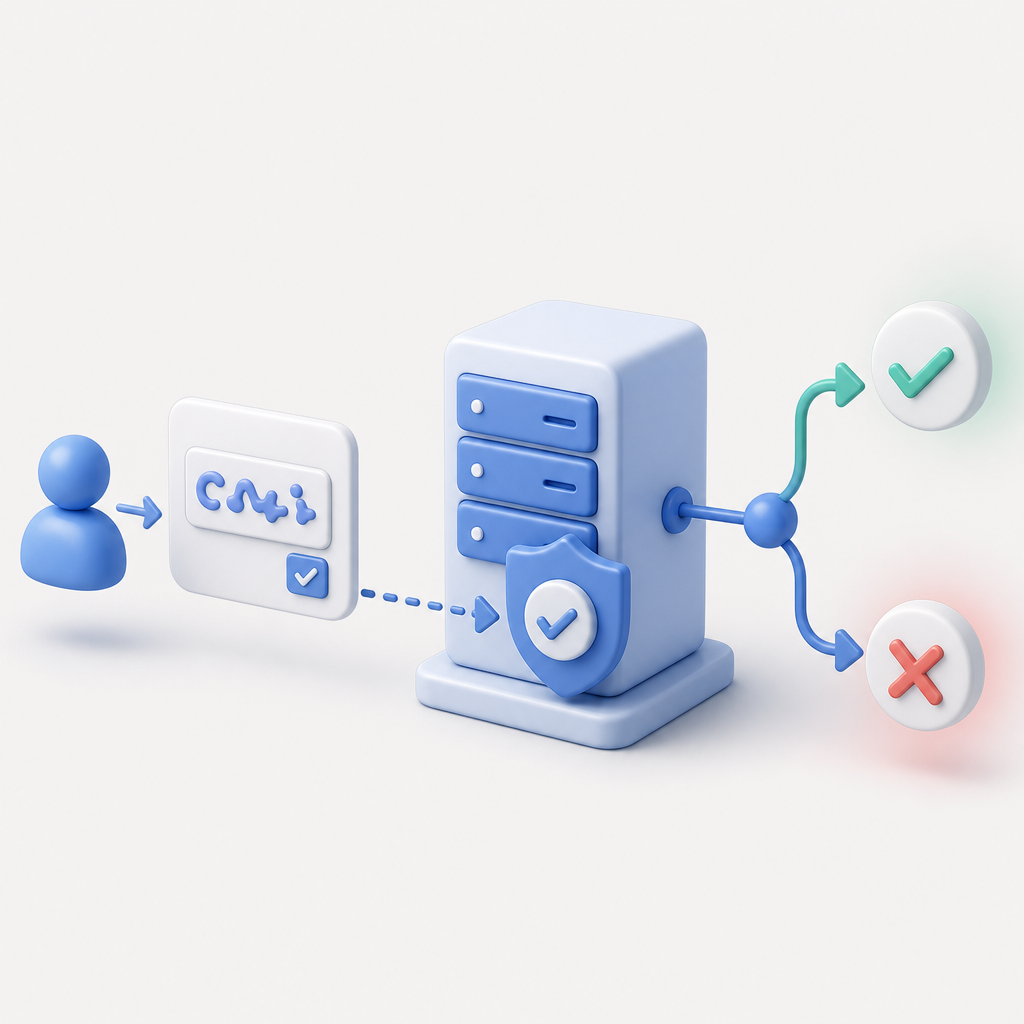
When a user completes a captcha challenge on your site, your backend must verify the response token. Here’s a conceptual overview of server-side validation with CaptchaLa’s API:
// Example: Validate captcha token server-side (pseudocode)
// 1. Receive pass_token and client_ip from the frontend
// 2. Send POST request to CaptchaLa validate endpoint with auth headers
// 3. Process validation result before allowing user action

requestBody = {
  pass_token: userResponseToken,
  client_ip: userIPAddress
}

headers = {
  "X-App-Key": yourAppKey,
  "X-App-Secret": yourAppSecret
}

response = POST("https://apiv1.captcha.la/v1/validate", body=requestBody, headers=headers)

if response.valid {
  // Proceed with user request
} else {
  // Reject or trigger a retry challenge
}
This simple exchange ensures only verified humans pass through critical workflows. CaptchaLa’s APIs also support issuing server-side challenge tokens for advanced bot-defense scenarios.
Making Sense of CAPTCHA Challenges on Google and Beyond
Encountering a captcha on Google search signals that Google’s bot-detection systems have taken notice of your traffic patterns. While this can be disruptive to users, it protects the broader ecosystem from abuse. As more sophisticated bot attacks target online services, captchas remain an essential line of defense.
For website operators seeking alternatives beyond Google’s tools, options like reCAPTCHA, hCaptcha, Cloudflare Turnstile, and CaptchaLa each have unique strengths worth assessing. CaptchaLa offers extensive SDK support, privacy-minded first-party data usage, and clear API integration paths, making it a solid choice for developers wanting reliable bot protection without excessive friction.
Whether you’re managing a high-traffic portal or just want to understand why Google challenges you with captchas on search, knowing how these mechanisms work helps appreciate their role in maintaining internet security.
Ready to add bot defense or explore captcha integration? Check out CaptchaLa pricing and learn more in our documentation to find a setup that fits your needs.