
Bot detection with Okta is primarily about ensuring that automated tools don’t gain unauthorized access to your identity and access management environment. Okta, a widely adopted identity provider, integrates bot detection mechanisms to protect against credential stuffing, brute force attacks, and fraudulent login attempts. These capabilities typically involve risk-based authentication, anomaly detection, and CAPTCHA challenges to differentiate human users from bots.
In this post, we’ll explore how Okta handles bot detection, compare its approach with other solutions like CaptchaLa, and discuss best practices for implementing bot defense in your authentication workflows.
Understanding Okta’s Bot Detection Capabilities
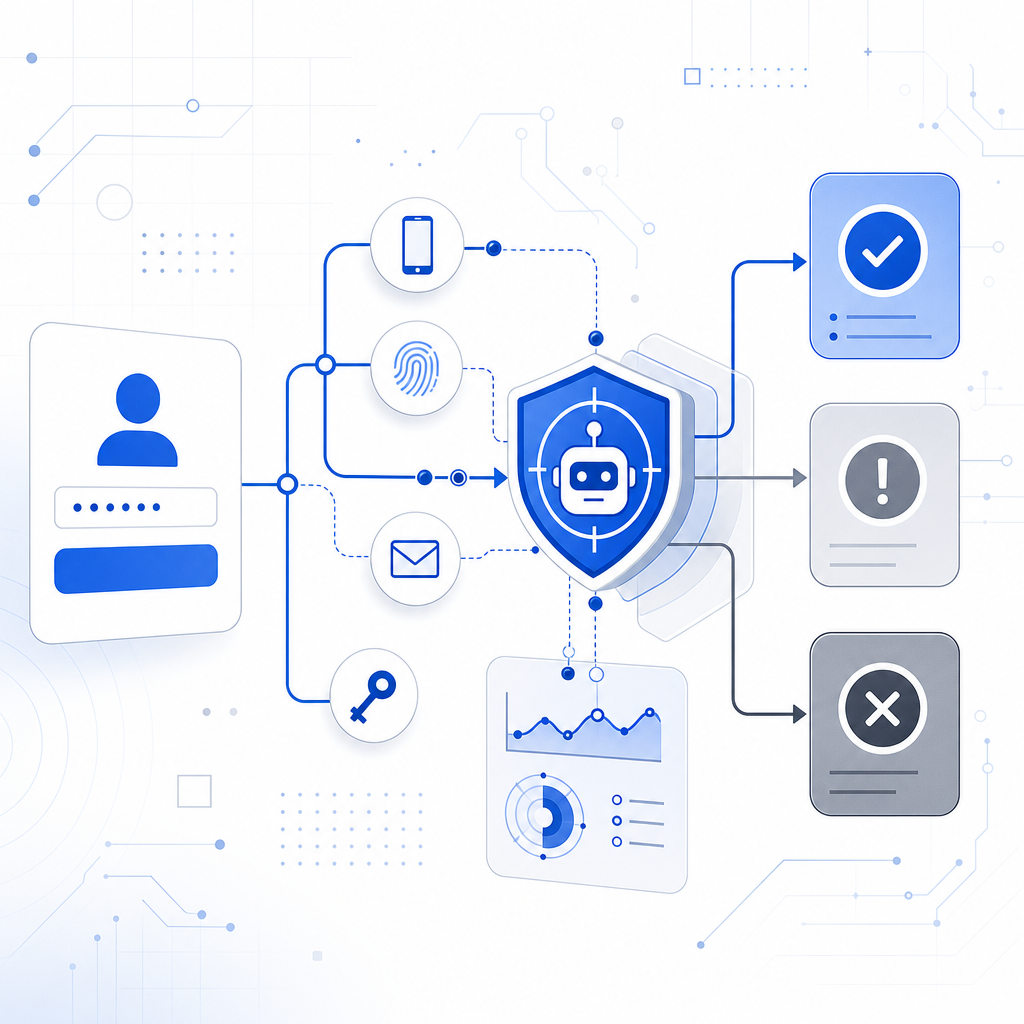
Okta incorporates bot detection mainly through its Adaptive Multi-Factor Authentication (Adaptive MFA) and contextual access management features. Here’s how it works at a high level:
Risk-Based Authentication: Okta evaluates login attempts in real time by assessing factors such as device reputation, IP address anomalies, geolocation, and behavioral analytics. Suspicious activities can trigger additional MFA challenges or block access outright.
Anomaly Detection: By continuously analyzing login patterns and user behavior, Okta flags potential bot activity, such as rapid repeated login failures or access from known bad IP addresses.
CAPTCHA Implementation: While Okta doesn’t natively provide extensive CAPTCHA customizations, it supports adding extra verification steps, including integrating third-party CAPTCHA services, to distinguish humans from automated scripts.
The combination of these features allows Okta to reduce fraudulent logins and protect user accounts, but it may not cover all forms of sophisticated bots targeting web resources, APIs, or account registration flows.
Limitations to Keep in Mind
- Okta’s native bot detection is mainly focused on login security within its identity platform, rather than enterprise-wide bot mitigation across different web assets.
- There is limited flexibility around CAPTCHA customization within Okta’s own ecosystem. For example, if you want to customize CAPTCHA user experience or use invisible bot challenges, you’d typically need external integration.
This is where specialized bot detection services like CaptchaLa can complement or integrate with Okta setups.
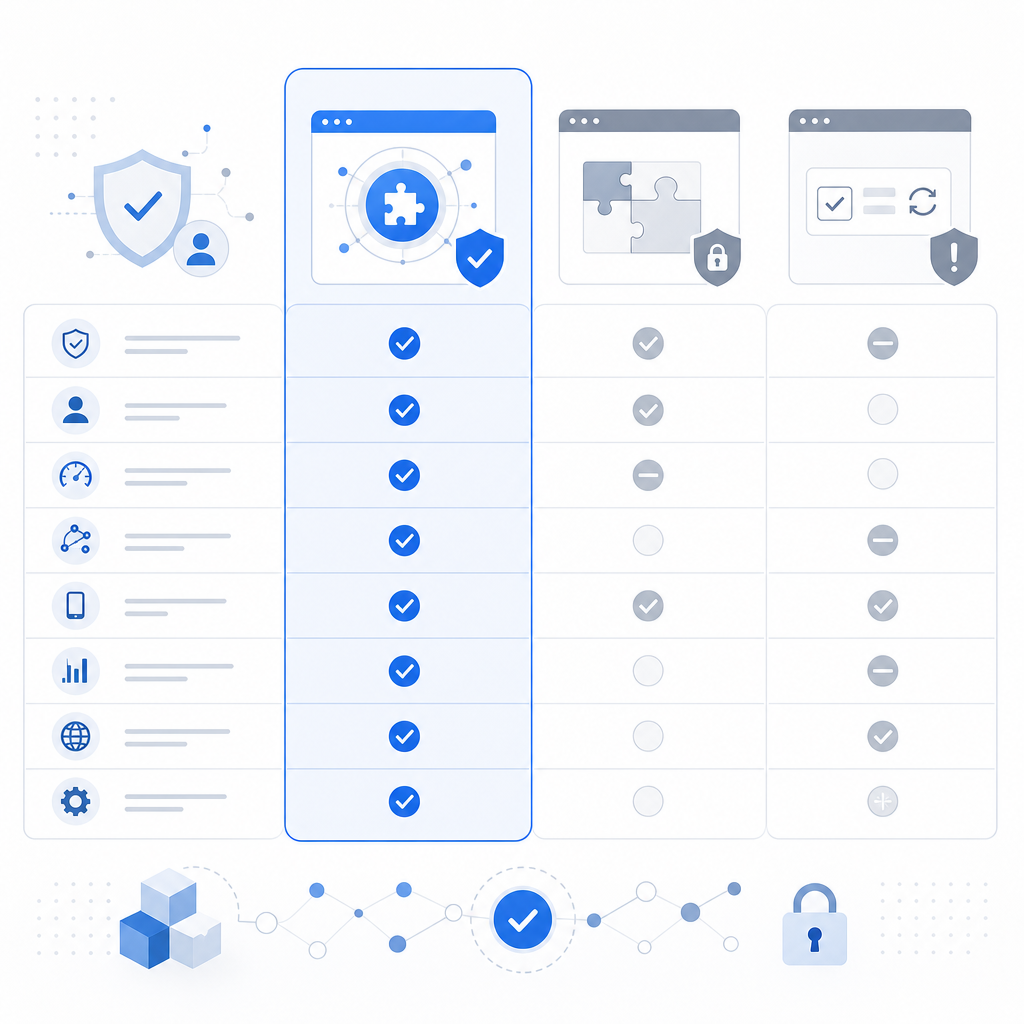
CaptchaLa vs Okta Bot Detection: Key Differences
| Feature | Okta Bot Detection | CaptchaLa |
|---|---|---|
| Primary Focus | Identity authentication and access control | Dedicated CAPTCHA/bot defense SaaS |
| CAPTCHA Options | Limited native, supports third-party integration | Native CAPTCHA with multiple SDKs |
| SDK Support | Limited CAPTCHA-related SDKs | Native SDKs: Web (JS, Vue, React), iOS, Android, Flutter, Electron |
| Server SDKs | Primarily REST APIs, no dedicated bot SDK | Server SDKs: PHP, Go |
| Languages UI Support | Focus on user identity flows | 8 UI languages for CAPTCHA challenges |
| Free Tier Available | Yes, via Okta developer accounts | Yes, 1000 solves/month |
| Pricing/Plans | Enterprise-oriented with flexible licensing | Transparent pricing tiers: Free, Pro, Business |
| Extensibility | Strong identity platform integration | Focused extensibility with APIs and SDKs |
| First-party Data Use | Yes | Yes |
What This Means Practically
CaptchLa shines where you need customizable, scalable CAPTCHA challenges and multi-platform SDK support beyond just login portals — for example, integrating bot defense into signup pages, comment forms, or APIs across mobile and desktop.
Okta’s bot detection focuses on securing identity flows, helping detect suspicious login attempts and enforcing MFA. However, for more granular site-wide bot controls or a broader bot defense strategy, CaptchaLa offers a flexible, developer-friendly complement.
How to Integrate CaptchaLa with Okta
Implementing bot defense where Okta manages identity but CaptchaLa handles CAPTCHA-based bot filtering can combine strengths of both:
Identify Bot-prone Interactions: Determine which parts of your user journey or API require bot protection (e.g., login retry attempts, registration, password reset forms).
Use CaptchaLa Client SDKs: Add CaptchaLa’s client SDK (available for Web, iOS, Android, Flutter) on the front-end form or interface where bot protection is needed.
Validate Tokens Server-Side: On your backend, send the CaptchaLa response token to its validation endpoint
https://apiv1.captcha.la/v1/validate, passingpass_tokenandclient_ipwith your app credentials to verify challenge success.Tie into Okta Events: Trigger additional Okta workflows or MFA challenges when CaptchaLa flags suspicious activity or fails verification.
Monitor and Adjust: Use logs and analytics from both systems to tune bot detection sensitivity and reduce false positives.
Here is a simplified code snippet illustrating token validation integration in a typical backend service:
// Backend pseudo-code for CaptchaLa validation before Okta user authentication
function verifyUserLogin(captchaResponse, userIp) {
  const verificationBody = {
    pass_token: captchaResponse,
    client_ip: userIp,
  };

  // POST to CaptchaLa API
  const validationResult = postToCaptchaLaValidate(verificationBody);

  if (!validationResult.success) {
    throw new Error("Bot detection failed: CAPTCHA not solved");
  }

  // Proceed with Okta authentication for the user
  const oktaResult = performOktaAuthentication();

  return oktaResult;
}
This approach enhances protection against automated abuse, layering defense with specialized CAPTCHA challenges and identity risk assessment.
Alternatives: reCAPTCHA, hCaptcha, Cloudflare Turnstile Compared
Okta users often look at popular CAPTCHA solutions alongside CaptchaLa:
- Google reCAPTCHA: Widely used, reliable, but involves data sharing with Google which some enterprises avoid for compliance/privacy reasons.
- hCaptcha: Focuses on privacy, incentivizes users with micropayments, but UI customization may be limited compared to CaptchaLa.
- Cloudflare Turnstile: Privacy-first, invisible CAPTCHA, ideal for seamless UX but currently less mature SDK ecosystem than CaptchaLa.
Each has pros and cons, but CaptchaLa stands out with broad native SDK support, server SDKs, and transparent pricing geared toward IoT, mobile, and web developers who want control and flexibility without handing data to third parties.
Summary: Using Bot Detection with Okta Efficiently
Bot detection with Okta focuses on securing user identity and access with risk-based authentication and anomaly detection, often supplemented by additional CAPTCHA tools. Combining Okta’s identity controls with a dedicated CAPTCHA provider like CaptchaLa helps protect login, registration, and other attack surfaces against automated threats.
CaptchaLa provides multi-platform SDKs, server APIs, and flexible challenge configurations that integrate well in environments where Okta controls identity but needs enhanced, customizable bot defense.
For those evaluating bot detection options alongside Okta, consider the scope of protection needed, privacy requirements, and ease of integration. CaptchaLa offers transparent pricing and developer-friendly tools to build layered defenses for digital experiences.
Where to go next: Explore CaptchaLa pricing to find the right plan, or dive into the documentation for integration details.