
If you’ve ever encountered the frustration of a "captcha not verified" message on a website, you’re not alone. This error means the system did not successfully validate your response to a CAPTCHA challenge, preventing form submission or access to a resource. Understanding why captchas fail verification helps both users troubleshoot issues and developers implement more reliable bot defenses.
This post dives into the common causes of "captcha not verified" errors, practical fixes, and how modern services like CaptchaLa approach verification to ensure smooth user experience while blocking bots.
What Does "Captcha Not Verified" Mean?
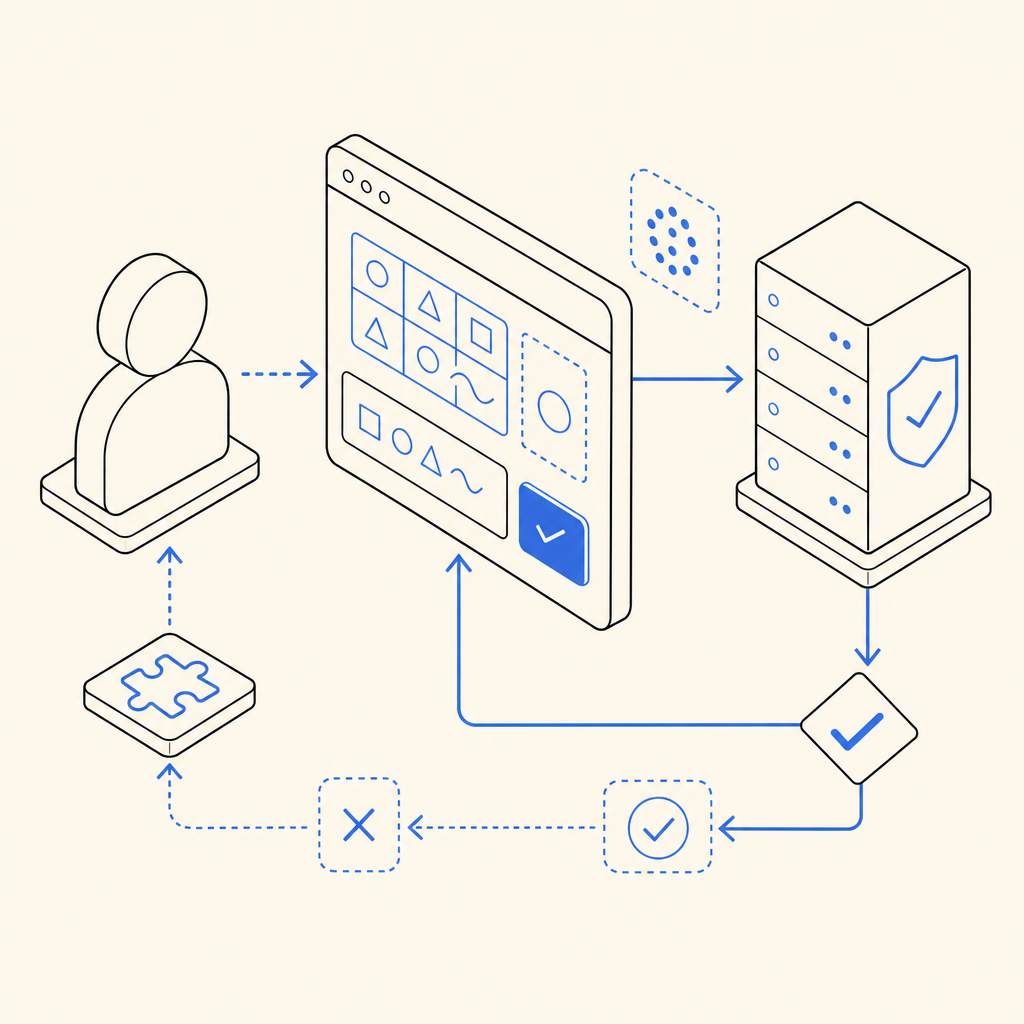
A CAPTCHA (Completely Automated Public Turing test to tell Computers and Humans Apart) is designed to differentiate real users from bot scripts. When you complete a CAPTCHA—such as clicking images, checking a box, or solving a puzzle—the system validates your response by sending a token or response data back to the server.
If that validation fails, the server returns a "captcha not verified" error. Reasons include:
- Invalid or expired response token
- Network or server-side issues verifying the token
- JavaScript or client-side code errors disrupting token generation
- User browser blocking scripts or cookies required for verification
This message doesn’t mean you typed wrong answers; it’s a communication breakdown between the CAPTCHA client, your browser, and the server verifying your challenge solution.
Common Causes of Captcha Verification Failures
1. Expired or Invalid CAPTCHA Tokens
CAPTCHAs typically generate a short-lived token when solved, which must be submitted promptly with a form. If the token expires, is reused, or corrupted, the server will reject it. Many CAPTCHA providers, including CaptchaLa, bind tokens to a time window for security.
2. JavaScript and Browser Restrictions
Modern CAPTCHAs require client-side scripts to render challenges and collect user input. Browsers blocking JavaScript, third-party cookies, or running heavy ad blockers may interfere, preventing token creation or submission.
3. Server-Side Validation Problems
The backend handling CAPTCHA validation might encounter errors such as:
- Incorrectly parsing the token or client IP
- Missing or invalid API credentials for verification
- Network interruptions calling out to CAPTCHA verification endpoints
For example, CaptchaLa uses the validate endpoint (POST https://apiv1.captcha.la/v1/validate) requiring a valid pass_token and client IP along with proper app key headers.
4. Multiple or Concurrent CAPTCHA Requests
Submitting several CAPTCHA responses quickly or refreshing the page mid-process can cause conflicts. Some CAPTCHA systems invalidate old tokens once a new challenge is issued to prevent reuse.
5. User Experience Issues
Slow network connections, browser autofill on CAPTCHA fields, or accessibility tool interference sometimes cause input or token errors.
Troubleshooting Steps for Users
If you encounter a "captcha not verified" error, try the following fixes:
- Refresh the CAPTCHA and try anew — Generate a new challenge token to ensure expiration or reuse is not the culprit.
- Disable browser privacy extensions temporarily — Ad blockers, script blockers, or strict cookie policies often block required scripts.
- Ensure JavaScript is enabled — Without it, CAPTCHA tokens won’t generate or submit correctly.
- Clear browser cache and cookies — Especially if stored data conflicts with CAPTCHA session data.
- Use a different browser or device — This helps isolate client-specific issues.
- Check network conditions — A poor internet connection can interrupt validation requests.
Following these steps eliminates common client-side problems before reporting errors to site admins.
How Developers Can Prevent "Captcha Not Verified" Errors
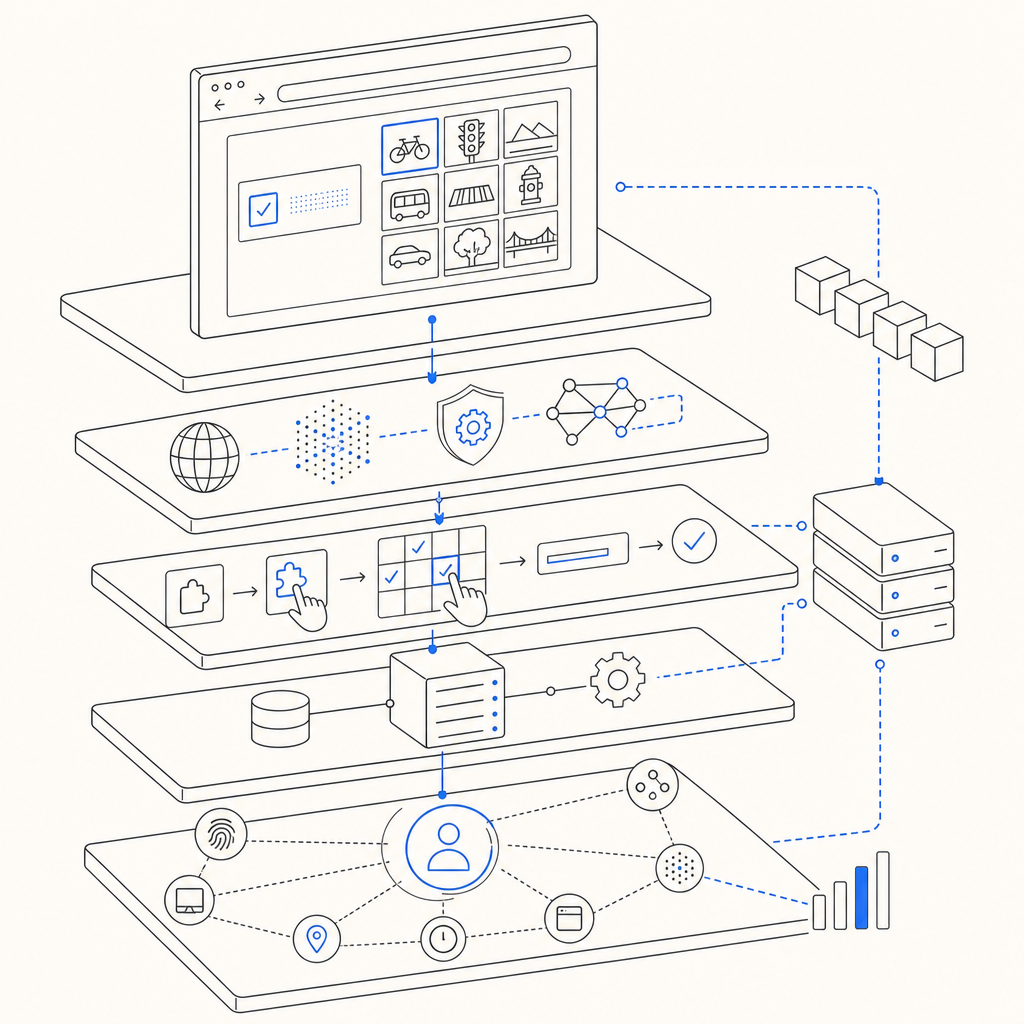
Developers integrating CAPTCHA systems can improve verification success through technical best practices:
Proper API Integration and Token Handling
- Always verify that the token is posted with the form data exactly as generated on the client
- Handle token expiration gracefully by prompting users to refresh the CAPTCHA
Robust Server Validation
- Use SDKs or libraries provided by CAPTCHA services like CaptchaLa's server SDKs (
captchala-php,captchala-go) to avoid parsing errors - Log validation failures with details (token, IP) to diagnose unusual rejections
- Ensure your server's clock is accurate since token validity period depends on timing
User Experience Optimizations
- Minimize captcha refreshes—use invisible or frictionless verification if possible (e.g., Cloudflare Turnstile)
- Inform users clearly if cookies or scripts are blocked and provide help links
- Localize CAPTCHA UI text (CaptchaLa supports 8 languages) to reduce user input errors from misunderstanding
Comparison of Popular CAPTCHA Services
| Feature | CaptchaLa | reCAPTCHA | hCaptcha | Cloudflare Turnstile |
|---|---|---|---|---|
| CAPTCHA Types | Image, puzzle, checkbox | Image selection, invisible | Image, checkbox | Invisible (no challenge UI) |
| SDKs / Integrations | Web (JS/Vue/React), Mobile, Electron | Web, Mobile SDKs | Web, Mobile SDKs | Web, low friction |
| Privacy | First-party data only | Google Analytics data | Privacy-focused | Privacy-focused |
| Free tier | 1,000/mo; Pro up to 1M | Free tier up to high usage | Free tier | Free tier |
| Ease of use | Simple integration, multi-lang support | Common, well documented | Customizable UI | Minimal user interaction |
Each tool balances security, privacy, and user experience differently, so choose based on your compliance needs and site traffic patterns.
Conclusion: Reducing "Captcha Not Verified" Errors
"Captcha not verified" is a common but usually solvable issue stemming from token lapses, client environment restrictions, or backend validation problems. Users can often fix this by refreshing CAPTCHAs, enabling scripts, or trying another browser.
Developers benefit from thorough API integration, robust error logging, and helping users understand requirements to reduce frustration. Platforms like CaptchaLa offer detailed docs and SDKs to streamline integration and minimize verification failures.
For teams evaluating bot defenses or wanting smoother CAPTCHA implementations, check out CaptchaLa's pricing plans, starting with a generous free tier, to find a fit tailored to your site’s security needs.
Where to go next: Dive deeper into CaptchaLa’s developer documentation or start a free trial to experience error-reduced bot defense firsthand.