
If your CAPTCHA is not showing on your website or app, the issue usually comes down to integration problems, client-side errors, or server-side misconfigurations. The CAPTCHA widget depends on JavaScript loading properly, valid API keys, and network connectivity, so if any of these break down, the widget fails to render. Fortunately, most root causes are identifiable and fixable with a systematic approach.
This post explores the main reasons why captchas don’t display, compares common CAPTCHA providers and their integration nuances, and provides practical troubleshooting steps to get your CAPTCHA up and running again.
Common Reasons Why CAPTCHA Is Not Showing
1. JavaScript Loading Failures
Many CAPTCHA services require client-side scripts to load asynchronously to render the widget. If these scripts are blocked by content blockers, browser security settings, or network issues, the CAPTCHA won’t appear. For example, missing or delayed loading of the CAPTCHA provider’s JavaScript file often causes the widget to remain blank or skip rendering entirely.
2. Incorrect or Missing API Keys
CAPTCHA providers like CaptchaLa, reCAPTCHA, and hCaptcha require proper API keys tied to your domain. Using an invalid or unauthorized key, or skipping key configuration, results in no widget rendering. Notably, some providers also enforce referrer checks that cause failures if domain settings don’t precisely match.
3. Conflicts with Website Scripts or Styles
In some cases, your site’s existing JavaScript libraries or CSS can conflict with CAPTCHA rendering. For instance, JavaScript errors elsewhere on your page can prevent CAPTCHA initialization scripts from running. Additionally, aggressive CSS rules (e.g., display:none or z-index conflicts) can cause CAPTCHA UI elements to be invisible to users.
4. Network or CDN Issues
CAPTCHA resources are often served via CDNs. If your network restricts access to the CAPTCHA domain, or if CDN nodes experience outages, then the widget may fail to load. This is more typical in corporate environments with strict firewall rules or when the CDN service undergoes interruptions.
5. Problems in Single-Page Apps or Frameworks
When using frontend frameworks like React, Vue, or Flutter, rendering CAPTCHA can be tricky if not initialized correctly during component lifecycle events. Lazy loading or route changes may prevent CAPTCHA from mounting properly unless explicitly handled.
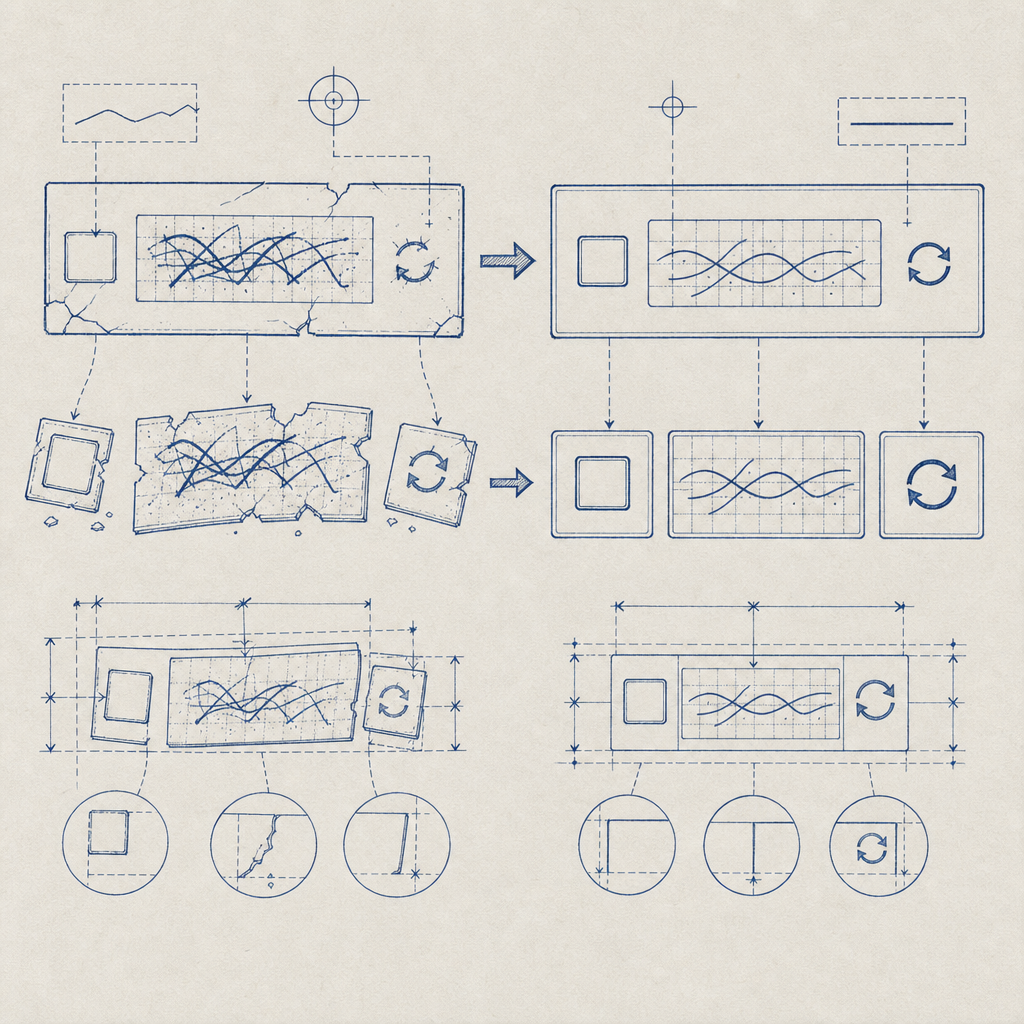
Troubleshooting Checklist: Step-by-Step Guide
If your CAPTCHA is not showing, follow these troubleshooting steps in order:
Check Console Errors:
Open your browser console and look for JavaScript errors related to CAPTCHA scripts or network requests failing. Errors here can pinpoint missing API keys or blocked resources.Verify API Keys:
Confirm you are using the correct CAPTCHA site key and secret key configured for your domain in the provider’s dashboard. Also ensure your backend is set up to validate tokens properly.Test Network Accessibility:
Use developer tools to check if CAPTCHA script URLs and API endpoints resolve and load without errors or significant latency.Inspect CSS/HTML:
Look for CSS styles hiding CAPTCHA elements or overlapping elements blocking clicks. Temporarily disable custom styles to isolate issues.Simplify Integration:
Create a minimal static HTML page with only the CAPTCHA integration to confirm if the problem is in your app code or environment.Review Framework Initialization:
In frameworks like React or Vue, make sure you initialize CAPTCHA inside correct lifecycle hooks (e.g.,componentDidMountormounted) and re-render on route changes.
Sample CaptchaLa Loader Snippet for Web
// Include the CaptchaLa loader script asynchronously
const script = document.createElement('script');
script.src = 'https://cdn.captcha-cdn.net/captchala-loader.js';
script.async = true;
script.onload = () => {
  // Initialize CaptchaLa
  window.captchala.init({
    siteKey: 'your-site-key-here',
    containerId: 'captcha-container'
  });
};
document.head.appendChild(script);
Make sure your container element (<div id="captcha-container"></div>) is present before initializing.
Comparing Popular CAPTCHA Providers and Display Issues
| Provider | Common Cause of "Not Showing" | Notes |
|---|---|---|
| CaptchaLa | API key misconfiguration, JS loading errors | Lightweight SDK with native iOS, Android, Flutter support; detailed docs |
| Google reCAPTCHA | Blocked scripts by ad blockers or CSP | Requires internet connection to Google domains; known for domain restrictions |
| hCaptcha | API key domain mis-match, script conflicts | Privacy-focused; also uses client validation, can be affected by JS errors |
| Cloudflare Turnstile | Network restrictions, incomplete challenge setup | Less intrusive UI, needs proper server-side token validation |
While all major CAPTCHA providers rely on similar client-server workflows, handling integration lifecycle, proper API keys, and ensuring scripts load without interference determines if your CAPTCHA renders successfully.
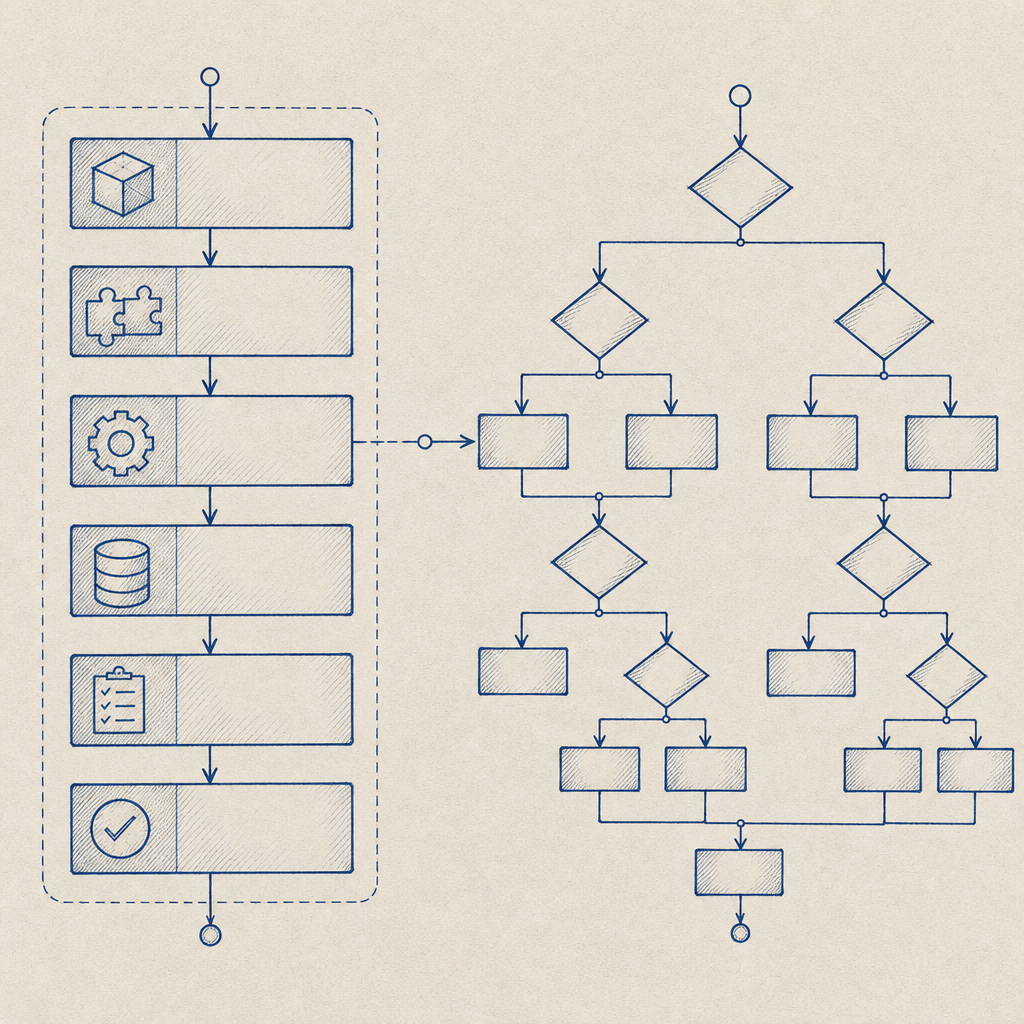
How CaptchaLa Helps Reduce "CAPTCHA Not Showing" Issues
CaptchaLa provides:
- Native SDKs for Web (JavaScript, Vue, React), iOS, Android, Flutter, and Electron
- Simple loader script for easy integration
- Comprehensive server SDKs to validate tokens (
captchala-php,captchala-go) - Free tier of 1000 monthly captchas to test integrations risk-free
- Detailed, beginner-friendly documentation with examples
These features help developers integrate CAPTCHA more smoothly and reduce common pitfalls that cause widgets not to render. Plus, CaptchaLa's approach of first-party data handling avoids some third-party restrictions that interfere with rendering on certain networks.
Conclusion: Fixing Your CAPTCHA Not Showing Issues
Your CAPTCHA not showing is almost always fixable by checking JavaScript loads, verifying keys, and confirming no client-side conflicts. Start debugging with console errors, isolate your integration environment, and consult your CAPTCHA provider’s documentation for specifics.
Whether you’re troubleshooting reCAPTCHA, hCaptcha, Cloudflare Turnstile, or integrating CaptchaLa, understanding how the widget lifecycle works on the client and server helps you fix display issues efficiently.
Where to go next: For detailed implementation guidance, visit CaptchaLa’s docs or explore our pricing to find a plan that suits your traffic volume and security needs. Keeping your CAPTCHA visible and effective is critical to maintaining strong bot defense on your site.