
A good bot detection human check asks a simple question: is this visitor behaving like a real person, or like automation trying to look human? The answer usually comes from a mix of signals rather than a single test—interaction patterns, browser integrity, timing, device consistency, and server-side validation all help separate legitimate traffic from scripted abuse.
That matters because “human” is not a binary label you can assign from one page load. Real users make small mistakes, pause unpredictably, switch devices, and arrive from ordinary networks. Bots can mimic parts of that, but they still tend to leave patterns behind. The goal is not to catch every automated request with a theatrical challenge; it is to raise confidence enough that your app can decide when to allow, step up, or block.
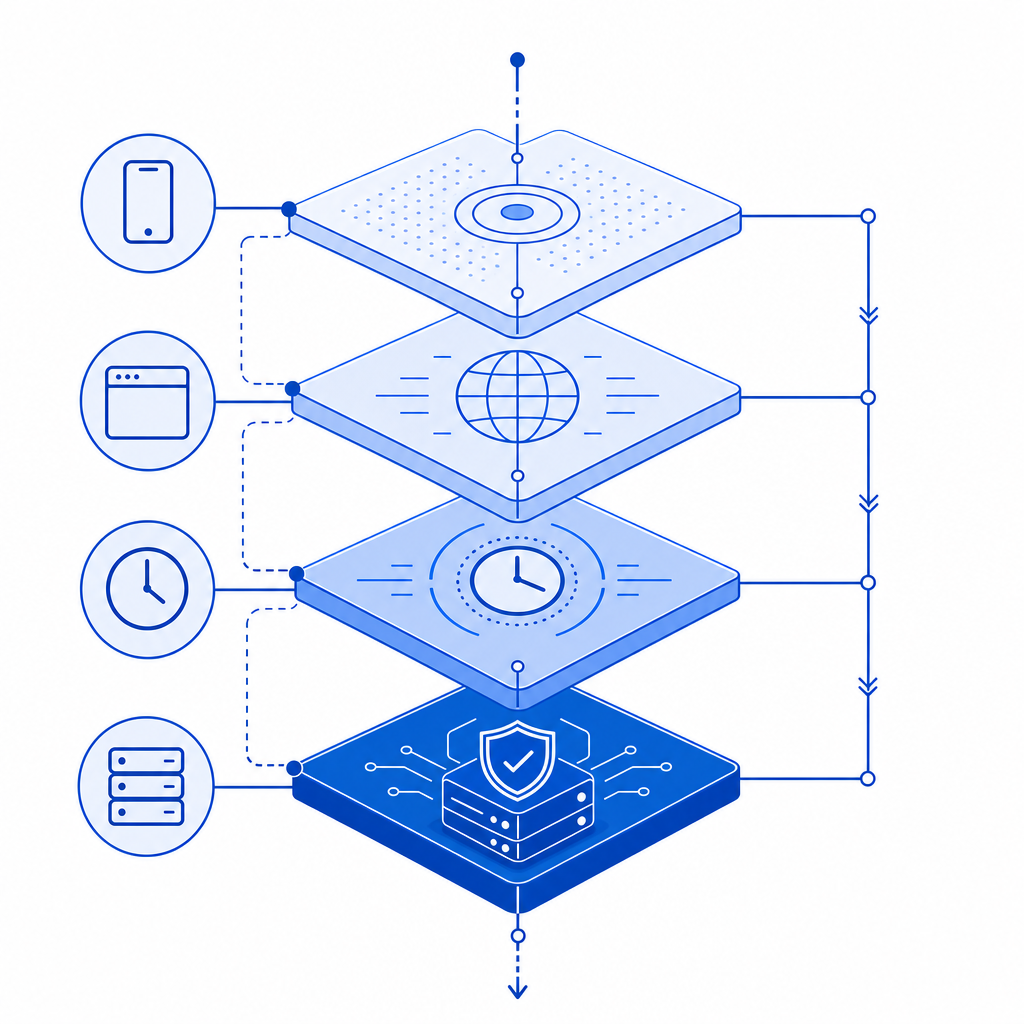
What “bot detection human” actually means
At a practical level, bot detection human means using evidence to estimate whether the current session is likely operated by a person. That evidence can come from the client, the server, or both.
Client-side checks often look at:
- Pointer movement and interaction timing
- Browser consistency and feature support
- Challenge completion behavior
- Session continuity across navigations
Server-side checks often look at:
- Token validity and freshness
- IP consistency and request cadence
- Replay attempts
- Whether the client state matches the verification result
The important part is that “human” should be treated as a risk decision, not a permanent identity. A visitor may look human on one request and suspicious on the next if they begin sending abusive traffic or their session is reused across multiple automated attempts.
This is why modern defenses often combine a lightweight client signal with a server validation step. For example, CaptchaLa provides a loader at https://cdn.captcha-cdn.net/captchala-loader.js plus a validation flow that posts to https://apiv1.captcha.la/v1/validate with pass_token and client_ip in the body and X-App-Key / X-App-Secret headers. That split lets the browser collect interaction evidence while your backend remains the source of truth.
Signals that distinguish humans from automation
No single signal is perfect, and that is the point. If you rely on one checkbox, one puzzle, or one JavaScript probe, you create a target. Better systems combine several low-friction indicators.
1. Interaction timing
Humans are variable. They hesitate, correct themselves, and occasionally double-click. Bots often produce unnaturally uniform intervals, especially when they are running at scale. Timing alone is not enough, but it is useful when combined with other data.
2. Pointer and keyboard patterns
Pointer trajectories, scroll behavior, focus changes, and keystroke cadence can be informative. Real users rarely move in perfectly straight lines at perfectly regular speeds. Automated scripts often do.
3. Browser and environment integrity
Some automation frameworks expose odd combinations of features: missing APIs, inconsistent user agents, or mismatched platform hints. Again, these are clues, not verdicts. A privacy-focused browser or accessibility tool can look unusual without being malicious.
4. Request reputation and reuse
A token presented once from a single IP and a single session is much more believable than a token replayed across many requests or paired with obviously inconsistent network behavior. Server-side freshness checks matter here.
5. Friction tolerance
A good system minimizes how often legitimate users need to do anything extra. If your “human check” interrupts every visitor, you may be defeating conversion more than abuse. Adaptive challenges help: only step up when the risk is high.
Comparing common approaches
Different tools solve different problems. Here’s a simple comparison of widely used approaches for bot detection human verification:
| Approach | Strengths | Tradeoffs | Best fit |
|---|---|---|---|
| reCAPTCHA | Familiar to many teams, broad ecosystem | Can add noticeable friction; UX varies by version | General protection for forms and login flows |
| hCaptcha | Strong challenge-based defense, flexible deployment | Challenge experience can be heavier for users | Sites comfortable with explicit challenges |
| Cloudflare Turnstile | Low-friction and easy to deploy in Cloudflare-centric setups | Best when your stack already aligns with Cloudflare | Front-door abuse filtering and form defense |
| Risk-based custom checks | Very tailored to your app’s traffic patterns | Requires engineering and ongoing tuning | High-value workflows with unique abuse patterns |
The right answer is often not “which one is perfect?” but “which one fits my abuse model and UX budget?” If you are protecting sign-up, password reset, checkout, or API access, you may want different thresholds for each.
Some products also support localization and native integrations, which can reduce friction further. CaptchaLa, for example, offers 8 UI languages and native SDKs for Web (JS, Vue, React), iOS, Android, Flutter, and Electron. That helps teams keep the verification experience consistent across platforms instead of bolting together separate flows.
How to implement reliable verification without annoying users
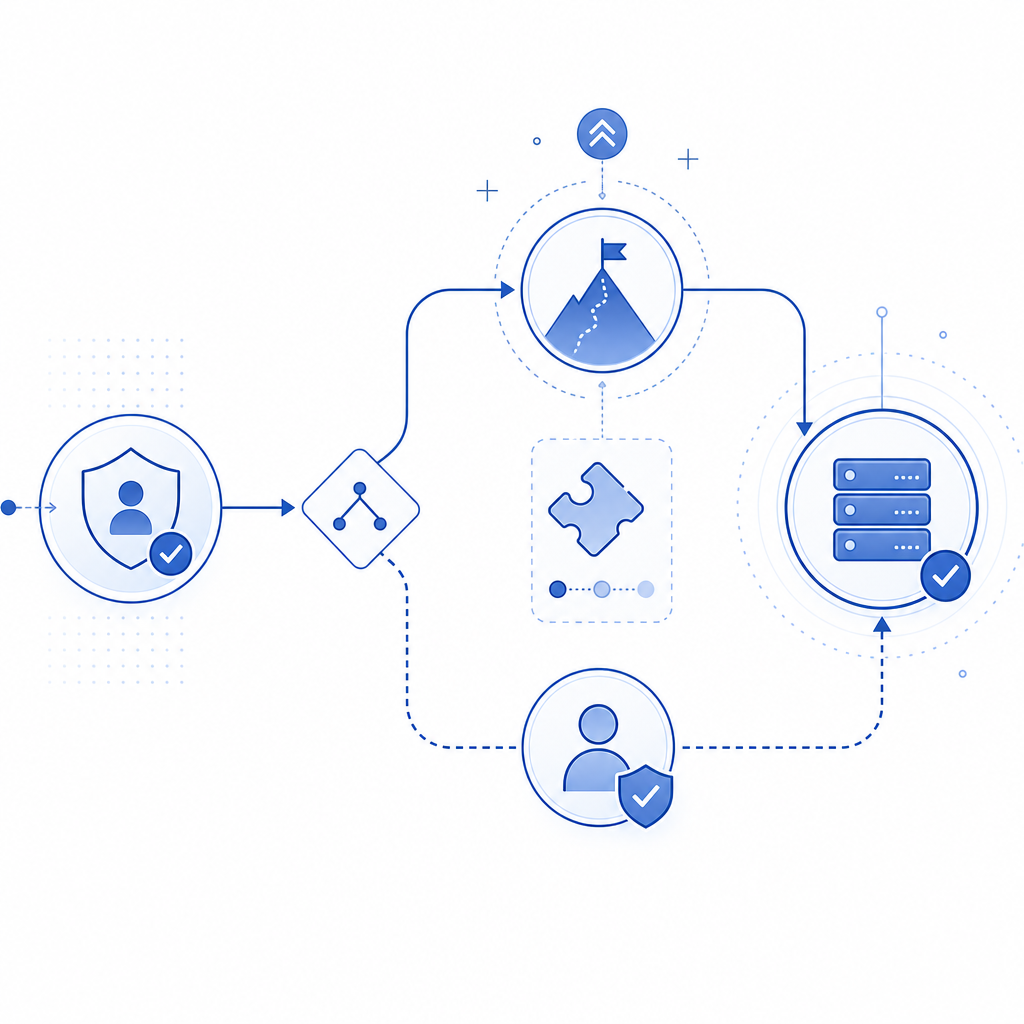
The cleanest pattern is: challenge on the client, validate on the server, and make your decision from the server response.
A typical flow looks like this:
- Load the verification widget or challenge script in the client.
- User completes the challenge or passes the risk check.
- Client receives a
pass_token. - Client sends
pass_tokenplusclient_ipto your backend. - Backend calls the validation endpoint with app credentials.
- Backend allows, denies, or steps up based on the result.
Here is a simple server-side sketch:
// Example: validate a verification token on the server
// English comments only

async function validateCaptcha(passToken, clientIp) {
  const response = await fetch("https://apiv1.captcha.la/v1/validate", {
    method: "POST",
    headers: {
      "Content-Type": "application/json",
      "X-App-Key": process.env.CAPTCHA_APP_KEY,
      "X-App-Secret": process.env.CAPTCHA_APP_SECRET,
    },
    body: JSON.stringify({
      pass_token: passToken,
      client_ip: clientIp,
    }),
  });

  return await response.json();
}
If you are issuing your own server-side challenge tokens, there is also a server-token endpoint at POST https://apiv1.captcha.la/v1/server/challenge/issue. That can be useful when your backend wants to generate or coordinate a challenge rather than relying only on client initiation.
For teams shipping in multiple languages, CaptchaLa also publishes server SDKs such as captchala-php and captchala-go, plus package support like Maven la.captcha:captchala:1.0.2, CocoaPods Captchala 1.0.2, and pub.dev captchala 1.3.2. Those details matter less than the architecture, but they make adoption easier when your app spans web and mobile.
Practical guidance for product and security teams
If you are deciding where to use bot detection human checks, prioritize flows where abuse is expensive and user trust matters:
- Account creation and credential stuffing defense
- Password reset and email change flows
- Checkout, promo code, and inventory protection
- API endpoints exposed to public clients
- High-value actions like posting, messaging, or exporting data
A few implementation details make a big difference:
- Prefer first-party data only. It reduces privacy risk and keeps the signal set focused on your own application.
- Tune thresholds per endpoint. Signup and payment do not deserve the same risk policy.
- Log both pass and fail outcomes with enough context to investigate patterns.
- Reassess false positives after releases, browser changes, and traffic spikes.
- Keep a fallback path for accessibility and support cases.
You also want to know your volume early. A free tier with 1,000 requests per month may be enough for prototypes or internal tools, while Pro tiers around 50K-200K and Business tiers around 1M fit production traffic more realistically. If you are comparing options, pricing and docs are usually the best places to start, not a long features page.
When teams use CaptchaLa, they usually care less about “winning” the CAPTCHA conversation and more about getting a clean signal into their auth or abuse pipeline. That is the right mindset. The verification step should support your product, not become the product.
Conclusion
Bot detection human is really about confidence: enough confidence to protect your system, and enough restraint to avoid punishing real users. The strongest setups combine lightweight client signals, server-side token validation, and sensible risk thresholds by endpoint.
If you want to see the integration details, start with the docs and compare plans on pricing.