
A "bot detection failed" message usually means your security system could not confidently identify whether a user is legitimate or automated. This failure can happen for various reasons—from configuration issues to sophisticated bot evasion tactics—and it threatens both user experience and site security. Understanding why bot detection fails is critical for deploying effective bot-defense measures that balance strictness with user accessibility.
This article analyzes key causes of bot detection failure, explores how popular CAPTCHA and bot-defense solutions address these challenges, and shares practical steps to strengthen detection accuracy using modern tools like CaptchaLa.
Why Does Bot Detection Fail?
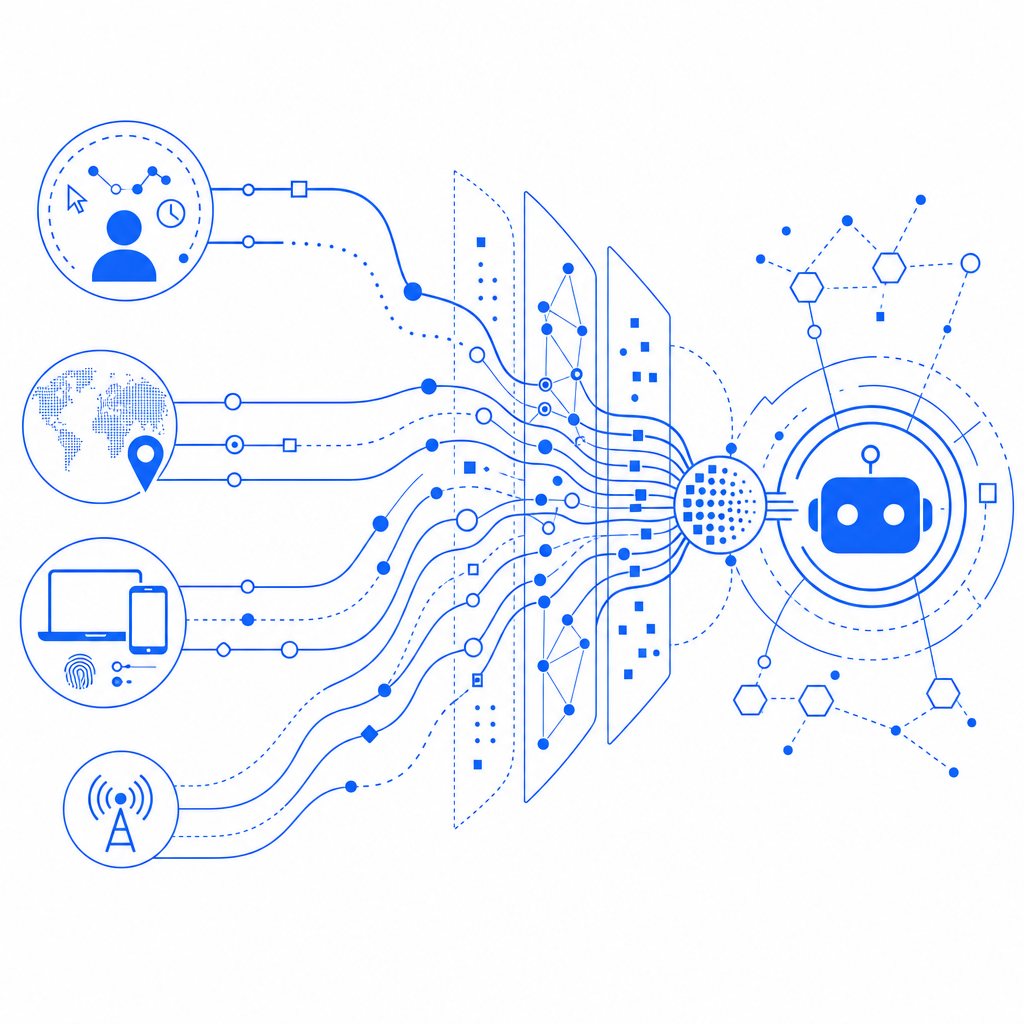
Bot detection relies on analyzing client behavior, device characteristics, and interaction patterns to differentiate humans from bots. A failure occurs when the system cannot reach a reliable verdict, which might mean:
- False positives: Legitimate users get flagged as bots, causing frustration or blocked access.
- False negatives: Automated bots slip through detection unnoticed.
- System errors: Technical issues or misconfigured settings prevent detection from completing.
The complexity arises because bots constantly evolve to mimic human behavior, leveraging stealth tactics like rotating IPs, simulating mouse movements, or using headless browsers. Meanwhile, legitimate users may exhibit irregular behavior due to privacy tools, network constraints, or assistive technologies.
Common Technical Causes of Bot Detection Failures
1. Improper SDK or Integration Setup
Using CAPTCHA or bot-defense libraries incorrectly is a frequent cause. Missing parameters, outdated SDK versions, or misconfigured API calls cause detection requests to fail.
For instance, the CaptchaLa SDKs and APIs expect proper usage patterns:
// Example: CaptchaLa validation call (JavaScript)
// Collect the pass_token from the client and user's IP
fetch('https://apiv1.captcha.la/v1/validate', {
  method: 'POST',
  headers: {
    'X-App-Key': 'your-app-key',
    'X-App-Secret': 'your-app-secret',
    'Content-Type': 'application/json'
  },
  body: JSON.stringify({ pass_token: 'token-from-client', client_ip: 'user-ip' })
})
.then(response => response.json())
.then(data => {
  if(data.success) {
    // Proceed with user request
  } else {
    // Handle failed detection
  }
});
Missing or incorrect headers, tokens, or using old SDK versions can cause failed validations.
2. IP and Network Anomalies
Bot detection often factors in IP reputation and network metadata. Users behind VPNs, proxies, or NATs (shared IPs) may generate ambiguous signals. Similarly, attackers can use botnets with legitimate-looking IPs to evade detection. If your system is too restrictive or too lenient regarding IP trust, bot detection may fail.
3. Accessibility and User Diversity
Some CAPTCHA designs or behavioral challenges fail to support users with disabilities or those on different devices/browsers. Accessibility-related failures can make legitimate users appear suspicious, skewing detection metrics.
4. Evasion Tactics and Sophisticated Bots
Advanced bots use headless browsers, simulate human mouse/touch patterns, bypass JavaScript challenges, or use AI-driven behavior that mimics humans. Basic bot detection relying on simple heuristics struggles to keep pace.
How Popular Bot Detection Services Handle These Challenges
| Feature | reCAPTCHA | hCaptcha | Cloudflare Turnstile | CaptchaLa |
|---|---|---|---|---|
| Behavioral Analysis | Yes | Yes | Yes | Yes |
| Adaptive Challenge Levels | Yes | Limited | Limited | Yes |
| SDK Support | Web, Mobile | Web, Mobile | Web | Web, iOS, Android, Flutter, Electron |
| Language Support | Multiple | Multiple | Multiple | 8 UI languages |
| Enterprise Integrations | Extensive | Moderate | Cloudflare ecosystem | Flexible with API / Server SDKs |
| Pricing Model | Tiered, pay for usage | Free + enterprise | Included with Cloudflare | Free tier + scalable plans |
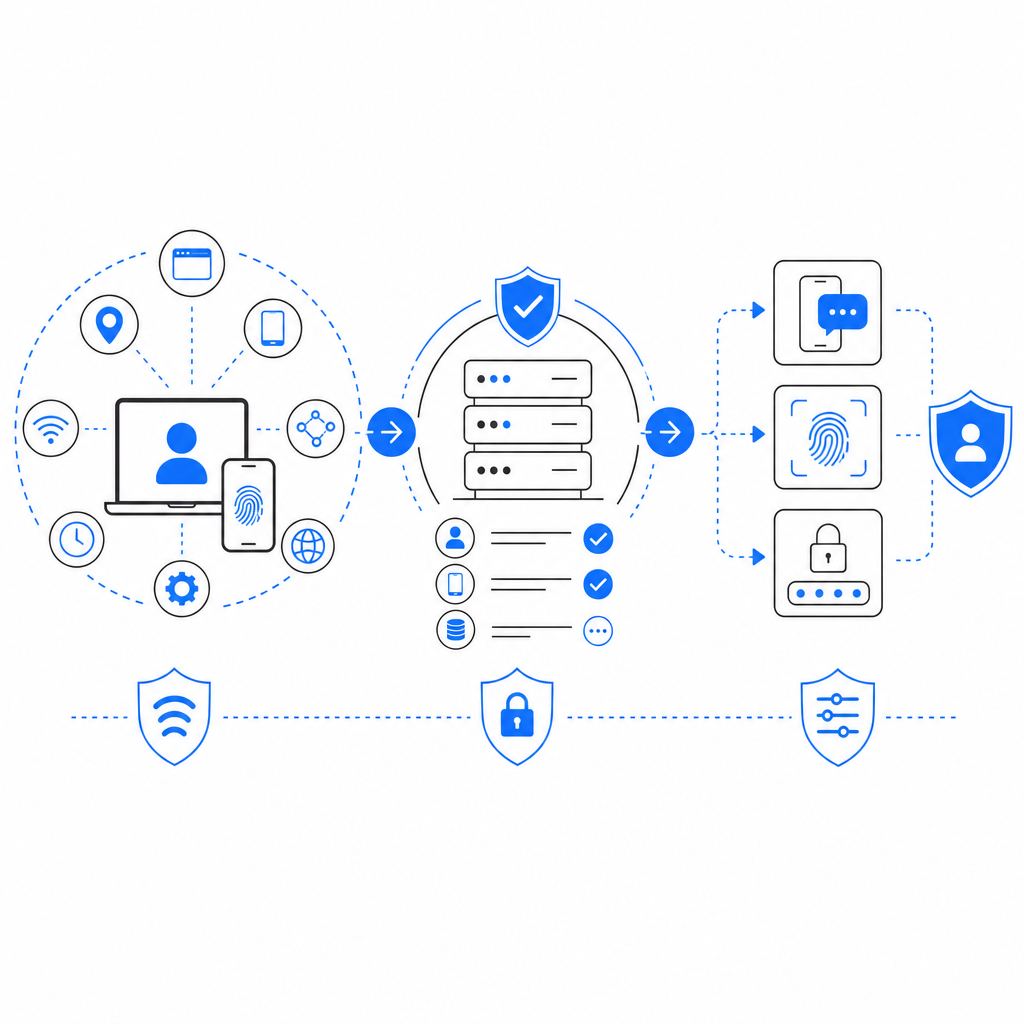
All solutions aim to minimize bot detection failures by combining interaction analysis (mouse / keystroke / touch timing), IP intelligence, and risk scoring, but none are perfect. CaptchaLa stands out by offering broad native SDK support and simple server APIs while keeping first-party data private and providing tunable challenge difficulty.
Steps to Reduce "Bot Detection Failed" Errors
Improving detection reliability requires a balanced approach between security and usability.
1. Verify and Update Your Integration
- Use the latest SDK versions from CaptchaLa or other vendors.
- Confirm you send all required parameters (e.g., pass_token, client_ip) with correct headers.
- Monitor API responses for error codes or timeouts and handle them gracefully.
2. Tune Challenge Difficulty Dynamically
Adjust your bot-defense system to be adaptive. For low-risk traffic, use invisible or simple challenges. Increase difficulty only when suspicious signals appear.
3. Monitor Traffic Patterns and IP Scores
Analyze access logs for repeated failures or suspicious IPs. Integrate threat intelligence feeds where possible. Blacklist or throttle risky traffic while avoiding over-blocking real users.
4. Optimize for Accessibility and Diversity
Ensure your CAPTCHA or challenges work well across browsers, devices, and for users with disabilities. CaptchaLa’s 8 UI languages and native mobile SDKs improve accessibility out of the box.
5. Regularly Audit and Test Your Bot Detection
Use penetration testing, bot simulation tools, and feedback from users to identify failure points. Continuously refine detection rules based on new threat tactics.
Conclusion and Next Steps
"Bot detection failed" errors highlight the ongoing challenge of balancing frictionless user experience with robust automated threat defense. No single solution is foolproof, but choosing a versatile platform like CaptchaLa, coupled with best practices in integration, tuning, and monitoring, can minimize failure rates and improve overall security posture.
If you're implementing or evaluating bot detection tools, consider the full stack from client SDKs to server validation endpoints, and ensure your system adapts dynamically to evolving threats without alienating legitimate users.
For detailed implementation guidance, SDK downloads, and pricing information, visit CaptchaLa docs and review plans at CaptchaLa pricing. Taking a systematic approach now prepares you for the next generation of bot defense challenges.