
A bot detection error usually means your app’s defense layer could not confidently classify a session as human or automated, or the verification step failed before it could return a trusted result. That can happen because of token expiry, network issues, mismatched secrets, client-side integration bugs, or a challenge flow that does not match the request context. The fix is rarely “turn off CAPTCHA”; it is to trace the full challenge-and-validate path and tighten the integration.
A useful way to think about it: the error is often a symptom, not the disease. If the client receives a challenge but the server never validates the token, or if your app rejects a legitimate token because the IP or app key is wrong, you’ll see the same user-facing failure. The goal is to separate transport problems, configuration problems, and true risk signals so you can keep friction low for real users.
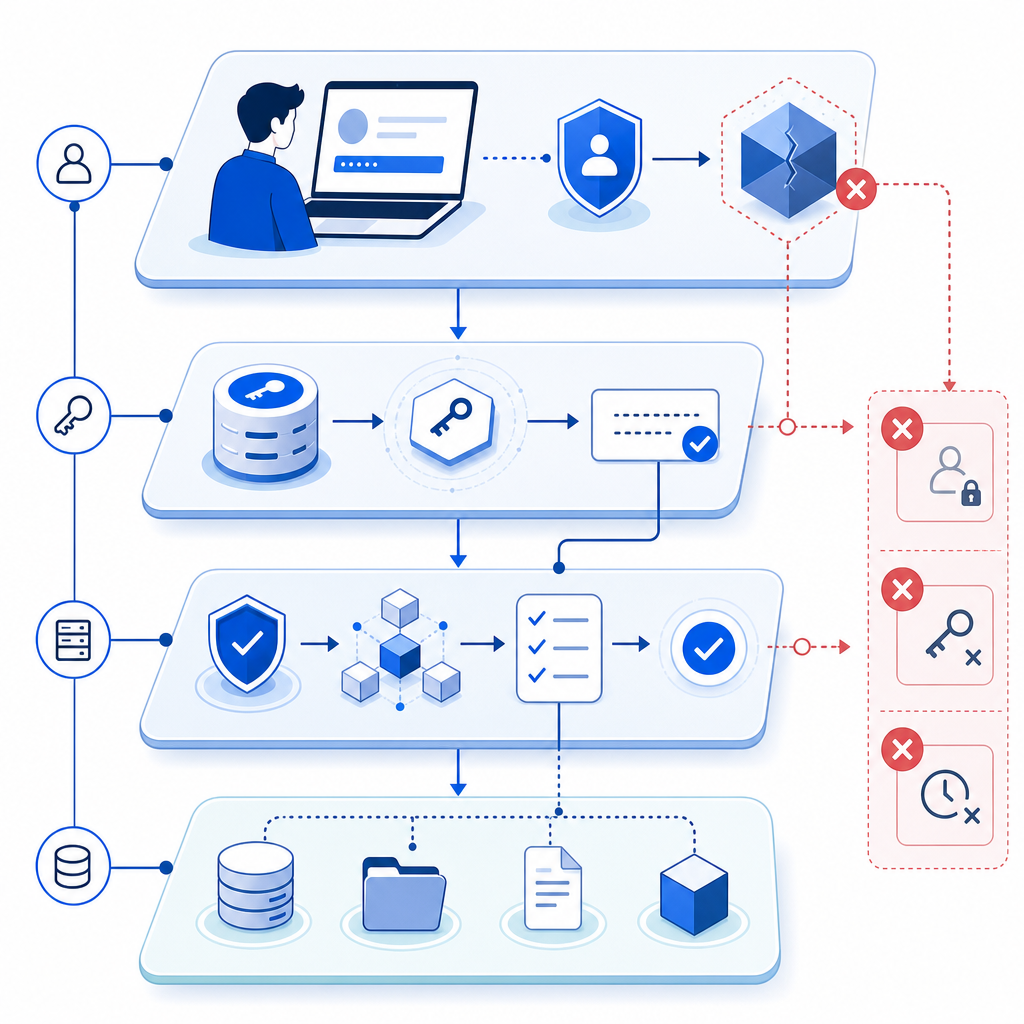
What a bot detection error usually means
A bot detection error can appear in several places in the flow:
- The challenge widget or loader fails to initialize.
- The browser never gets a valid pass token.
- The backend validation call rejects the token.
- The token is valid, but your app’s own checks fail afterward.
- The request is flagged because the environment looks inconsistent, such as an IP mismatch or stale session.
Those are very different failure modes, even if the UI message looks similar. For example, if you use a loader script and it never loads, the issue is client delivery. If the request reaches your backend but POST https://apiv1.captcha.la/v1/validate returns a failure, the issue is usually request shape, credentials, or token lifetime. And if validation succeeds but your business logic still blocks the user, the problem may be in your post-validation policy.
One practical debugging rule: treat bot detection as a pipeline. Every stage should either produce a clear pass token or a clear error state that you log and measure.
Common causes to check first
- Wrong or rotated
X-App-Key/X-App-Secret - Token expired before backend validation
- Missing
client_ipon the validate request - Client script blocked by CSP, ad blockers, or network filtering
- Challenge issued for one session, validated for another
- Clock skew in your server-side environment
- Multiple validations for the same token when your app retries aggressively
If you are using CaptchaLa, the key endpoints are straightforward: issue a server token from POST https://apiv1.captcha.la/v1/server/challenge/issue, then validate with POST https://apiv1.captcha.la/v1/validate using { pass_token, client_ip } and your app credentials. That separation is helpful because it makes the failure point visible instead of blending everything into one opaque client-side check. For integration details, the docs are the fastest place to confirm the exact request format.
How to debug the failure without weakening defenses
The safest debugging approach is to add observability, not exceptions. You want enough data to identify the broken layer while keeping your bot defense intact.
A good sequence looks like this:
Verify script delivery
- Confirm the loader is accessible:
https://cdn.captcha-cdn.net/captchala-loader.js - Check Content Security Policy rules
- Inspect browser console for blocked requests or JavaScript errors
- Confirm the loader is accessible:
Confirm token generation
- Ensure the challenge completes successfully
- Log whether a pass token is present before form submission
- Watch for re-renders or SPA route changes that wipe component state
Validate on the server immediately
- Send validation as soon as the user submits, not after extra async work
- Include the user’s
client_ip - Keep the validation call on your server, never in public client code
Inspect response categories
- Authentication failure: bad app key or secret
- Token failure: expired, reused, or malformed token
- Context mismatch: IP/session mismatch
- Transport failure: timeout, DNS, firewall, proxy issues
Measure false rejections
- Record the percentage of failed validations that later appear to be legitimate
- Compare by browser, region, network type, and device class
- Review whether privacy tools or corporate networks correlate with failures
Here is a simple server-side pattern for the validation step:
# English comments only
import requests

def validate_captcha(pass_token, client_ip, app_key, app_secret):
    url = "https://apiv1.captcha.la/v1/validate"
    payload = {
        "pass_token": pass_token,
        "client_ip": client_ip
    }
    headers = {
        "X-App-Key": app_key,
        "X-App-Secret": app_secret
    }

    response = requests.post(url, json=payload, headers=headers, timeout=5)
    response.raise_for_status()
    return response.json()
That example is intentionally boring, and that’s a good thing. Bot defense works best when the integration path is predictable. If you use an SDK, you still want the same monitoring mindset underneath it.
CaptchaLa supports native SDKs for Web, iOS, Android, Flutter, and Electron, plus server SDKs such as captchala-php and captchala-go. It also offers 8 UI languages, which helps reduce localization-related friction when a challenge does appear. If you need to compare deployment fit by usage volume, the pricing page is enough to map free, growth, and higher-traffic tiers without guesswork.
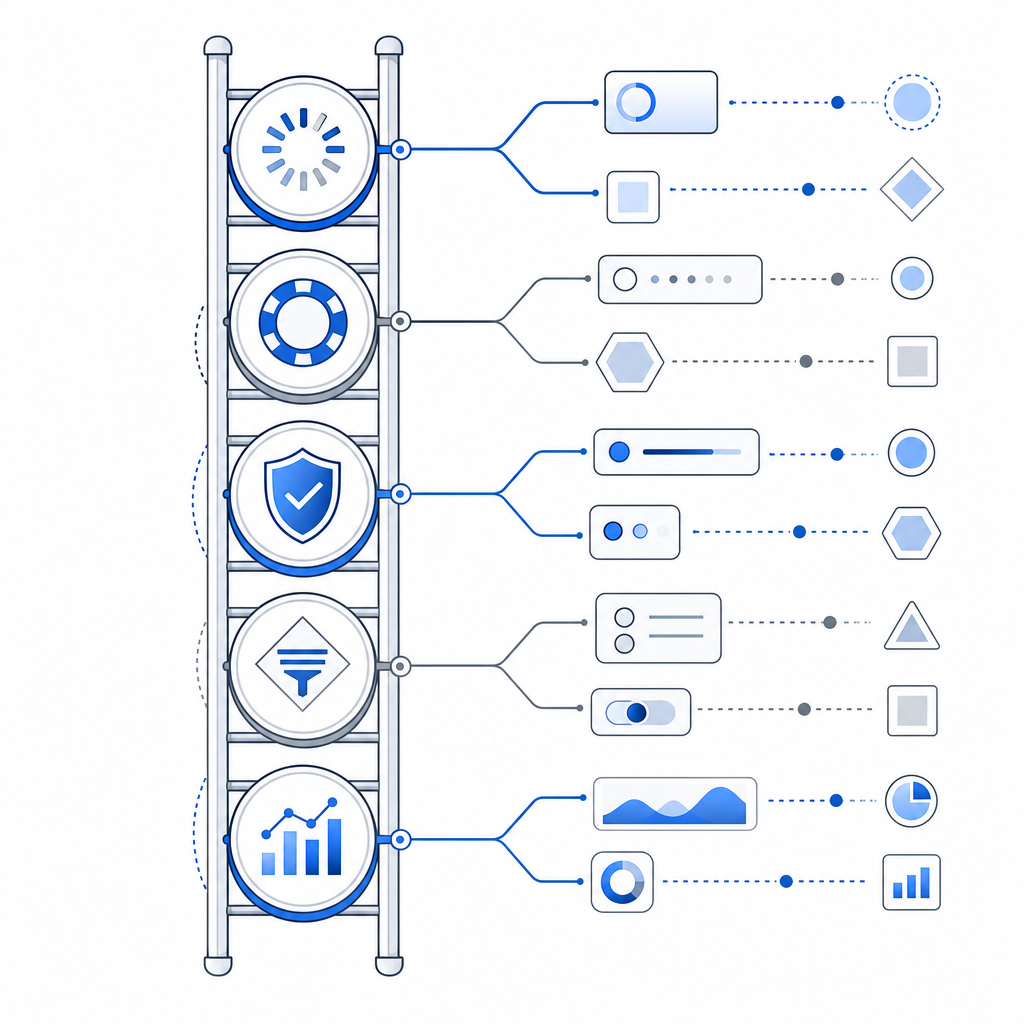
Comparing validation failures across popular CAPTCHA tools
Different products surface errors differently, but the debugging logic is similar. The point is not to pick a winner by slogan; it is to understand where control and visibility live.
| Tool | Typical integration style | Validation visibility | Notes |
|---|---|---|---|
| reCAPTCHA | Client widget plus server verification | Medium | Common and widely supported, but error handling can feel abstract unless logging is added carefully |
| hCaptcha | Client challenge plus server verification | Medium | Often chosen for privacy or monetization preferences; still benefits from explicit server-side diagnostics |
| Cloudflare Turnstile | Lightweight client challenge with server verification | Medium to high | Popular for lower-friction flows; debugging still depends on your logs and backend checks |
| CaptchaLa | Client loader plus server validation and server-token issue | High | Designed so the token lifecycle and validation endpoints are easy to inspect in your own stack |
This table is not saying one system is universally better. It is saying that a bot detection error becomes much easier to isolate when you can clearly see the challenge issuance, token transfer, and server validation boundaries.
If your app has multiple request types, consider whether you want one policy for all traffic or a tiered approach. Login and password reset often deserve stricter checks than newsletter signup or read-only page actions. Keeping those policies separate reduces accidental lockouts.
Designing for fewer false positives
The best defense against a bot detection error is good architecture, not looser rules. Real users should pass quickly, and suspicious flows should be stepped up only when needed.
A few technical practices help a lot:
- Validate immediately after submission. Delays increase token expiry risk.
- Bind tokens to the right session context. If you accept a token from one browser tab and validate it for another, you will create edge cases.
- Log validation outcomes by reason. Aggregate the categories, not just the pass/fail count.
- Keep challenge logic separate from business logic. Don’t mix checkout rules, rate limits, and CAPTCHA handling in the same branch.
- Use first-party data only. Avoid designing around hidden third-party dependencies that make failure analysis harder.
For higher traffic, volume planning matters too. CaptchaLa’s public tiers are easy to reason about: Free at 1,000 monthly requests, Pro in the 50K–200K range, and Business at 1M. The important part is not the label; it is whether your traffic profile matches the limits before you hit production.
If you are migrating from another provider, the cleanest path is usually parallel instrumentation: keep the old check live while you shadow the new one, compare pass rates, and only then switch enforcement. That avoids turning a bot detection error into a sitewide outage.
Where to go next
If you want to reduce bot detection errors without weakening your defenses, start by mapping your current challenge flow and adding server-side validation logs. Then review the implementation details in the docs or compare plan fit on pricing.