
A captcha meme is funny because it compresses a real experience into one recognizable moment: a user gets blocked, squints at distorted text, clicks every square with a traffic light, and everyone immediately understands the pain. Under the joke, though, there’s a serious question about trust, friction, and how websites distinguish humans from automation without making people miserable.
That’s why the captcha meme keeps showing up in product Slack, support tickets, and social feeds. It’s not just comedy; it’s shorthand for a user-flow problem. If you’re designing or defending a site, the meme is a reminder that verification should be visible enough to stop bots, but quiet enough not to annoy real users. That balance is exactly where modern CAPTCHA and bot-defense tools earn their keep.

What the captcha meme is really saying
Most captcha memes follow the same structure: a tiny task, a disproportionate reaction, and a universal sense of “why is this so hard?” The joke lands because captchas can become the most memorable part of a session, even when the rest of the product is smooth.
From a defender’s perspective, the meme is useful feedback. It signals one of three things:
- The challenge is too frequent.
- The challenge is too confusing.
- The challenge is being used in the wrong place in the funnel.
A well-placed verification step should feel like a speed bump, not a roadblock. If users meme your flow because they only encounter captchas at the worst possible moment — checkout, signup, password reset — then the problem may not be the captcha itself. It may be trigger logic, session risk scoring, or poor progressive friction design.
That’s why teams often compare tools such as reCAPTCHA, hCaptcha, and Cloudflare Turnstile not only on protection quality, but on how they affect real users. Each can fit different product requirements. Some teams want familiar challenge patterns; others want more invisible assessment and fewer interruptions. The meme exists because these tradeoffs are still very real.
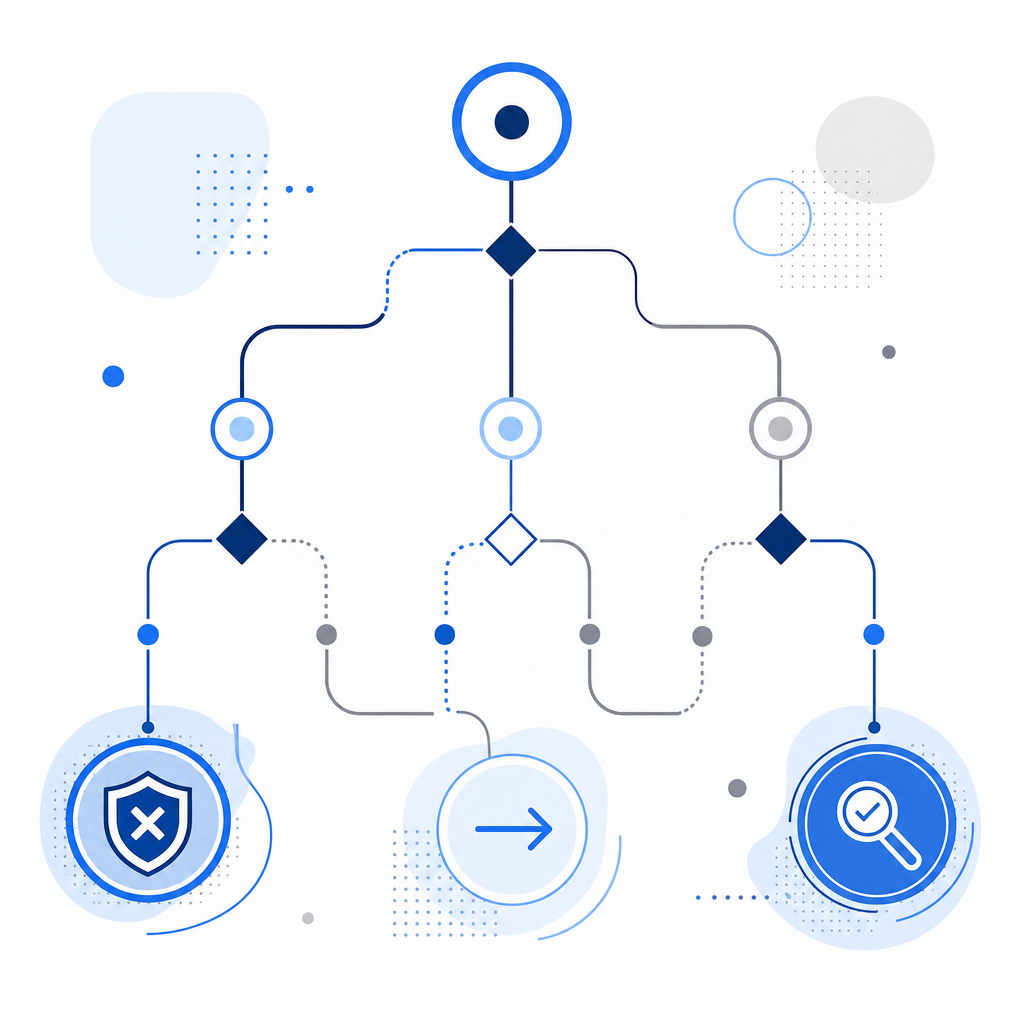
Why captchas became meme material in the first place
Captchas are meme-friendly because they sit at the intersection of three things people already like joking about:
- small daily frustrations,
- machine-like bureaucracy,
- and the absurdity of proving you are human to a computer.
They also create visually distinct moments. A rotated string of characters, a checkbox, a grid of objects, or a “select all images with…” prompt is instantly recognizable. Memes thrive on shared recognition, and captcha UI has delivered that for years.
But there’s a more practical layer. CAPTCHA systems became mainstream because attackers automated spam, account abuse, credential stuffing, and form abuse at scale. As defenses improved, attackers adapted. As a result, verification tools shifted from simple puzzles to more adaptive systems involving client signals, server-side validation, and risk scoring.
If you’re evaluating a captcha meme through a security lens, the important question is not “Is the puzzle funny?” It’s “What does this step cost users, and what abuse does it actually stop?” A good team should measure:
- completion rate,
- challenge abandonment,
- false positives on legitimate traffic,
- and the reduction in abuse volume after deployment.
That’s the part memes rarely show. The joke is the visible friction. The engineering challenge is making that friction proportional.
Practical ways to reduce meme-worthy friction
The best defense against being the subject of a captcha meme is not “remove all verification.” It’s to use verification selectively and keep the user path clean.
1) Challenge only when risk rises
Use signals like suspicious velocity, repeated failures, unusual IP patterns, or high-value actions. Don’t challenge every visitor just because the form exists.
2) Prefer low-friction paths first
If a session looks normal, let it pass with minimal interruption. Reserve more visible checks for elevated-risk actions such as:
- account creation,
- password reset,
- login spikes,
- checkout abuse,
- content posting bursts.
3) Validate server-side
Never trust the browser alone. A client check should be followed by a server validation step that verifies the token, the session context, and the request origin.
For example, a typical server-side validation flow looks like this:
1. Receive the form submission with pass_token.
2. Read the client IP from the request context.
3. Send POST /v1/validate with pass_token and client_ip.
4. Include X-App-Key and X-App-Secret in the request headers.
5. Accept the request only if validation succeeds.
6. Log the outcome for abuse monitoring and tuning.
That pattern matters because the point of verification is not to create a puzzle; it’s to create trustworthy evidence that the interaction is likely legitimate.
4) Instrument the user experience
Track where users abandon the flow. If a challenge is technically “working” but your signup conversion drops, you’ve introduced security that may be costing more than it saves.
5) Keep copy and timing humane
A short explanation often helps more than a clever interface. People tolerate friction better when they understand why it exists.
A quick comparison of common CAPTCHA approaches
Here’s a simple, non-marketing comparison of widely used approaches:
| Tool / approach | Typical user friction | Integration style | Common fit |
|---|---|---|---|
| reCAPTCHA | Low to medium | Client + server validation | General web forms, broad familiarity |
| hCaptcha | Low to medium | Client + server validation | Anti-abuse, privacy-conscious deployments |
| Cloudflare Turnstile | Low | Mostly invisible / adaptive | Sites wanting minimal interruption |
| Custom challenge flow | Varies | Fully owned by team | Specialized risk models or regulated environments |
The right choice depends on your abuse profile, UX tolerance, and how much control you want over telemetry and logic. Some teams want the familiarity of established providers. Others want a narrower footprint and tighter product integration.
CaptchaLa fits into that same practical conversation. It supports 8 UI languages and native SDKs for Web, iOS, Android, Flutter, and Electron, plus server SDKs like captchala-php and captchala-go. If your team prefers a more integrated implementation path, that can reduce the amount of custom glue code you need to maintain. You can also review implementation details in the docs.
What to build if the meme is already happening to you
If users are joking about your captcha flow, don’t treat it as just a branding issue. Treat it as a signal to review the entire verification lifecycle.
A good audit usually covers:
Trigger logic
Why is a challenge shown here? Is it based on risk, or is it always-on?Token handling
Are pass tokens validated server-side? Are they tied to the current request?IP and session context
Does the backend check the client IP, session state, and action being performed?Challenge frequency
Are repeat legitimate users being challenged too often?Abuse outcome
Did the verification step reduce spam, fake signups, or credential abuse?Operational overhead
Are logs, metrics, and tuning easy enough for your team to maintain?
For teams using CaptchaLa, the validation endpoint is straightforward: POST to https://apiv1.captcha.la/v1/validate with pass_token and client_ip, plus X-App-Key and X-App-Secret. There’s also a server-token issue endpoint at https://apiv1.captcha.la/v1/server/challenge/issue, and the loader script is served from https://cdn.captcha-cdn.net/captchala-loader.js. The available tiers include a free tier at 1000 requests per month, Pro at 50K-200K, and Business at 1M, with first-party data only. If you’re comparing deployment costs or volume fit, the pricing page is the quickest place to orient yourself.
Why the meme will keep existing
The captcha meme won’t disappear because the underlying tension won’t disappear. The internet will always need some way to separate genuine users from automated abuse, and any visible friction can become comic material. That’s normal.
What changes over time is how much of that friction is visible. The best systems are the ones that do their work quietly: they challenge when needed, validate carefully, and stay out of the way when risk is low. If your users barely notice the verification layer, they’re less likely to turn it into a meme — and more likely to finish what they came to do.
Where to go next: if you want to tune your own verification flow, start with the docs or compare plans on the pricing page.