
Bot detection decoy voice is a defender-side signal: a hidden or low-friction prompt that real users usually ignore, while automated systems may interact with it in predictable ways. Used carefully, it helps identify scripted behavior without asking legitimate visitors to solve harder challenges.
The core idea is simple. If a bot is trying to navigate, scrape, or submit forms at scale, it may react to fields, labels, audio-like cues, or other decoy elements that humans never touch. That reaction becomes evidence. The trick is to treat the decoy as one signal among many, not as a standalone verdict.
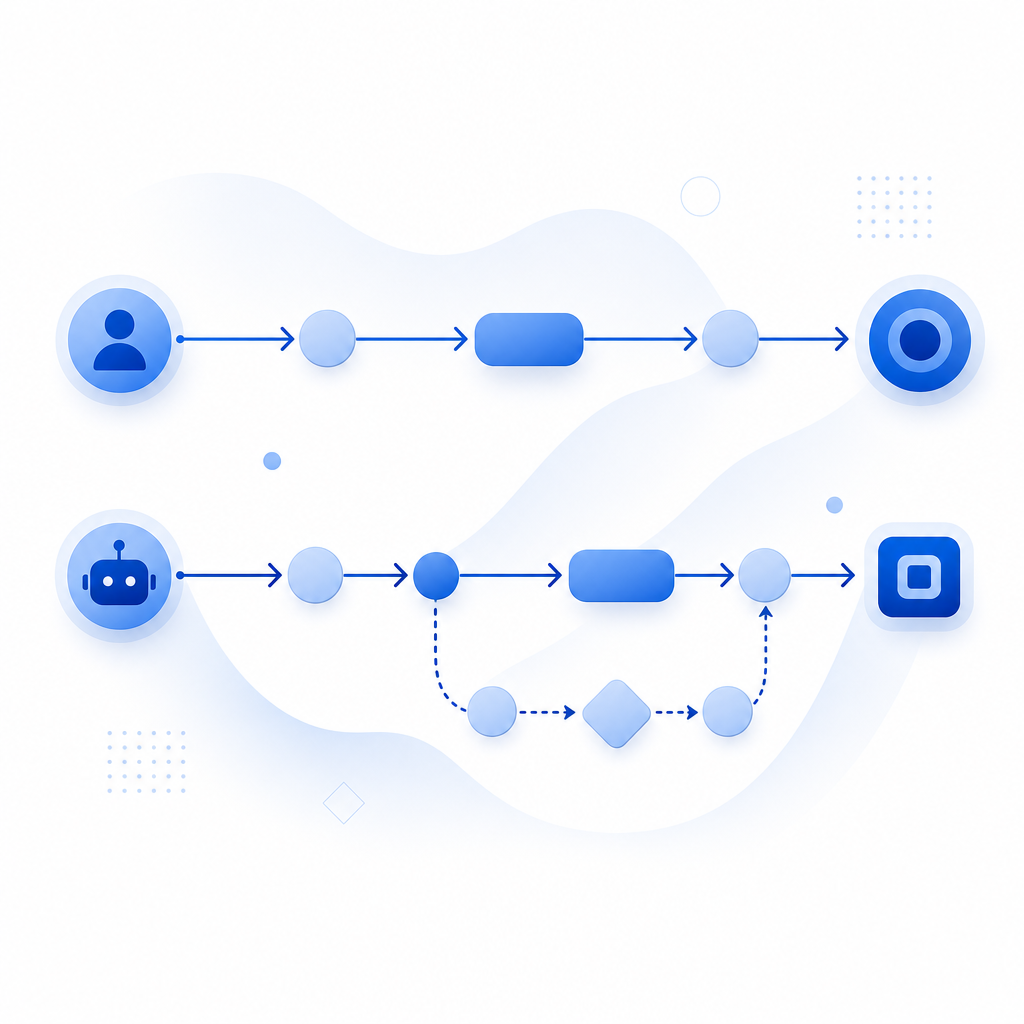
What “decoy voice” means in bot detection
The phrase can sound odd because “voice” is not always literal audio. In anti-bot design, it often refers to a decoy prompt, a misleading field, or an artifact that only automation tends to process. Think of it as bait for scripted agents, not as a feature users are meant to notice.
A practical decoy voice approach usually works by combining:
- A hidden or low-visibility element placed outside the normal user flow.
- A timing or interaction expectation that humans rarely satisfy.
- A server-side scoring step that interprets the response alongside device and session signals.
- A strict rule that no single decoy should block a user by itself.
This is important because false positives are expensive. If your decoy is too obvious, accessibility tools may trigger it, or users on unusual devices may interact with it accidentally. If it is too weak, bots will learn to skip it. The best designs stay quiet, consistent, and validated on the server.
A good mental model is this: the decoy is not the lock; it is the alarm sensor. The actual decision comes from the broader system.
How defenders use decoy signals without breaking UX
Decoy signals are most useful when they are invisible to normal behavior and cheap to evaluate. In a web flow, that often means adding a hidden field, a timing marker, or a challenge artifact that is only meaningful to the backend.
For example, a form can include a field that is never shown to humans. A browser automation tool may still fill it if it submits all inputs blindly. If that field is populated, the backend can downgrade trust, add friction, or require a stronger verification step.
You can think about the decision path like this:
1. Page loads with a hidden decoy field and session marker.
2. User interacts normally; human browsers ignore the decoy.
3. Automation may fill the field, submit too fast, or follow the wrong control flow.
4. Server validates the token and checks the decoy outcome together.
5. Risk engine decides: allow, challenge, or block.
A second useful pattern is pairing the decoy with a standard challenge provider. reCAPTCHA, hCaptcha, and Cloudflare Turnstile all focus on verifying user behavior in different ways. Decoy logic can sit next to those tools as an additional layer, especially when you want to detect scripted form fills, credential stuffing, or abuse of public endpoints. The goal is not to replace every other defense; it is to make automation more expensive and less reliable.
When teams build this themselves, they often discover that the server-side part matters more than the front end. A decoy that only exists in JavaScript is easy to observe. A decoy whose meaning is only clear after backend validation is much more resilient.

Where decoy voice fits in a modern CAPTCHA stack
Decoy voice is most useful in a layered stack, especially when you care about first-party data and want to keep the logic under your own control. It works well for signup forms, login flows, checkout abuse, and API endpoints that are attractive to automation.
Here’s a simple comparison of common approaches:
| Approach | What it checks | Strength | Tradeoff |
|---|---|---|---|
| Honeypot / decoy field | Unexpected automation behavior | Very low friction | Can be learned if overly obvious |
| Challenge widget | Interaction and risk signals | Familiar to users | Adds visible step in some flows |
| Passive browser signals | Device/session consistency | Low user friction | Needs good server logic |
| Decoy voice + validation | Scripted response to hidden bait | Strong when layered | Must be tuned carefully |
The strongest setups usually avoid thinking in binary terms. Instead of “bot or human,” they assign risk. A decoy hit may trigger a stronger challenge, a rate limit, or a short-lived token check. A clean interaction may pass straight through.
That is where products like CaptchaLa fit naturally. CaptchaLa exposes a validation flow that can be used on the server after a client challenge or other trust signal. The core server-side validation endpoint is POST https://apiv1.captcha.la/v1/validate, and it expects body fields like pass_token and client_ip, along with X-App-Key and X-App-Secret. If you need to issue a challenge token from the server, there is also POST https://apiv1.captcha.la/v1/server/challenge/issue.
For teams working across multiple stacks, the SDK coverage helps keep implementation consistent: web via JS, Vue, and React; mobile via iOS and Android; Flutter and Electron for cross-platform apps; plus server SDKs like captchala-php and captchala-go. CaptchaLa also supports 8 UI languages, which matters when your challenge flow is user-facing.
Implementation notes that actually matter
If you are designing or reviewing a decoy-voice system, focus on the mechanics, not the slogan.
Keep the decoy invisible to normal users.
- Use semantic placement carefully.
- Avoid noisy DOM tricks that accessibility tools will trip over.
- Test with keyboard-only and assistive workflows.
Validate on the server.
- Do not trust client-side “bot” flags alone.
- Combine the decoy result with token validation, IP context, and request timing.
- Store enough evidence to debug false positives.
Make the reaction proportional.
- A decoy hit should not always mean a hard block.
- Consider step-up verification, throttling, or manual review for borderline cases.
- Preserve a path for legitimate users behind strict networks or privacy tools.
Measure drift.
- Automation changes quickly.
- Re-test after major frontend changes, framework upgrades, or new bot traffic patterns.
- Watch for spikes in decoy engagement that correlate with real user drop-off.
A lightweight integration can look like this on the backend:
<?php
// English comments only
// Validate a token returned by the client challenge
$payload = [
    'pass_token' => $passToken,
    'client_ip'  => $clientIp,
];

$headers = [
    'X-App-Key: ' . $appKey,
    'X-App-Secret: ' . $appSecret,
];

// POST to the validation endpoint and decide whether to allow the request
?>
If you are evaluating vendors, it helps to confirm whether they rely on first-party data only, how token validation works, and whether the SDKs match your platforms. CaptchaLa’s published pricing tiers are also straightforward to map to traffic volume: a free tier at 1000/month, Pro at 50K-200K, and Business at 1M. You can review those details on the pricing page and implementation specifics in the docs.
The main takeaway
Decoy voice works because automation often behaves like automation. It follows patterns, reacts to hidden structure, and leaves behind small mistakes that humans never make. But the decoy should be treated as one layer in a broader defense system, not as a magic switch.
For most teams, the cleanest path is to combine a quiet decoy with server-side validation, visible friction only when needed, and careful monitoring of false positives. That gives you a defense that is harder to game without punishing real users.
Where to go next: if you want implementation details, start with the docs. If you want to match protection to traffic volume, check pricing.