
Captcha meaning is simple: it’s a test used by websites and apps to tell whether a request is coming from a human or an automated system. In practice, a CAPTCHA helps block spam, credential stuffing, fake signups, scraping, and other bot-driven abuse without forcing every visitor through a heavy security check.
That’s the short answer, but the fuller story matters. CAPTCHAs have evolved from distorted text puzzles into a broader class of human-verification and bot-defense tools. Some are visible to users, some run quietly in the background, and some combine both. If you’re building or defending a product, understanding the captcha meaning helps you decide when to challenge a user, when to trust a session, and how to keep abuse down without making legitimate users miserable.
What CAPTCHA actually stands for
CAPTCHA is an acronym for “Completely Automated Public Turing test to tell Computers and Humans Apart.” The phrase is a little academic, but the idea is straightforward: a system presents a task that should be easy for humans and difficult for automated scripts.
Historically, this often meant:
- reading distorted text
- selecting images with traffic lights or storefronts
- checking a box to prove interaction
- solving a lightweight logic or behavior-based challenge
Over time, the meaning has widened beyond a single puzzle. Many teams now use CAPTCHA as shorthand for any human-verification step tied to bot mitigation. That includes frictionless risk scoring, challenge escalation, and server-side validation.
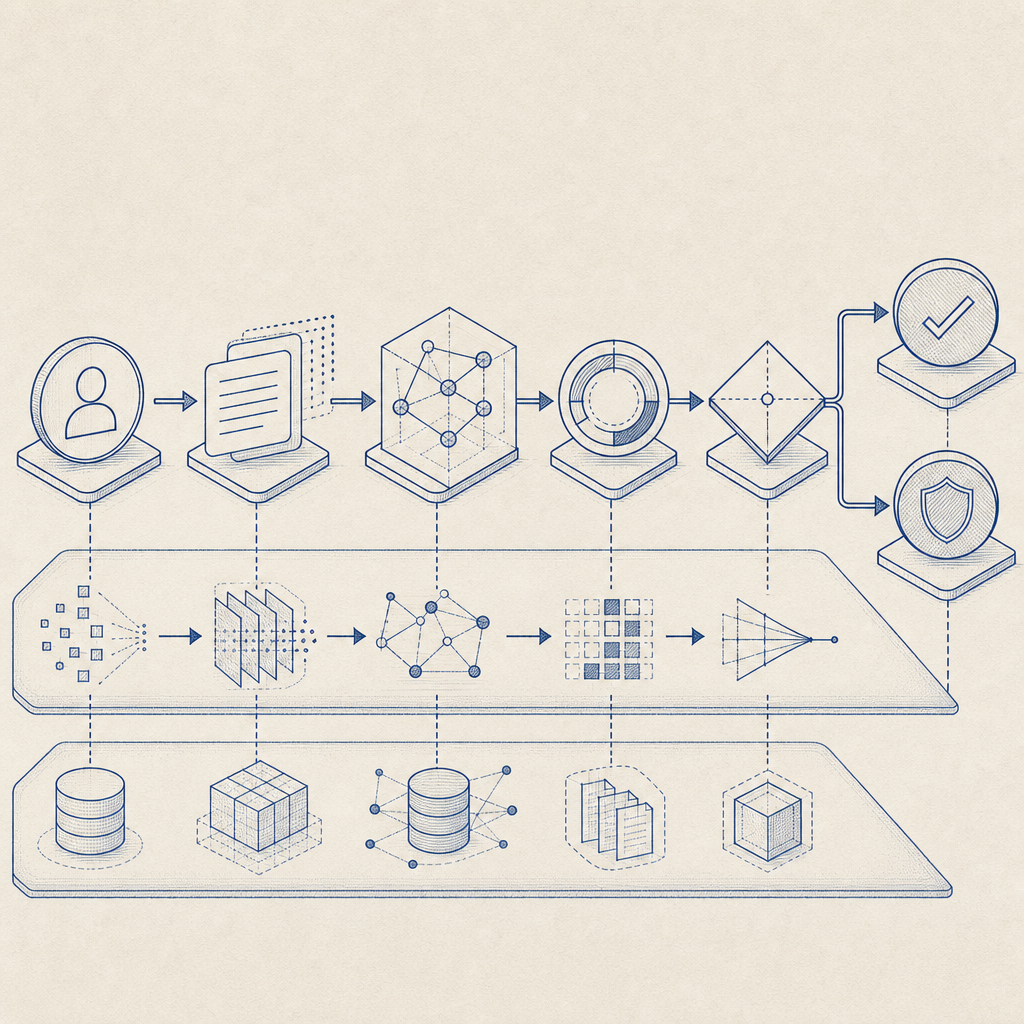
Why websites use CAPTCHAs
The goal is not to annoy users; it’s to reduce abuse. A CAPTCHA is usually one layer in a broader defense strategy. Teams deploy it when automation creates measurable cost, noise, or risk.
Common abuse cases include:
Account creation fraud
Bots create thousands of fake accounts to farm promotions, pollute analytics, or abuse referral systems.Credential stuffing
Attackers test leaked username-password pairs against login forms at scale.Form spam
Contact forms, comment forms, and signup forms get flooded with junk submissions.Scraping and inventory abuse
Automated clients can distort pricing pages, public data feeds, or ticketing inventory.Abuse of free tiers and trials
If your product has a generous onboarding flow, bots can drain resources quickly.
A useful way to think about captcha meaning is this: it’s a trust checkpoint. It asks, “Should we allow this interaction to proceed with low friction, or do we need more evidence first?”
How CAPTCHA fits into a modern defense stack
Modern systems rarely rely on a puzzle alone. They combine client signals, server checks, and risk-based decisions. A good setup can challenge only the suspicious traffic while leaving most users untouched.
Here’s a practical comparison:
| Approach | What it does | Pros | Tradeoffs |
|---|---|---|---|
| Visible puzzle CAPTCHA | Shows a challenge to the user | Easy to understand, familiar | Adds friction |
| Invisible or background check | Scores behavior without interrupting everyone | Lower friction | Needs careful tuning |
| Rate limiting | Limits repeated requests by IP/account/session | Simple and effective | Can affect shared networks |
| Device/session analysis | Looks for automation patterns | Better targeting | More implementation work |
| Server-side token validation | Confirms challenge completion from trusted backend | Stronger integrity | Requires backend integration |
Some well-known options include reCAPTCHA, hCaptcha, and Cloudflare Turnstile. Each takes a different approach to balancing user friction, privacy, and bot resistance. The right choice depends on your traffic profile, your compliance needs, and how much control you want over the challenge flow.
For teams that want more direct control, products like CaptchaLa focus on bot-defense workflows that integrate into web and mobile apps, with server-side validation and multiple SDKs for different platforms.
How validation works in practice
A CAPTCHA is only useful if the result can be trusted by your backend. That means the client interaction should produce a token, and your server should verify that token before allowing the protected action.
A typical validation flow looks like this:
- The client loads the challenge or loader script.
- The user completes the challenge or passes the background check.
- The client receives a
pass_token. - Your backend sends that token to a validation endpoint.
- The validation service confirms whether the token is valid, fresh, and tied to the request context.
For example, CaptchaLa’s validation flow uses a server endpoint like this:
POST https://apiv1.captcha.la/v1/validate

Body:
{
  "pass_token": "...",
  "client_ip": "203.0.113.10"
}

Headers:
X-App-Key: your_app_key
X-App-Secret: your_app_secret
That kind of server-side check matters because the browser alone should not be the final authority. If a token can be replayed, forged, or reused beyond its intended scope, the protection weakens fast.
A few implementation details worth keeping in mind:
- validate as close to the protected action as possible
- treat validation failures as signals, not just hard blocks
- log outcomes so you can tune thresholds later
- avoid storing more user data than you need
CaptchaLa also supports server-token issuance through POST https://apiv1.captcha.la/v1/server/challenge/issue, which is useful when your backend wants to request a challenge explicitly rather than relying only on client-side initiation.
Example integration pattern
// English comments only
// 1. Client submits a protected form
// 2. Backend validates the pass token before accepting the action
// 3. If validation fails, return a challenge or a soft error

async function submitProtectedAction(passToken, clientIp) {
  const response = await fetch("https://apiv1.captcha.la/v1/validate", {
    method: "POST",
    headers: {
      "Content-Type": "application/json",
      "X-App-Key": process.env.APP_KEY,
      "X-App-Secret": process.env.APP_SECRET
    },
    body: JSON.stringify({
      pass_token: passToken,
      client_ip: clientIp
    })
  });

  if (!response.ok) {
    throw new Error("Validation failed");
  }

  return await response.json();
}
If you want implementation details, the docs are the fastest place to confirm SDK options and request formats.
Choosing the right CAPTCHA approach
Not every product needs the same level of friction. A checkout page, a login form, and a public comment form all have different abuse patterns and user tolerance for interruptions.
A few practical guidelines:
- Use lighter checks first on low-risk interactions.
- Escalate only when behavior looks suspicious: repeated failures, high request volume, unusual geographies, or automation fingerprints.
- Keep accessibility in mind: some visible challenges are harder for screen reader users or users with disabilities.
- Localize where it helps: if you serve global traffic, language support matters.
CaptchaLa, for example, offers 8 UI languages and native SDKs for Web, iOS, Android, Flutter, and Electron, plus server SDKs for PHP and Go. That kind of coverage matters when you need the same trust decision across browser and app surfaces.
If you’re comparing platforms, also pay attention to deployment and data handling. CaptchaLa’s plans are sized for different traffic levels, and it uses first-party data only, which is relevant for teams that want tighter control over what gets collected and why. Plan tiers currently include a free tier with 1,000 monthly requests, Pro at 50K–200K, and Business at 1M.
The main takeaway
So, captcha meaning is not just “a puzzle on a website.” It’s a security control used to distinguish real users from automated traffic and to protect product workflows from abuse. The best implementations are selective, server-verified, and designed to minimize friction for legitimate users while making abuse expensive.
If you’re reviewing your own stack, start with the places where bots create the most damage: signup, login, password reset, checkout, and public forms. Then decide whether you need a visible challenge, an invisible risk check, or a hybrid approach.

Where to go next: if you’re evaluating deployment details or traffic-fit options, see the docs or compare tiers on the pricing page.