
CAPTCHA stands for “Completely Automated Public Turing test to tell Computers and Humans Apart.” It is a security mechanism designed to distinguish legitimate human users from automated bots on websites and apps. By presenting tests that are easy for people but difficult for computers to solve, CAPTCHA prevents fraud, spam, and abuse in digital services.
Understanding the CAPTCHA meaning acronym reveals its foundation: a type of Turing test that can be fully automated for public use, offering website owners a way to verify real users without manual intervention. This post dives into the origins, technology, types, and alternatives of CAPTCHA systems, as well as how CaptchaLa fits within this ecosystem of bot defense solutions.
The Origin and Evolution of CAPTCHA
The term CAPTCHA was coined in 2000 by researchers at Carnegie Mellon University as a practical implementation of the Turing test—a concept proposed by Alan Turing that determines a machine’s ability to exhibit intelligent behavior indistinguishable from a human.
Traditional CAPTCHAs started as distorted text images requiring users to identify and type characters. Over time, attackers and bots advanced machine learning capabilities, forcing CAPTCHA providers to evolve.
Key milestones:
- Text-based CAPTCHAs: Early CAPTCHAs used noisy, warped letters and numbers. Successful for years but increasingly vulnerable to automated recognition.
- Image recognition CAPTCHAs: Asking users to select images matching criteria (“Select all traffic lights”).
- Invisible CAPTCHAs & behavioral analysis: Systems like Google’s reCAPTCHA v3 analyze user behavior patterns without explicit challenges.
- Context-based tests and puzzle CAPTCHAs: More interactive and user-friendly tests.
Through these stages, the core CAPTCHA meaning acronym has remained: a fully automated test to differentiate humans from bots—fundamental to maintaining security and user trust online.
Common Types of CAPTCHA Tests and Their Uses
CAPTCHAs come in various formats, each addressing different attack vectors and user experience challenges.
| CAPTCHA Type | Description | Pros | Cons | Example Providers |
|---|---|---|---|---|
| Text-based | Distorted letter/number images | Simple implementation | Can be solved by advanced OCR | Older CAPTCHAs, basic use |
| Image Recognition | Select images matching prompts | User-friendly, harder for bots | Accessibility issues for some | reCAPTCHA, hCaptcha |
| Checkbox ("I am not a robot") | Analyzes user interaction before submitting | Low friction | Heavily reliant on behavioral signals | reCAPTCHA v2 |
| Invisible CAPTCHA | Runs silently with behavioral analysis | Seamless UX | Possible false positives/negatives | Google reCAPTCHA v3 |
| Puzzle CAPTCHAs | Users solve simple puzzles | Interactive, engaging | More time-consuming | Various custom solutions |
Each type serves to uphold the spirit of the CAPTCHA meaning acronym by automating the test while tailoring complexity and usability to specific contexts.
How CAPTCHA Systems Work: Behind the Scenes
At its core, CAPTCHA systems utilize challenges that rely on human cognitive abilities—like visual perception, language recognition, and motor skills—which remain difficult for bots to replicate efficiently.
The validation process generally includes:
- Challenge issuance: The server generates a challenge token unique to the user session.
- User interaction: The user completes the challenge (e.g., selecting images).
- Response validation: User inputs or behavioral data are sent back to the server and validated to confirm human presence.
- Access granted or denied: Based on the result, access to resources or forms is allowed or blocked.
CaptachaLa, for example, offers various SDKs for web and mobile platforms to integrate CAPTCHA challenges efficiently. It provides secure API endpoints for validation and supporting multiple programming languages such as PHP and Go. This aligns well with the CAPTCHA meaning acronym by automating challenge-issue and response-validate cycles, while enhancing developer ease-of-use.
// Example: Using CaptchaLa Web SDK loader
// Loads CAPTCHA widget and initiates token validation
<script src="https://cdn.captcha-cdn.net/captchala-loader.js"></script>
<script>
  Captchala.load({
    siteKey: "your-site-key",
    onSuccess: function(pass_token) {
      // Send pass_token + client IP to server for validation
    }
  });
</script>
Comparing Leading CAPTCHA Providers
The CAPTCHA ecosystem today features several major players, each delivering solutions tuned to different priorities like ease of integration, privacy, user experience, and bot detection sophistication.
| Feature | CaptchaLa | Google reCAPTCHA | hCaptcha | Cloudflare Turnstile |
|---|---|---|---|---|
| Licensing | SaaS with free & paid tiers | Free with Google branding | Privacy-focused, paid options | Included with Cloudflare plan |
| Supported SDKs | Web, iOS, Android, Flutter, Electron | Web, iOS, Android | Web, iOS, Android | Web only |
| Privacy Focus | First-party data, minimal tracking | Google data policies apply | Emphasizes privacy, GDPR compliant | No user tracking claimed |
| Challenge Type | Text, Image & Behavioral options | Image & behavioral analysis | Image-based challenges | Invisible & lightweight CAPTCHA |
| Integration Ease | API + client SDKs | Widely adopted, many plugins | Growing ecosystem | Simple embed script |
Each service reflects the CAPTCHA meaning acronym’s core mission but varies in balancing usability, privacy, and bot detection complexity. CaptchaLa’s multi-platform SDK support and flexible tiers offer practical options for developers seeking customizable bot defense without excessive third-party data sharing.
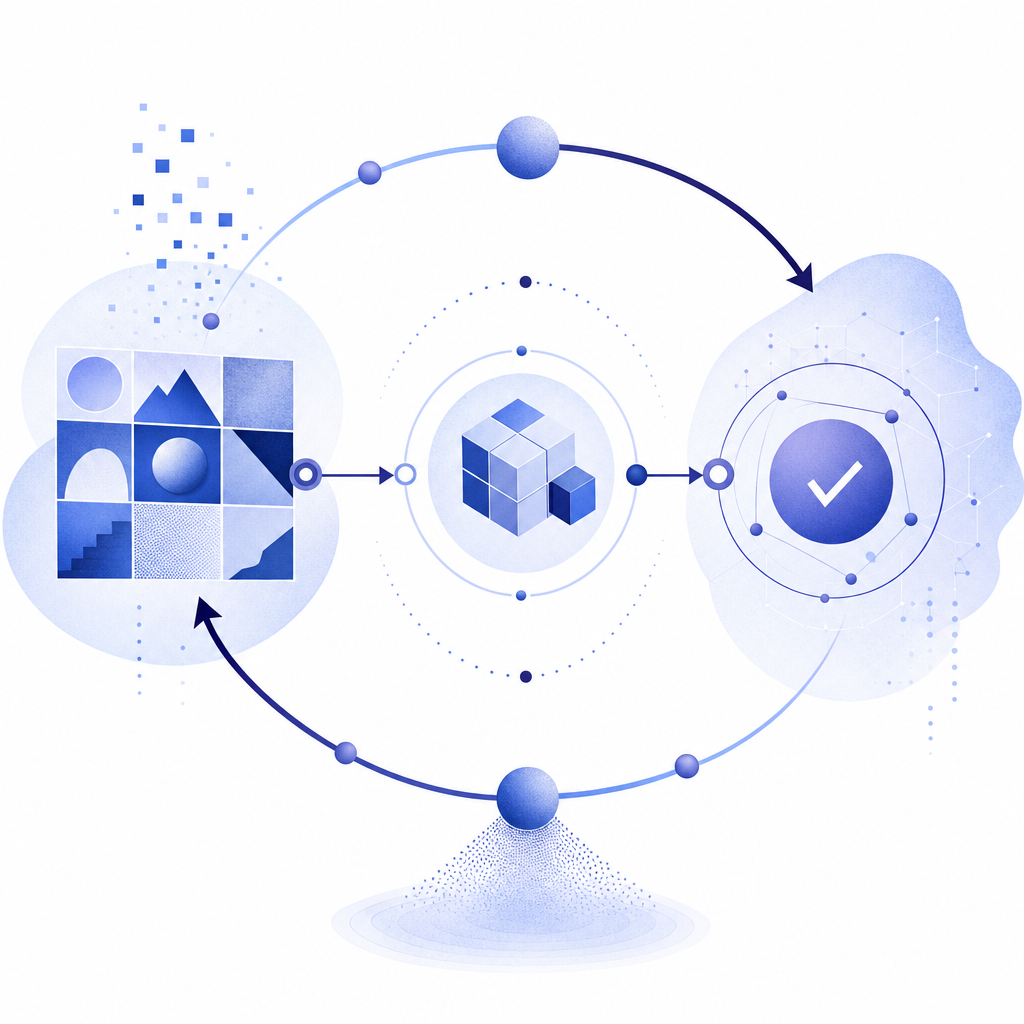
Why Understanding CAPTCHA’s Meaning Matters for Bot Defense
Knowing exactly what CAPTCHA stands for helps security teams and developers appreciate its role—not just as a nuisance to users, but as a critical automated gatekeeper against bots.
Key reasons include:
- Security balance: Minimizing false positives that lock out real users.
- User experience: Choosing CAPTCHA types that are accessible and intuitive.
- Compliance and privacy: Ensuring CAPTCHA usage aligns with data protection laws.
- Technology integration: Leveraging SDKs and APIs to implement CAPTCHA efficiently within complex apps and environments.
Choosing a CAPTCHA provider like CaptchaLa offers flexible integration aligned with these principles and the evolving demands of bot defense.

CAPTCHA's meaning as an acronym reflects its role as a fully automated public test providing a vital line of challenge-response defense against malicious bot activity. Understanding this helps businesses choose the right tools to keep their websites and apps secure while preserving smooth user experiences.
To explore how CaptchaLa can help implement CAPTCHA strategies tailored to your needs, check out our docs or review the details on pricing.
By knowing the fundamentals behind CAPTCHA—what the acronym means and how it works—you’ll be better equipped to defend your digital properties from automated threats in a balanced, user-friendly way.