
A captcha loop occurs when users are repeatedly prompted with CAPTCHAs without ever successfully passing the test, effectively trapping them in a frustrating cycle. This issue not only degrades user experience but also raises concerns about accessibility, security, and conversion rates. Understanding why captcha loops happen—and how to mitigate them—is crucial for developers and site owners looking to defend against bots while maintaining smooth interactions for legitimate users.
What Causes Captcha Loops?
Captcha loops are often caused by a combination of client-side and server-side issues that prevent proper verification or token exchange. Common triggers include:
- Improper validation workflow: When server-side verification endpoints reject CAPTCHA tokens due to expired tokens, missing parameters, or misconfigured API keys, the system will generate new challenges endlessly.
- Cookie or local storage problems: Many CAPTCHAs rely on client-side tokens stored in cookies or browser local storage. If these tokens do not persist or get cleared, the CAPTCHA may keep reappearing.
- Network or connectivity issues: Intermittent network failures or proxy usage can interrupt the validation process, causing the client to retry the CAPTCHA repeatedly.
- Overly aggressive bot detection rules: When algorithms interpret legitimate user behaviors as suspicious, they may force multiple challenges in quick succession.
Interestingly, even popular CAPTCHA providers like Google's reCAPTCHA or hCaptcha can experience loops under misconfiguration or certain network conditions, emphasizing the importance of correct integration.
Diagnosing Captcha Loop Problems
Before jumping into fixes, it helps to methodically diagnose the root of looping:
1. Analyze Network Traffic
Use browser developer tools to watch API requests related to CAPTCHA validation. Look for:
- 4xx or 5xx HTTP errors from validation endpoints
- Missing or malformed tokens sent from client to server
- Re-sent challenge requests without successful validation
2. Review Server Logs
Server-side logs can reveal whether token validation requests are rejected due to:
- Invalid or expired tokens
- Incorrect API keys or headers
- Rate limiting or firewall blocks
3. Check Browser Environment
Verify that:
- Cookies/local storage values used by CAPTCHA scripts are present and not blocked
- No conflicting browser extensions or privacy settings interfere with scripts
- Cross-origin policies or ad blockers are not disrupting CAPTCHA scripts
4. Test With Different CAPTCHA Providers
If practical, replace your current CAPTCHA (e.g., reCAPTCHA) with alternatives like CaptchaLa, hCaptcha, or Cloudflare Turnstile temporarily to isolate whether the issue is provider-specific.
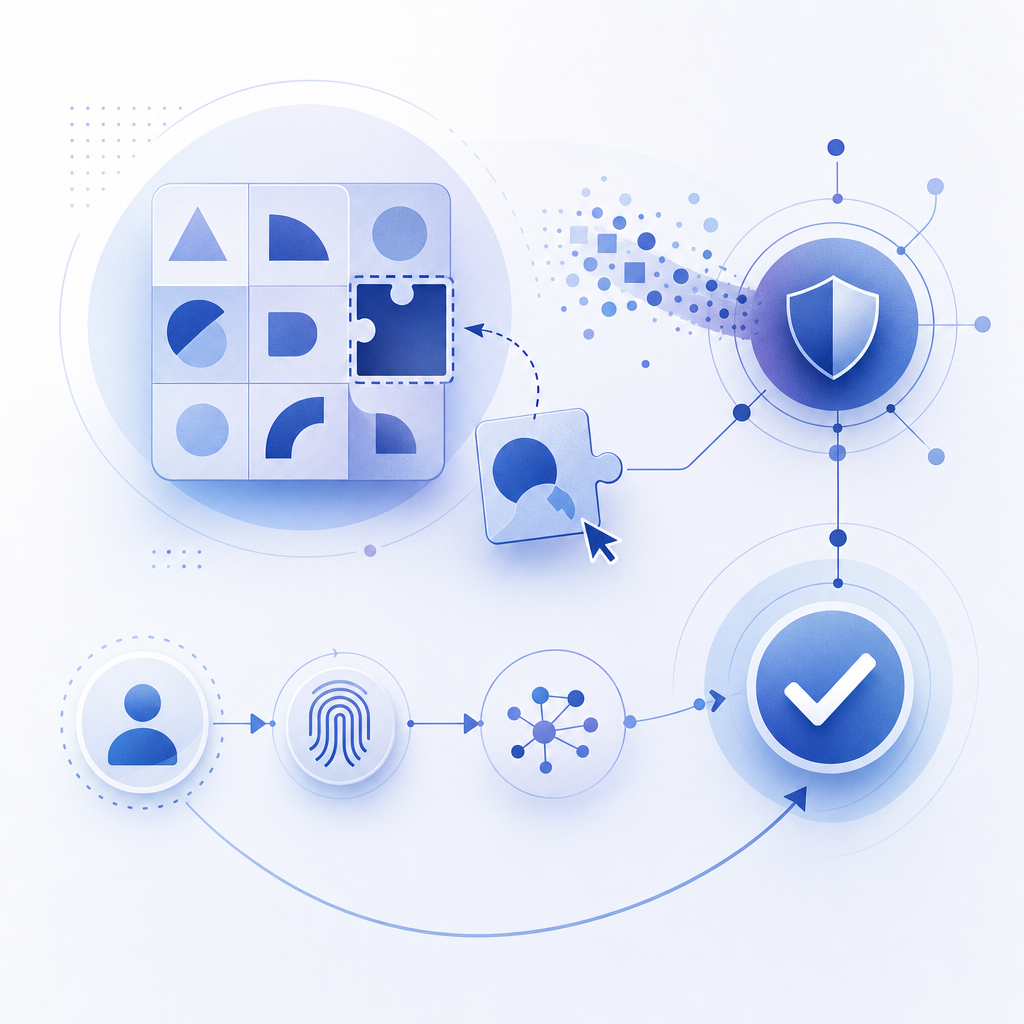
Best Practices to Prevent and Resolve Captcha Loops
Addressing captcha loops usually involves a combination of technical fixes and UX improvements:
Server and API Considerations
- Ensure Correct API Integration: Follow provider docs meticulously. For CaptchaLa, validate tokens server-side via POST to
https://apiv1.captcha.la/v1/validatewith proper keys in headers to avoid inadvertent rejects. - Monitor Token Expiry and Refresh: Avoid requiring users to solve new CAPTCHAs if tokens are still valid. Implement token caching where applicable.
- Handle Errors Gracefully: When validation fails, provide meaningful error messages and fallback options instead of looping silently.
Client-Side Improvements
- Persist Tokens Properly: Use browser storage strategically so repeated challenges don't get forced by client resets.
- Avoid Over-Triggering Captchas: Adjust sensitivity in bot detection logic to reduce issuing multiple back-to-back challenges.
User Experience Design
- Limit Challenge Frequency: Allow a finite number of CAPTCHA attempts before alternate verification flows or support options kick in.
- Offer Accessibility Options: Some users stuck in loops may benefit from alternative challenge types or audio CAPTCHAs.
Captcha Providers Comparison
| Feature | reCAPTCHA | hCaptcha | Cloudflare Turnstile | CaptchaLa |
|---|---|---|---|---|
| CAPTCHA Loop Frequency* | Medium (depends on usage) | Medium | Low | Low, with robust SDKs |
| API Validation | REST & client libraries | REST & client libraries | API + edge integration | Extensive REST API + SDKs |
| Supported Platforms | Web, Mobile | Web, Mobile | Web | Web, iOS, Android, Flutter, Electron |
| Language Support | Limited | Limited | English | 8 UI languages |
| Pricing | Free + paid tiers | Paid with free tiers | Free | Generous free tier + scalable |
*Loop frequency depends on integration quality and bot rules.
How CaptchaLa Handles Captcha Loops
CaptchaLa provides a developer-centric approach to minimize looping issues through:
- Clear server-side validation via the
/v1/validateendpoint ensuring tokens are checked efficiently and correctly. - Native SDKs for multiple platforms including Web (JS, Vue, React), iOS, Android, Flutter, and Electron which simplify integration and reduce client-side errors.
- Configurable challenge issuance with server-token API endpoints helps control challenge frequency and flow strategically.
- A loader script (
captcha-cdn.net/captchala-loader.js) that manages client-side state reliably, ensuring seamless token persistence to prevent unnecessary loops.
Apps using CaptchaLa benefit from detailed documentation that highlights common pitfalls and best practices, and flexible pricing plans that support scalable use cases with transparent limits.

Summary and Next Steps
Captcha loops are an annoying but solvable problem in bot defense and user verification. They arise primarily from validation errors, token management issues, and overly strict challenge logic. By diagnosing carefully and following integration best practices, you can dramatically reduce the incidence of captcha loops and improve user satisfaction.
If you want to explore robust alternatives or improve your CAPTCHA implementation, consider evaluating providers like CaptchaLa that emphasize straightforward server validation, multi-platform SDKs, and developer-friendly workflows.
For more detailed technical guidance, coding examples, and integration tips, check out CaptchaLa’s documentation. To get started or see how plans scale, visit the pricing page.
Together, these steps will help you break free from captcha loops and create frictionless bot defense experiences.