
If you’re seeing “bot detection api is not enabled for this tenant”, the immediate answer is usually simple: your tenant exists, but the bot-detection feature or API entitlement is not turned on for that specific account, environment, or project. In practice, that means your integration is calling an endpoint or client flow before the tenant has been configured to accept it.
That error is less about a broken SDK and more about a mismatch between what your app is trying to use and what the tenant is allowed to use. The fix is typically in configuration, not in code: check your dashboard settings, environment keys, plan limits, and whether the tenant is the one you intended to target.
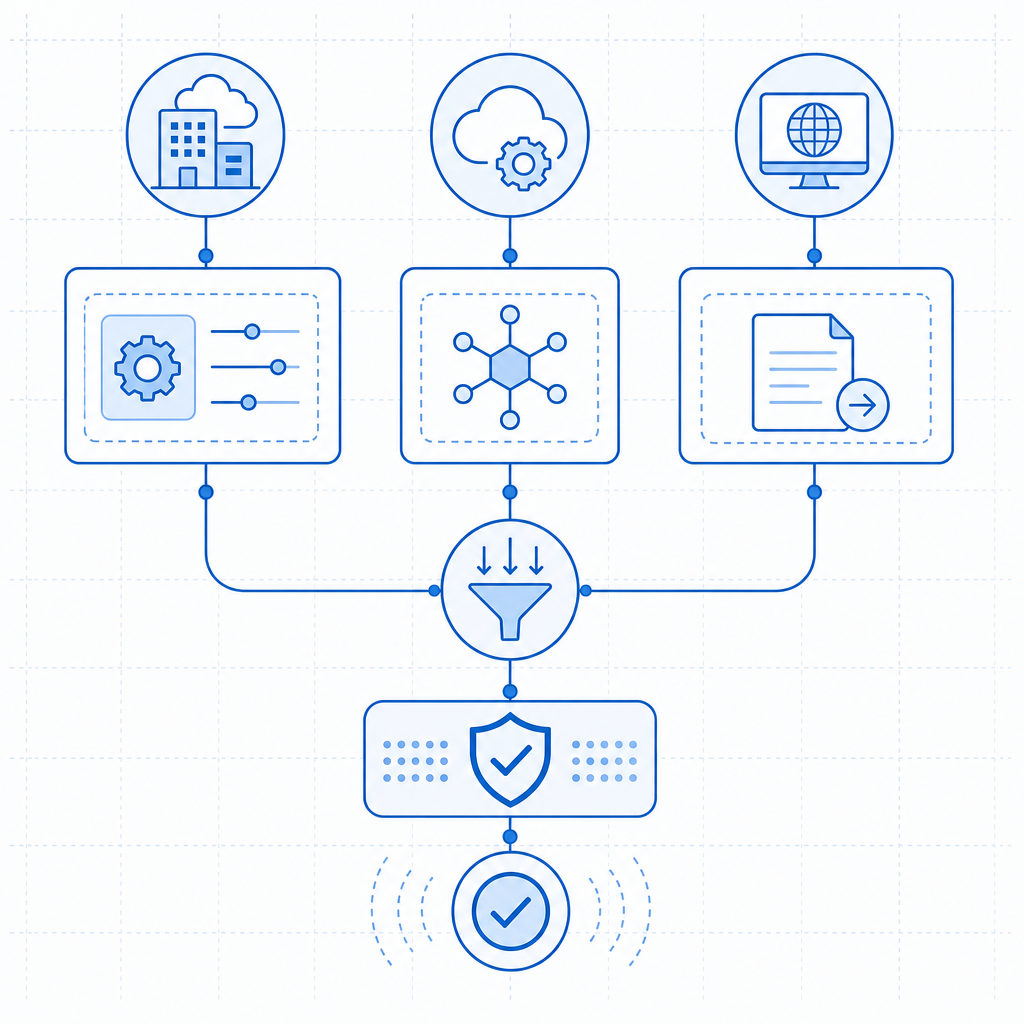
What the error means
“Tenant” in this context usually refers to the account boundary used by a SaaS security service. Each tenant can have its own keys, domains, environments, and enabled products. When the bot-detection API is disabled for that tenant, requests may be blocked before they reach challenge generation or token validation.
There are a few common reasons this happens:
- The feature is not enabled in the dashboard for that tenant.
- You’re using a key pair from a different tenant or environment.
- The integration is calling the wrong endpoint for the product you actually enabled.
- Your plan or usage tier does not include the API you’re calling.
- The app is sending validation traffic from a client or backend that hasn’t been registered.
A useful way to think about it: the API may be live, but the tenant is not authorized for it yet. That is different from a 404, a network timeout, or a malformed payload. It is a policy/configuration failure.
For teams evaluating different CAPTCHA vendors, this is not unique. reCAPTCHA, hCaptcha, and Cloudflare Turnstile all depend on matching site keys, secrets, allowed origins, and backend verification rules. The exact wording varies, but the underlying issue is often the same: the tenant/app configuration does not match the request path.
How to diagnose it quickly
Start by checking the tenant boundary before touching application logic. That saves a lot of false debugging.
1. Confirm the tenant and environment
Verify that the app is using the correct set of credentials for the environment you’re testing:
- development vs staging vs production
- server-side secret vs client-side site key
- browser origin / app bundle / mobile package name
- the expected tenant ID or workspace
If you recently cloned an environment, it’s easy to keep the old keys in place while assuming the new tenant is active.
2. Check whether the bot-detection feature is enabled
In many SaaS setups, features are enabled per tenant rather than globally. If the dashboard has separate controls for challenge issuance, validation, or bot signals, make sure the relevant product is turned on for the tenant that your app is actually using.
If you’re using CaptchaLa, the docs are the best place to confirm the expected request flow and endpoint shape: docs. The key idea is to validate the request path from the backend after the client receives a pass token.
3. Verify request shape and headers
For server-side validation, a typical request looks like this:
POST https://apiv1.captcha.la/v1/validate
X-App-Key: your_app_key
X-App-Secret: your_app_secret
Content-Type: application/json

{
  "pass_token": "token-from-client",
  "client_ip": "203.0.113.10"
}
If the tenant is disabled, the response may come back before payload validation even matters. That is why checking the account settings first is important.
4. Look for cross-tenant mistakes
Cross-tenant mistakes are common in organizations with multiple apps, regions, or white-labeled deployments. Examples include:
- production frontend talking to staging backend credentials
- one tenant’s key used in another tenant’s app
- a CDN or loader script from one project reused in another
- server verification pointed at the wrong account
CaptchaLa provides a loader script at https://cdn.captcha-cdn.net/captchala-loader.js, plus native SDKs for Web, iOS, Android, Flutter, and Electron. That flexibility is useful, but it also means each platform must still be bound to the correct tenant configuration.
What to check in your integration
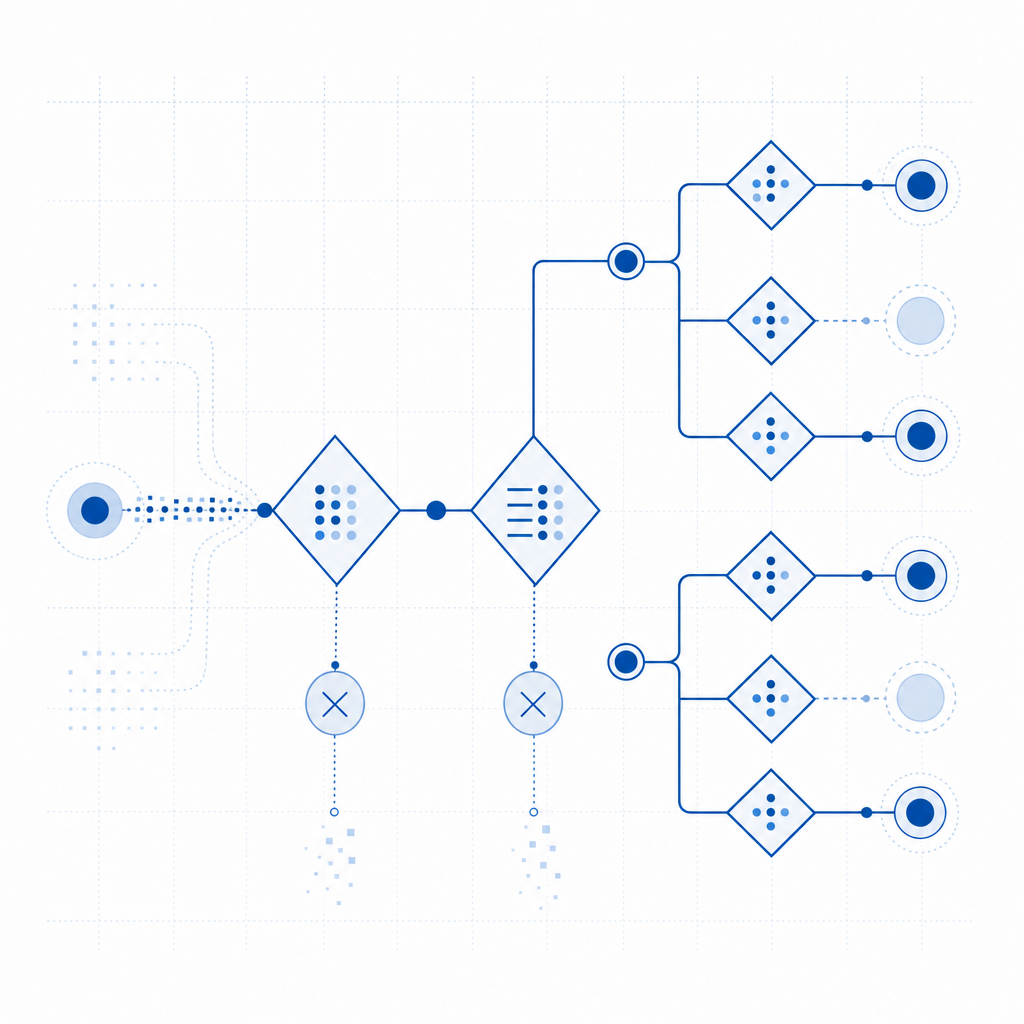
If the tenant is enabled and the error still appears, review the integration path end to end. A clean implementation has two distinct steps: issue a challenge token on the server, then validate the pass token on your backend.
Recommended flow
- Load the client widget or challenge flow in the browser or app.
- Generate or receive the pass token after successful interaction.
- Send the pass token to your backend.
- Call the validation endpoint with the correct app credentials.
- Treat validation as a gate before account creation, login, checkout, or form submission.
If you need to issue a server-side challenge, CaptchaLa exposes:
POST https://apiv1.captcha.la/v1/server/challenge/issueThat endpoint is useful when your backend wants to request a challenge directly rather than relying only on client-side initiation.
SDK and platform sanity check
For implementation teams, it helps to map the tenant to the SDK you’re using:
| Platform / backend | Package |
|---|---|
| Java / Maven | la.captcha:captchala:1.0.2 |
| iOS / CocoaPods | Captchala 1.0.2 |
| Flutter / pub.dev | captchala 1.3.2 |
| PHP server | captchala-php |
| Go server | captchala-go |
| Web / React / Vue | JavaScript SDKs |
| Desktop | Electron SDK |
That table is not just a convenience list. It helps you confirm whether the code you shipped is actually backed by the tenant that has bot detection enabled.
A practical debugging checklist
Use this numbered list when the error shows up:
- Confirm the app key and secret belong to the same tenant.
- Confirm the tenant has bot detection enabled in the dashboard.
- Check that your frontend loader and backend verifier point to the same project.
- Verify that the pass token is fresh and not being reused.
- Confirm the
client_ipis being passed correctly from the server. - Make sure your environment variables were updated after any tenant migration.
- Compare staging and production configs line by line.
If you’re instrumenting the backend, log the request ID, tenant identifier, and endpoint used. Avoid logging secrets or raw tokens in production; just enough metadata to correlate failures is usually sufficient.
Plan limits, product boundaries, and safer defaults
Sometimes this error is not a bug at all; it’s a plan or scope issue. Some vendors enable certain detection features only on specific tiers or only after an admin flips a workspace setting. If the tenant is on a free or lower-volume plan, the API may be available only after activation or upgrade.
CaptchaLa’s published tiers are straightforward: Free includes 1,000 monthly requests, Pro covers 50K–200K, and Business supports 1M. The important part is that the service is built around first-party data only, which helps keep the integration logic focused on your own traffic and policy decisions rather than external enrichment.
If your security team is comparing options, the useful questions are:
- Does the product support server-side validation cleanly?
- Can the tenant be managed independently per environment?
- Are mobile and desktop SDKs available where needed?
- Is the request model simple enough to audit?
That comparison often matters more than marketing claims. reCAPTCHA may already be familiar to your team, hCaptcha may fit a different policy profile, and Cloudflare Turnstile may align with an edge-centric architecture. Your tenant setup should match the operational model you actually run.
A clean recovery path
If you’re already in incident mode, here’s the shortest recovery path I’d recommend:
- pause deployments that depend on the blocked API
- confirm tenant entitlement and plan status
- rotate or re-check keys only after confirming the correct tenant
- test validation against a known-good environment
- add a startup check so the app fails fast when the tenant is misconfigured
A fail-fast check is especially useful for multi-environment systems. If the app starts and immediately confirms that the tenant can issue or validate tokens, you’ll catch the problem before it reaches users.
Where to go next: if you want to verify your tenant configuration or review the integration steps, start with the docs or check the pricing page to match your expected request volume.