
Captcha letters are the distorted or stylized characters a user types to prove they can read and respond like a human. They’re a simple human-check pattern: show a challenge, ask for the letters, then compare the response before allowing the action. That basic idea is still useful, but modern teams usually pair it with stronger signals so they can reduce friction without leaving a hole for bots.
At a practical level, captcha letters are less about making things annoying and more about creating a low-cost checkpoint at risky moments: signup bursts, password resets, checkout abuse, credential stuffing, or content spam. The best implementations treat the letters as one signal in a broader defense layer, not as the entire defense strategy.

What captcha letters actually do
The original value of captcha letters was straightforward: force an automated client to solve a task designed for humans. Letters are still common because they are easy to generate, cheap to verify, and familiar to users. A server can render a challenge, accept a response, and compare that response against the expected answer or a signed token tied to the session.
From a defender’s point of view, the important question is not “can a bot ever solve it?” but “does it slow abuse enough to justify the user experience?” That tradeoff changes by use case:
- Low-risk actions: newsletter signup, comment posting, form submissions.
- Medium-risk actions: account creation, login attempts, password recovery.
- High-risk actions: payment flows, invite codes, scraping-sensitive endpoints.
Captcha letters work best when the challenge is short-lived, bound to context, and validated server-side. If the challenge can be replayed or reused across sessions, it stops being a meaningful control.
Why letters, not just images?
Letters are fast to understand and fast to generate, but they also have limits. Image-based captchas may be easier to render across devices, while letter challenges can be more accessible in some cases and simpler to integrate in older workflows. Still, if you’re defending a modern app, you usually want more than a raw text challenge. Token-based validation, rate limits, risk scoring, and device/session binding all help reduce the chance that a single solved challenge becomes a reusable bypass.
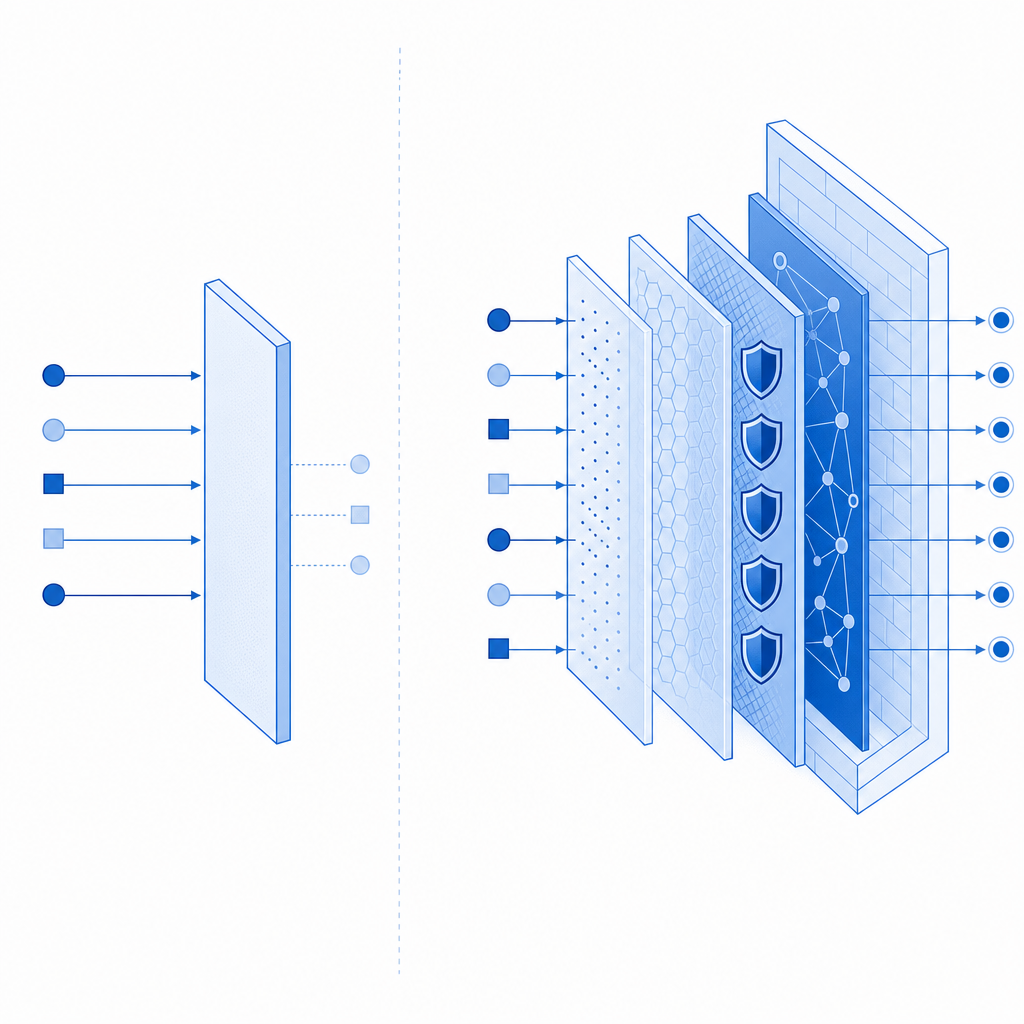
The strengths and weak spots of captcha letters
Captcha letters are popular because they’re cheap and familiar, but they have a clear profile of strengths and weaknesses. Here’s a compact comparison:
| Aspect | Captcha letters | Modern adaptive challenges |
|---|---|---|
| User familiarity | High | Medium to high |
| Accessibility | Variable | Often better when designed well |
| Bot resistance | Moderate | Usually stronger |
| Implementation effort | Low | Medium |
| UX friction | Can be noticeable | Can be lower when risk-based |
| Replay resistance | Depends on backend design | Usually stronger |
If you’re still using captcha letters, the question is not whether they are “obsolete.” The real question is whether they are configured as a disposable step or as a reusable, guessable gate. Common weak points include:
Static answers or predictable transforms
If the letters are easy to pattern-match, OCR and automation can do a lot of the work.No server-side verification
Client-only checks are easy to tamper with. Verification must happen on the server.No expiration window
A challenge should expire quickly, ideally in seconds or a very small number of minutes.No context binding
The answer should be tied to a specific action, session, and ideally the client IP or other stable request metadata.Overuse
If every user sees a challenge on every action, you create friction that users learn to hate and bots learn to farm around.
This is where services like CaptchaLa come in handy for teams that want a lower-friction challenge layer with server validation and SDK support across web and mobile. The point is not to replace every other control; it’s to make the human check fit cleanly into a broader defense model.
How defenders should validate a challenge
A solid captcha letters flow has a clean trust boundary: the client presents a response, but the server decides whether it is valid. That matters because the client is the least trustworthy place to enforce security.
A typical validation loop looks like this:
- Render or issue a challenge when risk is elevated.
- Store or sign the expected response server-side.
- Collect the user’s answer.
- Submit the answer to a validation endpoint.
- Accept or reject based on the validation result and additional signals.
For example, a backend integration might validate a pass token and client IP like this:
# English comments only
curl -X POST https://apiv1.captcha.la/v1/validate \
  -H "Content-Type: application/json" \
  -H "X-App-Key: your_app_key" \
  -H "X-App-Secret: your_app_secret" \
  -d '{
    "pass_token": "token_from_client",
    "client_ip": "203.0.113.42"
  }'
That pattern is useful because it keeps sensitive trust decisions on the server. If your app also uses step-up flows, the same style of validation can be used before account creation, password reset, or checkout confirmation.
For teams integrating at the platform layer, CaptchaLa supports native SDKs for Web (JS, Vue, React), iOS, Android, Flutter, and Electron, plus server SDKs like captchala-php and captchala-go. It also supports multiple UI languages, which matters if your app serves users across regions and you want the challenge itself to remain understandable instead of becoming another source of confusion.
Where captcha letters fit alongside reCAPTCHA, hCaptcha, and Turnstile
Most teams comparing challenge systems are not asking for a religious debate; they’re asking what fits their traffic, compliance constraints, and UX goals.
- reCAPTCHA is widely known and often easy to recognize, but the exact experience and risk model may not suit every product.
- hCaptcha is often chosen when teams want a familiar challenge pattern and a different vendor posture.
- Cloudflare Turnstile focuses on a lower-friction user experience and can be attractive when you already use Cloudflare services.
Captcha letters, by contrast, are the most literal form of “prove you’re human by reading and typing.” That can be fine for specific high-friction or high-abuse flows, but many teams now prefer adaptive or token-based approaches for everyday traffic. The best choice depends on your audience and abuse pattern, not on brand familiarity alone.
A practical way to think about it:
- Use captcha letters when you need a simple human checkpoint and can tolerate some friction.
- Use adaptive challenge systems when you want to reduce unnecessary prompts.
- Combine either approach with rate limiting, IP reputation, and server-side validation.
If you are evaluating implementation details rather than marketing claims, the docs are the fastest place to see the integration shape, while pricing helps you map expected volume to plan tiers without guessing.
Implementation details that matter more than the letters themselves
The visible challenge is only half the story. A good defender thinks about the operational edges:
- Expiration: make challenge tokens short-lived.
- Replay protection: reject reused tokens.
- Telemetry: log challenge issuance, validation outcome, and abuse spikes.
- First-party data only: keep your decisioning based on data you control.
- Fallbacks: handle network failures gracefully so legitimate users are not stranded.
If you issue a server token for a challenge, you should also tie it to a specific action and ensure it can’t be repurposed elsewhere. For issuance, a backend might call:
POST https://apiv1.captcha.la/v1/server/challenge/issue
That gives you a controlled way to generate the challenge state before the client renders it. On the client side, a loader can be fetched from:
https://cdn.captcha-cdn.net/captchala-loader.js
The reason to care about these details is simple: bots usually win when defenders leave gaps between issuance, presentation, and validation. Close those gaps, and even basic captcha letters become much more useful.
When to keep captcha letters, and when to move on
Captcha letters still make sense when you want a lightweight proof-of-human step, especially on low-to-medium risk actions or legacy flows where a quick integration matters. They are less ideal when you need high accessibility, minimal friction, or dynamic risk scoring across many request types.
A good rule of thumb is to keep them only if they are:
- short-lived
- server-validated
- tied to context
- paired with rate limits
- used selectively, not everywhere
If you want to build that kind of flow without stitching together a dozen ad hoc controls, start with the docs and the plan that matches your traffic. Where to go next: see docs for integration details or review pricing to estimate fit for your volume.