
Captcha letters and numbers are a common element of CAPTCHA challenges designed to tell humans and automated bots apart. By requiring users to enter distorted or obscured characters, these puzzles test whether the respondent is a real person or a malicious automated program trying to abuse web forms, sign-ups, or transactions. But how exactly do these letter-and-number CAPTCHAs function, and what makes them effective for online security?
What Are Captcha Letters and Numbers?
Captcha challenges often present a series of letters and numbers that users must correctly input to proceed. These characters are displayed in a way that is intentionally difficult for automated systems to interpret but still readable for most humans. Common distortions include warping, noise overlays, background clutter, and varying fonts.
This approach relies on the difficulty bots face in performing reliable optical character recognition (OCR) when characters have been deliberately obscured. The combination of letters and numbers adds unpredictability, increasing the challenge’s overall complexity.
Typical Uses of Letter and Number CAPTCHAs
- Preventing automated account registrations
- Blocking bot-driven content scraping and spam submissions
- Protecting login pages from brute-force attacks
- Securing e-commerce checkout processes
By requiring users to complete this test, websites gain a layer of defense against automated abuse, helping maintain platform integrity.
How Letter and Number CAPTCHAs Work Technically
At the core, these CAPTCHAs present a challenge image or interactive widget containing alphanumeric characters generated at random.
- Generation: Random sequences of letters (A-Z or a-z) and numbers (0-9) are created server-side or by the CAPTCHA provider.
- Obfuscation: These characters are rendered with distortions to hamper automated reading—this can include rotation, overlapping lines, pixel noise, or background textures.
- Presentation: The challenge is sent to the user’s browser as an image or embedded interface using JavaScript or SDKs.
- User Input: The user transcribes the characters into an input box.
- Validation: On submission, the server compares the user’s input with the original sequence to confirm a correct match.
The key is that people can decipher these distorted characters much easier than current bots, which struggle with low-quality OCR under noisy conditions.
Example Workflow Using CaptchaLa
// Load CaptchaLa widget
<script src="https://cdn.captcha-cdn.net/captchala-loader.js"></script>

// Initialize CAPTCHA
const captcha = new CaptchaLa({
  elementId: 'captcha-div',
  language: 'en',  // Supports 8 UI languages
  onSuccess: (token) => {
    // Submit form with captcha token for server validation
    fetch('https://apiv1.captcha.la/v1/validate', {
      method: 'POST',
      headers: {
        'X-App-Key': 'your-app-key',
        'X-App-Secret': 'your-app-secret',
        'Content-Type': 'application/json'
      },
      body: JSON.stringify({
        pass_token: token,
        client_ip: 'user-ip-address'
      })
    }).then(response => {
      if (response.ok) {
        // Proceed after successful validation
      }
    });
  }
});
Letter and Number CAPTCHAs vs. Other Types
There are several CAPTCHA formats, each with pros and cons. Here’s how letter-and-number versions compare:
| CAPTCHA Type | Description | Strengths | Common Use Cases |
|---|---|---|---|
| Letters and Numbers | Characters distorted visually to textbox | Simple, language-agnostic, widely supported SDKs | Web form validation, bot-blocking |
| reCAPTCHA (Google) | Includes invisible and checkbox, image tasks | Easy UX, strong AI detection | Most general-purpose sites |
| hCaptcha | Similar to reCAPTCHA, privacy focused | Privacy-compliant, monetized challenges | Privacy-sensitive sites |
| Cloudflare Turnstile | Transparent bot-detection without puzzles | Frictionless UX, low user disruption | Sites favoring seamless UX |
CaptchaLa offers native SDKs for Web (JS/Vue/React), iOS, Android, Flutter, and Electron, plus backend SDKs like captchala-php and captchala-go. This flexibility allows developers to integrate letter-and-number CAPTCHAs in the languages and frameworks best suited to their apps.
Improving CAPTCHA Usability and Security
While letter-and-number CAPTCHAs are effective, poor implementation can cause frustration or accessibility issues. To enhance usability without sacrificing security:
- Adjust distortion dynamically: Tune the difficulty to balance bot-resistance with human readability.
- Provide audio alternatives: Help visually impaired users access the challenge through sound.
- Limit attempt failures: Block IPs or require cooldowns after multiple failures to deter brute force.
- Use analytics for bot patterns: Monitor suspicious traffic and adapt challenge presentation.
- Leverage first-party data only: As CaptchaLa does, avoiding third-party tracking enhances privacy and compliance.
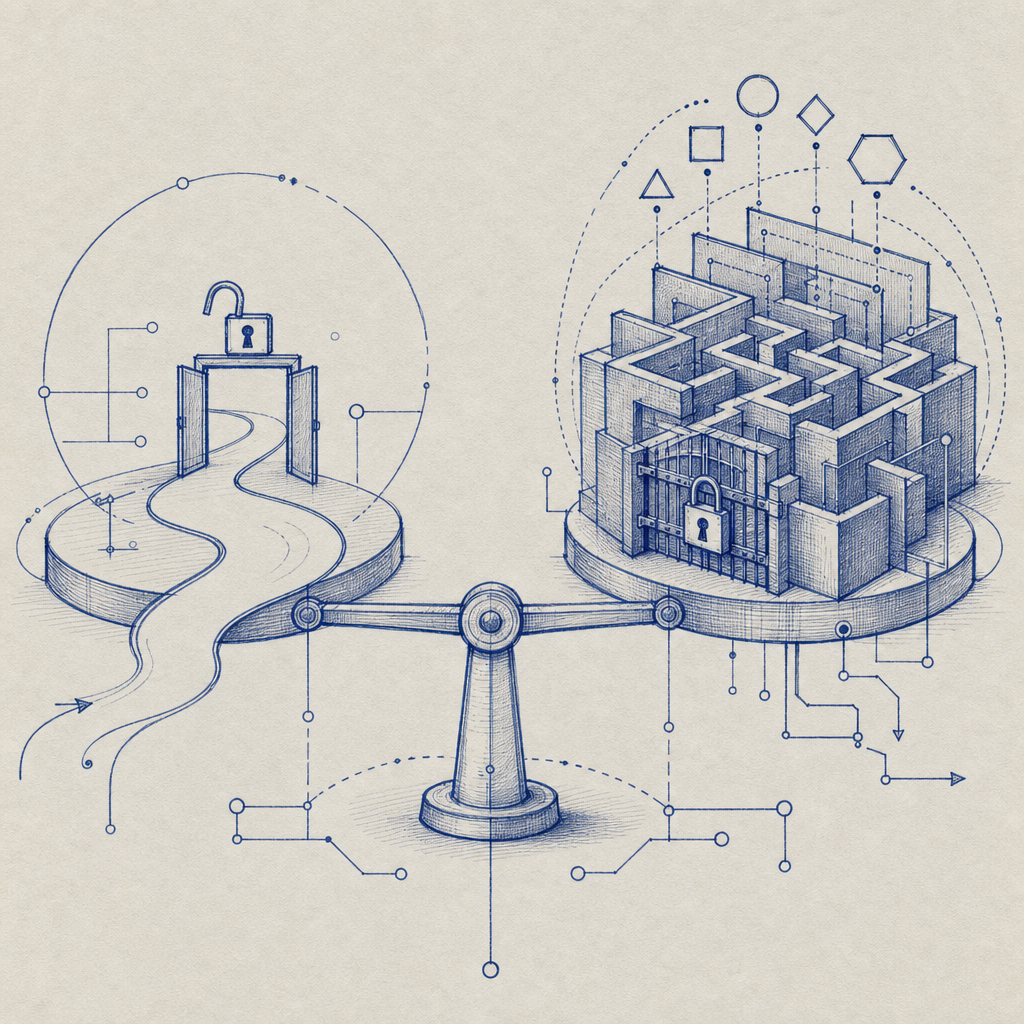
Consider user experience alongside defense. Some challenges, like Cloudflare Turnstile, minimize user friction but may integrate with more complex heuristics behind the scenes. Letter-and-number CAPTCHAs remain a clear, understandable defense tool appreciated by many sites.
Why Choose CaptchaLa for Letter and Number Challenges?
CaptchaLa specializes in straightforward, effective CAPTCHA solutions emphasizing developer flexibility and privacy. Their letter-and-number CAPTCHA options come with:
- Easy integration via CDN loader and multiple SDKs
- Support for 8 UI languages to cover global users
- Server-side validation API with secure token exchange
- Generous free tier and scalable pricing plans (details here)
While competitors like Google’s reCAPTCHA offer broader multi-modal challenge options, CaptchaLa provides a focused, minimalist approach ideal for developers who want control and transparency.
For technical details, see the CaptchaLa documentation which includes examples and API references.
Letter and number CAPTCHAs remain a foundational component of bot defense. By combining carefully crafted distortions with secure validation workflows, they reliably separate humans from automated threats without excessive user burden. Exploring a provider like CaptchaLa gives you a practical way to implement these challenges across platforms and languages.
Ready to put letter-and-number CAPTCHAs to work on your site? Learn more about how to get started or explore pricing plans to fit your needs at CaptchaLa pricing. For deeper integration guidance, the documentation is a great place to begin.