
If you need a bot anti link whatsapp strategy, the short answer is: protect the destination link, verify the visitor before sensitive actions, and rate-limit abuse at the server edge. WhatsApp links get copied, forwarded, scraped, and re-used in ways that make them attractive to bots, so the goal is not to stop every click — it’s to make automation expensive and low-value.
That matters whether you share sign-up pages, referral links, invite URLs, or customer support entry points. The most effective defense is usually a layered one: human verification for suspicious traffic, server-side validation for trusted actions, and basic abuse controls like IP throttling and one-time tokens. For teams that want a lighter integration path, CaptchaLa can fit into that flow without turning the user experience into a maze.
Why WhatsApp-shared links attract bots
WhatsApp is a high-trust sharing channel, which is exactly why bad traffic likes it. A link can move from one person to many groups in minutes, and once it escapes the original context, automation can start probing it for weaknesses. Typical abuse patterns include fake account creation, coupon harvesting, spam submissions, and repeated opening of pages that trigger expensive backend work.
For defenders, the important point is that a “link” is rarely just a link. It may lead to:
- a registration form with SMS or email OTP
- a promo page with limited redemptions
- a private community invite
- a lead form that feeds your sales pipeline
- a redirect that unlocks a one-time resource
If any of those actions have value, bots will try to scale them. That’s why bot anti link whatsapp protection should focus on the moments that matter, not on blocking every page view.
What makes this different from normal web bot defense
A public landing page can tolerate some bot traffic. A WhatsApp-shared invite or referral link often cannot. The traffic profile is different:
- The audience is bursty: many clicks arrive at once after a forward or group post.
- The URL is often short-lived: the value window is narrow.
- The abuse surface is concentrated: one link may gate a single high-value action.
- The user journey is mobile-heavy: friction has to be minimal.
That means a generic “add a CAPTCHA somewhere” approach often misses the mark. You want to place protection at the exact point where automation becomes expensive.
A practical defense pattern for shared links
A good pattern is to let everyone view the landing page, but require verification only before the sensitive step. This keeps the first click fast and readable while protecting the action that matters.
Here’s a simple architecture:
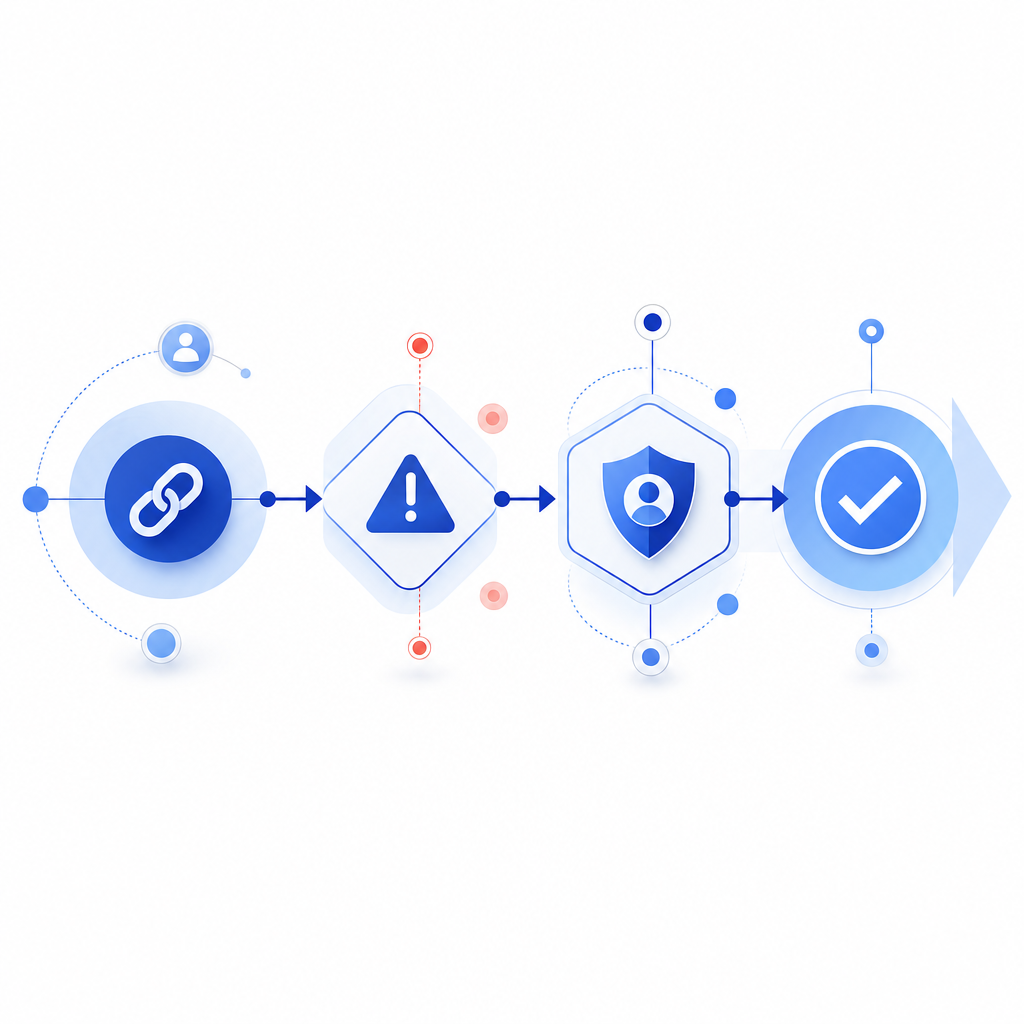
1. User opens WhatsApp-shared link
2. Backend issues a short-lived server token
3. If risk is low, allow the action directly
4. If risk is high or repeated, request human verification
5. Validate the proof on the server before completing the action
A few implementation details make this much stronger:
- Use short-lived tokens. If a link is meant to be single-use or time-boxed, issue a server token and expire it quickly.
- Validate server-side. Don’t trust a browser flag alone. Confirm the pass token with your backend.
- Bind to context. Include the client IP when it helps your fraud model, and pair the token with the action being requested.
- Throttle retries. Rate-limit failed attempts by IP, device fingerprint, or account identifier.
- Escalate only when needed. Reserve the challenge for suspicious requests or repeated behavior.
For example, a server validation call can be designed around a simple exchange using pass_token and client_ip, authenticated with your app credentials. CaptchaLa documents a validation endpoint and native SDKs for Web, iOS, Android, Flutter, and Electron, which makes it easier to keep the flow consistent across mobile and desktop surfaces. The service also supports 8 UI languages, which helps when the link is shared across regions.
Example decision table
| Traffic signal | Suggested action | Why |
|---|---|---|
| First visit, no abuse history | Allow or soft-check | Reduce friction for real users |
| Repeated clicks from same IP | Challenge | Common pattern in automated probing |
| Token reused after expiry | Reject | Prevent replay |
| High-value action after forward spike | Verify server-side | Shared links are prime targets |
| Failed challenge retries | Throttle | Slow down automation |
Choosing the right verification layer
There are several ways to add human verification, and the right choice depends on your product, traffic volume, and UX tolerance.
| Tool | Strengths | Tradeoffs | Typical fit |
|---|---|---|---|
| reCAPTCHA | Widely recognized, familiar to many teams | Can add visual friction; depends on Google ecosystem | General web forms |
| hCaptcha | Strong bot defense posture, flexible challenge options | Some users still see friction | Abuse-prone signups and forms |
| Cloudflare Turnstile | Low-friction, often invisible to users | Best when your stack already leans on Cloudflare | Edge-protected pages |
| CaptchaLa | SDK coverage across web/mobile/desktop; server validation and token flow | Requires integration work like any dedicated control | Shared links, mobile flows, custom defenses |
The right lesson here is not “pick one forever.” It’s to place the lightest possible check at the riskiest point. If your WhatsApp-linked page only shows information, you may not need a challenge at all. If it creates accounts, unlocks bonuses, or sends an OTP, verification should sit right before that action.
CaptchaLa’s server-token flow is useful when the link itself should be treated as a controlled object. You can issue a token at POST https://apiv1.captcha.la/v1/server/challenge/issue, then validate the proof at POST https://apiv1.captcha.la/v1/validate with {pass_token, client_ip} and your X-App-Key / X-App-Secret. That design keeps the decision on your side of the fence, where it belongs.
Implementation notes that reduce abuse without hurting users
If you’re building bot anti link whatsapp defenses, focus on the pieces attackers find annoying and users barely notice.
1) Keep the challenge contextual
Don’t challenge every visitor by default. Trigger it when:
- the same link is hit many times in a short window
- the action has monetary or referral value
- the source pattern looks automated
- the token has already been redeemed
This keeps legitimate forwarding behavior intact while forcing suspicious traffic through a proof step.
2) Log by action, not just by page view
A shared link can be opened many times without harm. What matters is:
- who attempted the protected action
- whether the token was valid
- how often the same identifier retried
- whether the backend accepted or rejected the result
This is where server-side validation pays off: you get a clean audit trail for the actual business event.
3) Make mobile friction small
Most WhatsApp traffic lands on phones. If your verification step is clumsy on mobile, real users will bounce. Prefer SDK-backed flows and responsive challenge layouts. CaptchaLa provides native support for Web JS/Vue/React, iOS, Android, Flutter, and Electron, which can help you keep the same verification logic across platforms.
4) Respect data minimization
Use only the data you need for abuse prevention. The product facts available for CaptchaLa emphasize first-party data only, which is a useful principle for any verification system: collect the minimum needed to decide, retain it appropriately, and avoid extra exposure.

A simple server-side pattern you can adapt
Below is a minimal example of how a backend might structure the check before completing a sensitive action:
// English comments only
async function allowSharedLinkAction(req) {
  const passToken = req.body.pass_token;
  const clientIp = req.ip;

  if (!passToken) {
    return { allowed: false, reason: "missing_token" };
  }

  const response = await fetch("https://apiv1.captcha.la/v1/validate", {
    method: "POST",
    headers: {
      "Content-Type": "application/json",
      "X-App-Key": process.env.CAPTCHALA_APP_KEY,
      "X-App-Secret": process.env.CAPTCHALA_APP_SECRET,
    },
    body: JSON.stringify({
      pass_token: passToken,
      client_ip: clientIp,
    }),
  });

  const result = await response.json();

  if (!result.valid) {
    return { allowed: false, reason: "verification_failed" };
  }

  return { allowed: true };
}
The exact control flow will vary, but the principle is stable: the browser can request a pass, yet the server makes the final decision. That prevents a lot of replay and tampering problems that show up when a link becomes popular in chats.
Where this fits in your stack
If you’re just starting, you can begin with a small free tier and expand as traffic grows. CaptchaLa lists a free tier at 1000 monthly requests, Pro at 50K–200K, and Business at 1M, which gives you room to match the plan to the risk profile of the shared link. If you want the implementation detail, the docs are the right next stop; if you’re comparing usage tiers, the pricing page is straightforward.
The main takeaway is simple: bot anti link whatsapp defense works best when it protects the action behind the link, not the link alone. That keeps your shared campaigns usable for real people and much less rewarding for automation.
Where to go next: review the integration flow in the docs or check plan limits on the pricing page.