
Implementing captcha in Laravel 8 is essential for adding a reliable layer of bot defense to your web applications. Captcha mechanisms help differentiate real users from automated scripts that can abuse forms, login pages, or APIs. In Laravel 8, integrating a CAPTCHA system is straightforward thanks to its clean middleware, service providers, and robust ecosystem support. This article will walk you through the essentials of adding captcha to your Laravel 8 project, highlight best practices, and compare popular CAPTCHA providers including CaptchaLa.
Why Use Captcha in Laravel 8?
Laravel 8 is a popular PHP framework known for its expressive syntax and developer-friendly tools. However, any application accepting user input is vulnerable to automated attacks like spam submissions, brute-force login attempts, and credential stuffing.
Adding CAPTCHA verification helps:
- Prevent fake registrations and spam message posts
- Thwart credential abuse attempts
- Maintain data integrity by filtering automated requests
- Reduce resource load caused by bots
While Laravel 8 itself doesn’t include built-in CAPTCHA solutions, it provides easy ways to integrate third-party services through middleware or custom validation rules.
Options for Captcha Integration in Laravel 8
Several CAPTCHA providers are compatible with Laravel, each with different trade-offs:
| Provider | Key Features | Integration Complexity | Pricing Model |
|---|---|---|---|
| CaptchaLa | Native SDKs, multi-platform clients, privacy-first, supports 8 UI languages | Moderate | Free tier + scalable paid plans |
| Google reCAPTCHA | Widely used, invisible badge option | Easy | Free |
| hCaptcha | Privacy-focused, monetizable challenge | Moderate | Free + revenue share |
| Cloudflare Turnstile | No user interaction, lightweight | Easy | Free |
Each provider varies in usability, user friction, and backend validation APIs. CaptchaLa stands out if you want native support across web, iOS, Android, and Flutter with flexible language options and a straightforward API.
Step-by-Step Guide: Integrating CaptchaLa with Laravel 8
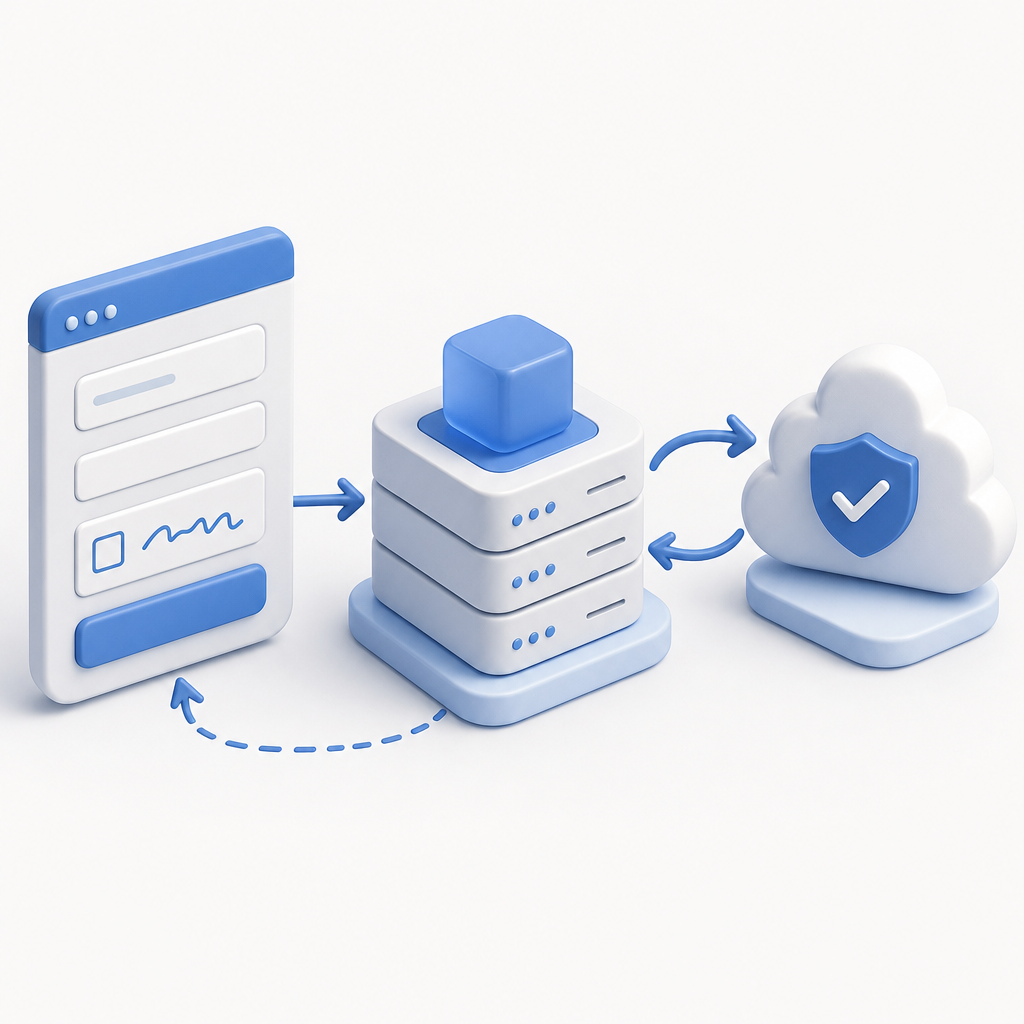
Here's a high-level walkthrough of how you can add CaptchaLa to your Laravel 8 app:
Install CaptchaLa PHP SDK
Use composer to add the server SDK to your project:bashcomposer require captchala/laravel-sdkThis provides helper methods for server-side validation.
Add Captcha Widget on Frontend
Include the CaptchaLa loader in your form blade template:html<script src="https://cdn.captcha-cdn.net/captchala-loader.js" async defer></script> <div id="captchala-widget"></div> <script> window.onload = function() { CaptchaLa.render('captchala-widget', { appKey: '{{ config("captcha.app_key") }}', lang: 'en' }); }; </script>This embeds the CAPTCHA challenge using CaptchaLa’s client-side JavaScript SDK.
Validate Captcha Server-Side
In your form-handling controller, capture thepass_tokenfrom the request and send it to CaptchaLa’s validation endpoint:phpuse CaptchaLa\Client as CaptchaLaClient; public function submitForm(Request $request) { $token = $request->input('pass_token'); $clientIp = $request->ip(); $client = new CaptchaLaClient(config('captcha.app_key'), config('captcha.app_secret')); $response = $client->validate($token, $clientIp); if (!$response->isSuccess()) { return back()->withErrors(['captcha' => 'Captcha verification failed.']); } // Proceed with form logic }Configure Environment Variables
Store your CaptchaLa API key and secret in.env:CAPTCHA_APP_KEY=your-app-key CAPTCHA_APP_SECRET=your-app-secretAnd create a dedicated config file for easy access.
Handle Errors Gracefully
Provide user-friendly messages when captcha validation fails or times out.
Comparing Features: CaptchaLa vs. Other Providers
When deciding which CAPTCHA solution to integrate, consider these factors:
| Feature | CaptchaLa | Google reCAPTCHA | hCaptcha | Cloudflare Turnstile |
|---|---|---|---|---|
| SDK Support | Web, iOS, Android, Flutter, Electron | Web only | Web only | Web only |
| Language Support | 8 UI Languages | Multiple | Multiple | Limited |
| Privacy Focus | First-party data only, minimal tracking | Google data collection | Privacy-focused | Privacy-focused |
| Pricing | Free tier + scalable paid plans | Free | Free + rewards | Free |
| Validation API | POST /v1/validate with app keys | Token verification via Google | Similar API | Token verification |
| User Friction | Challenge-based or invisible | Invisible/reCAPTCHA v3 options | Choice of challenge or invisible | Invisible, minimal friction |
CaptchaLa’s multi-platform SDKs and first-party data approach give it an edge for developers prioritizing data privacy without sacrificing flexibility. Its free tier supports up to 1,000 validations per month, with paid plans scaling from 50K to over 1M.
Best Practices for Captcha Implementation in Laravel 8
Place Captcha on High-Risk Forms Only
Use captchas on signup, login, and contact forms rather than every page to prevent unnecessary friction.Use Asynchronous Loading
Lazy-load CAPTCHA widgets to enhance page performance and avoid blocking critical resources.Validate Tokens Server-Side
Never rely solely on frontend validations — always verify tokens using server-side API calls.Fallback Handling
Provide alternate flow if CAPTCHA service is temporarily unavailable to avoid locking out legitimate users.Monitor and Adjust
Track conversion rates and failed validations to calibrate your CAPTCHA difficulty or switch providers if needed.Respect User Experience and Accessibility
Choose CAPTCHA providers that meet accessibility guidelines and don’t frustrate real users.
Final Thoughts on Captcha in Laravel 8
Integrating CAPTCHA into your Laravel 8 application doesn’t have to be complicated or intrusive. Whether you choose CaptchaLa for its extensive SDK support and privacy-first policies or opt for other well-known players like Google reCAPTCHA, hCaptcha, or Cloudflare Turnstile, the key is balancing security with user convenience.
CaptchaLa offers a solid choice for developers looking to seamlessly add bot defense with flexible client and server SDKs across platforms. Its clear API design and multi-language frontend make it easy to implement and scale as your needs grow.

If you want to dig deeper into CaptchaLa’s features or pricing, check out the detailed docs or explore their pricing plans.
Where to go next? Consider starting with CaptchaLa’s free tier to test integration smoothly in your Laravel 8 environment and evaluate its effectiveness firsthand. This controlled approach lets you fine-tune bot defenses without upfront costs or complexity.