
A block puzzle CAPTCHA is a visual challenge that asks a user to move, rotate, or assemble pieces so a shape, image, or pattern is completed. It is meant to separate humans from bots by relying on perception, spatial reasoning, and interaction patterns that automated scripts often struggle to imitate reliably.
That said, a block puzzle CAPTCHA is not a magic shield. Like any challenge-based defense, it works best as one layer in a broader bot-detection strategy that includes rate limiting, token validation, device signals, and server-side checks. If you are evaluating one for your site, the real question is less “does it work?” and more “does it reduce abuse without making legitimate users quit?”
How a block puzzle CAPTCHA works
At a high level, a block puzzle CAPTCHA presents a partially completed visual target and a set of movable pieces. The user manipulates the pieces until the image or pattern fits correctly. The challenge can be implemented in several ways:
- Drag-and-drop assembly — pieces are moved into a target area.
- Rotation matching — a piece must be rotated to the right orientation.
- Sliding block alignment — blocks are shifted to restore a complete figure.
- Shape matching — users select or place fragments that best fit a silhouette.
What makes this useful from a defender’s perspective is not just the final answer, but the interaction itself. A bot can sometimes mimic clicks; it is much harder to convincingly reproduce natural cursor movement, touch timing, and error correction at scale. Still, sophisticated automation can often pass simple puzzles, which is why modern deployments usually combine the challenge with server-side validation.
A practical implementation should also account for accessibility and localization. For example, CaptchaLa supports 8 UI languages and ships native SDKs for Web (JS, Vue, React), iOS, Android, Flutter, and Electron, which makes it easier to keep the user experience consistent across platforms.
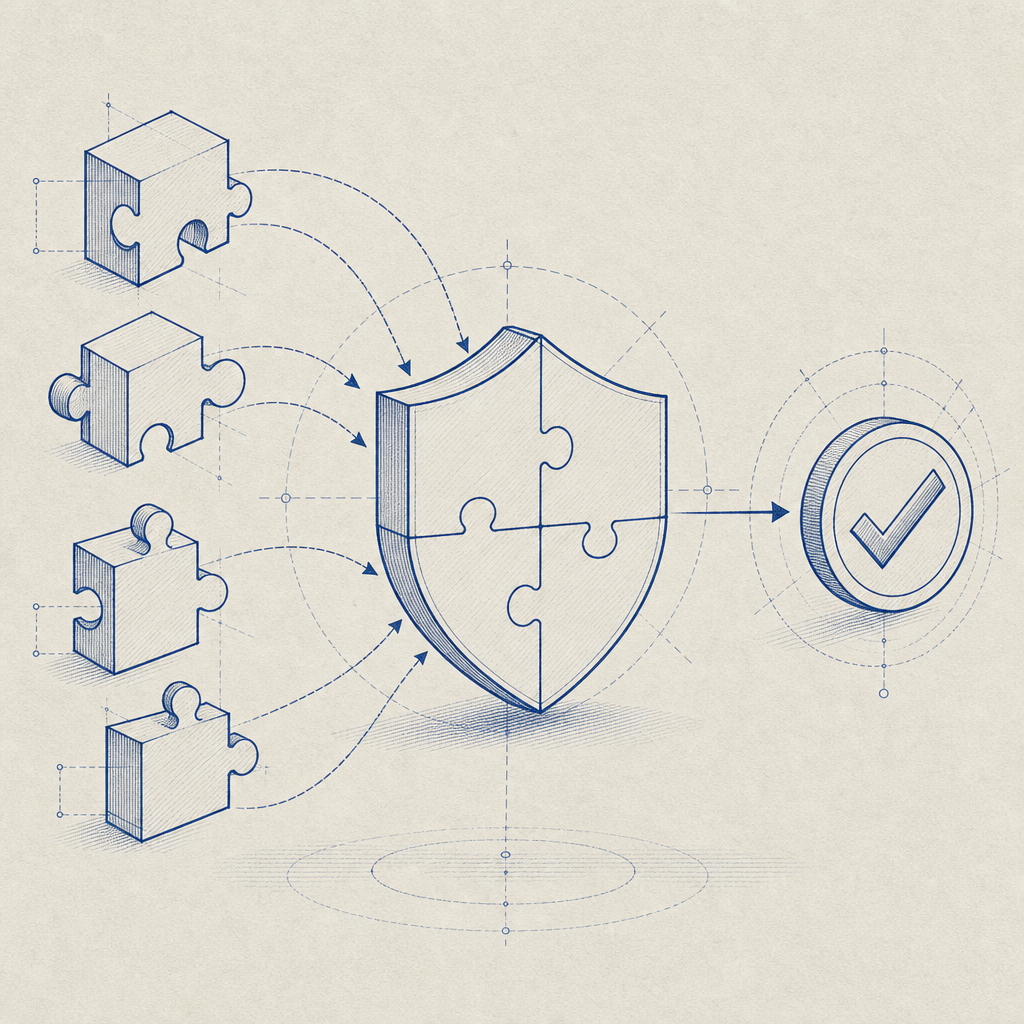
Where block puzzle CAPTCHA fits in modern bot defense
Block puzzle CAPTCHAs are most useful when you need a friction point on sensitive actions: account creation, password reset, checkout abuse, credential-stuffing defense, scraping-heavy endpoints, or high-risk form submissions. They are less attractive for low-risk interactions where every extra second matters.
Here’s a simple way to think about the tradeoffs:
| Option | User friction | Automation resistance | Accessibility considerations | Typical use |
|---|---|---|---|---|
| Block puzzle CAPTCHA | Medium to high | Medium | Needs careful design | High-risk forms, abuse checks |
| reCAPTCHA | Low to medium | Medium | Familiar, but still variable | General web forms |
| hCaptcha | Low to medium | Medium | Can add challenge variety | Fraud checks, signups |
| Cloudflare Turnstile | Low | Medium | Often minimal visible friction | Broad anti-bot coverage |
None of these are universally “better.” The right choice depends on your audience, abuse profile, and tolerance for false positives. A puzzle-based CAPTCHA can feel intuitive on desktop, but on mobile it needs to be extremely polished or users may abandon the flow.
If you are building your own defense stack, keep the CAPTCHA as a gate, not the gate. Good systems verify the challenge result server-side, correlate it with request context, and combine it with signals like IP reputation, velocity, session age, and abnormal browser behavior.
For reference, a server validation flow should look something like this:
# Client completes challenge and receives pass_token
# Client sends pass_token to your backend along with the request

POST https://apiv1.captcha.la/v1/validate
Headers:
  X-App-Key: your_app_key
  X-App-Secret: your_app_secret
Body:
  {
    "pass_token": "token_from_client",
    "client_ip": "203.0.113.10"
  }

# Backend accepts only when validation succeeds
# Never trust the client-side result alone
This kind of server-side check matters because the browser is not your trust boundary. A puzzle challenge without backend verification is just a visual obstacle.
What to watch for when choosing a puzzle challenge
The biggest weakness of puzzle CAPTCHAs is not that they are “easy” or “hard.” It is that they can create the wrong kind of friction. A challenge that feels clever to the security team can still be annoying to real users, especially if it fails on touch devices, screen readers, slower networks, or unusual browser settings.
When evaluating a block puzzle CAPTCHA, ask these questions:
Does it degrade gracefully?
It should handle slow loads, blocked scripts, and partially supported browsers without trapping users.Is the verification server-side?
The client should only collect the interaction; trust should come from backend validation.How often does it appear?
Risk-based triggering is usually better than showing a challenge on every single request.Can it be localized?
Clear instructions matter more than clever visuals, especially across languages.Does it preserve accessibility options?
Challenge-based systems should have alternatives for users who cannot complete visual puzzles.
Puzzle-based vs. token-based approaches
A useful pattern is to separate the visible challenge from the security decision. The challenge produces a pass token, and your backend decides whether to trust it. That gives you room to add rate limits, IP checks, and per-route policies without exposing those rules to attackers.
CaptchaLa’s public loader, for example, is served from https://cdn.captcha-cdn.net/captchala-loader.js, and the backend can validate a pass token through POST https://apiv1.captcha.la/v1/validate using X-App-Key and X-App-Secret. There is also a server-token issuance flow at POST https://apiv1.captcha.la/v1/server/challenge/issue, which is useful when you want your own backend to initiate challenge state.
If you are comparing platform fit, CaptchaLa’s free tier covers 1,000 verifications per month, with Pro at 50K–200K and Business at 1M. For teams that want to keep first-party data only, that can simplify privacy review and operational boundaries.
Implementation notes for developers
A clean implementation usually has two halves: the client widget and the backend validator. The client should load quickly, fail safely, and emit a short-lived token after successful completion. The backend should verify that token before allowing the protected action to proceed.
A typical integration sequence looks like this:
- Render the challenge widget.
- User completes the block puzzle.
- Widget returns a
pass_token. - Client submits
pass_tokenwith the form or API request. - Backend calls the validation endpoint with
client_ip. - Backend accepts or rejects the request based on the validation result.
For mobile or cross-platform apps, SDK availability can matter a lot. CaptchaLa provides native support for iOS and Android, plus Flutter and Electron, and it also offers server SDKs such as captchala-php and captchala-go. On Java, the Maven coordinate is la.captcha:captchala:1.0.2; for iOS, CocoaPods is Captchala 1.0.2; and for Flutter, the package is captchala 1.3.2 on pub.dev.
If you are implementing on your own stack, keep these operational details in mind:
- Use short-lived challenge tokens.
- Validate on the server, not only in the browser.
- Pair the challenge with rate limits and abuse thresholds.
- Log validation failures for tuning, not just blocking.
- Test on desktop, mobile, and slow network conditions.
A block puzzle CAPTCHA can be a reasonable choice when you want a visible, understandable checkpoint. But if your real goal is stopping abuse at scale, the puzzle is only the front line. The actual defense comes from how well the challenge is issued, validated, and combined with the rest of your controls.

Where to go next: if you want to compare plans or read implementation details, see pricing or docs.