
If you want to integrate CAPTCHA protection into your Android app, the first step is obtaining a captcha key for Android. This key authorizes your app to request CAPTCHA challenges from the provider’s servers and validate user interactions. Without it, your app cannot securely verify that its users are human and not automated bots. The captcha key functions much like an API key—uniquely identifying your application and enabling communication with the CAPTCHA service.
This guide walks you through how to get a captcha key for Android, how to use it in your app, and compares popular CAPTCHA providers including CaptchaLa, reCAPTCHA, hCaptcha, and Cloudflare Turnstile.
What Is a Captcha Key for Android?
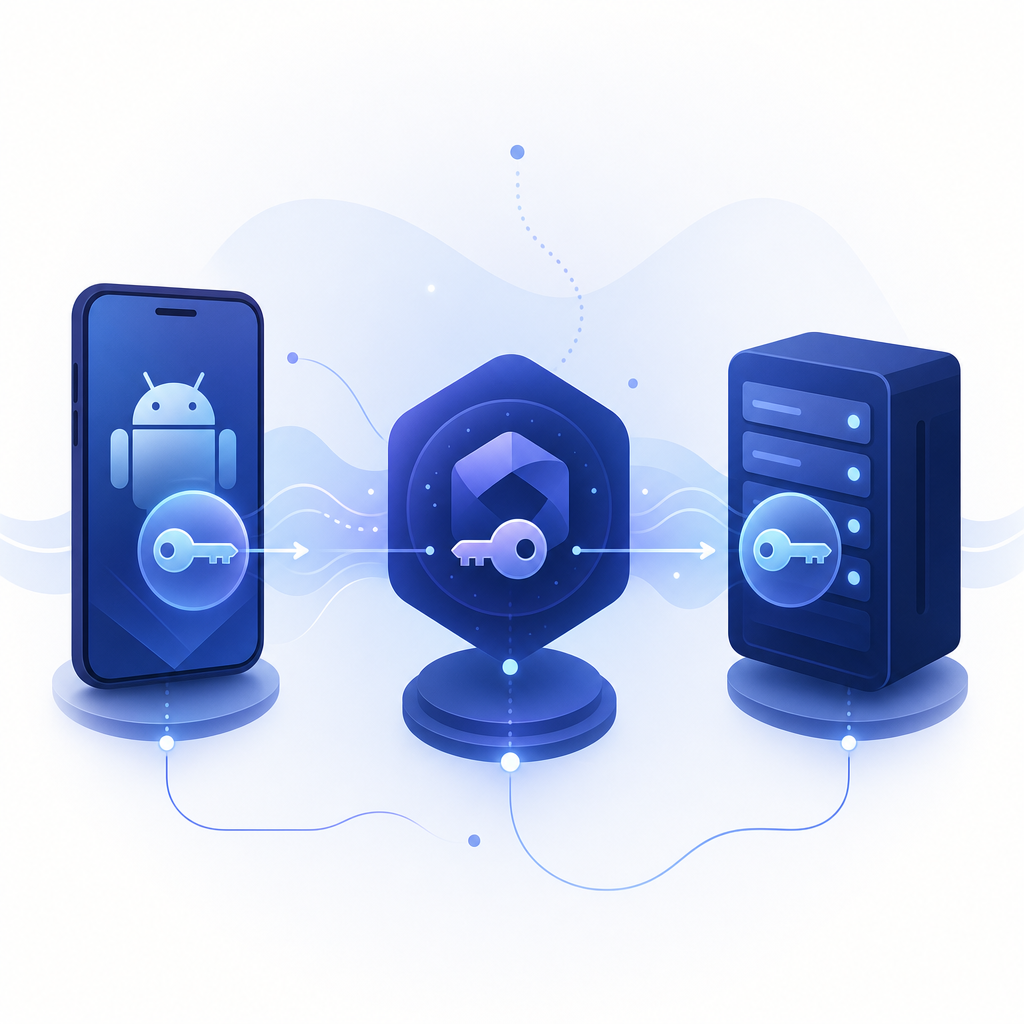
A captcha key is typically issued by a CAPTCHA or bot-defense service when you register your app on their platform. It acts as a credential to use their SDK or API, and is often accompanied by a secret or secret key used server-side to verify challenge responses securely.
For Android apps, keys are usually generated in the service’s developer console and linked to your application's package name and SHA-256 signature. This ensures only your app can use the key, preventing abuse or key theft.
Why You Need a Key for Android
- Authorize CAPTCHA requests: The SDK uses your key to request challenges from the CAPTCHA backend.
- Limit usage & monitor: Providers track usage tied to your key for rate limits and analytics.
- Security: Keys help prevent third parties from falsely posing as your application.
- Validation: Keys work with server-side secrets to enable trusted validation of CAPTCHA responses.
How to Obtain a Captcha Key for Android
While process specifics differ by provider, the general steps are:
- Sign up or log in to the CAPTCHA provider’s developer portal.
- Register a new application and choose “Android” as the platform.
- Enter your Android app’s package name (e.g.,
com.example.myapp). - Upload or generate your app’s SHA-256 certificate fingerprint. This is usually extracted from your signing keystore.
- Select desired security and UI options, such as challenge difficulty or language preferences.
- Submit to generate your site/public key and secret/private key.
- Integrate the site key in your Android app code (client-side) and store the secret key securely on your backend.
Sample Android Integration Steps
// Example initialization snippet using Java SDK for CaptchaLa
// Note: Replace with your real SITE_KEY
String captchaSiteKey = "YOUR_CAPTCHA_SITE_KEY";

CaptchaLa captchaLa = new CaptchaLa.Builder(context)
                       .setSiteKey(captchaSiteKey)
                       .setLanguage("en")
                       .build();

// Load and display CAPTCHA challenge
captchaLa.loadChallenge(new CaptchaLa.Callback() {
   @Override
   public void onSuccess(String passToken) {
       // Send passToken to server for validation
   }
   @Override
   public void onFailure(Exception e) {
       // Handle failure
   }
});
Comparing Captcha Keys from Popular Providers
| Feature | CaptchaLa | reCAPTCHA | hCaptcha | Cloudflare Turnstile |
|---|---|---|---|---|
| Android SDK | Native SDK with Maven package | Android SDK available | Android SDK available | Primarily web-focused, no official Android SDK |
| Free Tier | 1,000 requests/month | Generous free tier | Free tier available | Free tier for many use cases |
| Languages Supported | 8 UI languages | Multiple languages | Multiple languages | English primarily |
| Key Generation Method | Via CaptchaLa dashboard | Google Cloud Console | hCaptcha dashboard | Cloudflare dashboard |
| Data Privacy | First-party data only | Google data policies | Privacy-focused | Cloudflare data policies |
| Validation Endpoint | POST API with keys | POST API with secret | POST API with secret | POST API, token-based |
Choosing the right CAPTCHA key and provider depends on your app’s architecture, privacy considerations, and desired customization.
Best Practices Using Android Captcha Keys Securely
- Never embed secret keys directly in your app code. Store secrets server-side to avoid extraction by attackers.
- Use HTTPS for communications with CAPTCHA services and your backend validation endpoints.
- Validate CAPTCHA tokens server-side immediately upon submission using the secret key.
- Monitor API usage via your CAPTCHA provider dashboard to detect unusual traffic.
- Handle errors gracefully in UI when CAPTCHA challenges fail or are unreachable.
- Keep your app package name and SHA-256 certificate updated with your CAPTCHA provider if you re-sign or update the app.
Using CaptchaLa’s Android SDK and Key Management
CaptchaLa provides a straightforward way to secure your Android app with bot defense. The Android SDK is distributed via Maven (la.captcha:captchala:1.0.2), and the service uses a simple API key and secret pair for secure validation.
To get started:
- Register your app on the CaptchaLa dashboard.
- Obtain your captcha key configured for Android (linked to your package and SHA-256).
- Follow the docs for integration, which guide you from adding the SDK to calling validation endpoints.
- Utilize the free tier to test up to 1,000 requests monthly, which fits many development and low-traffic apps.
CaptchaLa's API for server-side validation requires sending the token and IP to https://apiv1.captcha.la/v1/validate along with X-App-Key and X-App-Secret headers to ensure the challenge response was valid.
Wrapping Up
Getting and using a captcha key for Android primarily involves registering your app with a CAPTCHA provider, configuring the key and package data, and then implementing client SDK and server validation securely. CaptchaLa offers an easy-to-use Android SDK and clear key management with competitive options across free and paid tiers. Comparing providers like reCAPTCHA, hCaptcha, and Cloudflare Turnstile helps identify the best fit for your app’s needs and privacy policies.
Where to go next? Check out CaptchaLa pricing to find the plan that fits your usage and visit the comprehensive docs for detailed implementation guides. Securing your Android app against bots starts with the right captcha key—get yours today and protect your users and resources effectively.