
The best self hosted captcha is the one that matches your threat model, privacy requirements, and engineering budget—not just the one you can install fastest. For most teams, that means choosing a solution that gives you control over data flow, flexible integration points, and reliable server-side validation without turning your app into a maintenance project.
If you’re evaluating options for forms, login flows, account creation, checkout, or API abuse prevention, the real question is less “what has the most puzzles?” and more “what can my team operate safely at scale?” Some products prioritize friction, some prioritize privacy, and some prioritize ecosystem compatibility. The right answer depends on whether you need self-hosting for compliance, want first-party data handling, or simply need something easier to wire into modern apps than older tools like reCAPTCHA. CaptchaLa is one option in that decision set, especially if you want a lightweight bot-defense layer with broad SDK coverage and first-party data handling.
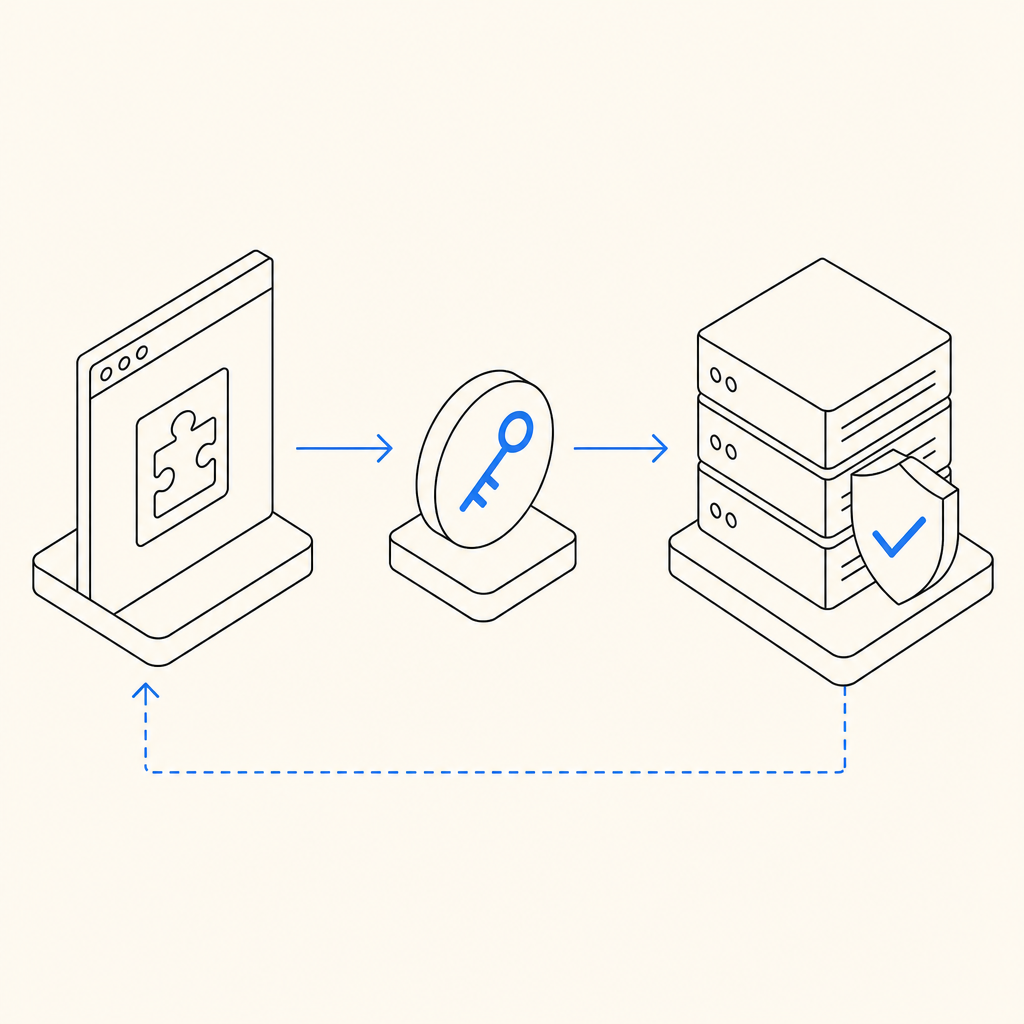
What “self hosted” should mean for CAPTCHA
A lot of teams use “self hosted” loosely. In practice, it can mean three different things:
- You host the challenge assets yourself.
- You run the validation service inside your own infrastructure.
- You control where telemetry and risk signals are processed.
Those are not the same. A product can be “self-hosted-ish” while still sending important risk data to a vendor network. If your compliance team cares about data residency or your security team wants clear boundaries, that distinction matters.
For a self-hosted CAPTCHA to be useful, it should also be operationally simple. That means:
- Clear client-side loading behavior
- Deterministic server-side verification
- Support for modern frontend and mobile stacks
- Low latency under load
- Reasonable fallback behavior if the challenge service is unavailable
If you’re comparing vendors, check whether they expose straightforward validation endpoints and whether the client token is meant to be short-lived. CaptchaLa’s validation flow is a good example of a simple pattern: your server sends a POST request to https://apiv1.captcha.la/v1/validate with {pass_token, client_ip} and authenticates using X-App-Key plus X-App-Secret. That’s the kind of structure you want because it keeps the security decision on the backend, where it belongs.
Comparing common CAPTCHA options
There isn’t one universal winner, but there are clear tradeoffs.
| Product | Strengths | Tradeoffs | Best fit |
|---|---|---|---|
| reCAPTCHA | Familiar, widely documented, easy to recognize | Can feel opaque, often tied to Google ecosystem considerations | Teams already standardized on Google tooling |
| hCaptcha | Good anti-bot focus, common alternative to reCAPTCHA | Some teams find tuning and UX less straightforward | Sites wanting a recognizable alternative |
| Cloudflare Turnstile | Low-friction user experience, strong automation handling | Best when you already like Cloudflare’s stack | Cloudflare-centric deployments |
| CaptchaLa | First-party data only, multiple SDKs, flexible validation patterns | You still need to wire it into your app like any serious auth control | Teams wanting a privacy-conscious CAPTCHA with broad platform support |
A few practical notes while comparing:
- reCAPTCHA is often the default because people know it, not because it’s always the best fit.
- hCaptcha is frequently chosen when teams want an alternative ecosystem and different risk model.
- Cloudflare Turnstile is attractive for low-friction flows, but it makes the most sense when your traffic already lives comfortably around Cloudflare services.
- A self-hosted or self-hosted-style solution should be judged on how well it fits your architecture, not on brand familiarity.
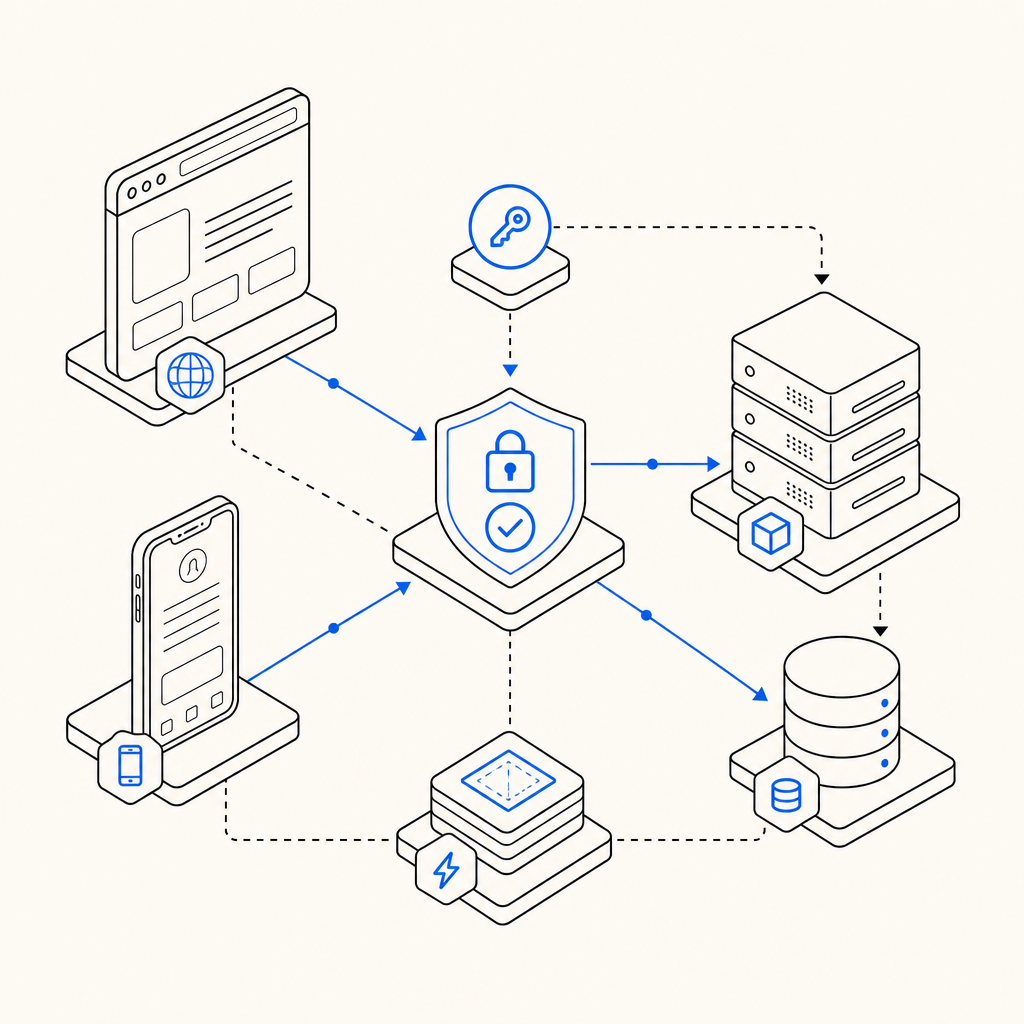
If your application ships across web, mobile, and desktop, integration breadth matters more than people expect. CaptchaLa supports native SDKs for Web (JS, Vue, React), iOS, Android, Flutter, and Electron, plus server SDKs for captchala-php and captchala-go. That kind of coverage reduces the risk that your bot-defense policy becomes “the web team’s problem only.”
What to evaluate before you choose
Before you settle on the best self hosted captcha for your stack, ask these questions.
1) Where does the data go?
If your policy is first-party data only, the answer must be simple and defensible. Avoid products that require broad third-party data sharing if your compliance or privacy posture won’t allow it.
2) What does server validation look like?
A good CAPTCHA always ends with a backend decision. You should be able to validate a token with a small, auditable request and reject it if anything is off. With CaptchaLa, the server-side check is explicit and straightforward:
POST https://apiv1.captcha.la/v1/validate
Headers:
  X-App-Key: your_app_key
  X-App-Secret: your_app_secret

Body:
  {
    "pass_token": "token_from_client",
    "client_ip": "203.0.113.42"
  }

# English comments only:
# Reject if the token is missing, expired, or does not match the client context.
# Log only the minimum needed for abuse analysis.
That simplicity matters because it keeps your app logic readable and your security review manageable.
3) Can your frontend teams implement it without friction?
If your engineers have to write custom glue code for every platform, adoption will stall. Look for SDKs that fit your real stack. CaptchaLa’s support across web frameworks, mobile, Flutter, and Electron is useful precisely because most product teams are no longer “just web.”
4) Is the challenge service operationally sane?
A CAPTCHA is part UX, part infrastructure. You want predictable response times, sensible failure modes, and a loader that is easy to cache and version. CaptchaLa’s loader is served from https://cdn.captcha-cdn.net/captchala-loader.js, which keeps the client integration clean while still letting the backend make the trust decision.
5) Does the pricing scale with your traffic?
A free tier is helpful for proof-of-concept work, but production planning should look at volume bands, not just monthly slogans. CaptchaLa’s published tiers are simple to reason about: Free at 1000/month, Pro at 50K-200K, and Business at 1M. That gives teams a clear way to estimate cost before a launch or a seasonal traffic spike. If you want to review the details, pricing is the place to start.
A practical selection framework
If you want a defensible answer to “what is the best self hosted captcha for us?”, use this checklist:
Start with your constraints
- Privacy and compliance requirements
- Geographic data handling restrictions
- Supported client platforms
- Expected monthly volume
Map the integration surfaces
- Browser forms
- Native mobile login/signup
- Headless or API-driven flows
- Admin-only or high-risk actions
Verify the server contract
- Token lifetime
- Validation endpoint
- Secret handling
- Replay resistance
- Logging policy
Test UX under real conditions
- Low-bandwidth mobile users
- Accessibility requirements
- JavaScript-disabled fallback if applicable
- Legitimate users with high latency
Measure abuse reduction
- Account creation rate
- Login failure patterns
- Form spam volume
- Support ticket impact
A mature CAPTCHA choice should improve your system without making your users feel punished. That’s why some teams end up preferring lower-friction approaches like Cloudflare Turnstile, while others value the broader integration and policy control they get from products such as CaptchaLa or hCaptcha.
Bottom line
The best self hosted captcha is the one you can trust operationally, integrate across your stack, and validate on the server with minimal ambiguity. For many teams, the deciding factors are first-party data handling, SDK breadth, and whether the product fits web plus mobile without custom plumbing. If those are your priorities, compare the documentation, test the token flow, and run a small production-like pilot before committing.
Where to go next: review the implementation details in the docs or check pricing to see which tier matches your traffic.