
If your CAPTCHA keeps spinning without ever completing, it's usually due to a communication or resource-loading problem that prevents the challenge from rendering or validating correctly. This endless spinner often means your browser or client failed to fully load the CAPTCHA widget, encountered network issues contacting the CAPTCHA server, or faced configuration errors on the site. Understanding these root causes and how to diagnose them can save frustrated users and improve your bot-defense effectiveness.
Common Causes of a CAPTCHA That Keeps Spinning
A CAPTCHA spinner signals incomplete loading or validation. Here are the top reasons this happens:
1. Network Connectivity Issues
CAPTCHAs rely on communication between the client browser and the CAPTCHA server. If network requests to load the widget scripts or to validate user responses fail, the widget can get stuck spinning indefinitely.
- Slow or unstable internet connections
- Firewalls or content security policies blocking CAPTCHA domains
- Incorrect DNS or proxy configurations
These issues stop the necessary JavaScript files or token validation requests, preventing successful completion.
2. JavaScript or Resource Loading Errors
Modern CAPTCHAs like CaptchaLa depend on JavaScript libraries and external resource files loading properly.
- Blocking third-party scripts via ad blockers or browser extensions
- Browser security settings restricting cross-site scripting
- Outdated browsers lacking required JS support
A failed script or style load means the UI can’t render the challenge fully and stays in a loading state.
3. Invalid or Expired Tokens
CAPTCHAs often use tokens issued by the server to prove challenge integrity. If these tokens expire before validation or become corrupted during transmission, the verification doesn’t complete.
- Client-side timeout on issued tokens
- Server clocks out of sync causing token validation rejects
- Missing or malformed token parameters in POST validation requests
4. Configuration or Integration Mistakes
Incorrect integration of CAPTCHA SDKs or misconfiguration in API keys, secrets, or domain settings can cause spinning.
- Using wrong or invalid API keys in client SDKs
- Forgetting to include necessary headers like
X-App-KeyandX-App-Secretin server validation requests - Not calling validation endpoints properly after user completes CAPTCHA
Even small typos or mismatches lead to silent failures during the validation process.
5. Browser Compatibility Issues
Though most CAPTCHAs work across browsers, some older versions or restrictive privacy browsers may fail rendering or executing the JavaScript correctly.
- Lack of support for WebAssembly or ES6 syntax
- Strict tracking prevention blocking necessary cookies or storage
- Unusual user agents triggering fallback but incomplete flows
Diagnosing and Fixing a Persistent CAPTCHA Spinner
If you control or maintain the website using CAPTCHA, here is a recommended troubleshooting checklist:
Step-by-Step Troubleshooting
Check Network Tab for Failed Requests
Open browser dev tools (usually F12) and look at the Network panel. Look for failed or pending requests to servers likecdn.captcha-cdn.netor your CAPTCHA validation endpoints.Review Console Logs
JavaScript errors will often explain why the widget can't render or validate. Missing files, CSP violations, or syntax errors will appear here.Verify API Keys and Headers
Confirm your site uses valid API credentials and that server validation POST requests include required headers such asX-App-KeyandX-App-Secret.Test Without Extensions or Ad Blockers
Some browser extensions block third-party scripts leading to incomplete CAPTCHA loads. Try an incognito window or different browser.Ensure Up-To-Date SDKs
Using the latest CaptchaLa SDK versions—available for Web(JavaScript, React, Vue), iOS, Android, and Flutter—helps avoid compatibility issues. For Java:java// Example Maven dependency for CaptchaLa SDK // Coordinates: la.captcha:captchala:1.0.2Confirm Token Lifetimes and Time Sync
If your server validates tokens, ensure your server’s time is synced (e.g., via NTP) and token expiration matches server expectations.Check CORS and CSP Settings
Ensure your site’s Content Security Policy allows scripts and XHR from CAPTCHA domains, includingcaptcha.laand associated CDNs.
Comparing Popular CAPTCHA Solutions on Load Behavior
| Feature | CaptchaLa | reCAPTCHA | hCaptcha | Cloudflare Turnstile |
|---|---|---|---|---|
| Open source SDKs | Yes, multiple langs | Partly open | Partly open | Limited public SDKs |
| Token-based validation | Yes | Yes | Yes | Yes |
| Issue with spinning | Mostly network/config | Sometimes with blockers | Sometimes on extensions | Rare, lightweight tech |
| Multi-language support | 8 UI languages | Multiple | Multiple | Limited |
Each vendor may have rare instances of spinning CAPTCHAs, usually tied to client configuration or network rather than core tech. CaptchaLa emphasizes clean integration and first-party data for reduced failures.
Handling User Frustration and Improving UX
If your users regularly report the "captcha keeps spinning" problem, consider these broader fixes:
Provide Clear Feedback
Show messages like “Checking your connection…” or “Reload CAPTCHA” buttons after a timeout period. This prevents users from waiting indefinitely without guidance.
Auto-Retry Logic
Implement automatic retries to fetch CAPTCHA resources or re-issue tokens if initial attempts fail. This can be integrated into the SDK or in custom JavaScript.
Offer Alternatives
If the CAPTCHA continues to fail, fallback to simpler verification or alternative challenge types (audio, math questions) to ensure accessibility.
Monitor Performance Metrics
Track completion rates and loading times via analytics to promptly detect widespread CAPTCHA failures and address them proactively.
Server-Side Example: Validating Tokens with CaptchaLa
Here’s a simplified server-side (PHP) example of validating a CAPTCHA token with CaptchaLa API:
// POST payload from client
$postData = [
    'pass_token' => $_POST['pass_token'],
    'client_ip' => $_SERVER['REMOTE_ADDR'],
];

// Prepare API credentials
$appKey = 'your-app-key';
$appSecret = 'your-app-secret';

// Set headers
$headers = [
    'Content-Type: application/json',
    "X-App-Key: $appKey",
    "X-App-Secret: $appSecret"
];

// Make HTTP POST request to validate
$ch = curl_init('https://apiv1.captcha.la/v1/validate');
curl_setopt($ch, CURLOPT_POSTFIELDS, json_encode($postData));
curl_setopt($ch, CURLOPT_HTTPHEADER, $headers);
curl_setopt($ch, CURLOPT_RETURNTRANSFER, true);

$response = curl_exec($ch);
curl_close($ch);

$result = json_decode($response, true);
if ($result && $result['success']) {
    // CAPTCHA passed
} else {
    // CAPTCHA failed or stuck spinning due to bad validation
}
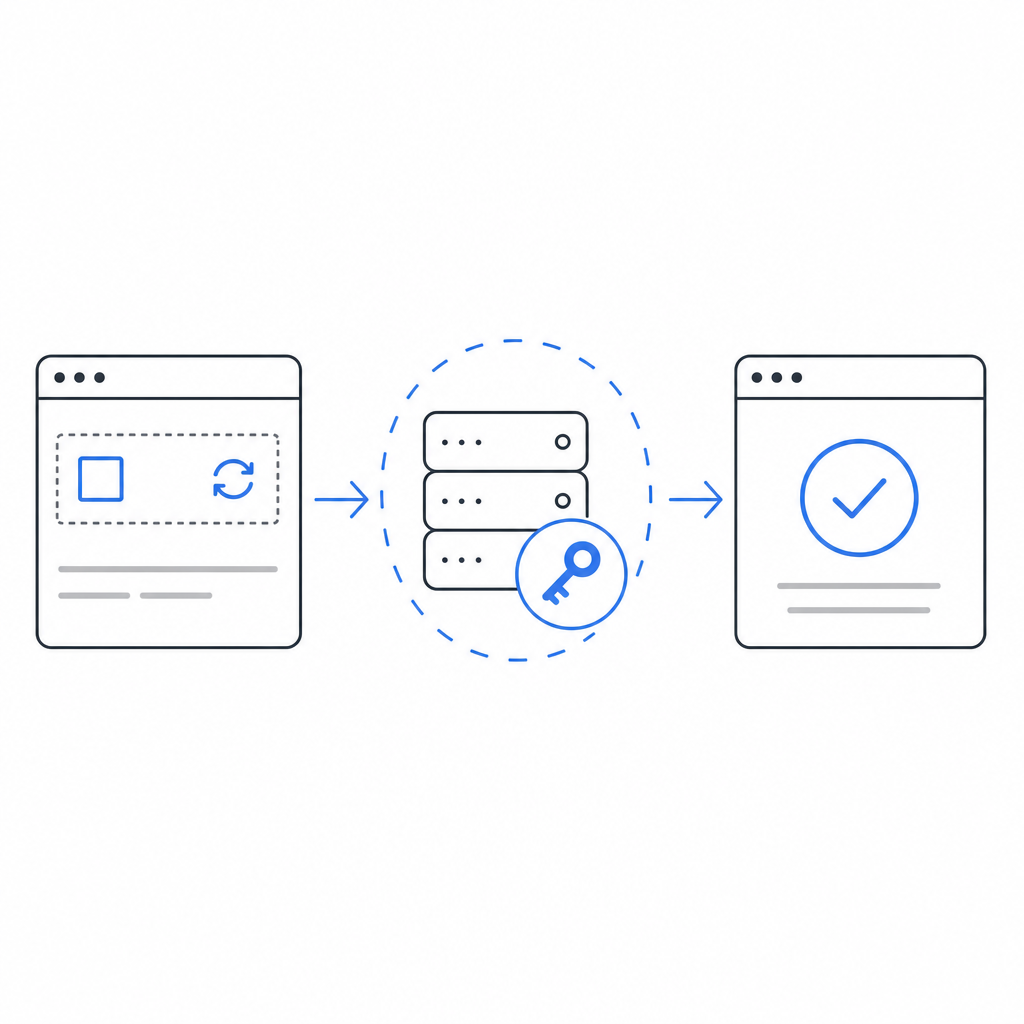
This illustrates the importance of proper token passing and headers to avoid validation errors or infinite waiting states.
Conclusion
A CAPTCHA that keeps spinning is rarely a problem with the underlying CAPTCHA technology itself but usually stems from network errors, script loading problems, expired tokens, or integration oversights. To resolve it, ensure your website has clean, error-free integration, proper API key use, and modern browser compatibility.
Using comprehensive SDKs like those from CaptchaLa, combined with clear error handling and client-side diagnostics, can reduce these frustrating infinite loaders. If you want to explore more technical details or pricing tiers to fit your use case, check out the CaptchaLa docs and pricing page.
Improving CAPTCHA reliability doesn't just help your security—it creates a better experience for your users by keeping bots out without frustrating legitimate visitors.
Where to go next? Visit CaptchaLa Pricing to find a plan that suits your traffic and security needs.