
If a captcha keeps repeating, the problem is usually not the user—it’s the challenge flow. Most repeating-captcha loops come from a validation failure, a stale token, a session mismatch, blocked scripts, or a backend that never marks the challenge as successfully completed. In practice, the fix is to make sure the client, browser, and server are all talking about the same token at the same time.
That sounds simple, but the loop can be caused by several small mistakes at once: double-submitting a form, validating a token too late, reusing an expired challenge, or failing to preserve the client IP or session context your backend expects. The result is a frustrating “prove you’re human” loop that never ends.

Why captcha keeps repeating in the first place
A repeated captcha is a signal that your system is not getting a clean success state. The widget may render correctly, but something in the chain between challenge, token generation, and server validation breaks.
Here are the most common causes:
Token expiration
- Many captcha systems issue short-lived tokens.
- If the form sits idle too long, the token becomes invalid before submission.
Client-side re-rendering
- React, Vue, or other frameworks can re-mount the widget.
- If the captcha component resets on every state change, users see another challenge.
Server-side validation mismatch
- The backend validates a token with the wrong secret, wrong endpoint, or missing client IP.
- A successful-looking frontend interaction still fails server verification.
Blocked or delayed assets
- Ad blockers, privacy extensions, CSP rules, or network filtering can block loader scripts.
- If the captcha script never fully initializes, the form may retry and re-show the challenge.
Session or cookie problems
- If your app expects a cookie-based session but the browser blocks third-party cookies, the completion state may not persist.
- Cross-domain flows are especially prone to this.
Duplicate submissions
- Users click submit twice, or the frontend retries after a timeout.
- The first token is already used, so the second attempt triggers another challenge.
A useful mental model: captcha repetition is often a state-sync bug, not a captcha problem.
How to debug the loop without weakening protection
Start by tracing the lifecycle of one token from page load to backend response. You want to confirm three things: the widget loaded, the challenge completed, and the server accepted the proof.
A practical debugging checklist:
Inspect the network request for validation
- Confirm your backend is posting to the correct validation endpoint.
- For CaptchaLa, validation is sent to
POST https://apiv1.captcha.la/v1/validate.
Verify required payload fields
- Make sure your server sends both
pass_tokenandclient_ip. - Also include
X-App-KeyandX-App-Secretin the request headers.
- Make sure your server sends both
Check token freshness
- Log the timestamp when the challenge is issued and when it is validated.
- If there’s a long delay, the token may have expired.
Watch for frontend remounts
- In SPAs, confirm the captcha component is mounted once per form session.
- Avoid resetting it on unrelated state updates.
Review browser restrictions
- Test with extensions off, then with a clean browser profile.
- If the issue disappears, you likely have an asset-blocking or cookie problem.
Confirm server responses
- A “soft fail” that retries automatically can create a loop.
- On validation failure, surface a clear error instead of re-triggering the same challenge immediately.
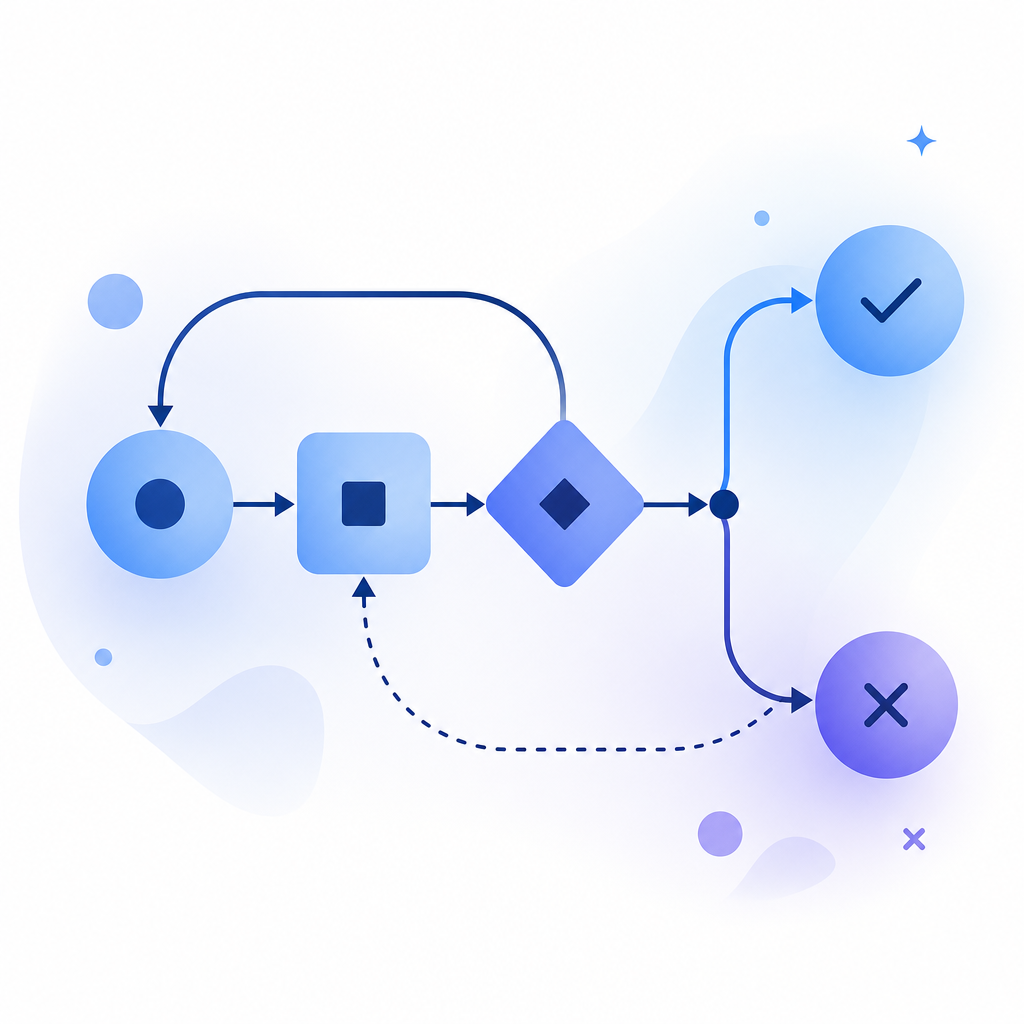
Here’s a simple flow you can use when debugging a repeating challenge:
# English comments only

1. User loads form
2. Loader script initializes captcha widget
3. User completes challenge
4. Client receives pass_token
5. Form submits pass_token + client_ip to backend
6. Backend calls validate endpoint
7. If valid, mark session as passed
8. If invalid, show error once and do not auto-loop
If you’re using a platform-specific SDK, the same principle applies. A mobile app or desktop app can still repeat challenges if the token is generated in one context and validated in another without preserving state.
Client and server mistakes that cause repeated challenges
The repeating behavior often appears when frontend and backend assumptions differ. Below is a quick comparison of common failure modes across different stacks.
| Area | Common mistake | Result | Better approach |
|---|---|---|---|
| Frontend | Re-mounting captcha on every render | New challenge on each state update | Mount once per form session |
| Frontend | Resetting widget after submit click | Token gets invalidated | Reset only after confirmed failure |
| Backend | Validating with wrong secret | Permanent reject loop | Store secrets securely and rotate carefully |
| Backend | Ignoring client_ip when required | Validation mismatch | Pass the IP consistently |
| Network | Blocking loader script | Widget never stabilizes | Allow required CDN/script assets |
| Session | Not storing pass state | Same user challenged repeatedly | Persist success for the intended scope |
If you’re integrating CaptchaLa, the loader is served from https://cdn.captcha-cdn.net/captchala-loader.js, and the server can validate through the documented API flow. The SDK coverage matters here because implementation bugs differ by platform: Web, iOS, Android, Flutter, and Electron all have slightly different lifecycle behavior.
For reference, CaptchaLa also supports server SDKs like captchala-php and captchala-go, plus native package options such as Maven la.captcha:captchala:1.0.2, CocoaPods Captchala 1.0.2, and pub.dev captchala 1.3.2. Those details help when you want to keep the challenge state aligned with the app lifecycle rather than re-running it accidentally.
Preventing repeat loops in production
The best fix is not to “make captcha easier”; it’s to make the verification path deterministic. A user should complete one challenge, your backend should confirm it once, and the session should move forward.
Use a single source of truth for completion
Store a “captcha passed” state in the same session or transaction that owns the form submission. Don’t rely only on frontend flags. If the server hasn’t recorded success, the next request will often look like a new attempt.
Handle failures gracefully
If validation fails, return a clear message and let the user retry deliberately. Avoid any automatic retry mechanism that silently re-renders the widget on the same page load.
Keep challenge scope narrow
Challenge only when risk is elevated:
- account creation
- password reset
- login anomaly
- checkout abuse
- form spam spikes
If every page refresh triggers a new challenge, users will perceive the site as broken. Adaptive challenge placement reduces repetition without reducing protection.
Match the challenge to the surface
Different products handle this differently:
- reCAPTCHA is widely recognized and often integrated into existing Google-centered stacks.
- hCaptcha is frequently chosen for privacy-sensitive deployments and abuse mitigation.
- Cloudflare Turnstile is popular where low-friction checks are preferred.
Those tools can all work well, but the implementation details still matter. The repeating loop usually comes from how the app handles state, not from the brand name on the widget.
A short troubleshooting sequence you can follow
When a captcha keeps repeating, use this order:
Reproduce in a clean browser
- Disable extensions and try an incognito profile.
Check script loading
- Confirm the captcha loader is present and not blocked.
Confirm challenge completion
- Make sure the client receives a token after the user finishes.
Validate immediately
- Submit the token promptly to avoid expiration.
Inspect backend logs
- Look for rejected validation, missing headers, or bad secrets.
Ensure success is persisted
- Mark the session as passed so the same user isn’t challenged again instantly.
Test edge cases
- Slow networks
- page refreshes
- mobile browsers
- multi-tab form submissions
If you want a structured implementation path, the docs are the fastest place to confirm the request format, SDK options, and integration details. If you’re evaluating traffic volume and deployment fit, the pricing page is a quick way to see the free tier and production plans.
For teams that want to keep ownership of the flow while using first-party data only, CaptchaLa is designed around straightforward validation and broad SDK support, which can make these loops easier to diagnose.
Where to go next: review the integration steps in the docs or compare plans on pricing.