
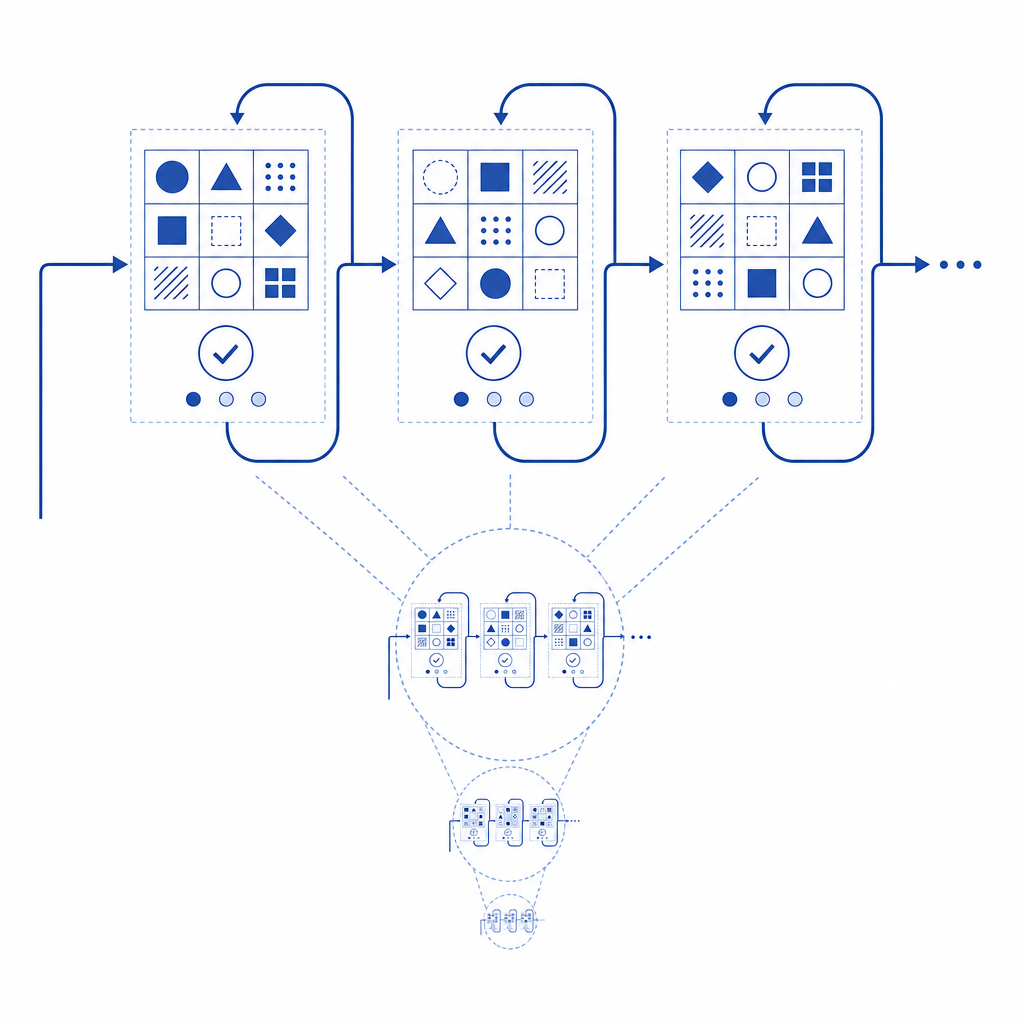
If your CAPTCHA keeps going—meaning it never seems to complete or refreshes repeatedly without success—it's usually a sign of underlying challenges in the bot defense flow. This issue frustrates users and can harm conversion rates or site usability. Simply put, a CAPTCHA "loop" happens when the challenge doesn't resolve or progress to verification, causing users to get stuck. Understanding why this happens and how to address it can save you endless troubleshooting headaches.
Common Reasons Why CAPTCHA Keeps Going
When users face an endlessly cycling CAPTCHA, several technical and contextual factors may be at play:
1. Token Validation Fails Repeatedly
CAPTCHA systems generate a "pass token" once a user passes the challenge, which must be validated server-side. If your backend validation encounters errors—due to expired tokens, misconfigured API keys, or network issues—CAPTCHAs will keep cycling without success.
2. Browser or Client-Side Issues
Client-side problems such as disabled JavaScript, restrictive browser settings, or privacy extensions block CAPTCHA scripts from running properly. Some anti-tracking tools also interfere with cookie storage or third-party script execution, causing the challenge never to complete.
3. Misconfiguration in CAPTCHA Integration
Incorrect implementation of CAPTCHA scripts or SDKs can cause infinite loops. For instance, triggering multiple concurrent instances or failing to handle callbacks properly. Using outdated SDK versions or not verifying server responses accurately are common pitfalls.
4. Automated Bot Behavior Triggers Stricter Checks
When suspicious or repetitive requests originate from the same IP or user agent, CAPTCHA providers may enforce more rigorous or multi-step challenges. This can lead to repeating challenges, especially if the bot defense algorithm suspects malicious activity.
How to Diagnose CAPTCHA Loop Issues
Before trying fixes, identify the root cause of your infinite CAPTCHA loop by following these steps:
Step 1: Test Across Browsers and Devices
Try completing the CAPTCHA in different browsers and devices to see if the issue is isolated to specific environments. If only one browser is affected, check for extensions or JavaScript being disabled.
Step 2: Review Server Logs and Validation Responses
Inspect your server logs for error messages during the CAPTCHA token validation step. Look for common errors such as 401 Unauthorized (wrong API keys) or 400 Bad Request (malformed tokens). Validate that the pass_token is correctly passed and your server calls the validation API at https://apiv1.captcha.la/v1/validate properly.
Step 3: Confirm SDK and Script Versions
Verify you are using the latest CaptchaLa SDKs or libraries, which offer updates and bug fixes. For example, CaptchaLa’s JavaScript loader at https://cdn.captcha-cdn.net/captchala-loader.js and SDKs like captchala-php or captchala-go receive regular maintenance to prevent integration errors.
Step 4: Check Network and Security Policies
Ensure server firewalls, content security policies (CSP), or ad blockers aren’t blocking CAPTCHA validation endpoints or resource loading. Misconfigured CSP headers often block external scripts, causing infinite loads.
Comparison of Popular CAPTCHA Providers Handling of Loops
| Feature/Provider | reCAPTCHA | hCaptcha | Cloudflare Turnstile | CaptchaLa |
|---|---|---|---|---|
| Loop Prevention | Uses risk analysis and adaptive challenges to reduce loops | Employs dynamic difficulty based on bot scores | Lightweight challenges with backend validation | Native SDKs and server token validation to minimize loops |
| SDKs & Language Support | JS, Android, iOS SDKs | JS, Android, iOS SDKs | JS-focused, fewer SDKs | JS, Vue, React, iOS, Android, Flutter, Electron SDKs |
| Validation API | Server-side validation endpoint | Server-side validation endpoint | Server-side validation endpoint | POST https://apiv1.captcha.la/v1/validate with strong security |
| UI Language Options | 10+ languages | 10+ languages | Limited UI language options | 8 UI languages with easy integration |
| Pricing & Free Tier | Free and paid tiers | Free with enterprise plans | Included with Cloudflare services | Free tier 1000/mo, scalable to 1M+ per month |
While providers like reCAPTCHA and hCaptcha are widely used, CaptchaLa’s approach focuses on providing well-documented, flexible SDKs and straightforward server APIs that simplify validation and help prevent endless challenges due to configuration mistakes.
Best Practices to Prevent CAPTCHA Loops
Here are actionable recommendations to minimize CAPTCHA looping on your site or app:
Ensure Accurate Server-Side Validation
Use the dedicated validation endpoint (https://apiv1.captcha.la/v1/validate) with correct headers (X-App-KeyandX-App-Secret), sending thepass_tokenand client IP. Handle error responses gracefully, allowing fallback or retry logic.Keep SDKs Up to Date
Whether you use CaptchaLa’s Maven packagela.captcha:captchala:1.0.2, CocoaPodsCaptchala 1.0.2, or pub.devcaptchala 1.3.2, keeping versions current helps avoid bugs that cause loops.Test in Real-World Environments
Test across multiple browsers, devices, and network conditions to detect issues caused by browser settings or network firewalls.Optimize Challenge Difficulty
Adjust bot detection thresholds to avoid excessive challenge repetition for legitimate users. CaptchaLa and competitors like Cloudflare Turnstile include adaptive difficulty mechanisms.Use Monitoring and Logging
Implement logging around CAPTCHA requests and server responses to rapidly identify bottlenecks or misconfigurations leading to repetitive challenges.
Example: Basic Server Validation Code Snippet (Node.js)
/*
Example illustrating POST request to CaptchaLa validation API
Ensure to replace appKey, appSecret, and passToken with your actual credentials and token
*/
const axios = require('axios');

async function validateCaptcha(passToken, clientIp) {
  const appKey = process.env.CAPTCHA_APP_KEY;
  const appSecret = process.env.CAPTCHA_APP_SECRET;

  try {
    const response = await axios.post(
      'https://apiv1.captcha.la/v1/validate',
      { pass_token: passToken, client_ip: clientIp },
      {
        headers: {
          'X-App-Key': appKey,
          'X-App-Secret': appSecret,
        },
      }
    );
    return response.data.success;
  } catch (err) {
    console.error('CAPTCHA validation error:', err);
    return false;
  }
}
Why Choose CaptchaLa for Reliable CAPTCHA Management?
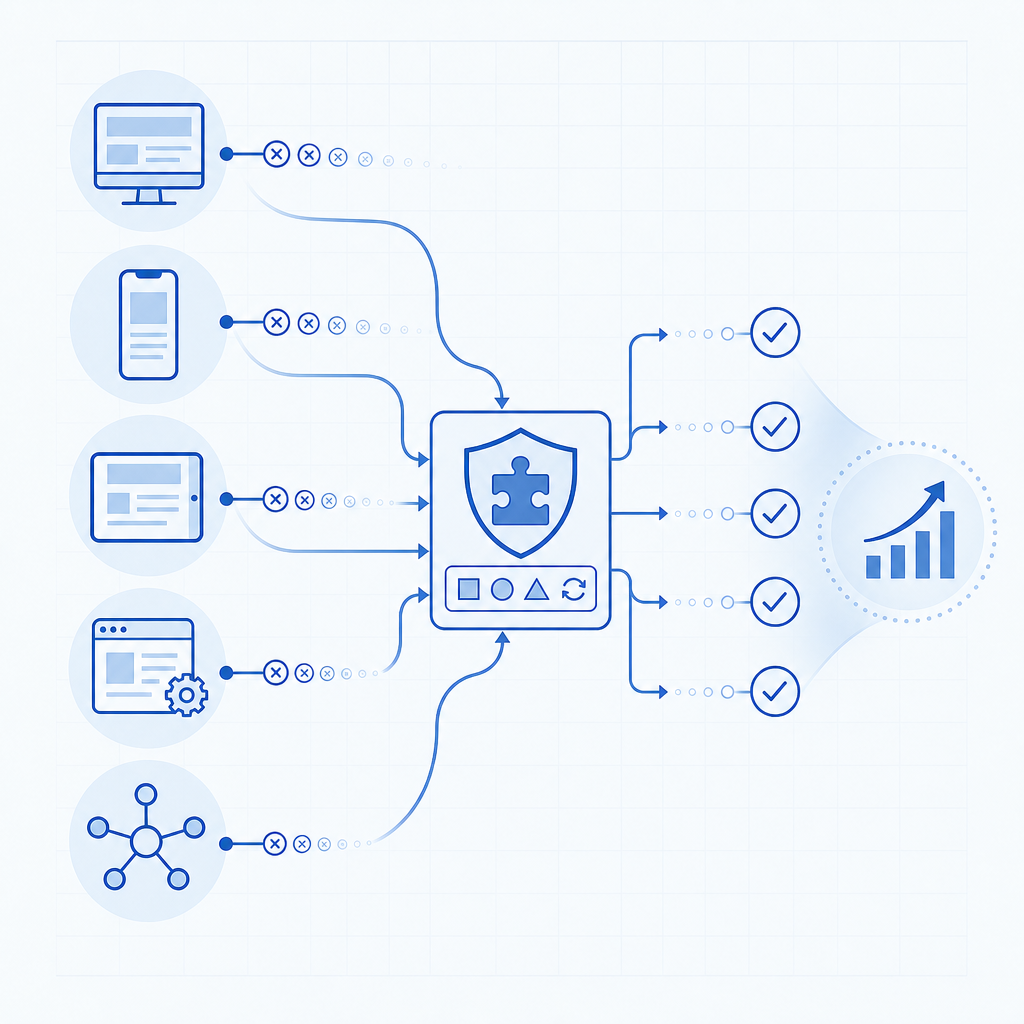
If persistent CAPTCHA loops are a concern, CaptchaLa’s developer-friendly approach may help. With clean, documented SDKs for multiple platforms, flexible customization options, and straightforward API validation, CaptchaLa reduces the common pitfalls that cause endless request cycles. Unlike some competitors that rely on complex risk scoring, CaptchaLa focuses on transparent integration and server-side checks.
For integrations, CaptchaLa supports 8 user interface languages and native libraries for Web (including JS, Vue, React), as well as mobile and desktop platforms like iOS, Android, Flutter, and Electron. This multi-platform support helps maintain consistent CAPTCHA behavior across your user touchpoints.
If you want to dive deeper or consider CaptchaLa for your implementation, check out the pricing options or explore detailed docs for guidance on fixing loops and improving bot defense flows. Proper configuration and monitoring can make CAPTCHA keep going a thing of the past.