
The best captcha website is the one that stops abuse without making real users pay the price. For most teams, that means a CAPTCHA provider with low-friction challenges, clean integration paths, and server-side validation that fits your app architecture—not just a widget that “looks secure.”
If you’re deciding between reCAPTCHA, hCaptcha, Cloudflare Turnstile, or a newer provider like CaptchaLa, the right answer depends on your traffic shape, privacy posture, and how much control you want over the challenge flow. The strongest choice usually balances bot resistance, user experience, and implementation speed.
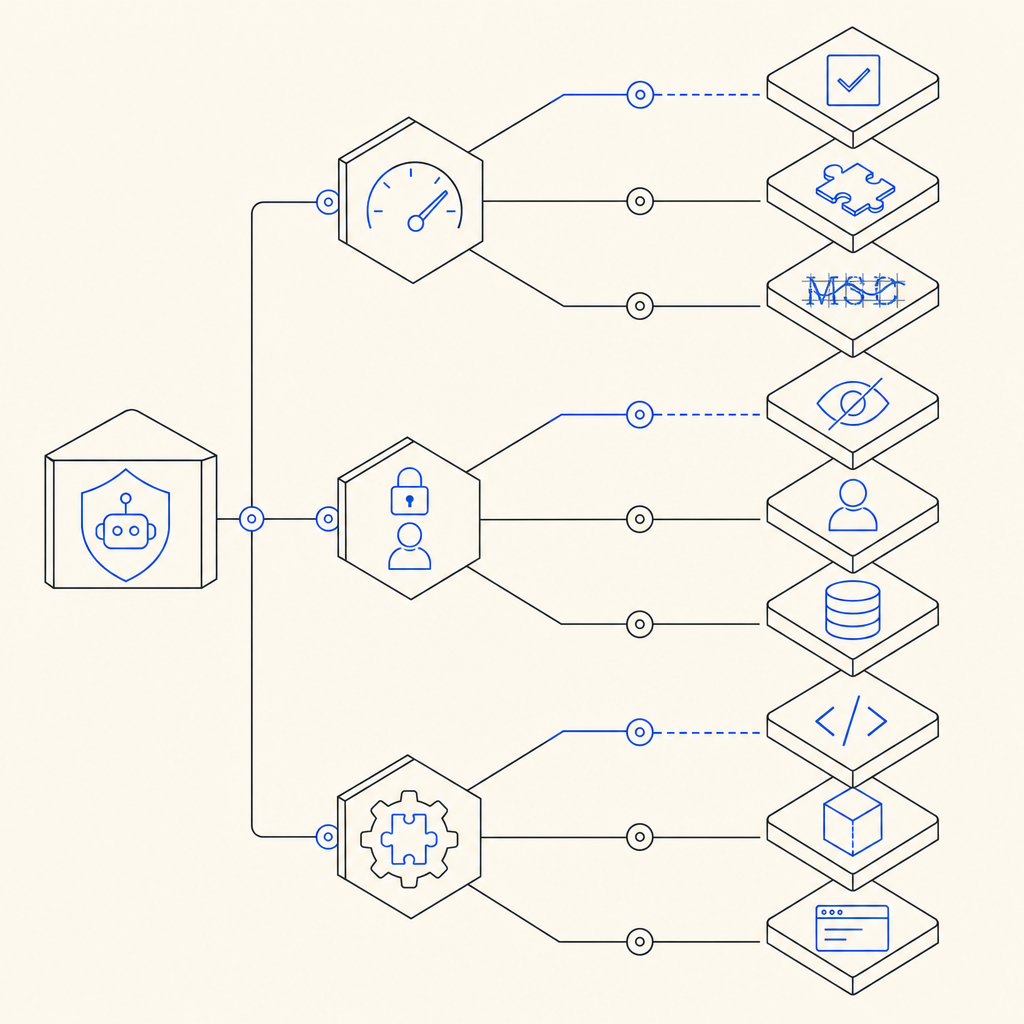
What makes the best captcha website?
A CAPTCHA platform earns that label when it reduces abuse without creating support tickets. That sounds obvious, but the details matter. The site or API should make it easy to:
- Protect signup, login, checkout, or comment flows with a challenge that users can complete quickly.
- Validate responses server-side so trust decisions are made on your backend, not just in the browser.
- Fit into your stack with SDKs, stable endpoints, and clear documentation.
- Respect privacy and data-minimization goals.
- Scale from test traffic to production traffic without forcing a migration later.
For many teams, “best” also means “least disruptive.” A CAPTCHA that blocks bots but frustrates mobile users or breaks accessibility is a tradeoff, not a win. That’s why it helps to compare products by integration model, supported platforms, and operational overhead—not just by brand recognition.
Comparing common CAPTCHA options
Here’s a practical way to think about the main choices:
| Provider | Typical strength | Developer fit | Notes |
|---|---|---|---|
| reCAPTCHA | Familiar, widely deployed | Easy to find examples | Often chosen for default familiarity; some teams prefer alternatives for privacy or UX reasons |
| hCaptcha | Flexible and common on high-traffic sites | Solid docs and integrations | Often selected when teams want a different risk profile than reCAPTCHA |
| Cloudflare Turnstile | Low-friction user experience | Good if you already use Cloudflare | Works well when you want invisible or near-invisible checks |
| CaptchaLa | First-party data focus, broad SDK coverage | Web, mobile, and server SDKs | Useful when you want one provider across frontend and backend flows |
No provider is universally perfect. reCAPTCHA is still a common baseline because many developers already know it. hCaptcha is often chosen when teams want an established alternative. Cloudflare Turnstile is popular for low-friction verification, especially for sites already in Cloudflare’s ecosystem.
A newer provider like CaptchaLa may be a better fit if you care about first-party data only, want native SDKs across multiple client platforms, and prefer a setup that includes both browser and server-side pieces without stitching together separate vendors.
Integration details matter more than marketing
The best captcha website is usually the one that’s easiest to wire into real systems. That means checking whether the provider supports your app’s frontend and backend stack, how the challenge is issued, and how validation works once a token is returned.
CaptchaLa, for example, supports 8 UI languages and native SDKs for Web (JS, Vue, React), iOS, Android, Flutter, and Electron. On the server side, it offers SDKs for PHP and Go, which helps if your backend isn’t purely JavaScript.
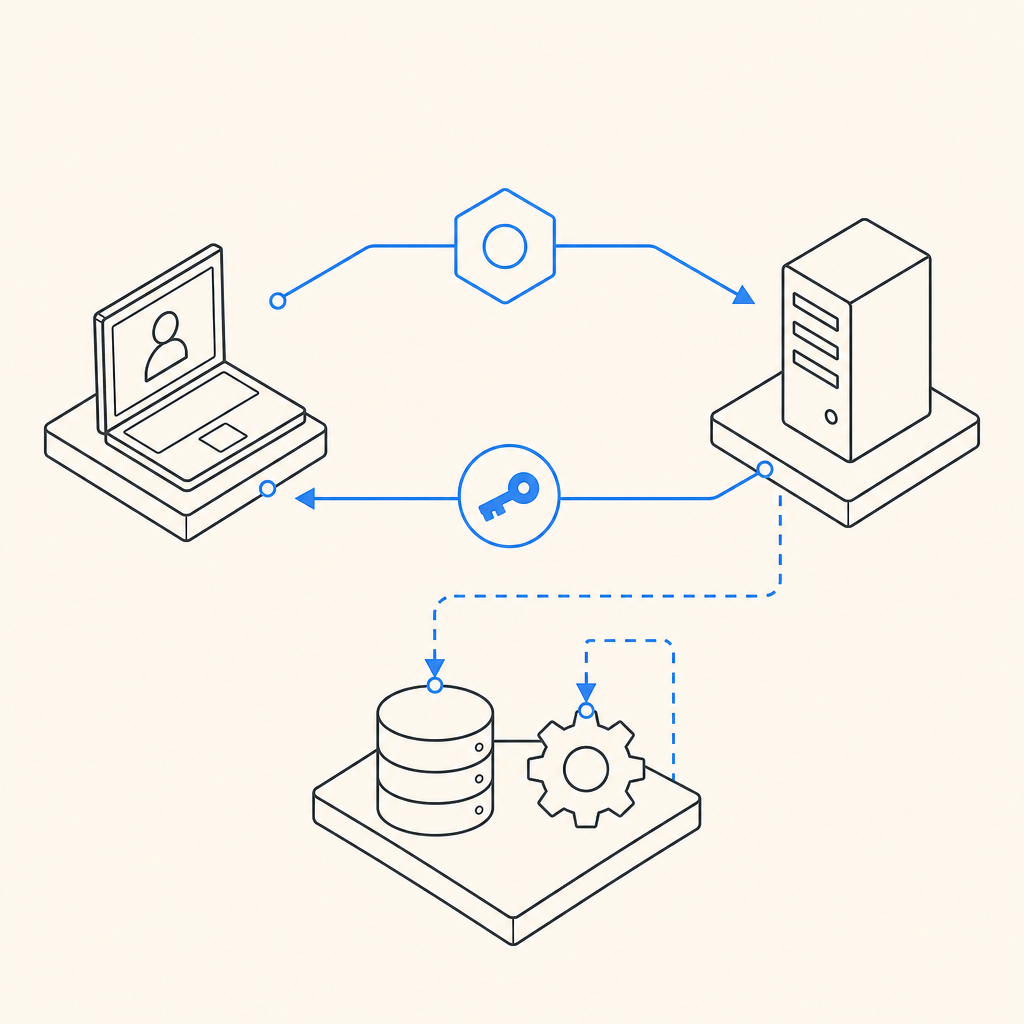
If you’re evaluating implementation effort, look at the whole path:
Browser or app side
- Load the client script or native SDK.
- Trigger a challenge at the right moment in the flow.
- Receive a pass token when the user succeeds.
Server side
- Send the token to your backend.
- Validate it with your secret credentials.
- Make an allow/deny decision before creating the session, processing the payment, or accepting the form submission.
That pattern is why a provider’s API shape matters. For CaptchaLa, validation happens with a POST request to:
https://apiv1.captcha.la/v1/validate
with a body like:
{
  "pass_token": "token-from-client",
  "client_ip": "203.0.113.10"
}
and headers including X-App-Key and X-App-Secret. A separate server-token flow is available via:
POST https://apiv1.captcha.la/v1/server/challenge/issue
That split is useful because it lets your backend stay in control of the final trust decision.
How to evaluate a CAPTCHA provider like an engineer
When you’re choosing the best captcha website, use a technical checklist instead of a vibe check:
Token validation model
Make sure the product validates on the server, not only in the browser. A browser-only result is easier to spoof.SDK coverage
Check whether there are native SDKs for the platforms you ship: web, mobile, desktop, and backend. If your stack includes Flutter or Electron, that can save a lot of glue code.Deployment friction
Look for a loader or client script that’s stable and easy to version. CaptchaLa’s loader is hosted athttps://cdn.captcha-cdn.net/captchala-loader.js, which is the kind of detail that matters when you’re building a reliable frontend integration.Credential separation
Your client should not know your secret. Validate with server-side credentials only.Traffic fit
Estimate your monthly challenge volume before you commit. CaptchaLa’s pricing tiers are straightforward: Free tier at 1000/month, Pro at 50K–200K, and Business at 1M. That range helps smaller sites start simple and larger apps plan capacity.Data policy
If your compliance team cares about data boundaries, verify whether the provider uses first-party data only and how it handles telemetry.
A good provider should also publish clear docs. If you want to see implementation specifics before deciding, start with docs and then check pricing for the traffic tier that matches your site.
Practical recommendation by use case
Different sites need different tradeoffs:
- Simple signup or contact forms: Choose a low-friction option with straightforward validation. If your team wants broad platform support and server control, CaptchaLa is worth a look.
- High-traffic SaaS products: Prioritize predictable validation, solid documentation, and pricing that scales with real usage.
- Mobile-first apps: Make sure the provider has native iOS and Android SDKs, plus support for Flutter if you use it.
- Backend-heavy workflows: Favor providers with clear server validation endpoints and SDKs for your primary language.
- Privacy-sensitive products: Compare what data each vendor needs, stores, and shares. “Works well” is not enough if the data model doesn’t fit your policy.
The best captcha website for your team may not be the one with the most recognizable name. It’s the one that aligns with your architecture, keeps false positives low, and lets you enforce trust decisions where they belong: on the server.
Final thought
If you’re comparing CAPTCHA providers right now, focus on integration quality, backend validation, and your actual traffic profile. That approach will usually get you farther than picking the most familiar logo. CaptchaLa is one option that combines multi-platform SDKs, server-side validation, and a first-party-data approach, but the right choice still comes down to your product and risk model.
Where to go next: review the implementation details in the docs or compare tiers on the pricing page.