
When selecting the best CAPTCHA to use, the key considerations boil down to striking the right balance between security, user experience, and ease of integration. An ideal CAPTCHA effectively blocks bots and automated abuse without frustrating genuine users or slowing down your site. It should also support the technology stack you use and scale with your needs. This guide walks through important factors when choosing a CAPTCHA solution in 2026, compares popular options objectively, and highlights what to consider for your projects.
Key Factors to Consider When Choosing a CAPTCHA
Before diving into specific CAPTCHA providers, let's outline core criteria to help evaluate them:
1. Security and Bot-Detection Effectiveness
The primary goal of a CAPTCHA is to stop automated bots from abusing your service. This means solutions must continuously evolve to prevent new attack vectors like machine learning-based solvers or automated scripts. Look for CAPTCHAs employing layered checks—such as behavioral analytics, risk scoring, and server-side validation tokens—in addition to traditional challenges.
2. User Experience
CAPTCHAs that are too intrusive, difficult, or slow can drive away legitimate users. The ideal CAPTCHA is unobtrusive and quick, often invisible until suspicious activity is detected. Accessibility is crucial too, including alternative modes for users with disabilities and support for multiple languages.
3. Integration and Developer Support
Good documentation, SDK availability, and API simplicity determine how fast your team can implement and maintain a CAPTCHA. Check if native SDKs for your platforms—Web JavaScript frameworks, mobile (iOS, Android, Flutter), and backend languages—are available.
4. Privacy and Data Usage
Some CAPTCHA services track users across sites or collect third-party data, which raises privacy concerns and complicates compliance. Services with a first-party-data-only approach and explicit privacy guarantees can simplify legal compliance and build user trust.

Comparison of Popular CAPTCHA Solutions
| Feature | reCAPTCHA v3 / v2 | hCaptcha | Cloudflare Turnstile | CaptchaLa |
|---|---|---|---|---|
| Type | Risk scoring + challenge | Challenge-based | Invisible challenge | Challenge + Token-based |
| User friction | Medium-high (v2) / Low (v3) | Medium-high | Low | Low |
| SDK support | Web, some mobile | Web | Web | Web + iOS/Android/Flutter + Server SDKs |
| UI languages | Limited | Limited | Limited | 8 languages |
| Privacy | Google ecosystem, third-party data | Third-party data | First-party, privacy-centric | First-party data only |
| Pricing | Freemium (free + paid tiers) | Freemium | Included with Cloudflare plans | Generous free tier + Pro/Business options |
| Complexity of integration | Medium | Medium | Low | Low |
| Accessibility Support | Good | Decent | Strong | Strong |
Each solution has strengths and trade-offs. reCAPTCHA from Google is widely used but can raise privacy concerns due to Google's data policies. hCaptcha appeals to privacy-conscious users but sometimes imposes harder challenges. Cloudflare Turnstile emphasizes low friction with a server-validated invisible challenge, though it's tied to Cloudflare infrastructure. CaptchaLa stands out with a broad platform SDK support, multiple UI languages, and a strong privacy-first approach.
Technical Integration Considerations
When choosing your CAPTCHA, technical integration often drives the final decision. Here's what to look for:
Client and Server SDK Availability
SDKs simplify adding CAPTCHA to various environments. For example, CaptchaLa provides native SDKs for Web frameworks (Vanilla JS, Vue, React), mobile platforms (iOS, Android, Flutter), Electron apps, plus server-side libraries for PHP and Go.Validation Workflow
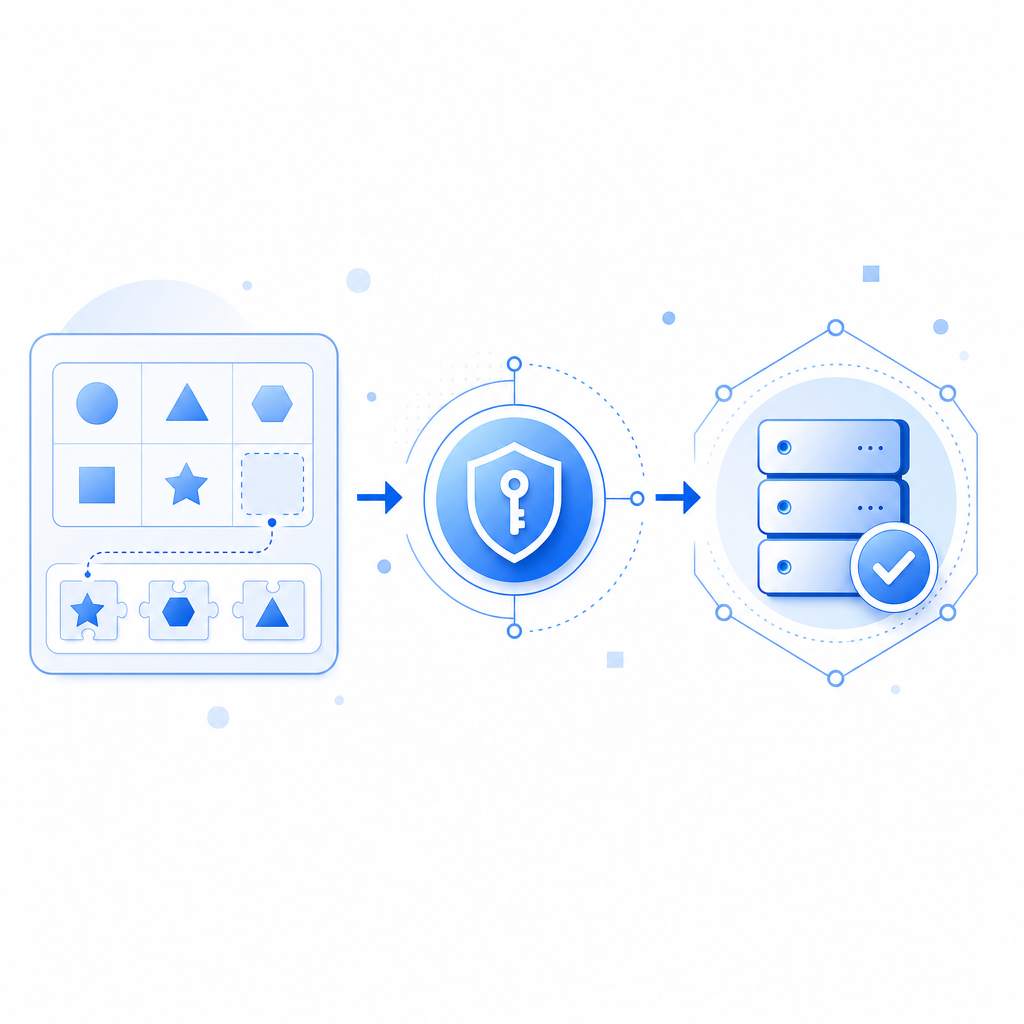
Most modern CAPTCHAs rely on tokens generated client-side, validated server-side to confirm legitimacy before processing sensitive actions. CaptchaLa’s validation endpoint accepts a POST request with the pass token and client IP, secured by app keys and secrets for strong verification.Localization Support
If your user base is global, multilingual UI support is crucial. CaptchaLa supports 8 native UI languages—a helpful feature to ensure accessibility and clarity for international users.Performance and Scalability
Consider volume limits and latency. CaptchaLa offers a free tier of 1,000 validations per month with scalable paid tiers supporting hundreds of thousands to millions of requests, suitable for different business sizes without major infrastructure changes.
// Example: CaptchaLa client-side initialization (vanilla JS)
// Load the captcha widget on page load
window.onload = function() {
  Captchala.Loader.load({
    appKey: 'YOUR_APP_KEY',
    containerId: 'captcha-container',
    language: 'en',
    callback: function(passToken) {
      // Submit passToken to server for validation
      submitTokenToServer(passToken);
    }
  });
};
What Makes a CAPTCHA “Best” for You?
Ultimately, the best CAPTCHA to use depends on your specific priorities:
- For maximum user convenience: Choose solutions with invisible or low-friction challenges like Cloudflare Turnstile or CaptchaLa’s behavior-based challenge.
- For privacy-sensitive applications: Opt for services that avoid third-party tracking such as CaptchaLa, which only uses first-party data.
- For multi-platform support: CaptchaLa offers a comprehensive set of SDKs across web and mobile platforms, easing integration.
- For cost-conscious developers: Compare pricing tiers and free quotas. CaptchaLa’s free tier supports 1,000 validations per month, with scalable plans for growing sites.
- For developer experience: Look for clear documentation, active maintenance, and community support. CaptchaLa offers extensive online docs and a lightweight JavaScript loader.
Final Thoughts
Choosing the best CAPTCHA to use means balancing security without compromising usability or privacy. The landscape continues to evolve as attackers get smarter and user expectations grow. Independent SaaS solutions like CaptchaLa provide modern alternatives with flexible SDKs, multilingual support, and a privacy-first approach—all important factors to keep in mind when protecting your website or app.
For a low-friction, well-supported CAPTCHA solution that respects user privacy and developer flexibility, exploring CaptchaLa is a practical next step.
Ready to dive deeper? Check out CaptchaLa’s detailed documentation or review pricing plans to see what fits your project’s scale.
Where to go next? Secure your site with a CAPTCHA setup that fits your users and your codebase—take a look at CaptchaLa today.