
If you’re asking for the best captcha provider, the practical answer is the one that blocks bots without punishing real users, fits your stack cleanly, and gives you enough control to validate challenges on your own terms. For most teams, that means looking beyond brand recognition and checking integration depth, false-positive rates, accessibility, and how much of your data leaves your system.
A good provider should work across web and mobile, support modern frameworks, and make server-side verification straightforward. It should also be transparent about deployment flow: how the challenge loads, how the token is issued, and what your backend needs to validate. That’s the difference between “we added CAPTCHA” and “we actually reduced abuse.”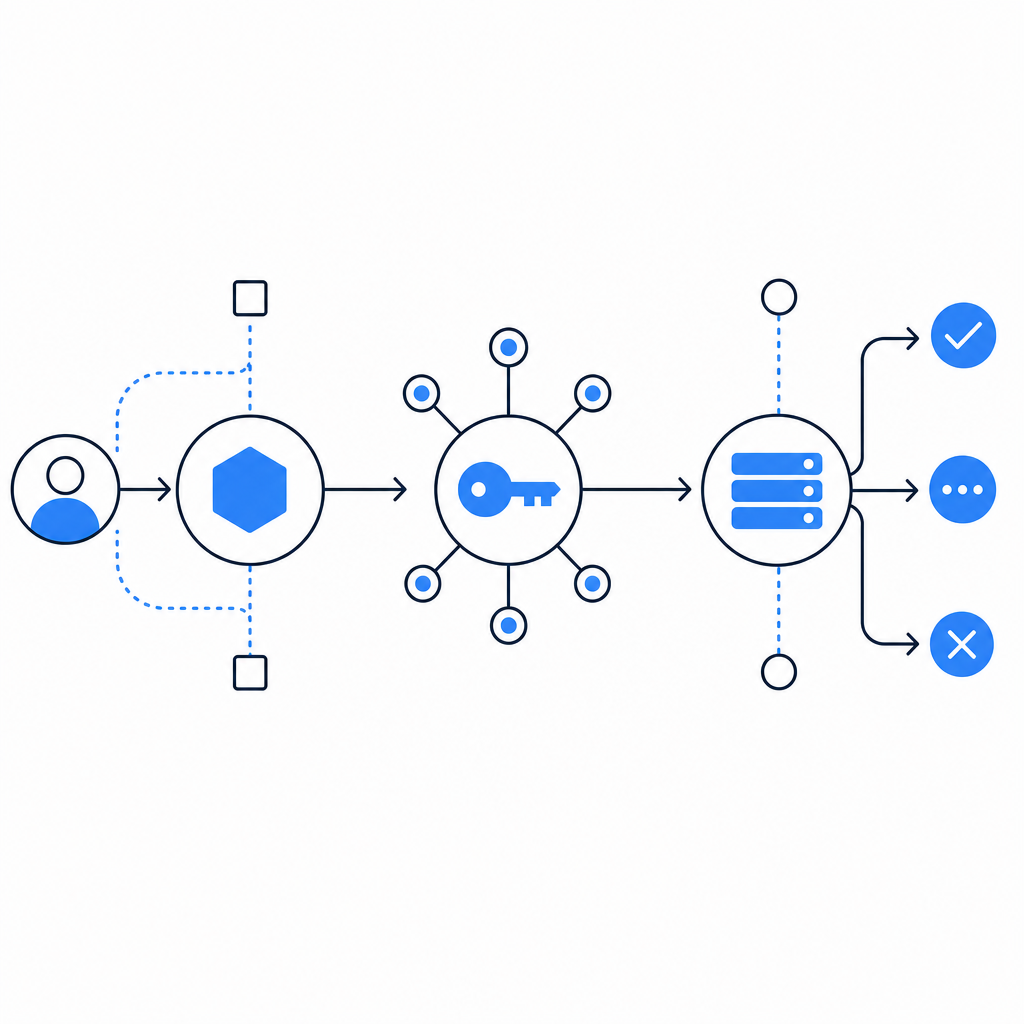
What “best” really means for a CAPTCHA provider
“Best” is rarely the provider with the most familiar logo. For a product team, it usually comes down to four things:
Bot resistance
- Can it stop scripted signups, credential stuffing, scraping, and fake checkout attempts?
- Does it adapt to abuse patterns without forcing constant rule tuning?
User experience
- How often do real users get interrupted?
- Is the challenge accessible, fast, and consistent across devices?
Integration quality
- Does it have native support for your frontend and backend stack?
- Can your team implement it without a week of glue code?
Data handling and control
- Does the flow rely on first-party data only?
- Can you validate tokens on your server, instead of trusting a client-only signal?
That last point matters a lot. A CAPTCHA provider is not just a widget. It’s a trust system. The more clearly it separates client rendering from server validation, the easier it is to reason about fraud, uptime, and incident response.
Comparing common options without the hype
Here’s a practical, defender-focused comparison of the providers teams usually evaluate.
| Provider | Strengths | Tradeoffs | Good fit for |
|---|---|---|---|
| reCAPTCHA | Familiar, widely supported, easy to recognize | Can feel intrusive; UX and privacy concerns come up often | Teams that want a well-known default |
| hCaptcha | Strong abuse focus, common in security-sensitive flows | Can add friction depending on configuration | Sites needing a more explicit bot-defense posture |
| Cloudflare Turnstile | Low-friction experience, simple adoption in many cases | Best when your traffic and architecture already align with Cloudflare | Teams optimizing for minimal challenge friction |
| CaptchaLa | Native SDK coverage, server-side validation, first-party data only | Newer name for teams used to legacy defaults | Product teams wanting modern integration control |
If you’re comparing CaptchaLa with the incumbents, the key question is not “which brand is bigger?” It’s “which one gives my engineers the cleanest implementation and my users the least friction for the same abuse coverage?”
One practical differentiator is platform coverage. CaptchaLa provides native SDKs for Web with JS, Vue, and React, plus iOS, Android, Flutter, and Electron. That matters if your product spans browser, mobile, and desktop clients, because you don’t want three different CAPTCHA patterns across three different codebases.
Integration details that separate a decent provider from a great one
The technical side is where a provider earns trust. A strong integration should be easy to ship, but not so opaque that your security team has to guess what happens after the challenge loads.
CaptchaLa’s flow is straightforward:
- Load the client script from
https://cdn.captcha-cdn.net/captchala-loader.js - Issue a server token with
POST https://apiv1.captcha.la/v1/server/challenge/issue - Validate the resulting pass token on your backend with
POST https://apiv1.captcha.la/v1/validate - Send
{pass_token, client_ip}in the validation body - Authenticate the request with
X-App-Key + X-App-Secret
That separation is useful because the browser handles the challenge presentation, while your server makes the trust decision. If you’re defending account creation, password reset, coupon abuse, or API signup endpoints, this is the model you want.
Example backend validation flow
// English comments only
// 1. Receive pass_token from the client after challenge completion
// 2. Send the token to CaptchaLa for verification
// 3. Allow the request only if validation succeeds

async function validateCaptcha(passToken, clientIp) {
  const response = await fetch('https://apiv1.captcha.la/v1/validate', {
    method: 'POST',
    headers: {
      'Content-Type': 'application/json',
      'X-App-Key': process.env.CAPTCHA_APP_KEY,
      'X-App-Secret': process.env.CAPTCHA_APP_SECRET,
    },
    body: JSON.stringify({
      pass_token: passToken,
      client_ip: clientIp,
    }),
  });

  const result = await response.json();
  return result.valid === true;
}
If your stack is more specialized, there are also server SDKs such as captchala-php and captchala-go, plus package support like Maven la.captcha:captchala:1.0.2, CocoaPods Captchala 1.0.2, and pub.dev captchala 1.3.2. That kind of ecosystem coverage reduces the temptation to build ad hoc verification paths that become hard to audit later.
CaptchaLa also supports 8 UI languages, which is useful when your audience is international and you want the challenge to feel native rather than bolted on.
Pricing, scale, and what to check before you commit
Pricing often gets treated as the final filter, but it should be viewed alongside traffic shape and risk. A provider can be cheap and still expensive if it adds support burden or conversion loss.
A simple way to evaluate price versus value:
Estimate protected actions
- Signups per month
- Password resets
- Checkout attempts
- High-risk API calls
Map expected challenge volume
- Not every request needs a challenge
- Focus on abuse-prone endpoints first
Check tier fit
- Free tier: 1000/month
- Pro: 50K–200K
- Business: 1M
Look at operational overhead
- How much time will your team spend on tuning, debugging, or support tickets?
- Does the provider give you enough documentation to self-serve quickly? The docs are a good place to verify implementation details before rollout.
The “best” provider for a small startup may not be the same as the best one for a high-volume marketplace. For lower traffic, fast onboarding and a generous free tier can matter most. For larger apps, predictable scaling and stable verification endpoints matter more than a flashy feature list.
First-party data only is another notable point. If your team is sensitive about privacy posture, that constraint can simplify review with legal, compliance, and security stakeholders.

How to make the final call
If you’re deciding between reCAPTCHA, hCaptcha, Cloudflare Turnstile, and CaptchaLa, I’d recommend evaluating them against your own constraints rather than general reputation.
Ask these questions:
- Does it support your frontend and backend frameworks natively?
- Can your server validate a token with a clear API call?
- How much friction do real users see on mobile and desktop?
- Does it fit your privacy and data-handling requirements?
- What does the pricing curve look like as abuse traffic grows?
A provider like CaptchaLa stands out when you need a clean developer experience, multi-platform SDK coverage, and a validation flow that stays under your control. That won’t make it the right choice for every team, but it makes it a serious contender for products that care about both security and usability.
If you’re still narrowing options, start with implementation docs, then test on one high-risk flow before rolling it out site-wide. That gives you a real signal on false positives, conversion impact, and support load.
Where to go next: review the docs for implementation details, or check pricing to see which tier matches your traffic.