
If you’re searching for captcha javascript w3schools, you’re usually looking for a simple way to add a CAPTCHA-like check to a web form with JavaScript. The short answer: W3Schools can help you learn basic JavaScript syntax, but a real bot-defense setup needs both client-side integration and server-side validation. A loader script on the page is only half the story; the verification step is what keeps the check meaningful.
For a production-ready approach, you want a flow where JavaScript renders the challenge, your app receives a pass token, and your backend validates that token before trusting the submission. That pattern applies whether you use a custom CAPTCHA, CaptchaLa, or a service like reCAPTCHA, hCaptcha, or Cloudflare Turnstile.
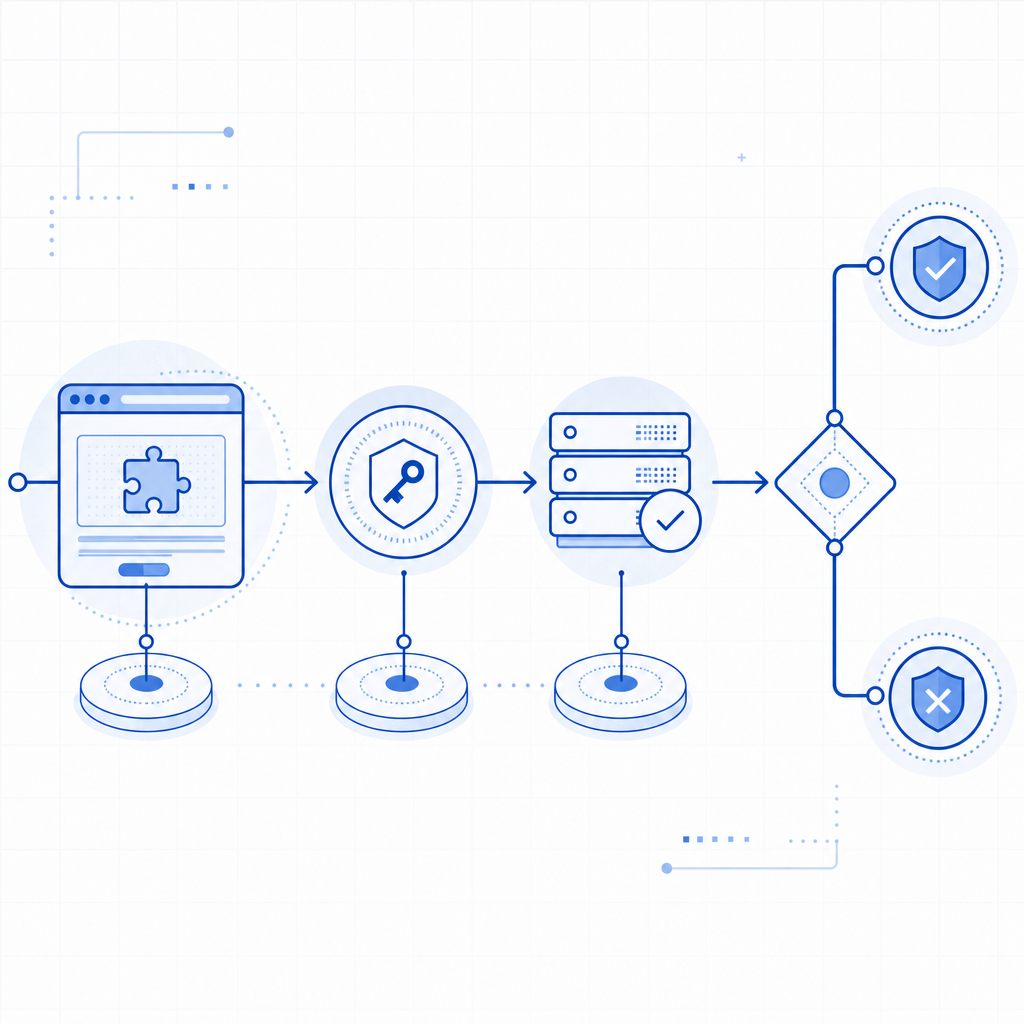
What “captcha javascript w3schools” usually means
People often start with W3Schools because they want an approachable example of JavaScript in the browser. That’s useful for learning event handling, DOM updates, and form submission logic. But CAPTCHA is not just a front-end widget problem.
At a minimum, a secure implementation needs:
- A client-side widget or challenge loader.
- A token returned after the user completes the challenge.
- A backend endpoint that validates the token.
- A decision on the server before the form is accepted.
If you only check something in JavaScript on the client, attackers can often bypass it by modifying the page, replaying requests, or skipping the UI entirely. That’s why the validation step belongs on your server, not just in the browser.
Client-side learning vs production reality
W3Schools-style examples are great for learning:
onclickhandlers- form validation basics
fetch()calls- storing values in hidden inputs
But production bot defense also has to account for:
- automated submissions sent directly to your API
- token expiration
- IP binding or request context checks
- replay resistance
- cross-device and cross-browser behavior
That’s where a service such as CaptchaLa becomes practical: you load the widget in the browser, then validate the token on your backend using your app credentials.
A minimal JavaScript integration pattern
A clean integration usually looks like this:
- include a loader script in the page
- render the challenge in a container
- capture the resulting
pass_token - submit the token with the form
- validate it on the server before accepting the request
Here’s a simplified client-side example:
<!-- English comments only -->
<script src="https://cdn.captcha-cdn.net/captchala-loader.js"></script>

<form id="signup-form">
  <input type="email" name="email" required />
  <input type="hidden" name="pass_token" id="pass_token" />
  <button type="submit">Create account</button>
</form>

<div id="captcha-container"></div>

<script>
  // Render the challenge widget into the container
  CaptchaLa.render("#captcha-container", {
    onSuccess: function (token) {
      // Save the pass token so the backend can verify it
      document.getElementById("pass_token").value = token;
    }
  });

  // Prevent submission if the token is missing
  document.getElementById("signup-form").addEventListener("submit", function (e) {
    const token = document.getElementById("pass_token").value;
    if (!token) {
      e.preventDefault();
      alert("Please complete the verification step.");
    }
  });
</script>
That pattern is intentionally simple. The important thing is not the exact widget API, but the separation of concerns:
- JavaScript handles display and user interaction.
- Your server handles trust.
CaptchaLa also offers native SDKs for Web, iOS, Android, Flutter, and Electron, which is useful if your form is not purely browser-based or you need the same verification pattern across multiple app types. It supports 8 UI languages as well, which helps when your audience is multilingual.
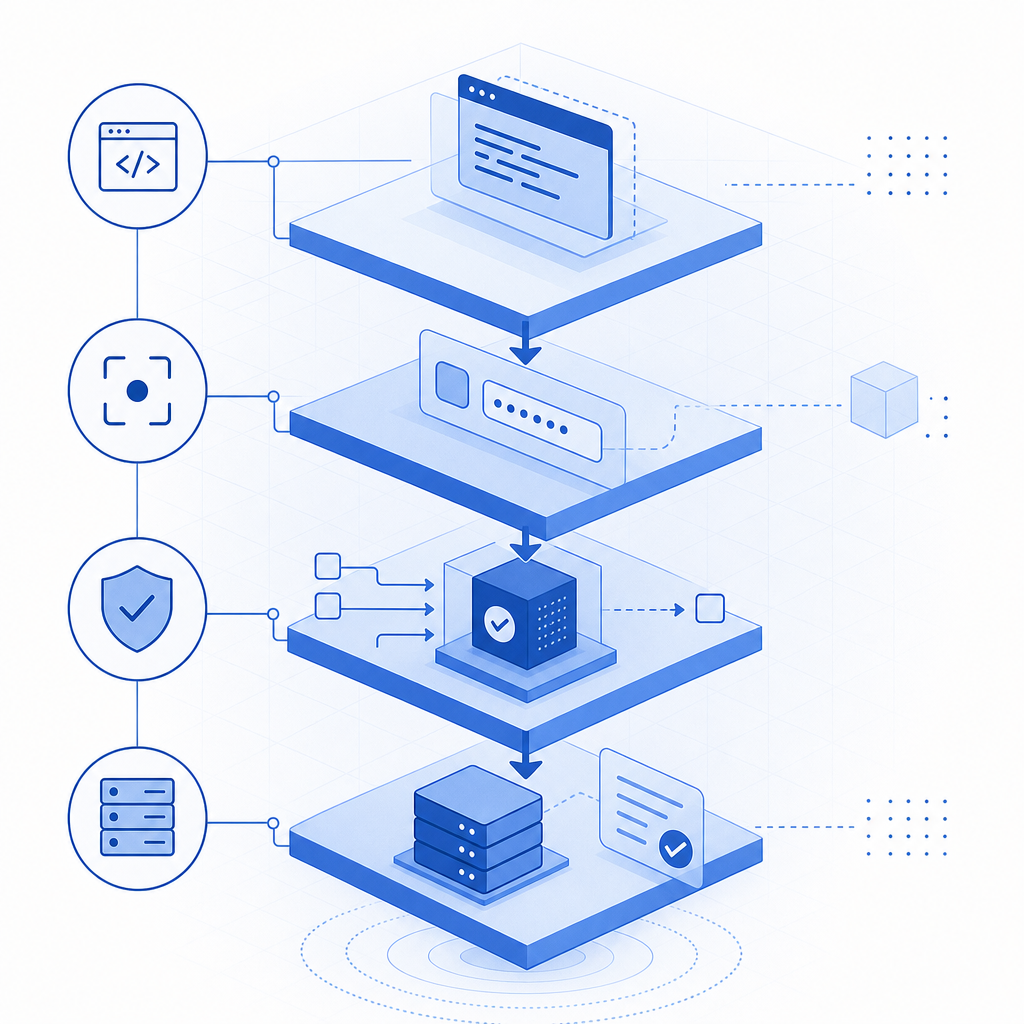
Server-side validation: the part that matters
Once the browser returns a token, your server should validate it before creating an account, sending an email, or processing a request. With CaptchaLa, the validation endpoint is:
POST https://apiv1.captcha.la/v1/validate
The request body includes:
pass_tokenclient_ip
And the request uses:
X-App-KeyX-App-Secret
A backend example in pseudocode:
// English comments only
async function verifyCaptcha(passToken, clientIp) {
  const res = await fetch("https://apiv1.captcha.la/v1/validate", {
    method: "POST",
    headers: {
      "Content-Type": "application/json",
      "X-App-Key": process.env.CAPTCHALA_APP_KEY,
      "X-App-Secret": process.env.CAPTCHALA_APP_SECRET
    },
    body: JSON.stringify({
      pass_token: passToken,
      client_ip: clientIp
    })
  });

  const result = await res.json();
  return result && result.success === true;
}
A few technical details matter here:
- Do not validate only in the browser. The browser can be modified.
- Send the client IP when available. It can improve request context checks.
- Keep secrets server-side. Never expose
X-App-Secretin JavaScript. - Fail closed for sensitive actions. If validation fails, reject the request.
- Treat the token as short-lived. Do not store it for later reuse.
CaptchaLa also exposes a server-token issuance endpoint, POST https://apiv1.captcha.la/v1/server/challenge/issue, for flows that need server-originated challenge control. That can be useful when your app wants to coordinate challenge issuance from the backend instead of only rendering from the client.
Comparing common CAPTCHA options
If you’re comparing tools while reading a “captcha javascript w3schools” tutorial, here’s a practical way to think about the main options:
| Service | Typical strengths | Notes for JavaScript integration |
|---|---|---|
| reCAPTCHA | Familiar to many developers, broad ecosystem | Widely used; design is recognizable, but integration still requires server verification |
| hCaptcha | Common privacy-conscious alternative | Similar client/server pattern; good fit for many web forms |
| Cloudflare Turnstile | Low-friction user experience | Often chosen for simple form protection; still needs backend validation |
| CaptchaLa | Multi-platform SDKs, multilingual UI, first-party data only | Web JS plus mobile and desktop SDKs; supports server validation and token issuance |
The right choice depends on your stack and the kind of traffic you face. If you only need a basic web form shield, any of these can work. If you need a consistent implementation across web, mobile, and desktop, the SDK coverage matters more than the brand name.
For teams that want predictable pricing while testing traffic growth, CaptchaLa’s public tiers are easy to understand: Free at 1,000 requests per month, Pro in the 50K–200K range, and Business at 1M. You can compare that with the engineering effort of rolling your own gate or maintaining a brittle client-only check. Pricing is straightforward to review before committing.
Practical implementation tips for JavaScript developers
If your current search started with W3Schools, here’s how to move from tutorial code to something safer.
Bind the token to the submission flow.
Don’t let the user submit without a valid token in the form payload.Validate on every protected action.
Signup, password reset, comment posting, ticket creation, and email change flows are common targets.Use backend middleware if possible.
A shared validation function or middleware keeps the logic consistent across routes.Log validation failures carefully.
Record only what you need for debugging and abuse analysis. Avoid excessive personal data.Handle accessibility and fallback cases.
Some users will need alternate flows. Make sure the experience still works when scripts fail or browsers are restrictive.Keep secrets out of front-end bundles.
This sounds obvious, but it’s the mistake that breaks many “simple” CAPTCHA demos.
If you prefer a server framework, CaptchaLa also provides server SDKs for captchala-php and captchala-go, which can reduce boilerplate when you are wiring validation into an existing app.
A final note on data handling: some teams choose CAPTCHA tools based on privacy and compliance posture as much as on usability. CaptchaLa’s first-party data only approach can be appealing when you want to avoid extra third-party data sharing in a form flow.
Bottom line
A captcha javascript w3schools search is really a search for the easiest path from “I know basic JavaScript” to “my form isn’t getting hammered by bots.” The key lesson is that CAPTCHA is not just a front-end snippet. The browser renders the challenge, but the server decides whether the request is trustworthy.
If you want to follow that pattern with a clean API and multi-platform SDKs, start with the docs. If you’re ready to estimate volume and choose a tier, take a look at pricing.