
A captcha JavaScript library is a tool web developers use to integrate human verification challenges into their sites, protecting them from bots and automated abuse. Rather than rely solely on server-side validation or complex backend logic, these libraries provide easy-to-implement client-side components that display challenges, validate user interactions, and connect with backend APIs for verification.
Choosing the right captcha JavaScript library involves considering ease of integration, user experience, bot detection capabilities, and customization options. Popular options include Google’s reCAPTCHA, hCaptcha, Cloudflare Turnstile, and independent solutions like CaptchaLa. This post breaks down the essentials of captcha JavaScript libraries, their key features, and how they compare.
What Is a Captcha JavaScript Library?
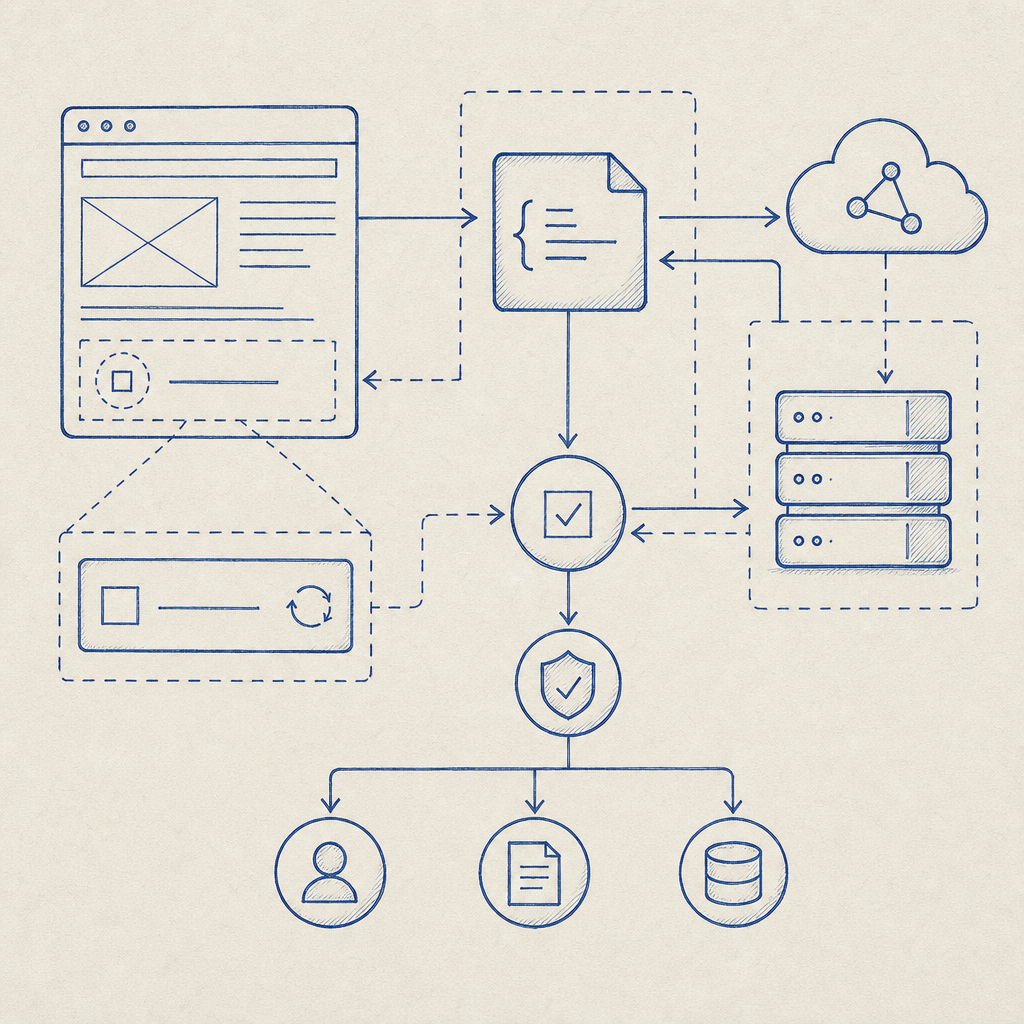
At its core, a captcha JavaScript library is a collection of pre-built scripts that you embed in your frontend code to show and handle captcha challenges directly within your website or app. These libraries typically:
- Render challenge widgets on forms or pages (checkboxes, image puzzles, invisible tests, etc.)
- Collect user interaction signals to confirm “humanness”
- Interact with backend services via API calls to verify challenge responses
- Support different UI themes, languages, and customization hooks
Developers appreciate a JS library because it abstracts the challenge rendering and communication logic, allowing them to secure user entry points — such as sign-up forms, comment sections, or payment flows — without needing to build custom interaction points from scratch.
Features to Look for in Captcha JavaScript Libraries
When evaluating or integrating a captcha JS library, consider these technical specifics:
Ease of Integration
- Lightweight and asynchronously loaded script tags
- Compatibility with popular frontend frameworks (React, Vue, Angular)
- Clear documentation and sample code
Customization & Localization
- Support for multiple UI languages out of the box
- Ability to adjust widget appearance to match branding
- Configurable challenge difficulty or type options
Security and Privacy
- Server-side validation endpoints with secure token exchange
- First-party data usage to minimize data exposure
- Protection against common bot evasion tactics
Performance and User Experience
- Fast loading without blocking page elements
- Non-intrusive challenge styles, such as invisible captchas or adaptive difficulty
- Accessibility compliance for users with disabilities
Example: Integrating a CaptchaLa JS Widget
// Load the CaptchaLa client script asynchronously
const script = document.createElement('script');
script.src = 'https://cdn.captcha-cdn.net/captchala-loader.js';
script.async = true;
document.head.appendChild(script);

// Initialize captcha widget when script loads
script.onload = () => {
  CaptchaLa.init({
    siteKey: 'YOUR_SITE_KEY',
    containerId: 'captcha-container',
    language: 'en',
    theme: 'light',
    callback: (token) => {
      console.log('Captcha passed, token:', token);
      // Send token to server for validation
    }
  });
};
This snippet demonstrates how lightweight and straightforward embedding a captcha widget can be.
Comparing Popular Captcha JavaScript Libraries
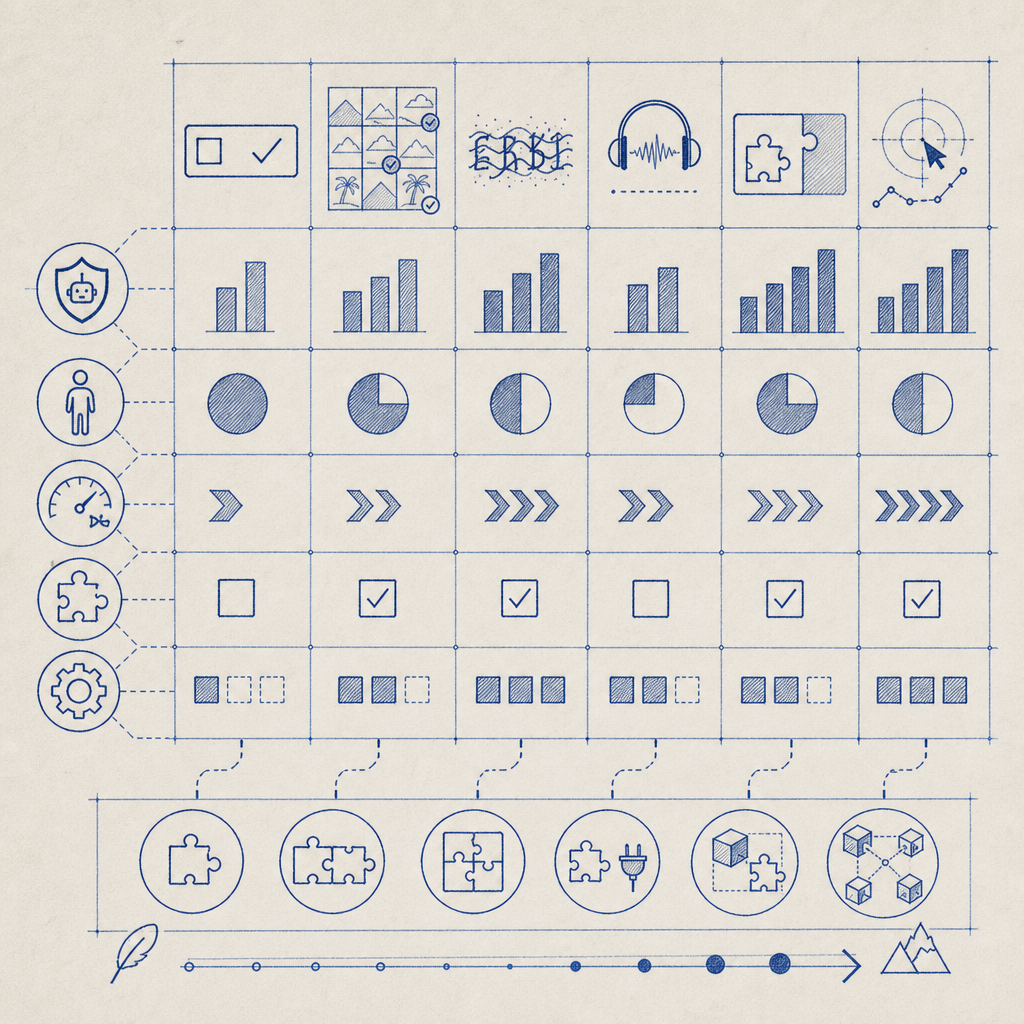
Here’s a comparison of notable captcha JS libraries focusing on integration, customization, privacy, and usage tiers:
| Feature | reCAPTCHA v3/v2 | hCaptcha | Cloudflare Turnstile | CaptchaLa |
|---|---|---|---|---|
| Integration Complexity | Easy with official SDKs | Moderate, some setup | Very simple, minimal config | Easy, official SDKs for many frameworks |
| Customization | Limited skins/themes | Flexible challenge types | Minimal, focused on UX | Multiple UI languages, themes |
| Privacy/First-party Data | Collects user data for Google | Allows revenue generation | Privacy-focused, no tracking | First-party data only |
| Challenge Types | Image puzzles, invisible | Image puzzles, checkbox | Invisible, low friction | Custom puzzles and invisible options |
| Free Usage Limits | Generous | Generous | Generous | Free 1000/month, scalable tiers |
| Server-Side Validation | Yes | Yes | Yes | Yes, via secure API endpoints |
| Supported Platforms | JS, Android, iOS | JS, Android, iOS | Web only | JS, React, Vue, mobile SDKs (iOS, Android, Flutter) |
Each option has trade-offs depending on your priorities. For instance, reCAPTCHA is deeply integrated into Google’s ecosystem but collects considerable data. hCaptcha provides some monetization options but requires additional setup. Cloudflare Turnstile prioritizes seamless UX with minimal configuration. CaptchaLa balances customization, privacy (first-party data), and multiple platform SDKs.
Why Consider CaptchaLa’s JavaScript Library?
CaptchaLa offers a versatile JavaScript library designed with developers and privacy-conscious sites in mind:
- Multi-language support: Out-of-the-box UI in eight different languages helps global sites maintain localization seamlessly.
- Extensive SDKs: Native support for popular front-end frameworks (JS, Vue, React) and for mobile platforms (iOS, Android, Flutter).
- Privacy-focused: Uses only first-party data to validate challenges, avoiding unnecessary data sharing.
- Scalable tiers: Free tier up to 1,000 validations monthly, with Pro and Business plans for higher volume needs.
- Straightforward API: Server validation and challenge issuance endpoints that simplify backend integration.
These features make CaptchaLa’s captcha JavaScript library a competitive choice for teams valuing privacy and flexible integration without sacrificing ease of use.
Best Practices for Using Captcha JavaScript Libraries
Here are some tips to maximize effectiveness when deploying any captcha JavaScript library:
- Place challenges strategically at points where bots are likely to attempt abuse (e.g., login, registration, comment submission).
- Combine invisible or adaptive captchas with visible challenges to reduce user friction while maintaining security.
- Validate tokens server-side using the provider’s API to ensure challenges are verified securely.
- Monitor usage patterns and adjust challenge difficulty or frequency accordingly to balance UX and protection.
- Keep libraries updated to benefit from security patches and new features.
Following these best practices helps keep your site protected without inconveniencing legitimate users unnecessarily.
Conclusion
Selecting the right captcha JavaScript library requires balancing developer convenience, user experience, security, and privacy. While popular offerings like reCAPTCHA, hCaptcha, and Cloudflare Turnstile are established players, independent solutions like CaptchaLa provide compelling alternatives tailored for versatile integration, multi-platform support, and strong privacy principles.
If you want a flexible, well-documented captcha JavaScript library with native SDKs across major frameworks and mobile platforms, considering CaptchaLa might be the next step for your project. Their documentation provides straightforward guides, and their pricing model supports projects ranging from hobby sites to enterprise-scale apps.
Explore your options thoughtfully to choose a captcha library that fits seamlessly into your development workflow while keeping bots at bay.
Ready to implement a captcha solution tailored to your needs? Check out CaptchaLa’s pricing or dive into the docs to get started today.