
If you’re seeing “captcha jail amazon flex,” it usually means the account or session is getting stuck in a repeated challenge loop: the user solves a CAPTCHA, the system asks again, and normal workflows never fully resume. From a defender’s point of view, that’s not just annoying friction — it’s often a signal that risk checks, device signals, or automation handling are misaligned.
That loop can happen for several reasons: suspicious request patterns, reused IPs, inconsistent browser state, failed token validation, or a bot-defense stack that challenges too aggressively after an initial failure. The fix is not to weaken defenses indiscriminately. It’s to make challenge issuance, validation, and recovery paths more reliable so legitimate users can continue while abuse still gets blocked.
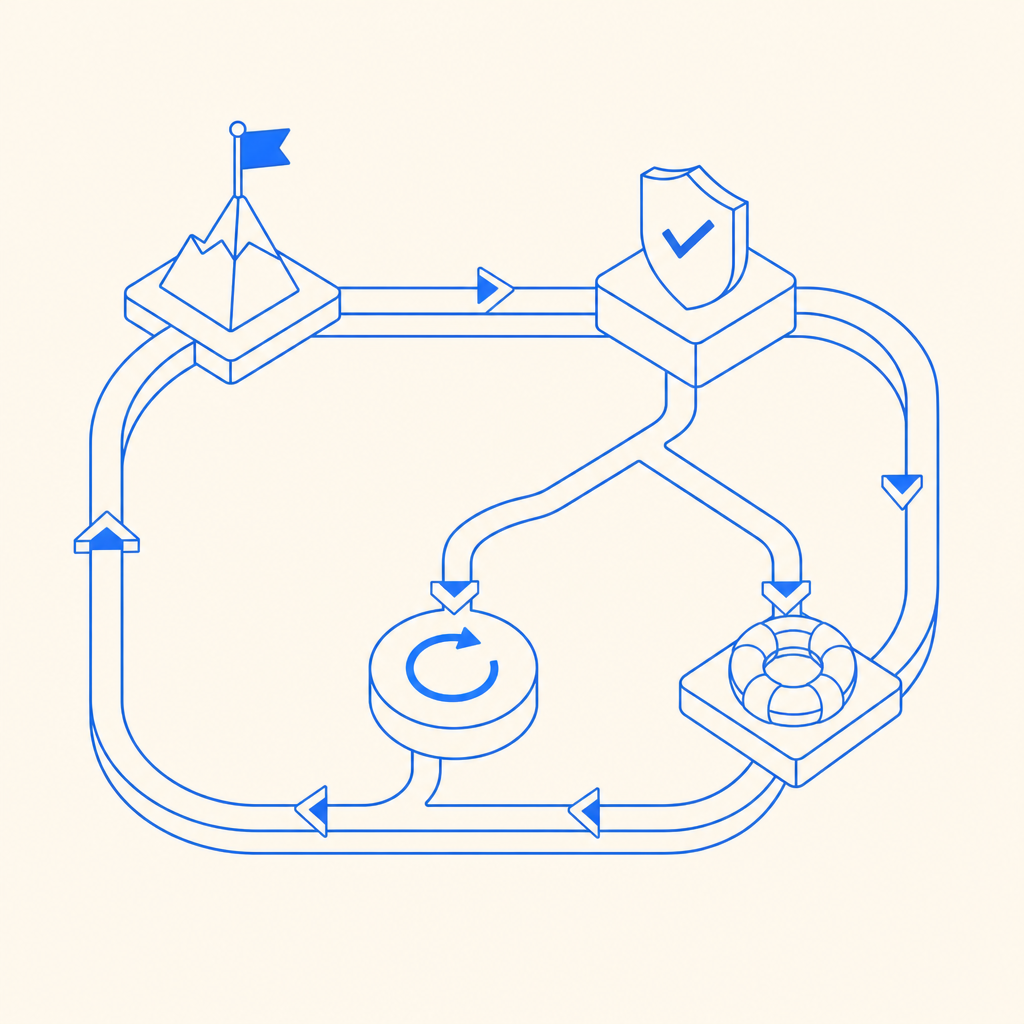
What “captcha jail” usually means in practice
“Captcha jail” is a useful shorthand for a user trapped in a challenge-heavy flow. In Amazon Flex contexts, people often use it to describe getting stuck after repeated verifications, especially when the app or website keeps demanding proof of humanity instead of advancing the session.
From a system design perspective, the loop often looks like this:
- A request triggers a risk score threshold.
- The application issues a CAPTCHA challenge.
- The client returns a pass token.
- The backend fails to validate the token cleanly, or the session context no longer matches.
- The next request is challenged again.
That last step is where the “jail” feeling comes from. The user is technically active, but the session is not being trusted enough to proceed.
Common causes include:
- token reuse or expiration before backend validation
- mismatch between the client IP used during challenge and the IP sent to the server
- browser storage reset, incognito mode, or stale cookies
- aggressive rate limits on a shared network
- bot mitigation rules that don’t separate human retries from scripted retries
- inconsistent handling between mobile, web, and embedded views
The important thing is that “captcha jail amazon flex” is usually a symptom, not the root cause. The root cause is a trust pipeline that can’t reliably distinguish “real person with a flaky session” from “automated abuse.”
Why the challenge loop keeps happening
A CAPTCHA only helps if the whole lifecycle is coherent: issue, solve, validate, and release. Break that chain anywhere, and users can end up re-challenged endlessly.
The most common technical failure points
1) Validation is incomplete or delayed
If the frontend gets a pass token but the backend never validates it immediately, the token can expire or become detached from the current request.
2) Client and server signals don’t line up
Many systems bind the challenge to context such as IP, session ID, or fingerprint. If a mobile network rotates IPs or a proxy alters the path, the validation step may fail even when the person is legitimate.
3) The risk engine is too static
A single signal, like repeated refreshes, should not automatically condemn the session forever. If every retry gets the same treatment, you get a loop.
4) Recovery paths are missing
When a token fails validation, the app should give a clear next step. Silent re-challenge tends to amplify frustration.
Here’s a simplified defender-side flow that is much less likely to trap legitimate users:
# Pseudocode: server-side challenge handling
# 1. Issue challenge only when risk is elevated
# 2. Validate token immediately after solve
# 3. Bind validation to current request context
# 4. If validation fails, log reason and offer a recoverable retry

if risk_score >= threshold:
    challenge = issue_captcha()
    token = receive_client_token()

    result = validate_token(token, client_ip)

    if result == "ok":
        allow_request()
    else:
        record_failure_reason()
        present_new_challenge_or_fallback()
else:
    allow_request()
That structure matters because the challenge itself should be a temporary gate, not a permanent neighborhood.
How to reduce false friction without weakening defense
The goal is not to eliminate CAPTCHAs. It’s to make them precise. If you’re operating a service with accounts, scheduling, marketplace activity, or high-value transactions, you want fewer false positives and better auditability.
A practical defender checklist:
Validate server-side every time
Don’t trust a client-side success state alone. Use a server validation endpoint immediately after the solve event.Pass the right context
Include the client IP where appropriate, and ensure your session model reflects real network changes instead of punishing them blindly.Set challenge thresholds by route
Login, checkout, and high-frequency endpoints can have different risk thresholds. One size rarely fits all.Separate first-time risk from repeat risk
A user who failed once should not be treated exactly like a scripted attacker if they return with a valid token and consistent context.Log failure reasons precisely
“Challenge failed” is not enough. Record whether the issue was timeout, mismatch, replay, or transport error.
For teams building these controls, a lightweight integration path matters. CaptchaLa supports native SDKs for Web, iOS, Android, Flutter, and Electron, plus server SDKs like captchala-php and captchala-go. It also supports 8 UI languages, which helps when the challenge experience needs to be understandable across regions.
If you are comparing products, it’s reasonable to evaluate reCAPTCHA, hCaptcha, and Cloudflare Turnstile on the same criteria: challenge quality, token reliability, language coverage, SDK fit, privacy posture, and how well each one handles your backend validation model. The right choice depends on your workflow, not on a generic scorecard.
| Concern | What to check | Why it matters |
|---|---|---|
| Token validation | Server-side verification endpoint | Prevents client spoofing |
| Session continuity | Cookie, IP, and request binding | Reduces false re-challenges |
| SDK coverage | Web, mobile, desktop | Keeps behavior consistent |
| Localization | Multi-language UI support | Lowers abandonment |
| Logging | Validation reason codes | Helps tune risk rules |
Implementation details that prevent repeat loops
When defenders tighten a CAPTCHA flow, the backend should be the source of truth. A clean implementation usually includes explicit issue and validate calls, plus clear state handling.
CaptchaLa exposes a server-token issuance endpoint and a validation endpoint you can wire into your application flow. The validate call is:
POST https://apiv1.captcha.la/v1/validate- body:
{pass_token, client_ip} - headers:
X-App-Key + X-App-Secret
And the server-token issuance endpoint is:
POST https://apiv1.captcha.la/v1/server/challenge/issue
The loader script is served from:
https://cdn.captcha-cdn.net/captchala-loader.js
That kind of separation helps because the client only handles the challenge presentation, while the server decides whether the solve is trustworthy.
A few implementation notes that matter in practice:
- Use the same request context from start to finish. If you issue the challenge for one session and validate against another, loops become likely.
- Fail open only on non-security-critical paths. For most sensitive workflows, a clear retry or fallback is safer than blind acceptance.
- Treat expired tokens differently from invalid tokens. Expired tokens usually mean the user needs a fresh challenge, not a hard block.
- Instrument validation latency. If validation is slow, users may retry, refresh, or abandon, which creates more false alarms.
CaptchaLa’s free tier covers 1,000 monthly actions, with Pro sized for roughly 50K–200K and Business around 1M. That range makes it easier to test a tuned flow before rolling it out broadly, especially if you’re replacing a setup that’s creating challenge loops.
The practical takeaway for Amazon Flex-style friction
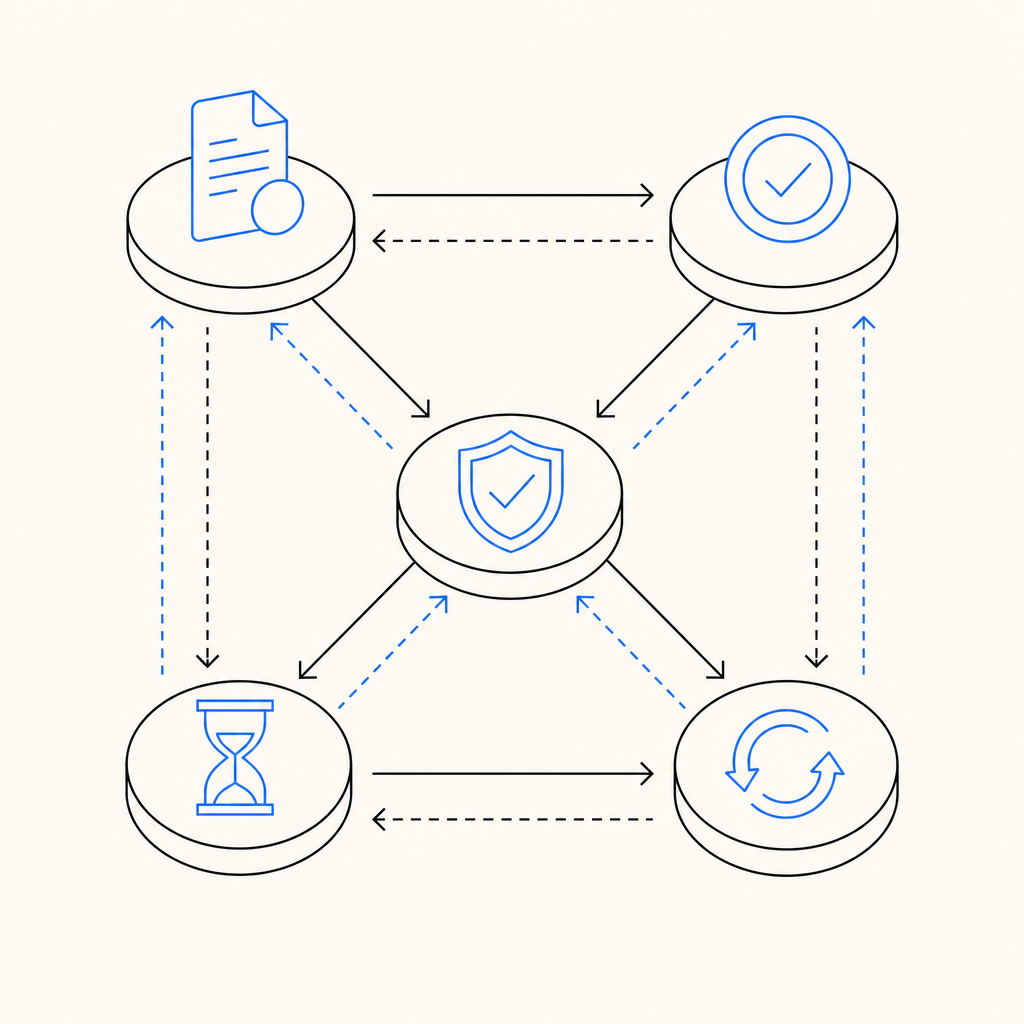
If you’re trying to understand “captcha jail amazon flex,” the useful question is not “how do I get around it?” It’s “what condition is making the system distrust the session repeatedly?” That answer is usually in the validation path, the risk rules, or the session context.
From a defender’s standpoint, the healthiest approach is to:
- challenge only when needed
- validate immediately on the server
- preserve context across retries
- distinguish human retry from automation
- give users a way out of failed states
That approach reduces lockouts, lowers support volume, and keeps your abuse controls intact.
Where to go next: if you’re tuning a CAPTCHA flow or reviewing your validation logic, start with the docs and pricing pages to map the integration and capacity that fit your traffic.