
Captcha issues often frustrate users and challenge developers alike. They occur when CAPTCHA systems fail to validate real humans smoothly or block legitimate traffic mistakenly. Whether it's poor accessibility, integration bugs, or user confusion, resolving these problems is critical to balancing security with seamless user experience. This article explains typical captcha issues, compares popular systems, and shares practical advice to diagnose and fix them.
Common CAPTCHA Issues and Why They Happen
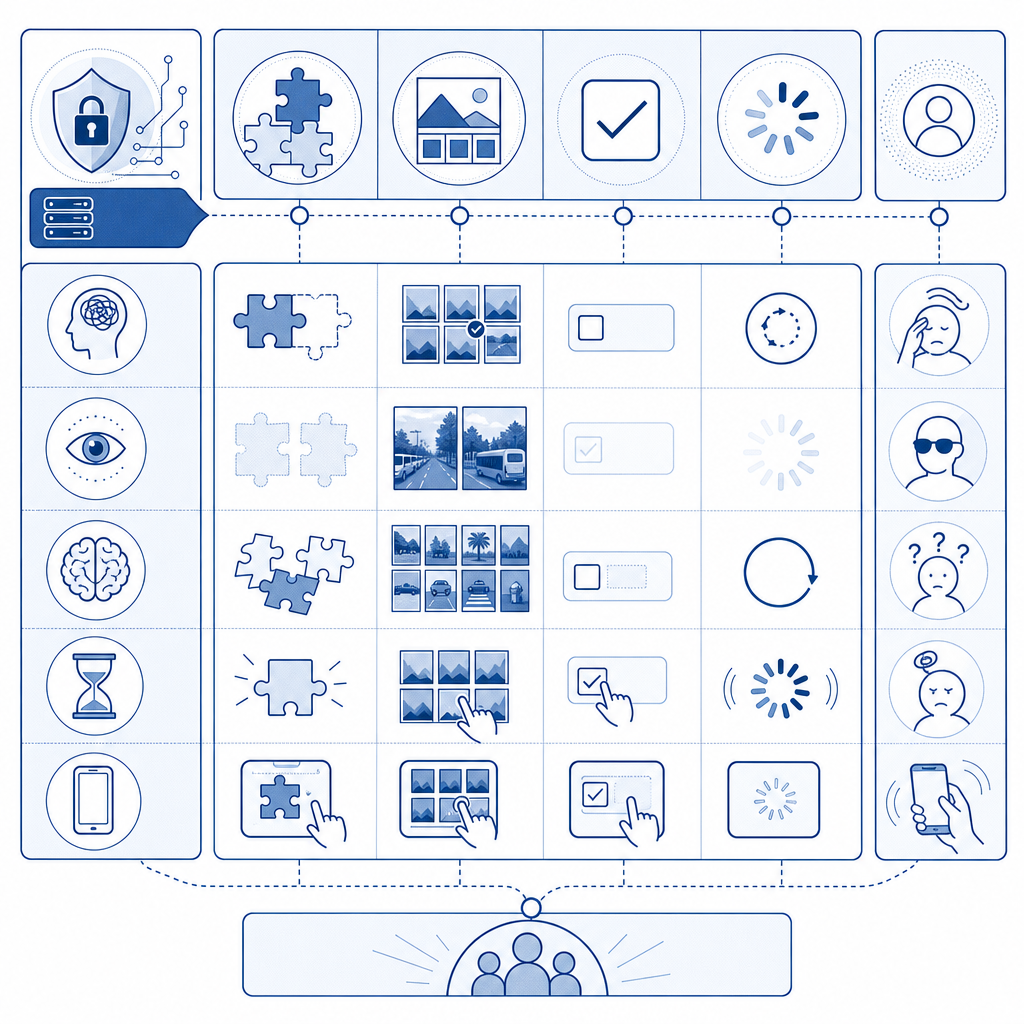
CAPTCHAs protect websites from bots by asking users to prove they are human, but several frequent issues can interfere with their effectiveness:
- False Positives and False Negatives: Sometimes bots get through undetected (false negatives), or legitimate users are mistakenly blocked (false positives). Both undermine the purpose of CAPTCHA and frustrate users.
- Accessibility Problems: Traditional CAPTCHAs can alienate users with disabilities, such as those with visual or hearing impairments. Lack of alternative verification options hurts inclusivity.
- Slow Loading or Script Errors: Integration issues like slow CDN delivery or JavaScript conflicts can prevent CAPTCHAs from loading or responding properly, leaving users stuck on the challenge screen.
- Language and Localization Gaps: Limited UI languages can confuse non-English speakers, lowering completion rates.
- User Confusion: Complex challenges or inconsistent UI design cause visitors to abandon forms rather than complete verification.
Understanding these pain points is the first step to addressing captcha issues effectively.

Comparing Popular CAPTCHA Solutions
Several major CAPTCHA providers are commonly used, each with distinct strengths and potential pitfalls:
| Feature | reCAPTCHA (Google) | hCaptcha | Cloudflare Turnstile | CaptchaLa |
|---|---|---|---|---|
| Verification Types | Image selection, invisible, audio | Image, audio verification | Invisible, frictionless | Image/audio, frictionless, SDKs |
| Accessibility Support | Audio + partial localization | Audio + partial localization | Good built-in accessibility | Full 8 languages + accessibility |
| UI Customization | Limited | Moderate | Minimal | Flexible UI via SDKs |
| Privacy | Collects user data, Google sign-in | Better privacy policies | First-party focus | First-party data only, GDPR-friendly |
| SDK Availability | JS only | JS, some backends | JS only | Native SDKs: Web, iOS, Android, Flutter, Electron |
| Pricing | Free / Paid tiers (Google terms) | Paid | Included with Cloudflare services | Free (1000/mo) up to Business plans |
While Google’s reCAPTCHA has widespread adoption, some users prefer alternatives like CaptchaLa or Cloudflare Turnstile for better privacy and customization. hCaptcha balances bot defense with paid human labor solutions. CaptchaLa offers a developer-friendly approach with native SDKs and localized support to reduce captcha issues related to accessibility and integration.
Diagnosing Technical Causes of CAPTCHA Issues
When users report problems or analytics show high failure rates, narrow down technical causes by following these steps:
Check Network and Script Loading
Confirm that all CAPTCHA scripts and assets load without errors or timeouts. Use browser dev tools to inspect network calls, especially calls to CDN endpoints like CaptchaLa’s loader:js// Example: loading CaptchaLa’s loader script asynchronously const script = document.createElement('script'); script.src = 'https://cdn.captcha-cdn.net/captchala-loader.js'; script.async = true; document.head.appendChild(script);Errors here indicate CDN or connectivity issues.
Validate Integration Parameters
Make sure front-end tokens sent to back-end validation endpoints match expected format. Double-check POST requests to APIs such as:POST https://apiv1.captcha.la/v1/validate Content-Type: application/json Body: { "pass_token": "...", "client_ip": "..." } Headers: X-App-Key, X-App-SecretIncorrect keys or malformed payloads cause failed verification.
Review Localization Settings
If users report unclear prompts, verify that UI language options align with site visitor demographics and that the chosen CAPTCHA UI supports the needed languages.Audit Accessibility Features
Test CAPTCHA flows with screen readers and keyboard-only navigation. If accessibility tools trigger failures, consider switching to CAPTCHA solutions with better native accessibility support—CaptchaLa supports audio options and an accessible UI out of the box.Monitor Browser Compatibility
Some CAPTCHA widgets rely heavily on modern JavaScript features that may break on older or niche browsers. Testing across browsers helps identify compatibility-related issues.
Best Practices to Mitigate Captcha Issues
Addressing captcha issues strategically improves both security and user engagement:
Choose CAPTCHA Solutions With Flexible SDKs
For easy embedding and native app support, use CAPTCHA providers such as CaptchaLa that provide SDKs for Web (React, Vue), iOS, Android, Flutter, and Electron. This reduces integration hiccups and unlocks better control of UI behavior.Implement Invisible or Frictionless Options
Invisible CAPTCHA or frictionless verification modes minimize user interruptions, reducing abandonment rates without sacrificing bot defense. Cloudflare Turnstile and CaptchaLa offer such modes.Customize UI and Localization
Match UI text and challenge language to your audience. CaptchaLa supports 8 UI languages natively, which helps reduce confusion for non-English speakers.Stay Within Rate Limits and Usage Tiers
Monitor traffic volumes and upgrade to higher pricing tiers if you hit rate limits—for example, CaptchaLa’s free tier includes 1000 validations/month, while Pro and Business tiers allow tens of thousands to millions monthly. Avoid service interruptions that frustrate users.Monitor Analytics and User Feedback
Track challenge success/failure rates and review session recordings or heatmaps if possible. This data reveals patterns where captcha issues cluster.
When to Consider Switching CAPTCHA Providers
No CAPTCHA solution fits all scenarios perfectly. If your current provider causes frequent accessibility complaints, poor localization, or technical errors that you cannot resolve, evaluating alternatives might be wise. Providers differ in:
- Data privacy policies and compliance (important under GDPR and CCPA)
- SDK support for your tech stack
- Available challenge modes and their impact on UX
- Pricing relative to traffic volume and business needs
CaptchaLa’s emphasis on first-party data only, broad native SDK coverage, multi-language support, and transparent API endpoints makes it worthwhile to evaluate, especially if you face recurring “captcha issues.”
If you want to reduce captcha-related user friction while maintaining strong bot defense, exploring flexible SDK integrations and localization options is essential. To dive deeper into CaptchaLa’s features, API usage, and pricing tiers, visit our docs or check out our pricing page to find the right solution for your needs. Keeping CAPTCHAs effective yet user-friendly prevents losing real users to frustrating security measures.