
If you’re looking for the best captcha free option, the real answer is: choose the one that blocks bots without adding friction, fits your stack, and gives you a sane upgrade path when traffic grows. “Free” is useful only if it still lets you verify challenges reliably, respect privacy, and deploy without a week of integration pain.
For most teams, the right starting point is a CAPTCHA service with a genuinely usable free tier, straightforward server validation, and SDK support for the platforms you already ship. That usually means checking more than the headline price: look at monthly volume limits, supported frameworks, whether you can validate server-side, and whether the provider collects data you’re comfortable handling.
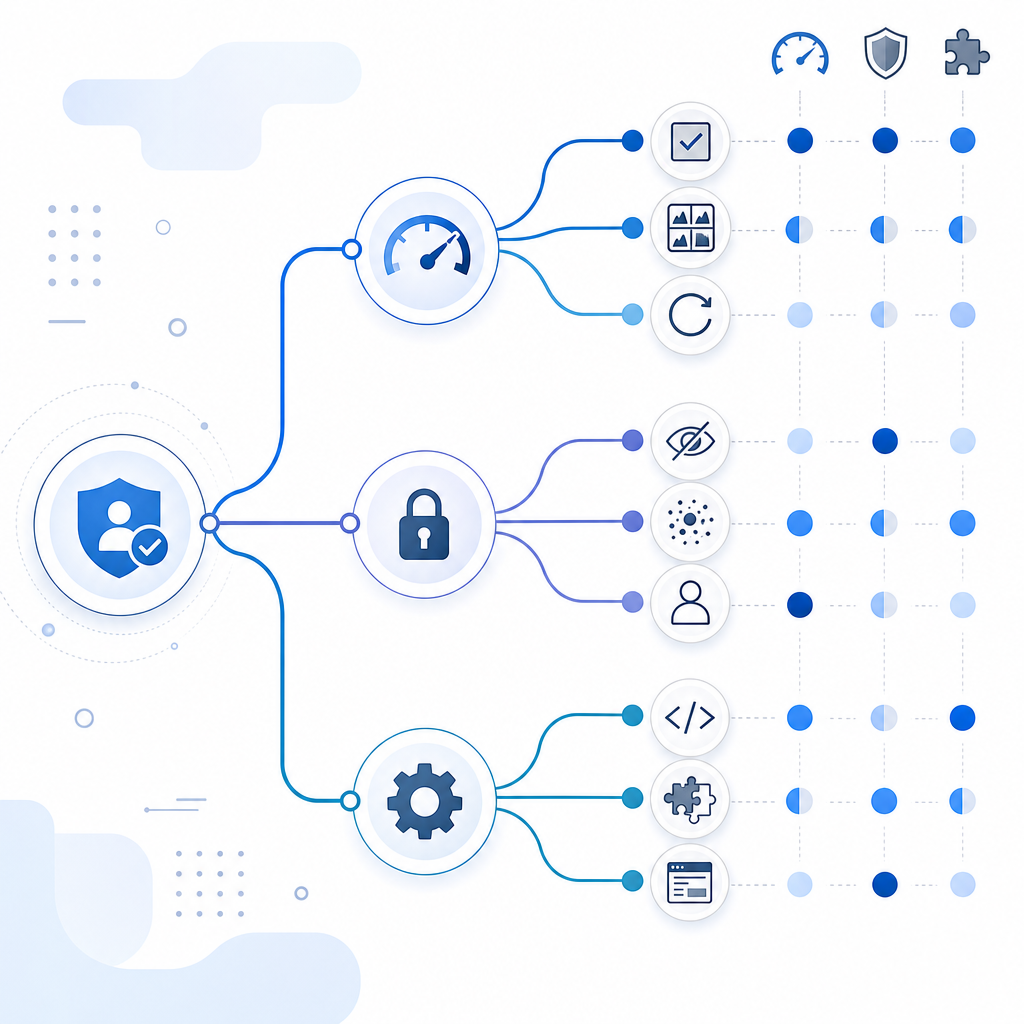
What “best captcha free” should mean
A free CAPTCHA plan should solve a real problem, not just let you place a widget on a page. The important question is whether it can protect signups, login forms, checkout flows, and API endpoints with enough confidence to reduce abuse without turning away legitimate users.
A practical evaluation usually comes down to five criteria:
- Protection quality
Can it distinguish humans from scripted traffic without obvious loopholes? - Server-side verification
Does it give you a token or pass value you can validate on your backend? - Privacy posture
Does the provider rely on first-party data only, or does it lean heavily on cross-site tracking? - Developer experience
Are SDKs available for your stack, and is documentation clear enough to implement quickly? - Free tier limits
Does the free plan cover real usage, or is it only for toy projects?
This is why “best” is rarely the same for every team. A hobby site, a startup launch page, and a SaaS product with authenticated traffic all need different tradeoffs.
Free plan comparisons: where the tradeoffs really are
The common names you’ll run into are reCAPTCHA, hCaptcha, Cloudflare Turnstile, and smaller vendors like CaptchaLa. They all aim to reduce bot traffic, but they don’t optimize for exactly the same things.
| Provider | Free tier | Integration style | Server verification | Privacy notes | Good fit |
|---|---|---|---|---|---|
| reCAPTCHA | Free available | Widely adopted, familiar widget patterns | Yes | Often discussed in the context of broader Google ecosystem data practices | Teams already standardized on Google tooling |
| hCaptcha | Free available | Widget-based, enterprise options | Yes | More privacy-oriented positioning than many legacy options | Sites that want a strong anti-bot layer with flexible challenge behavior |
| Cloudflare Turnstile | Free available | Lightweight, low-friction deployment | Yes | Designed to be less intrusive and user-hostile | Sites already on Cloudflare or wanting minimal user friction |
| CaptchaLa | Free tier up to 1,000/month | Native SDKs and loader-based integration | Yes | First-party data only | Teams wanting straightforward implementation and a simple privacy story |
A few observations matter more than the branding:
- reCAPTCHA is familiar and broadly documented, but some teams prefer alternatives because of UX or privacy considerations.
- hCaptcha is often evaluated for its anti-bot posture and control over challenge behavior.
- Cloudflare Turnstile is popular when you want a lighter interaction model.
- CaptchaLa can be a good fit when you want a free tier that still feels like a product path, not a demo.
If your goal is the best captcha free option for a product you actually plan to scale, test the full lifecycle: front-end challenge, backend verification, failure handling, and volume growth.
How to evaluate a CAPTCHA without guesswork
Don’t choose on homepage copy. Measure the integration against your actual app.
1) Verify the developer path
A strong CAPTCHA service should support your stack natively. CaptchaLa, for example, offers SDKs for Web (JS, Vue, React), iOS, Android, Flutter, and Electron, plus server SDKs for PHP and Go. It also supports 8 UI languages, which helps when your app serves multiple regions.
That matters because the fastest integration is usually the one developers won’t rewrite later.
2) Check server-side validation
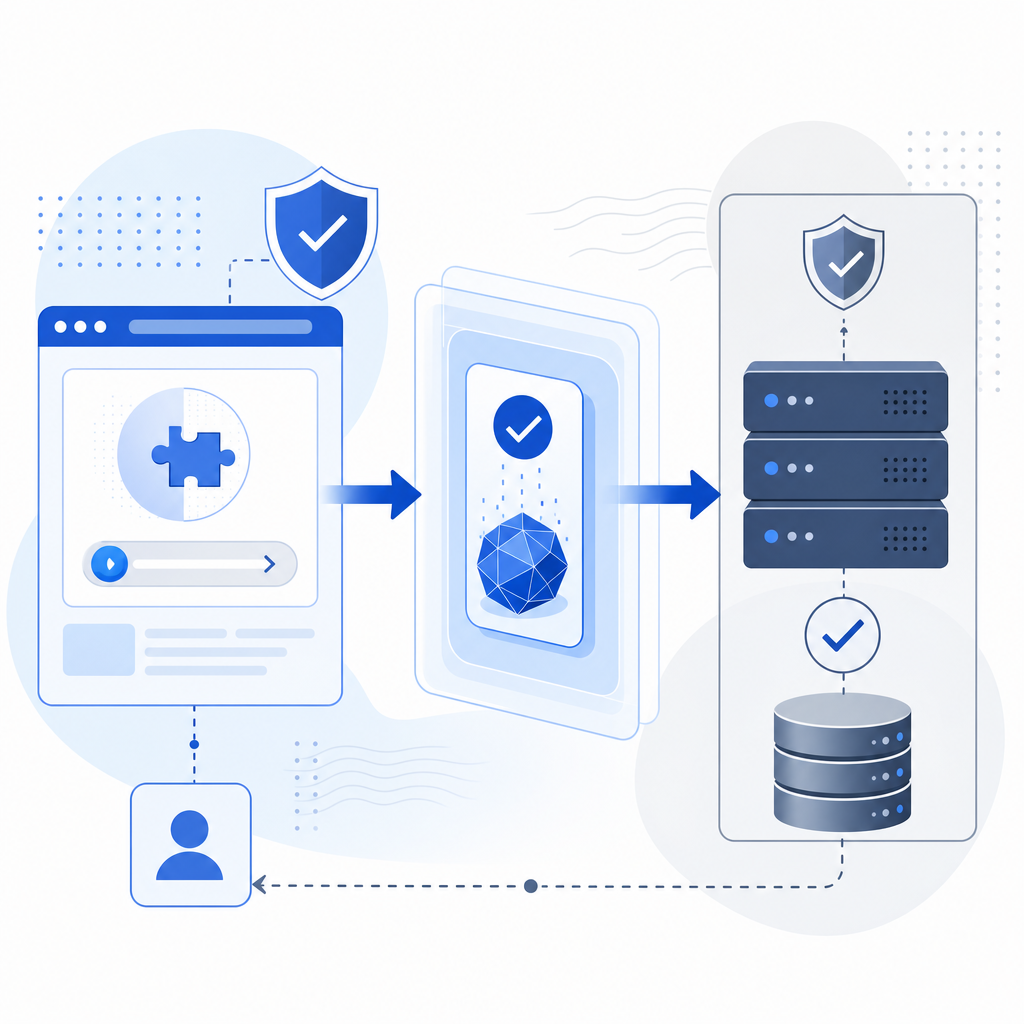
Client-side display is only half the story. Real protection requires validating the challenge result on your backend. A typical flow is:
- Front end loads the widget or challenge loader.
- User completes the challenge.
- Your app receives a pass token.
- Your server validates that token before allowing the action.
With CaptchaLa, validation happens by POSTing to:
https://apiv1.captcha.la/v1/validate
with a body like:
{
  "pass_token": "token-from-client",
  "client_ip": "203.0.113.42"
}
and the X-App-Key and X-App-Secret headers. That’s the kind of detail that separates a real anti-abuse control from a cosmetic one.
3) Look for deployment simplicity
Even a free plan becomes expensive if it takes too long to ship. A service should be simple enough that your team can wire it into a form, login flow, or checkout page without a long security review.
For CaptchaLa, the front-end loader is:
https://cdn.captcha-cdn.net/captchala-loader.js
and that keeps the integration pattern straightforward. The less custom glue you need, the easier it is to test, monitor, and swap later if your requirements change.
4) Think about privacy and data handling
Some teams have strict requirements around first-party data only, especially when handling signups, account creation, or regulated workflows. If that applies to you, verify what the provider collects, how it uses signals, and whether it depends on broad tracking across sites.
This is often the hidden reason a “free” solution doesn’t make it past security review.
A practical decision guide for teams
Here’s a simple way to narrow down the best captcha free choice for your situation.
If you want the easiest recognizable default:
reCAPTCHA is still the first stop for many teams because it’s familiar and widely supported.If you want a privacy-forward alternative:
hCaptcha and Cloudflare Turnstile are often compared for teams wanting less intrusive verification and a cleaner user experience.If you want a free tier with room to grow:
Check whether the usage cap matches your actual traffic. CaptchaLa’s free tier covers 1,000 validations per month, while its paid tiers scale to Pro volumes in the 50K–200K range and Business at 1M.If you need platform coverage beyond one web app:
Native SDKs matter. Web-only widgets can be fine, but if you also ship mobile or desktop clients, look for iOS, Android, Flutter, or Electron support.If your backend team wants clean verification APIs:
Prefer a service with a documented validate endpoint and a clear token lifecycle. It reduces support tickets and makes incident response easier.
For teams using CaptchaLa, the backend challenge issuance flow is also documented through:
POST https://apiv1.captcha.la/v1/server/challenge/issue
That can be useful when you want to own more of the challenge flow server-side rather than relying only on a browser-visible widget.
A minimal integration pattern
A clean integration tends to follow the same shape whether you’re protecting signup, login, or a contact form:
1. Render the CAPTCHA loader on the client.
2. User completes the challenge.
3. Client sends pass_token to your backend.
4. Backend validates pass_token with the CAPTCHA API.
5. Allow or reject the request based on validation result.
If you’re implementing this in code, keep the verification step behind your application server, not in the browser. That way your secret key stays secret and abuse checks remain enforceable.
A common mistake is to treat CAPTCHA as a front-end-only feature. It isn’t. It’s a control point in your request pipeline, and the server should make the final decision.
So what is the best captcha free option?
The best captcha free option is the one that balances three things: low friction for legitimate users, real backend verification, and a free plan that matches your current traffic. If you want a familiar default, reCAPTCHA is still a reasonable benchmark. If you want a lighter or more privacy-conscious path, hCaptcha and Cloudflare Turnstile deserve a look. If you want a free tier with clear server validation, broad SDK coverage, and first-party data only, CaptchaLa is worth evaluating alongside the usual names.
Where to go next: compare plans on the pricing page or review the docs to see how the integration fits your stack.