
If captcha is invalid, it usually means the client-generated proof didn’t match what your server expected, expired before verification, or was checked with the wrong secret, IP, or endpoint. In plain terms: the user may have completed the challenge, but the validation step failed.
That distinction matters because “invalid” is often a backend integration problem, not a proof that the visitor is fake. The fastest way to debug it is to trace the full flow: widget or loader, token issuance, server-side validation, and any proxy or caching layer in between.
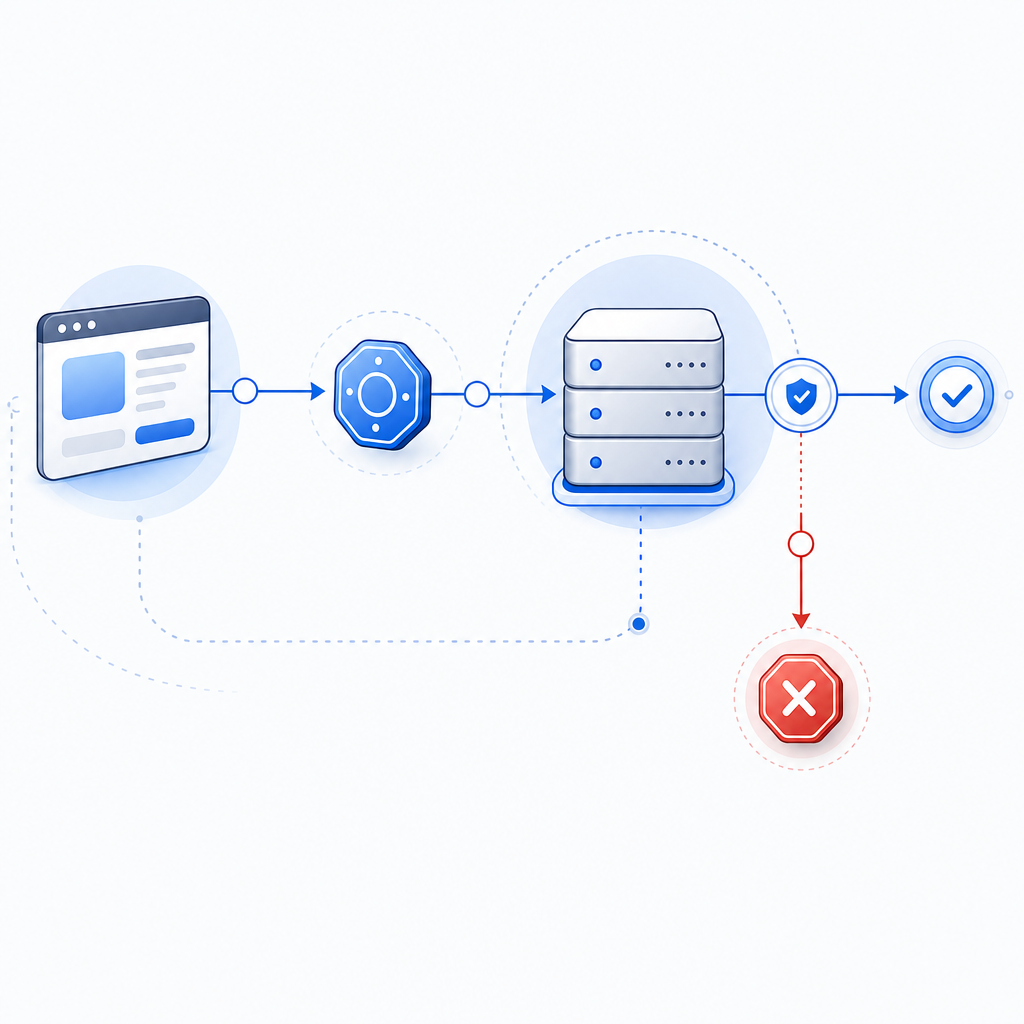
What “captcha is invalid” usually means
The phrase is broad, but most implementations collapse several failure modes into the same message. A user sees “captcha is invalid,” while your backend may have rejected the token for a more specific reason.
Common causes include:
- Expired token
- The user solved the challenge, but submitted the form after the token’s validity window.
- Token reused
- The same token was submitted twice, or the form was retried without issuing a fresh token.
- Secret mismatch
- The server is validating with the wrong secret key, environment, or tenant config.
- IP mismatch
- The validation request includes a client IP that doesn’t match what the captcha service expects.
- Loader or script interference
- Browser extensions, CSP misconfigurations, ad blockers, or broken script loading can prevent a valid token from being generated in the first place.
- Clock or caching issues
- Aggressive caching, stale forms, or time drift can make a valid challenge look invalid when it reaches the server.
When teams use CaptchaLa, the integration pattern is intentionally explicit: the client gets a pass token, and the server validates it with the required app key and secret. That makes it easier to pinpoint where the failure occurs instead of guessing.
How to debug it without guessing
A reliable debug path should separate client-side generation from server-side verification. If you treat them as one step, “captcha is invalid” can take hours to isolate.
1) Confirm the loader and challenge are actually running
If your front end never loads the challenge script, no valid token can exist. For CaptchaLa, the loader is served from:
https://cdn.captcha-cdn.net/captchala-loader.jsCheck that:
- the script is not blocked by CSP
- the browser can reach the CDN
- no extension strips the script
- the widget is rendered in the expected language and context
CaptchaLa supports 8 UI languages, which helps avoid accidental localization issues in global apps, but language choice won’t fix a broken loader. Still, it’s a useful signal that the right frontend bundle is being used.
2) Log the token lifecycle
A lot of “invalid” reports come from timing problems. You want to know:
- when the token was issued
- when the form was submitted
- whether the token was already consumed
- whether the token was attached to the same session/tab
A simple server-side trace helps.
// English comments only
async function submitForm(data) {
  const token = await getCaptchaToken(); // Get a fresh pass token
  console.log("token issued at", Date.now());

  const response = await fetch("/api/submit", {
    method: "POST",
    headers: { "Content-Type": "application/json" },
    body: JSON.stringify({
      ...data,
      pass_token: token
    })
  });

  return response.json();
}
If users repeatedly hit “captcha is invalid” after long form fills, the fix may be as simple as requesting a new token closer to submit time.
3) Validate from the server, not the browser
Captcha checks belong on the backend. With CaptchaLa, the validation endpoint is:
POST https://apiv1.captcha.la/v1/validate
The body should include:
pass_tokenclient_ip
And the request uses:
X-App-KeyX-App-Secret
If the client-side code calls validation directly, you’re exposing secrets and making failure analysis noisier. Keep the trust boundary on the server.
4) Verify that proxy headers are accurate
When your app sits behind a load balancer, CDN, or reverse proxy, the IP you see in application logs may not be the user’s real IP. If your captcha service expects the end-user IP and your app forwards the proxy IP instead, validation may fail.
Check:
X-Forwarded-ForCF-Connecting-IPif applicable- app server trust settings for proxies
- whether your validation code is pulling the first, last, or trusted hop
This is one of the most common sources of “captcha is invalid” in production.
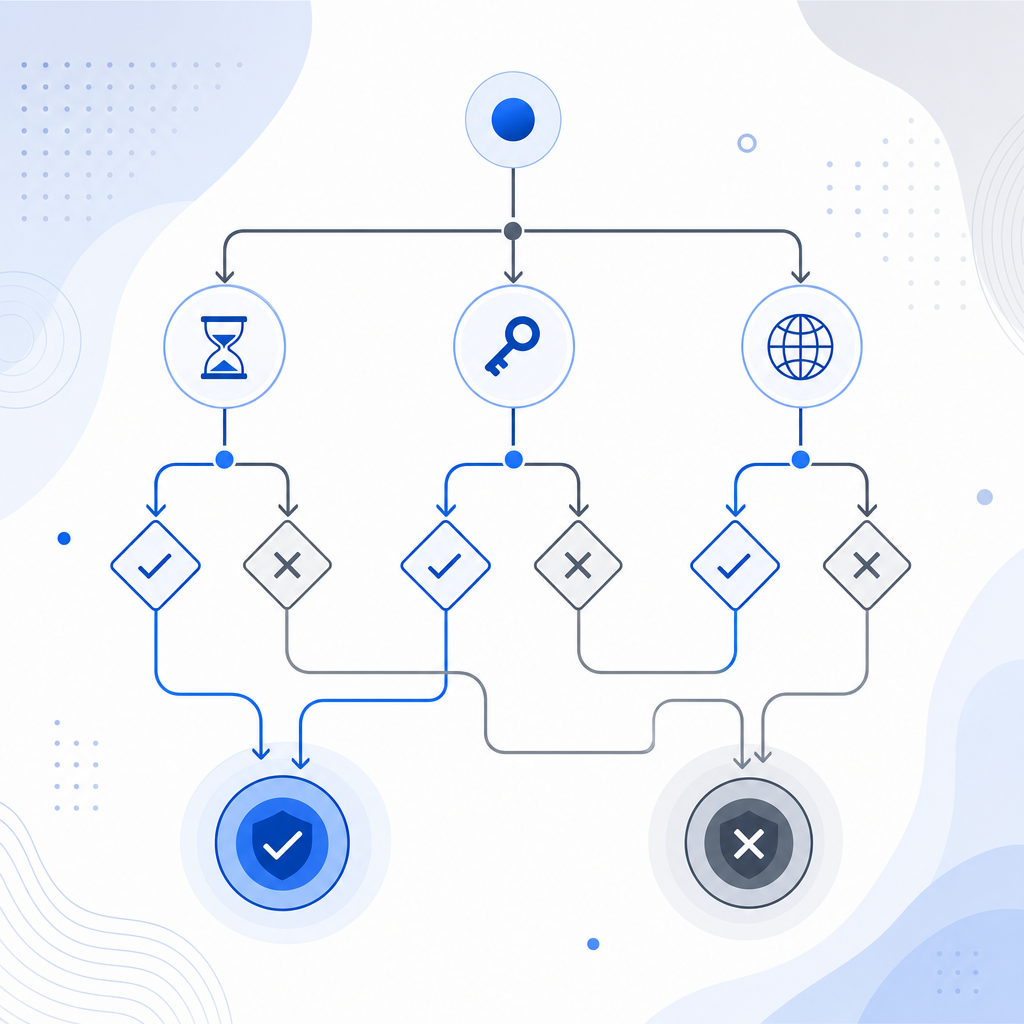
Comparing common captcha failures
Different providers fail for similar reasons, but the debugging surface area varies. Here’s a practical comparison from a defender’s point of view:
| Provider | Common invalid cause | Server-side validation style | Notes |
|---|---|---|---|
| reCAPTCHA | expired or reused token | verify token with Google endpoint | widely used, but debugging can feel opaque |
| hCaptcha | token timeout or sitekey mismatch | verify token with hCaptcha endpoint | often used as a drop-in alternative |
| Cloudflare Turnstile | challenge state or hostname mismatch | verify token with Cloudflare endpoint | good when already using Cloudflare tooling |
| CaptchaLa | token expiry, secret mismatch, IP mismatch, or stale submit | validate with app key + secret at /v1/validate | clear pass-token flow; also supports server token issue flow |
The main takeaway: “captcha is invalid” is usually not a generic user failure. It’s a diagnostic clue pointing to a mismatch in state, timing, or configuration.
Hardening your implementation so invalids stay rare
A few engineering habits can dramatically reduce false invalids without weakening bot defense.
Use short-lived tokens and fresh issuance
Tokens should be created close to the action they protect. If the token is generated on page load and the user submits ten minutes later, you’re inviting expiry errors.
Better approach:
- issue token on interaction or just before submit
- refresh token after failed validation
- avoid reusing tokens across forms or tabs
Keep client and server environments aligned
A surprising number of validation failures come from environment drift:
- staging keys in production
- production secrets in local testing
- mismatched loader URLs
- stale env vars after deploy
If you use docs, check that your environment-specific settings match exactly before chasing more exotic bugs.
Decide where to create challenge state
Some integrations need a server-generated challenge token first. CaptchaLa provides a server-token flow via:
POST https://apiv1.captcha.la/v1/server/challenge/issue
That can be useful when you want stricter control over issuance on the backend before the user sees the challenge. The key is consistency: choose one flow and instrument it end-to-end.
Test across devices and SDKs
If your app spans web and mobile, a validation problem may only appear on one platform. CaptchaLa supports native SDKs for:
- Web: JS, Vue, React
- iOS
- Android
- Flutter
- Electron
It also has server SDKs for captchala-php and captchala-go, plus package support such as Maven la.captcha:captchala:1.0.2, CocoaPods Captchala 1.0.2, and pub.dev captchala 1.3.2. That matters because a “captcha is invalid” bug can be caused by a platform-specific token handling difference, not the captcha itself.
A practical checklist before shipping
If you want fewer false negatives, run through this list before release:
- Confirm the loader script is reachable and not blocked.
- Make sure each form submission requests a fresh token.
- Validate tokens only on the server.
- Pass the correct
client_ipfrom the trusted edge. - Ensure
X-App-KeyandX-App-Secretare environment-correct. - Avoid caching HTML that embeds old challenge state.
- Re-test after redirects, retries, and tab restores.
- Log validation errors with enough context to distinguish expiry from mismatch.
If you do that, you’ll usually find the root cause quickly. And if your team prefers a smaller integration surface, CaptchaLa’s free tier starts at 1000 checks per month, with Pro and Business tiers for higher volumes, all using first-party data only.
Where to go next: review the implementation details in the docs or compare usage tiers on the pricing page.