
The best CAPTCHA for forms strikes a balance between security and user experience—blocking automated spam and abuse while being quick and straightforward for humans. When selecting a CAPTCHA solution, you want reliable bot detection, low friction for users, and easy integration with your tech stack. Options like CaptchaLa, Google’s reCAPTCHA, hCaptcha, and Cloudflare Turnstile each offer unique strengths, making the “best” choice dependent on your priorities. This guide explains key criteria for selecting a CAPTCHA for forms and compares popular providers objectively.
Why CAPTCHA Matters for Web Forms
Forms are prime targets for automated bots attempting to register fake accounts, submit spam, or launch DDoS attacks. Without adequate protection, bot traffic can overwhelm your infrastructure and degrade the quality of user-generated content. CAPTCHAs help to differentiate between legitimate users and automated scripts by presenting challenges difficult for bots but easy for humans.
Common form types needing CAPTCHA protection include:
- Contact or inquiry forms
- User registration or login forms
- E-commerce checkout forms
- Feedback or survey forms
A carefully chosen CAPTCHA improves form security while minimizing the risk of alienating real visitors with complicated or time-consuming puzzles.
Key Features to Consider for the Best CAPTCHA for Forms
When evaluating CAPTCHA providers, consider these factors that impact both security and user experience:
1. User Friction and Accessibility
Low friction is critical. A CAPTCHA that asks users to solve multiple puzzles or identify obscure images leads to form abandonment. Look for:
- Invisible or frictionless CAPTCHA modes that only challenge suspicious traffic
- Support for multiple languages to serve diverse audiences (CaptchaLa supports 8 UI languages)
- Accessibility compliance, e.g., audio challenges or keyboard navigation
2. Bot Detection & Security Strength
CAPTCHA solutions vary in detection methods, such as analyzing user behavior, IP reputation, or requiring interactive challenges. Consider:
- Resistance to automated solving and emerging AI-based bypass techniques
- Frequent challenge variation to prevent pattern recognition by bots
- Ability to run server-side token validation to avoid client tampering (CaptchaLa uses a secure POST validation API)
3. Integration Simplicity and Platform Support
Choose CAPTCHAs that fit your technology stack and development resources:
- Native SDKs or libraries for your frontend framework (CaptchaLa supports React, Vue, vanilla JS)
- Mobile SDKs for iOS, Android, Flutter, and desktop support with Electron
- Clear documentation and example code snippets for quick implementation
4. Privacy and Data Handling
Privacy concerns affect user trust and regulatory compliance. Some CAPTCHA providers send user data to third-party servers, which may not align with your privacy policy.
Look for:
- Use of first-party data only (CaptchaLa emphasizes first-party data without extensive third-party tracking)
- Transparent data collection practices
- Compliance with regulations like GDPR
5. Pricing and Usage Tiers
Evaluate pricing plans based on your expected monthly form submissions and required features. Many CAPTCHAs offer a free tier but can become costly at scale.
| Provider | Free Tier | Paid Plans | Pricing Notes |
|---|---|---|---|
| CaptchaLa | 1,000 validations / month | Pro: 50K-200K, Business: 1M | First-party data only, flexible tiers |
| Google reCAPTCHA | Unlimited | Free | No paid tier, but potential privacy concerns |
| hCaptcha | Unlimited | Pay per 1,000 solves | Revenue-sharing available |
| Cloudflare Turnstile | Unlimited | Free | Serverless, no cost to user |
Comparing Popular CAPTCHA Solutions for Forms
reCAPTCHA (Google)
The long-standing leader, reCAPTCHA uses risk analysis and interactive puzzles. It's widely used, free, and reliable but may introduce privacy concerns as Google collects user data. The visible “I’m not a robot” checkbox or image puzzles can interrupt smooth UX.
hCaptcha
hCaptcha focuses on privacy and monetization, allowing sites to earn from CAPTCHA solves. It offers customizable challenges but may add more friction than invisible options. Its broad language support and easy integration make it a solid alternative.
Cloudflare Turnstile
Turnstile prioritizes low friction by providing invisible challenges with no user interaction most of the time. It’s free and privacy-conscious but requires Cloudflare’s services, which could be a consideration if you’ve a different CDN setup.
CaptchaLa
CaptchaLa balances strong bot detection with minimal user disruption. It supports 8 UI languages and native SDKs for Web, iOS, Android, Flutter, and Electron, making it versatile for developers. Its secure server-side validation limits token forgery risks, and first-party data use aligns with privacy best practices.
// Example: Client-side loader initialization with CaptchaLa
import { captchalaLoader } from 'https://cdn.captcha-cdn.net/captchala-loader.js';

// Initialize CaptchaLa widget
captchalaLoader.init({
  siteKey: 'your-site-key',
  language: 'en',
  containerId: 'captcha-container',
  onSuccess: (passToken) => {
    // Submit passToken to backend for verification
  }
});
Summary Table of Highlights
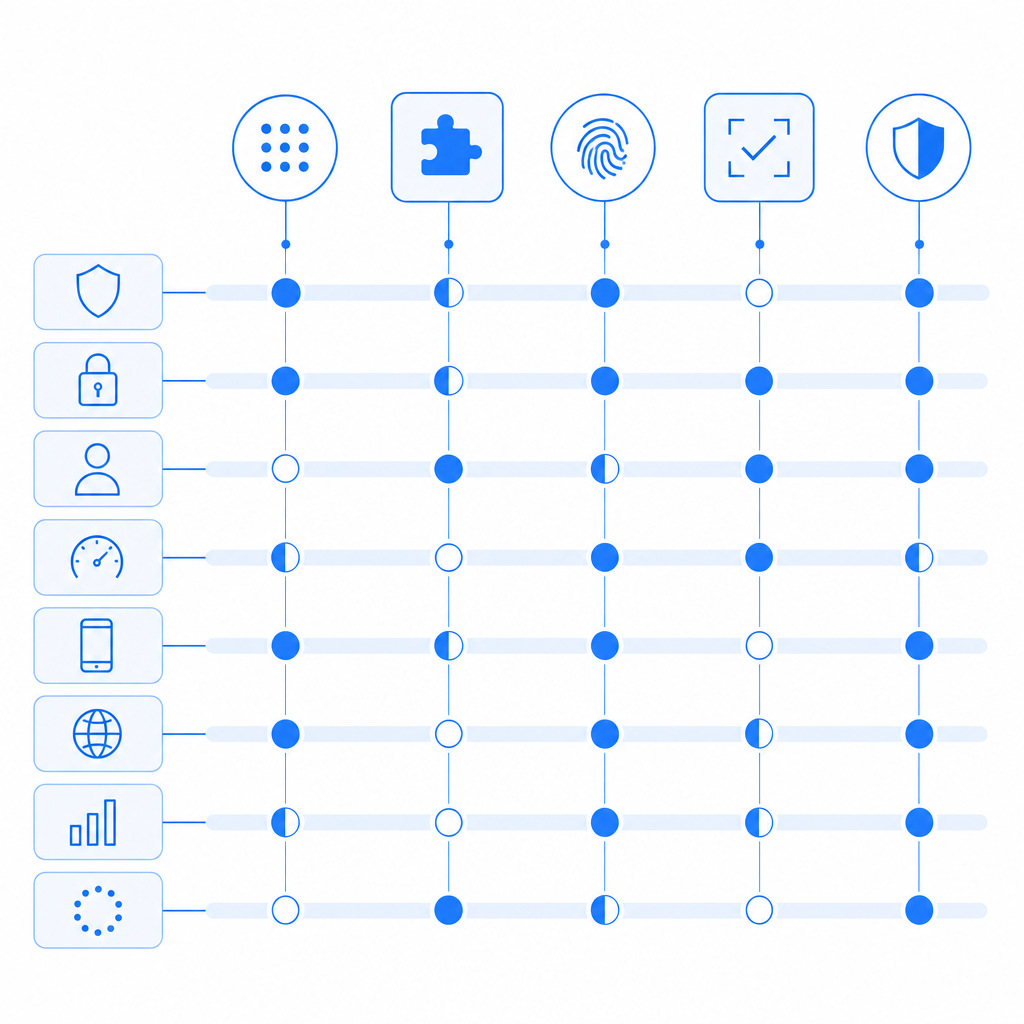
| Feature | CaptchaLa | reCAPTCHA | hCaptcha | Turnstile |
|---|---|---|---|---|
| Invisible Mode | Yes | Yes | Yes | Yes |
| SDKs (Web & Mobile) | Multiple (JS, Flutter, iOS, Android) | Limited to JS | JS, Mobile SDKs | JS only |
| Server-side Validation | Yes | Yes | Yes | Yes |
| Privacy Focus | First-party data only | Google data | Privacy-first | Privacy-focused |
| Multilingual UI | 8 languages | ~30 languages | 20+ languages | Few languages |
| Free Tier | 1,000/month | Unlimited | Unlimited | Unlimited |
Final Thoughts: Making the Choice for Your Forms
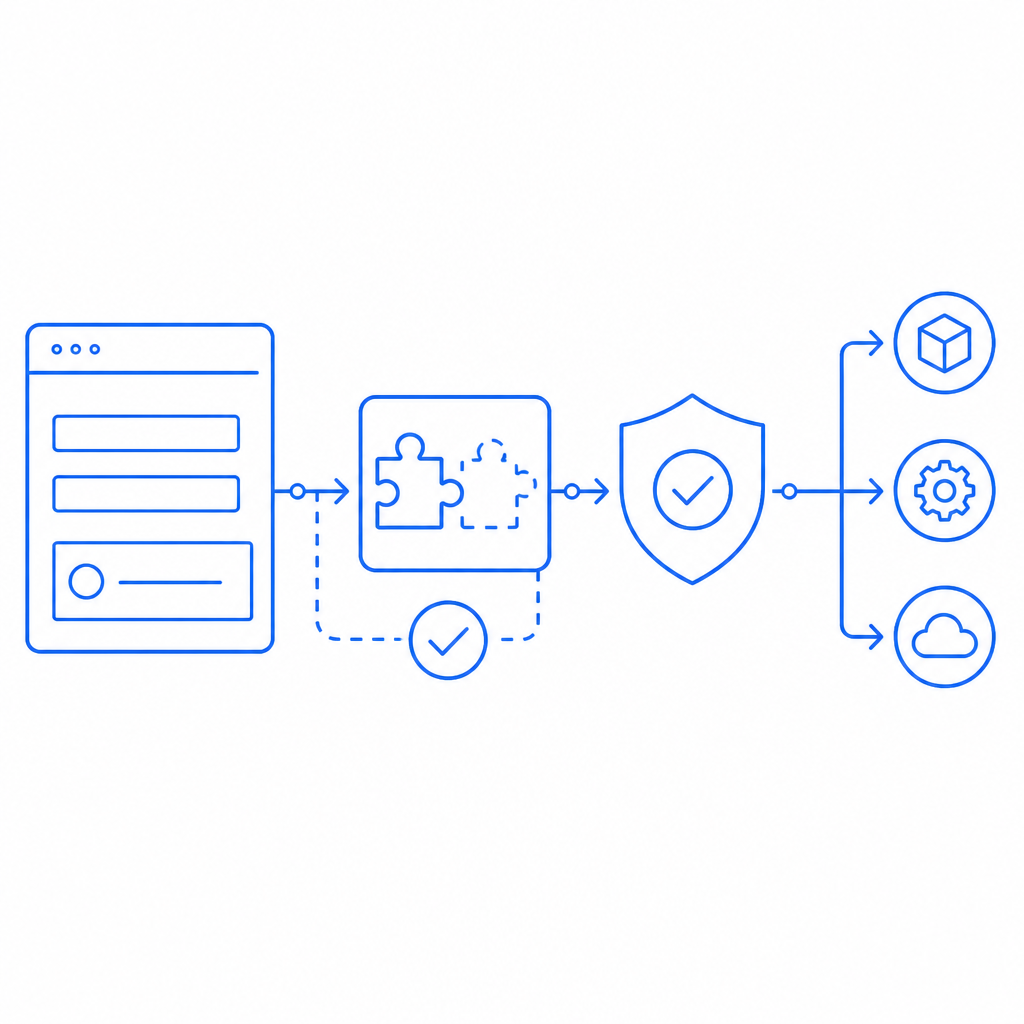
Choosing the best CAPTCHA for your forms means weighing security effectiveness, user experience, privacy, and integration ease. If data privacy and low-friction multilingual support are top priorities, CaptchaLa offers a compelling option with its comprehensive SDKs and server-side validation. For teams heavily invested in Google’s ecosystem, reCAPTCHA remains a viable choice, though privacy tradeoffs exist. If you want to leverage monetization while maintaining decent privacy, hCaptcha might be suitable. For a lightweight and seamless user experience, Cloudflare Turnstile delivers an invisible CAPTCHA alternative.
Evaluate your form traffic volume, technical environment, and user base expectations carefully. Testing multiple options in real user environments can help determine what works in practice, not just on paper.
Where to go next? Explore CaptchaLa’s detailed documentation or check out pricing plans to see how it might fit your project.
By selecting the right CAPTCHA, you fortify your forms against malicious bots without turning away genuine users—a win-win for security and usability.