
If you want to protect your Contact Form 7 forms from spam and bots effectively, selecting the best CAPTCHA solution is critical. The ideal CAPTCHA balances bot detection accuracy, user experience, ease of integration, and customization capabilities. This article explores the top CAPTCHA providers that integrate smoothly with Contact Form 7, comparing their features, implementation methods, and how they align with different security needs.
What Makes a CAPTCHA the Best for Contact Form 7?
The best CAPTCHA should not only block automated spam but also minimize friction for legitimate users. Specifically for Contact Form 7, a widely used WordPress plugin, a good CAPTCHA solution must:
- Offer seamless integration without breaking form functionality or layout
- Support accessible and user-friendly challenge types
- Provide straightforward validation via server-side checks
- Allow customization in appearance and behavior to match website styling
- Include multilingual support beneficial for global audiences
- Scale to handle varying traffic volumes without slowing down forms
Popular options today include Google’s reCAPTCHA v2/v3, hCaptcha, Cloudflare Turnstile, and newer players like CaptchaLa, which emphasize privacy and developer-friendly APIs.
Comparing Popular CAPTCHA Solutions for Contact Form 7
Here is a comparison table highlighting core features relevant to Contact Form 7 users:
| Feature | CaptchaLa | reCAPTCHA (Google) | hCaptcha | Cloudflare Turnstile |
|---|---|---|---|---|
| Integration Complexity | Easy JS loader, WordPress-friendly | Easy setup, official Contact Form 7 plugin | Fairly easy with plugins | Simple JS insertion, limited WP plugin support |
| Bot Detection Approach | Behavioral + puzzle challenges | Risk analysis + puzzles | Challenge puzzles + risk scoring | Invisible, minimal challenge |
| User Experience | Customizable UI, 8 UI languages | Varies, reCAPTCHA v3 is invisible | Typical puzzle challenges | Mostly invisible, fast |
| Privacy Focus | First-party data only, GDPR-friendly | Google collects usage data | Data shared with hCaptcha | Cloudflare data sharing |
| Server Validation API | Yes, documented POST API | Yes, official JSON validation | Yes | Yes |
| SDK Availability | Web (JS/Vue/React), iOS, Android, Flutter, Electron, server SDKs (PHP, Go) | Web JS, mobile SDKs | Web JS SDK | JS only |
| Pricing | Free tier: 1,000/mo; Pro & Business tiers | Free, high quotas possible | Free + paid options | Free for Cloudflare customers |
All have WordPress plugins or compatible manual integration approaches. Your choice depends on your priorities: privacy, user flow, or ease of implementation.
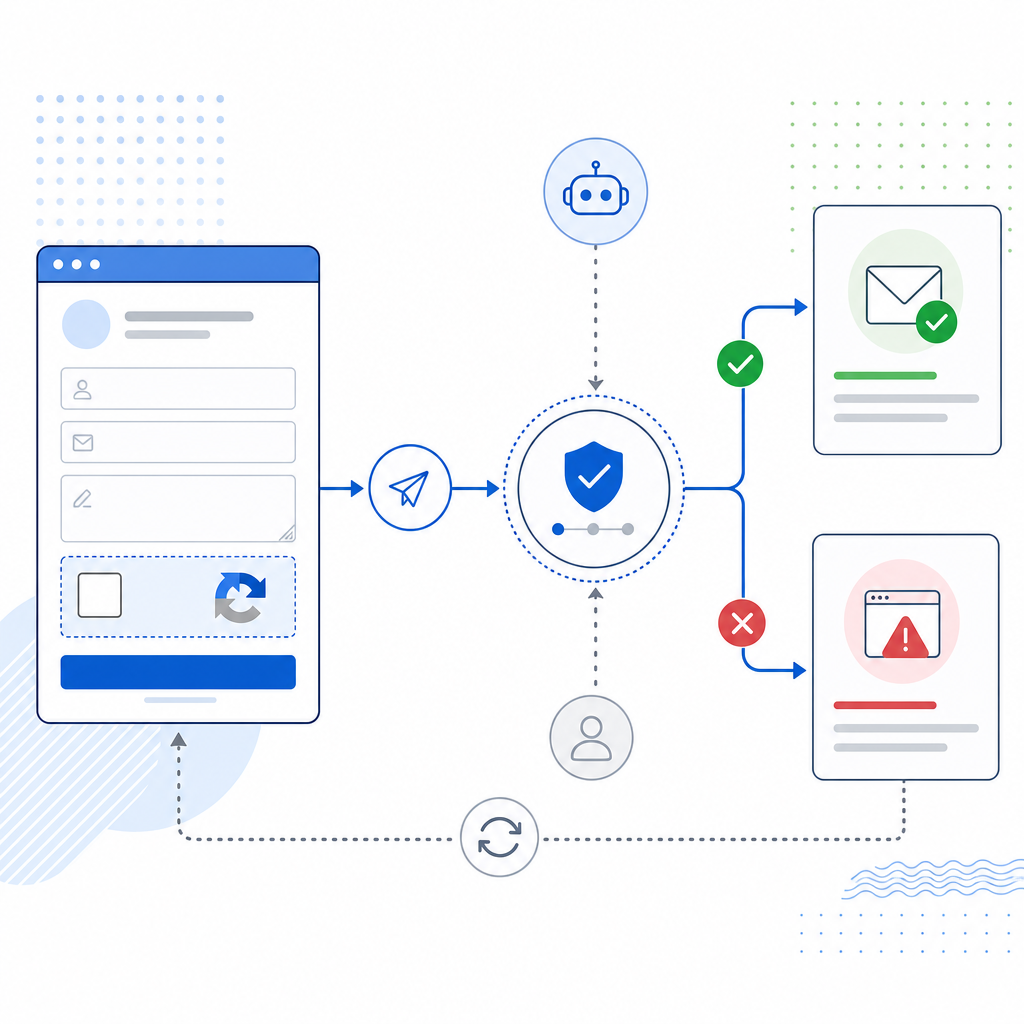
Integrating CaptchaLa with Contact Form 7
CaptchaLa offers a straightforward and privacy-conscious approach tailored for developers and site owners who want control over the CAPTCHA experience.
Step-by-Step Integration Overview
Add CaptchaLa Loader Script:
Include the loader script on pages with Contact Form 7:html<script src="https://cdn.captcha-cdn.net/captchala-loader.js" async defer></script>Add CAPTCHA Widget to Form:
Include the CaptchaLa HTML widget container within the Contact Form 7 form editor, e.g.:html<div id="captchala-widget"></div>Client-Side Token Generation:
The loader script automatically renders the CAPTCHA and generates a client token once solved.Form Submission Validation:
On form submit, send the token along with user input to your server where you validate it using CaptchaLa’s server API:php$response = file_get_contents('https://apiv1.captcha.la/v1/validate', false, stream_context_create([ 'http' => [ 'method' => 'POST', 'header' => "Content-Type: application/json\r\nX-App-Key: YOUR_APP_KEY\r\nX-App-Secret: YOUR_APP_SECRET", 'content' => json_encode(['pass_token' => $_POST['captchala_token'], 'client_ip' => $_SERVER['REMOTE_ADDR']]) ] ])); $result = json_decode($response, true); if ($result['success']) { // process form data } else { // reject submission, show error }Customize:
CaptchaLa offers options to adjust the UI theme, language (8 supported UI languages), and challenge difficulty via their dashboard.
This approach leverages CaptchaLa’s modern SDKs and APIs while keeping the integration simple and secure.
Quick Tips: Choosing a CAPTCHA for Your Contact Form 7
- Assess your audience’s tolerance for challenges: If users complain about inconsistent or difficult puzzles, try invisible solutions like reCAPTCHA v3 or Turnstile.
- Consider privacy regulations: CaptchaLa’s first-party data policy could be preferable for GDPR compliance compared to data-sharing services.
- Check plugin compatibility: Confirm the CAPTCHA service has updated WordPress plugins or easy manual integration guides for Contact Form 7.
- Test performance impact: Use cached tokens or lighter challenges to avoid slowing down form submissions, especially with high traffic.
- Review cost structure: Free tiers vary widely; CaptchaLa offers 1,000 monthly free validations, which is sufficient for many small sites.
Alternatives Worth Mentioning
- Google reCAPTCHA: The most widely used, offering invisible checks with v3 or challenge puzzles with v2. Its major advantage is widespread familiarity and vast documentation, but some users dislike data collection and privacy concerns.
- hCaptcha: Focuses on privacy and monetization of CAPTCHA solves. A good option if you want alternatives to Google, but the puzzle difficulty can frustrate users at times.
- Cloudflare Turnstile: Mainly for Cloudflare customers, Turnstile offers seamless integration with a largely invisible user experience but isn’t as customizable.
Each of these options can secure Contact Form 7 to various degrees. CaptchaLa stands out by blending developer-friendly APIs, multiple language support, and privacy-focused approaches, making it a strong candidate to consider.
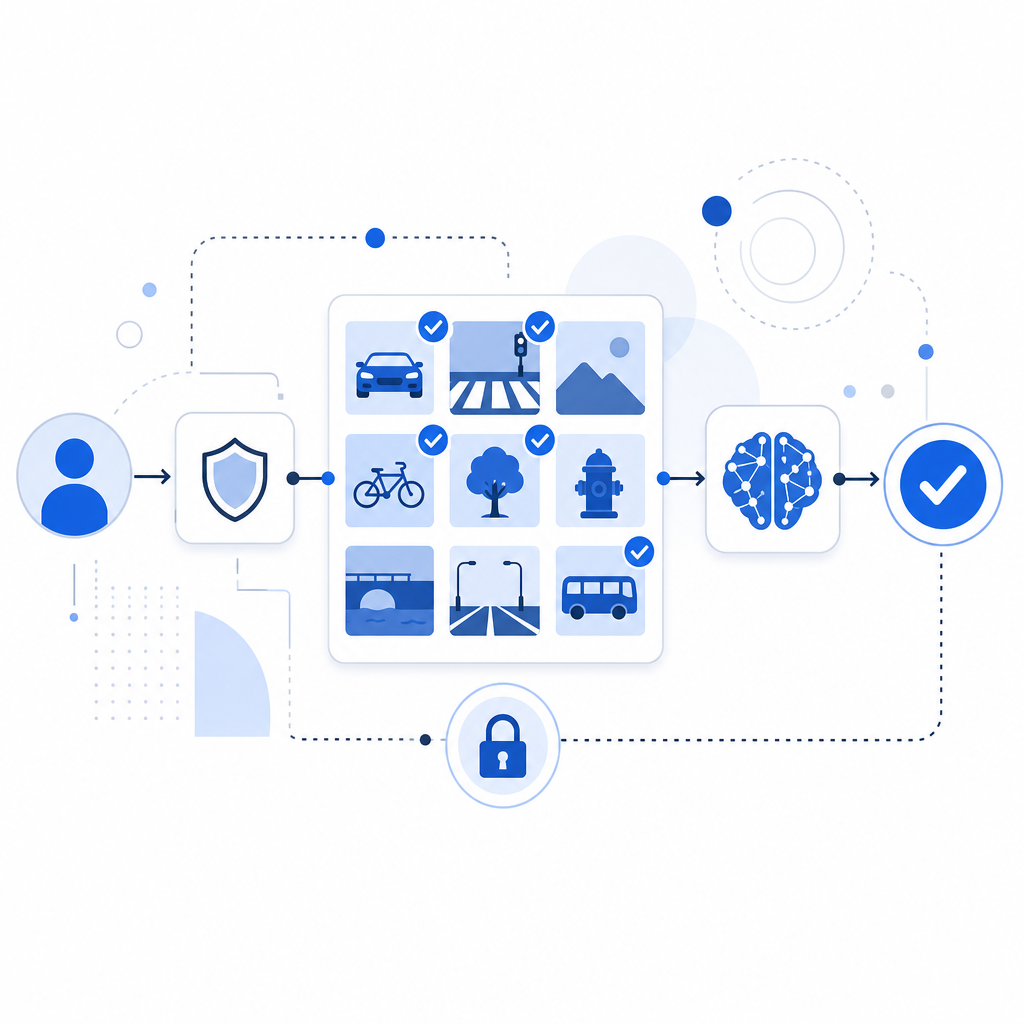
Protecting your Contact Form 7 forms against spam bots is essential, but the right CAPTCHA depends on your needs for usability, privacy, and integration. CaptchaLa provides a lightweight, multilingual, and privacy-first option with powerful SDKs and easy server-side validation. For detailed integration instructions, head to the CaptchaLa docs. To evaluate pricing and tiers suited for your website traffic, see the pricing page. Exploring these resources will help you find the best CAPTCHA to keep your contact forms secure and user-friendly.