
“Captcha is invalid” usually means the verification token failed to validate on the server, so the challenge response cannot be trusted. In plain terms: the CAPTCHA was either expired, reused, mismatched to the session, blocked by a network or browser issue, or rejected because the backend could not confirm it with the provider.
That message can appear to end users as a generic form error, but for site owners it points to a specific class of integration problems: the client solved something, yet the server did not accept the proof. The good news is that most causes are diagnosable with a short checklist rather than guesswork.
What “captcha is invalid” means in practice
When people search for “captcha is invalid meaning,” they’re often seeing one of three scenarios:
- The CAPTCHA challenge was completed, but the token expired before submission.
- The token was sent to the backend incorrectly, partially, or more than once.
- The backend could not validate the token with the CAPTCHA provider due to secret key, IP, or request issues.
From a defender’s perspective, “invalid” does not always mean malicious behavior. It often means the verification flow broke somewhere between the browser and your server. That distinction matters because the fix is usually operational, not just security policy.
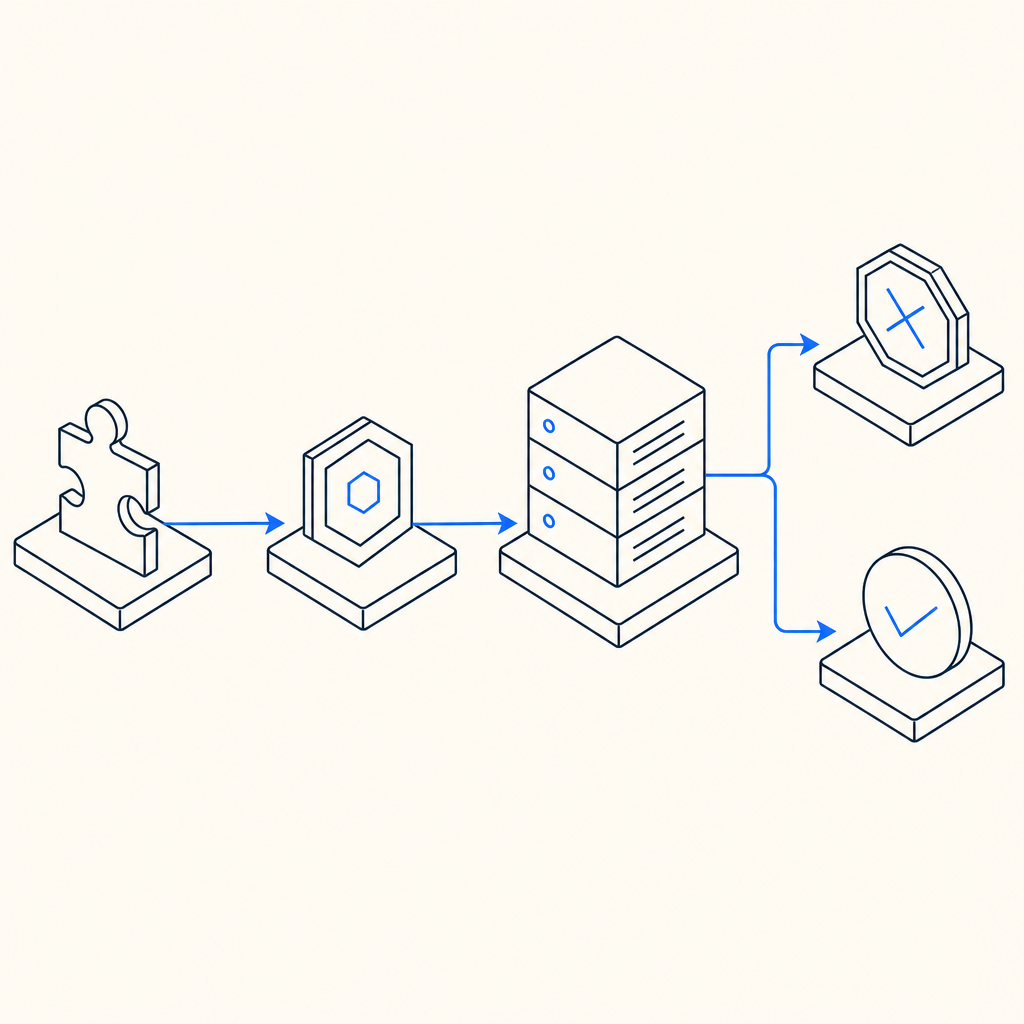
A useful mental model is:
| Step | What should happen | What goes wrong when invalid |
|---|---|---|
| Challenge rendered | Frontend loads the widget or loader | Script blocked, wrong site key, CSP issue |
| User solves challenge | Browser receives a pass token | Token not captured or stored |
| Form submit | Token is sent with request | Field omitted, overwritten, or serialized incorrectly |
| Server validation | Backend calls validation endpoint | Wrong secret, expired token, network failure |
| Decision | Server accepts or rejects | Generic “invalid captcha” message |
If you use CaptchaLa or any comparable system, the server side should be treated as the source of truth. The browser can display success, but only backend validation should decide whether the request is allowed.
Common causes and how to fix them
The phrase “captcha is invalid” is broad, so it helps to break it down into concrete failure modes.
1) Token expired before submission
Many CAPTCHA tokens are short-lived. If the user spends too long on the form, opens multiple tabs, or leaves the page idle, the pass token can expire before submission.
Fix:
- Refresh the CAPTCHA token immediately before submit.
- Avoid caching a solved token in localStorage or a long-lived session field.
- If your form is lengthy, consider revalidating near the final submit action.
2) Token reused or replayed
A token should generally be treated as single-use. Reusing the same token across multiple requests can trigger invalidation.
Fix:
- Clear the token after successful backend validation.
- Generate a new challenge for each submission attempt.
- If your app supports retries, make sure each retry acquires a fresh token.
3) Backend validation failed
Sometimes the browser side is fine, but the server never confirms the token correctly. With CaptchaLa, validation is done by POSTing to:
https://apiv1.captcha.la/v1/validate
using a body like:
{
  "pass_token": "token-from-client",
  "client_ip": "203.0.113.10"
}
and authentication headers:
X-App-KeyX-App-Secret
If those headers are missing, incorrect, or swapped between environments, the validation will fail and the token will appear “invalid.”
4) IP mismatch or proxy confusion
Some systems bind verification to the client IP. If your app sits behind a proxy, load balancer, CDN, or edge worker, the IP your application sees may differ from the IP the challenge was associated with.
Fix:
- Make sure
client_ipis the actual end-user IP when required by your integration. - Confirm your reverse proxy forwarding headers are configured correctly.
- Test from a single network path before assuming the CAPTCHA itself is broken.
5) Frontend loading issues
A blocked script, CSP rule, ad blocker, or stale asset can cause the challenge UI to render incorrectly or never initialize.
If you’re using CaptchaLa’s loader, the script is served from:
https://cdn.captcha-cdn.net/captchala-loader.js
Typical checks:
- Verify the script is allowed by your CSP.
- Ensure the loader is loaded exactly once.
- Confirm the widget is mounted after the DOM is ready.
6) Incorrect product integration
Different providers expose slightly different flows. reCAPTCHA, hCaptcha, and Cloudflare Turnstile all have their own client and server semantics, which means copying code across providers often produces “invalid” failures.
For example:
- reCAPTCHA integrations may depend on specific response fields and action matching.
- hCaptcha often has similar token-based validation, but configuration details differ.
- Cloudflare Turnstile emphasizes challenge response verification through its own endpoint and policy settings.
The solution is not to memorize every provider’s quirks, but to follow the exact docs for the service you chose.
A practical debugging checklist for teams
If you maintain the application, use this sequence when “captcha is invalid” appears in logs or support tickets.
Confirm the frontend actually receives a token.
- Inspect the form submission payload.
- Verify the token field is present and non-empty.
Confirm the token reaches the backend unchanged.
- Watch for serialization bugs.
- Check whether middleware strips unknown fields.
Confirm backend validation succeeds with the correct credentials.
- Ensure
X-App-KeyandX-App-Secretare set in the right environment. - Separate dev, staging, and production secrets.
- Ensure
Confirm timing is sane.
- Measure time between challenge solve and submit.
- Look for tokens expiring during multi-step checkout or signup flows.
Confirm IP handling is correct.
- Compare proxy headers with application-level IP extraction.
- If you validate by IP, make sure the same address is used consistently.
Confirm the failure is truly CAPTCHA-related.
- Rate limits, WAF rules, CSRF checks, and schema validation can all be surfaced to users as “invalid captcha” if your app bundles errors too aggressively.
A clean integration should make diagnosis easy. For CaptchaLa specifically, the validate endpoint and server-token issuance flow are documented in the docs, and that matters because verification is more predictable when your frontend and backend follow the same contract.
What developers should log and monitor
A good CAPTCHA integration fails loudly enough for engineers, but not so loudly that it leaks sensitive details to users.
Recommended logging fields:
- request ID
- timestamp
- token age at validation
- validation status code
- client IP source used
- environment name
- provider response reason, if available
Here’s a simple server-side pattern:
// Validate the token on the server
// Keep user-facing errors generic
async function verifyCaptcha(passToken, clientIp) {
  const response = await fetch("https://apiv1.captcha.la/v1/validate", {
    method: "POST",
    headers: {
      "Content-Type": "application/json",
      "X-App-Key": process.env.CAPTCHALA_APP_KEY,
      "X-App-Secret": process.env.CAPTCHALA_APP_SECRET,
    },
    body: JSON.stringify({
      pass_token: passToken,
      client_ip: clientIp,
    }),
  });

  if (!response.ok) {
    // Log response metadata for debugging
    return { ok: false };
  }

  return await response.json();
}
If you want to issue a server-side challenge token, CaptchaLa also supports:
POST https://apiv1.captcha.la/v1/server/challenge/issue
That can be useful for flows where you want tighter server orchestration rather than relying only on the browser to initiate everything.
For broader deployment, CaptchaLa supports 8 UI languages and native SDKs for Web (JS, Vue, React), iOS, Android, Flutter, and Electron, plus server SDKs like captchala-php and captchala-go. That flexibility helps reduce integration drift across products and platforms.
Choosing a CAPTCHA setup that reduces invalid errors
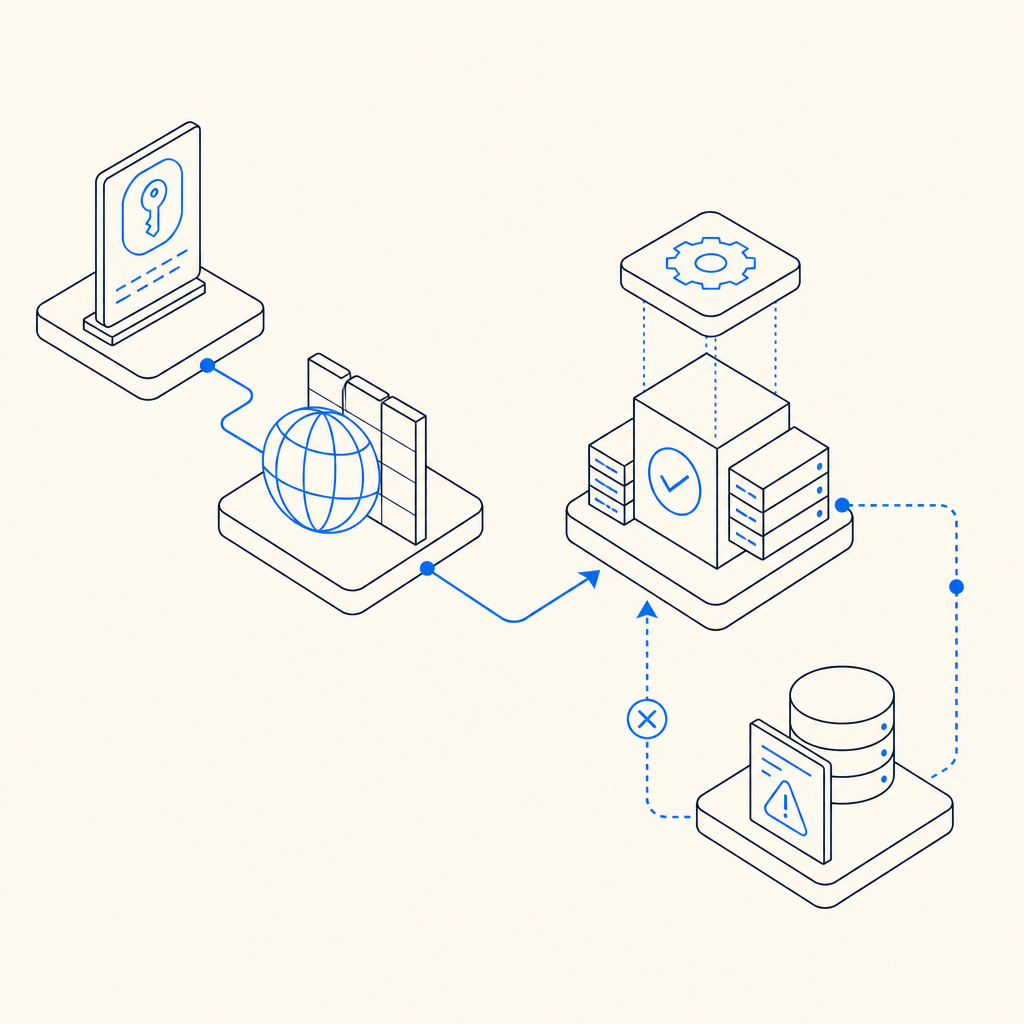
A lot of “invalid CAPTCHA” incidents are really integration quality issues. The fewer custom patches you need, the fewer opportunities there are for token expiry, secret mismatches, or UI loading problems.
When evaluating a setup, ask:
- Is server validation straightforward?
- Can the frontend and backend be versioned together?
- Is the token lifecycle clear?
- Are SDKs available for the platforms you actually ship?
- Do you have enough observability to tell expired tokens from bad secrets?
Pricing can also influence how much instrumentation you keep enabled. CaptchaLa’s published tiers include a free tier at 1,000 monthly requests, Pro in the 50K–200K range, and Business at 1M. If you’re testing or running a smaller product, that makes it easier to validate your integration before scaling traffic.
The most important rule, regardless of provider, is simple: don’t trust the widget alone. Trust the server-side verification result, and make sure your app treats invalid responses as a debugging signal, not a dead end.
Where to go next: if you’re tightening up your verification flow, start with the docs or review pricing to match your traffic and platform needs.