
The best CAPTCHA design is the one that stops abuse without making real users feel punished. That usually means minimizing interaction, adapting challenge difficulty to risk, keeping the flow fast on mobile, and validating server-side so the client is never the source of truth.
A good design is not just “hard for bots.” It is clear, resilient, accessible, and measurable. If users can pass it quickly and attackers cannot reliably automate around it, you are close to the right balance. That balance is why many teams now prefer risk-based challenges, silent checks, or lightweight proof-of-work style gates over old-school distorted text puzzles.
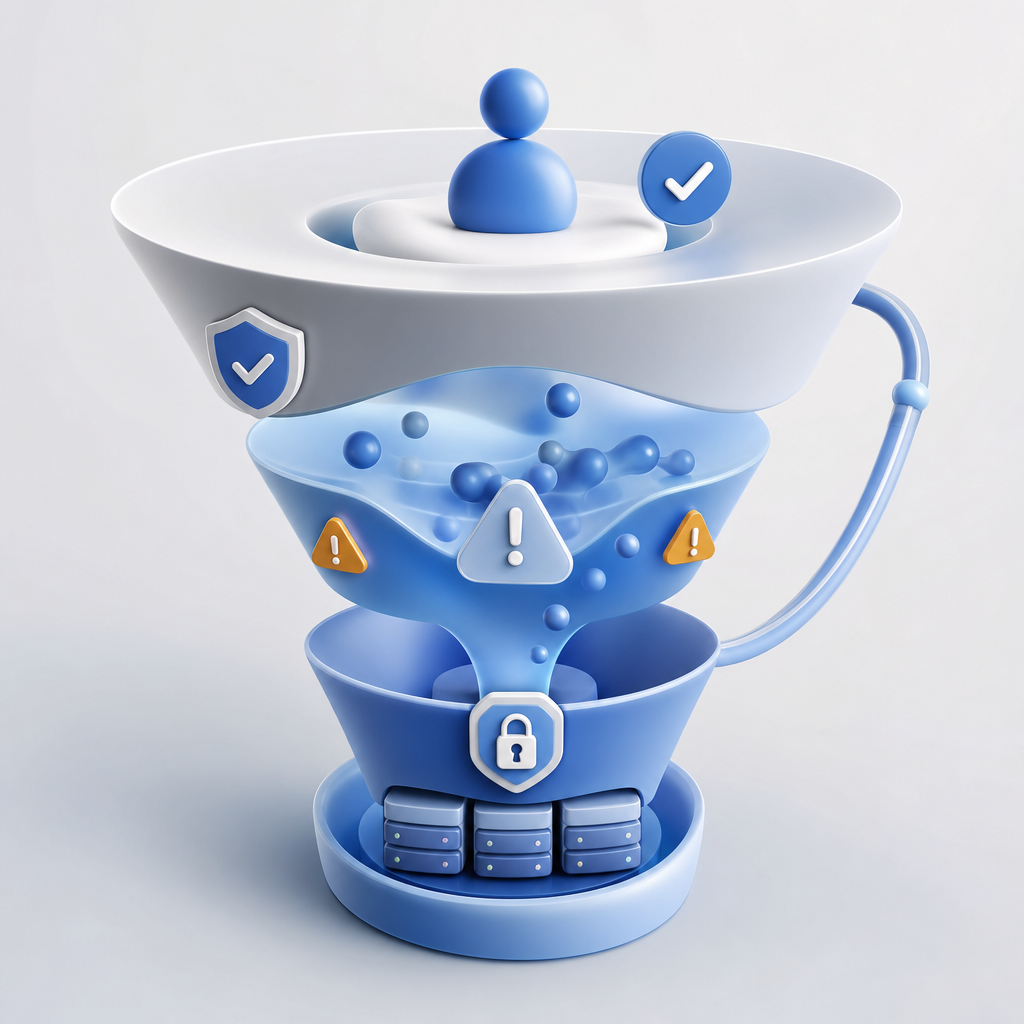
What makes the best CAPTCHA design?
The strongest CAPTCHA experiences are usually invisible until risk rises. That sounds almost too simple, but it is the core idea: collect enough signals to decide when to challenge, then challenge only when needed.
The best designs share a few traits:
Low friction for legitimate users
Most users should not have to solve a puzzle at all. If they do, the challenge should be quick, understandable, and mobile-friendly.Adaptive difficulty
One static challenge is easy to model. A better system raises the bar when behavior looks automated: bursty submissions, suspicious IP reputation, repeated retries, or impossible navigation patterns.Strong server-side verification
Never trust the browser alone. A client-side “pass” is only useful if your backend validates it with secrets you control.Accessibility and language support
The challenge should work across devices and across users with varying abilities. If your audience is global, localized UI matters. CaptchaLa, for example, offers 8 UI languages and native SDKs for Web, iOS, Android, Flutter, and Electron, which helps teams keep the same control surface across platforms.Fast time-to-complete
Every extra second in a form increases abandonment. In practice, the best CAPTCHA design is often the one users barely notice.
A simple rule: if your CAPTCHA is generating support tickets, throttling conversions, or forcing excessive retries, it is probably overfitting to “security” and underweighting usability.
Compare the common CAPTCHA approaches
Different products optimize for different tradeoffs. The point is not that one is universally “best,” but that some patterns are easier to integrate and easier to live with.
| Approach | User friction | Bot resistance | Accessibility | Typical fit |
|---|---|---|---|---|
| Distorted text/image puzzles | High | Medium | Often weak | Legacy forms, low-risk use cases |
| Checkbox or interactive challenge | Low to medium | Medium | Variable | General-purpose web forms |
| Invisible/risk-based challenge | Very low | Medium to high | Better when implemented well | Signups, login, checkout |
| Token-based validation with server checks | Very low | High when combined with telemetry | Good if fallback is clear | APIs, account actions, payments |
Cloudflare Turnstile, reCAPTCHA, and hCaptcha all sit somewhere in this space, but they make different tradeoffs around data collection, challenge style, and integration complexity. The right choice depends less on brand and more on your threat model, privacy constraints, and UX tolerance.
If your team cares about minimizing first-party friction and keeping validation controlled by your own backend, a token-based workflow is worth evaluating. CaptchaLa’s flow is built around first-party data only, which matters for teams that want tighter data boundaries.

Design for abuse patterns, not just puzzles
A CAPTCHA is only one layer in a broader anti-abuse system. If you design only around the visual challenge, attackers will simply move to alternate abuse paths: credential stuffing, fake signups, coupon harvesting, ticket scalping, or API spam.
The better approach is to model the abuse you actually see. That leads to CAPTCHA decisions that are much more specific:
1. Protect high-value actions differently
Not every page needs the same friction. Login, registration, password reset, invite creation, and checkout deserve separate policies. A signup flow may tolerate a small challenge; a payment confirmation may need stronger step-up checks.
2. Score risk before deciding to challenge
Use signals like:
- IP and ASN reputation
- request velocity
- device/session consistency
- repeated form failures
- impossible geographic jumps
- suspicious automation timing
Those signals can be evaluated before a challenge is shown, which means many users never see it.
3. Validate the token on the server
A secure flow should look more like this:
# Client receives a pass token after the challenge
# Server verifies the token before allowing the action

POST https://apiv1.captcha.la/v1/validate
Headers:
  X-App-Key: your_app_key
  X-App-Secret: your_app_secret

Body:
  {
    "pass_token": "token-from-client",
    "client_ip": "203.0.113.10"
  }
That server check is the point where abuse gets blocked. If the verification fails, treat the request as untrusted and fall back to your policy: deny, rate-limit, step up, or log for review.
CaptchaLa also supports server-token issuance through POST https://apiv1.captcha.la/v1/server/challenge/issue, which is helpful when you want your backend to initiate a challenge-aware flow rather than relying entirely on the frontend.
4. Keep the implementation boring
The best CAPTCHA design is usually operationally boring. You want:
- predictable latency
- clear retry behavior
- simple error codes
- easy instrumentation
- a fallback path for older clients
That makes it easier to run experiments and to compare challenge rates over time.
Practical implementation notes for product teams
Good design decisions become even better when the integration is straightforward. A CAPTCHA that requires heavy custom code is harder to tune and easier to break during release cycles.
Some practical details to check:
- Frontend loader performance: load asynchronously and avoid blocking primary content. CaptchaLa’s loader is available at
https://cdn.captcha-cdn.net/captchala-loader.js. - Native SDK coverage: if you ship mobile or desktop apps, use the platform SDK instead of trying to emulate a web widget.
- Language coverage: if you serve a global audience, keep the challenge text and fallback messages localized.
- Server SDK support: CaptchaLa provides
captchala-phpandcaptchala-go, which are convenient for teams already using those stacks. - Package versions: for app teams, the current published packages include Maven
la.captcha:captchala:1.0.2, CocoaPodsCaptchala 1.0.2, and pub.devcaptchala 1.3.2.
Here is a simple deployment checklist for a safer rollout:
- Start with low-risk traffic only, such as signup or newsletter forms.
- Log challenge pass/fail rates by device, browser, and country.
- Compare conversion before and after introducing the CAPTCHA.
- Add server validation before widening access.
- Tune step-up thresholds rather than making the challenge harder for everyone.
- Review false positives weekly, especially after product or traffic changes.
That last step matters more than people think. A CAPTCHA that is “accurate” on paper but rejects real users during peak traffic is still a bad user experience.
Choosing the right tradeoff for your stack
If you are choosing among reCAPTCHA, hCaptcha, Cloudflare Turnstile, or a newer provider, ask the same questions your abuse team would ask:
- Can we validate on the server with our own secrets?
- How much data does the provider need?
- Does it work cleanly in mobile apps and embedded surfaces?
- Can we tune difficulty by route and risk?
- Will it still be understandable to users in multiple languages?
The answer to “best captcha design” is rarely a single widget style. It is a system design: risk scoring, challenge presentation, server verification, analytics, and graceful fallback. When those pieces work together, the user experience feels light and the abuse team gets real protection.
For teams that want a balanced starting point, CaptchaLa is worth a look because it keeps the integration focused on validation, supports multiple client platforms, and exposes the backend endpoints you need to make policy decisions yourself. You can review the docs for implementation details or check pricing if you want to estimate volume fit.
Where to go next: if you are planning a rollout, start with the docs and choose a plan that matches your traffic shape via pricing.