
The short answer: the best auto captcha extension is usually not a generic “solve everything” add-on, but the extension that fits your workflow without creating security or compliance problems. For legitimate users, that means a tool with clear purpose, transparent behavior, and minimal data access. For site owners, it means understanding that “auto CAPTCHA” can describe either accessibility helpers or abuse-enabling automation, and those are very different things.
If you’re evaluating this term as a developer or security team, the right question is not “Which extension bypasses challenges fastest?” but “Which browser-side tool helps real users and still preserves trust?” That framing matters because the wrong extension can interfere with session integrity, break risk checks, or expose users to malicious scripts.
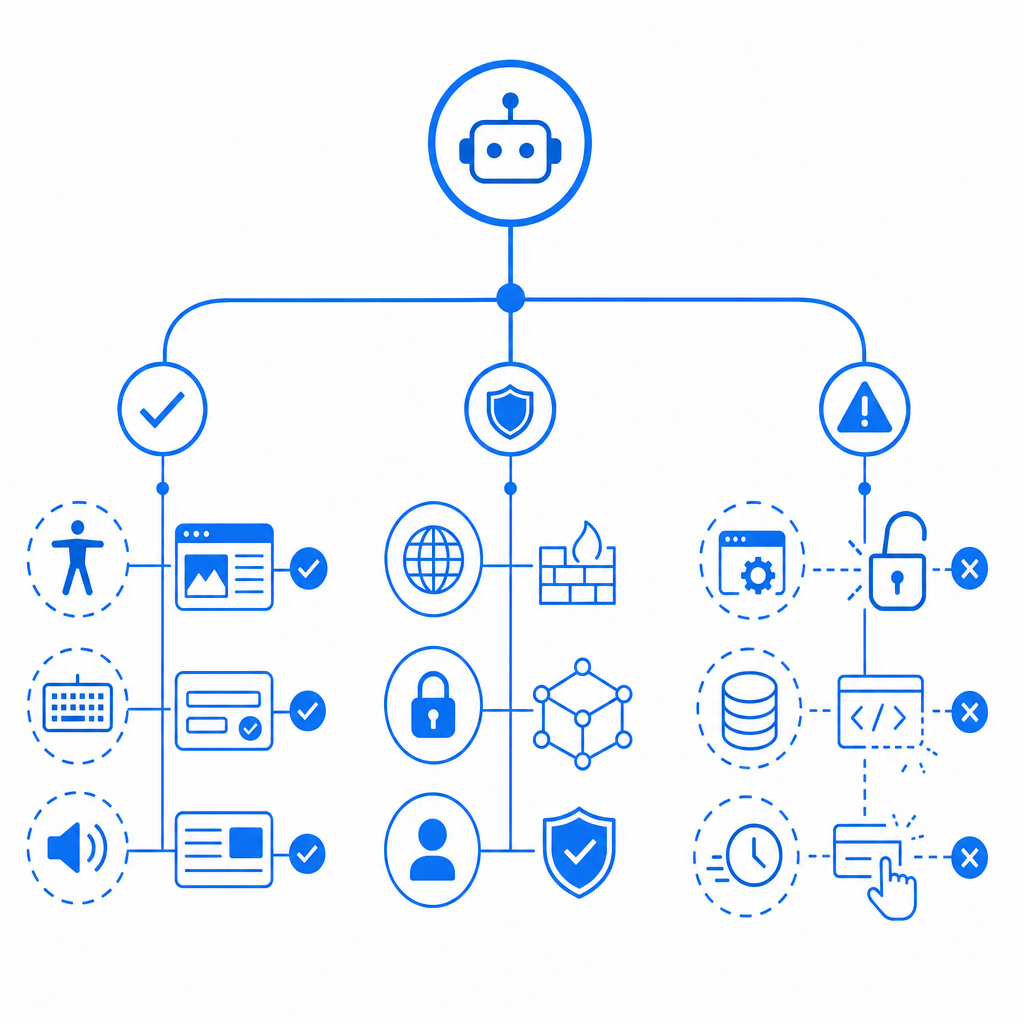
What “best auto CAPTCHA extension” should mean
A trustworthy browser extension should reduce friction without silently taking over authentication, session state, or challenge flows. That typically points to accessibility features, internal QA tooling, or organization-approved browser automation—not consumer tools that claim to crack, skip, or evade CAPTCHA systems.
When judging an extension, I’d use five criteria:
- Scope of permissions
- Does it request access to all sites, or only the domains you specify?
- Does it need storage, tabs, clipboard, or cross-origin privileges?
- Transparency
- Does it explain what it changes in the browser?
- Can you inspect its source or at least review its update history?
- Data handling
- Does it transmit page contents, cookies, or tokens off-device?
- Is there a clear privacy policy and a defined retention model?
- Reliability
- Does it fail gracefully when a challenge changes?
- Does it preserve normal page behavior when no CAPTCHA is present?
- Compliance fit
- Is it acceptable under your organization’s security policy, accessibility policy, and vendor terms?
For site owners, the phrase “auto CAPTCHA” should also trigger a defensive review: automated solving attempts often show up as anomalous browser behavior, low-entropy interaction patterns, or unusual token reuse. That’s why modern defense is less about one widget and more about layered verification.
Comparing common CAPTCHA approaches
Different challenge systems solve different problems. None is perfect, and “best” depends on whether you care more about accessibility, friction, fraud reduction, or implementation speed.
| Approach | Strengths | Tradeoffs | Good fit |
|---|---|---|---|
| reCAPTCHA | Widely recognized, many integrations | Can add friction; risk scoring is opaque | General web forms |
| hCaptcha | Strong abuse focus, flexible deployment | May be more visible to users | Security-sensitive forms |
| Cloudflare Turnstile | Low-friction, easy for many users | Tied to Cloudflare ecosystem in many deployments | Teams wanting smoother UX |
| Custom CAPTCHA / bot-defense stack | Full control over policy and telemetry | More engineering effort | Product teams with specific risk models |
If you’re on the defender side, the question is not just which widget you choose, but whether your backend validates tokens correctly and ties them to session and IP context where appropriate. A challenge is only as useful as the verification step behind it.
Captchas that rely on server-side validation can be integrated with a simple pattern. For example, a backend can verify a pass token and client IP against an API endpoint, then proceed only if the response indicates success:
# English comments only
# 1. Receive token from client
# 2. Collect client IP from request metadata
# 3. Send token + IP to validation endpoint
# 4. Check validation result
# 5. Allow form submission or block request

POST https://apiv1.captcha.la/v1/validate
Headers:
  X-App-Key: your_app_key
  X-App-Secret: your_app_secret
Body:
  {
    "pass_token": "token_from_browser",
    "client_ip": "203.0.113.42"
  }
That sort of flow is straightforward to reason about, and it’s one reason some teams prefer CaptchaLa when they want validation they can wire into their own systems instead of relying on a black box.
Safe ways to reduce CAPTCHA friction
If your goal is to help real users complete forms faster, there are safer paths than generic “auto solve” extensions. The best options usually improve usability without weakening the control itself.
1) Use first-party risk signals
If you own the site, combine challenge results with signals you already control:
- account age
- login history
- device consistency
- request rate
- form completion timing
- session integrity
Captcha should be one signal, not the only gate. That’s especially important for applications with login, signup, checkout, or ticketing flows.
2) Prefer native integrations over browser hacks
For real product integration, vendor SDKs are far cleaner than extension-driven workarounds. CaptchaLa supports native SDKs for Web (JS, Vue, React), iOS, Android, Flutter, and Electron, plus server SDKs like captchala-php and captchala-go. That gives teams a consistent implementation path across frontend and backend.
It also matters for global products: CaptchaLa includes 8 UI languages, which can reduce confusion and abandonment without changing the security model.
3) Keep verification server-side
A challenge should never end at the browser. On the server, validate the token before you accept a sensitive action. The pattern is simple:
- Browser receives a challenge token.
- Browser submits the token with the form.
- Backend calls the validate endpoint with
pass_tokenandclient_ip. - Backend checks the response before processing the request.
This keeps logic centralized and makes it easier to tune policy later. CaptchaLa’s server-side validation flow uses POST https://apiv1.captcha.la/v1/validate with X-App-Key and X-App-Secret, which is exactly the kind of separation you want when you’re building a serious anti-abuse layer.

Implementation notes for developers
If you’re comparing solutions for a product team, implementation details often decide the real winner. Here are the practical things to look for:
- Loader simplicity
- Can the browser load the challenge widget with a single script?
- CaptchaLa provides a loader at
https://cdn.captcha-cdn.net/captchala-loader.js, which keeps the client integration clean.
- Server challenge issuance
- Can you issue a challenge only when needed?
- CaptchaLa exposes
POST https://apiv1.captcha.la/v1/server/challenge/issuefor server-side challenge creation.
- SDK coverage
- Do you need web only, or also mobile and desktop?
- Native support across JS, Vue, React, iOS, Android, Flutter, and Electron can save a lot of glue code.
- Language and UX
- If you operate internationally, 8 UI languages can reduce support burden.
- Commercial fit
- Is pricing aligned to your traffic? CaptchaLa’s public tiers include Free for 1,000/month, Pro for 50K–200K, and Business at 1M.
That mix matters because many teams start by looking for a browser extension when what they really need is a complete defense stack. Extensions can help with narrow tasks, but they don’t replace server verification, policy design, or telemetry.
For documentation and rollout details, the most useful next step is usually the vendor docs rather than trial-and-error. If you’re evaluating a deployment, docs is the place to check integration specifics, while pricing helps you map traffic expectations to a tier.
Where the keyword really leads
If someone searches for the best auto captcha extension, they are often trying to solve one of two problems: they want less friction, or they want more automation. The first is legitimate and worth solving carefully. The second can quickly cross into abuse, which is why site owners should treat the phrase as a signal to review their bot-defense posture, not as a product recommendation.
The safest path is to preserve user convenience while keeping control server-side. Choose tools that are transparent, bounded, and compatible with your own risk rules. For many teams, that means standardizing on a challenge system with clear validation APIs, SDK coverage, and manageable pricing rather than relying on browser-side shortcuts.
Where to go next: review the integration guide in the docs or compare tiers on pricing.