
The main benefits of captcha are straightforward: it helps block automated abuse, protects accounts and forms, reduces fraudulent signups and spam, and gives your systems a fast, low-friction way to separate humans from bots. Used well, CAPTCHA is not just a gate; it is a risk signal that can sit inside a broader bot-defense strategy.
That matters because most abuse does not look dramatic at first. A few thousand fake signups, repeated login attempts, coupon scraping, or comment spam can quietly distort analytics, inflate costs, and create support load. A CAPTCHA layer helps absorb that pressure before it reaches the parts of your stack that are expensive to repair.
Why CAPTCHA still matters
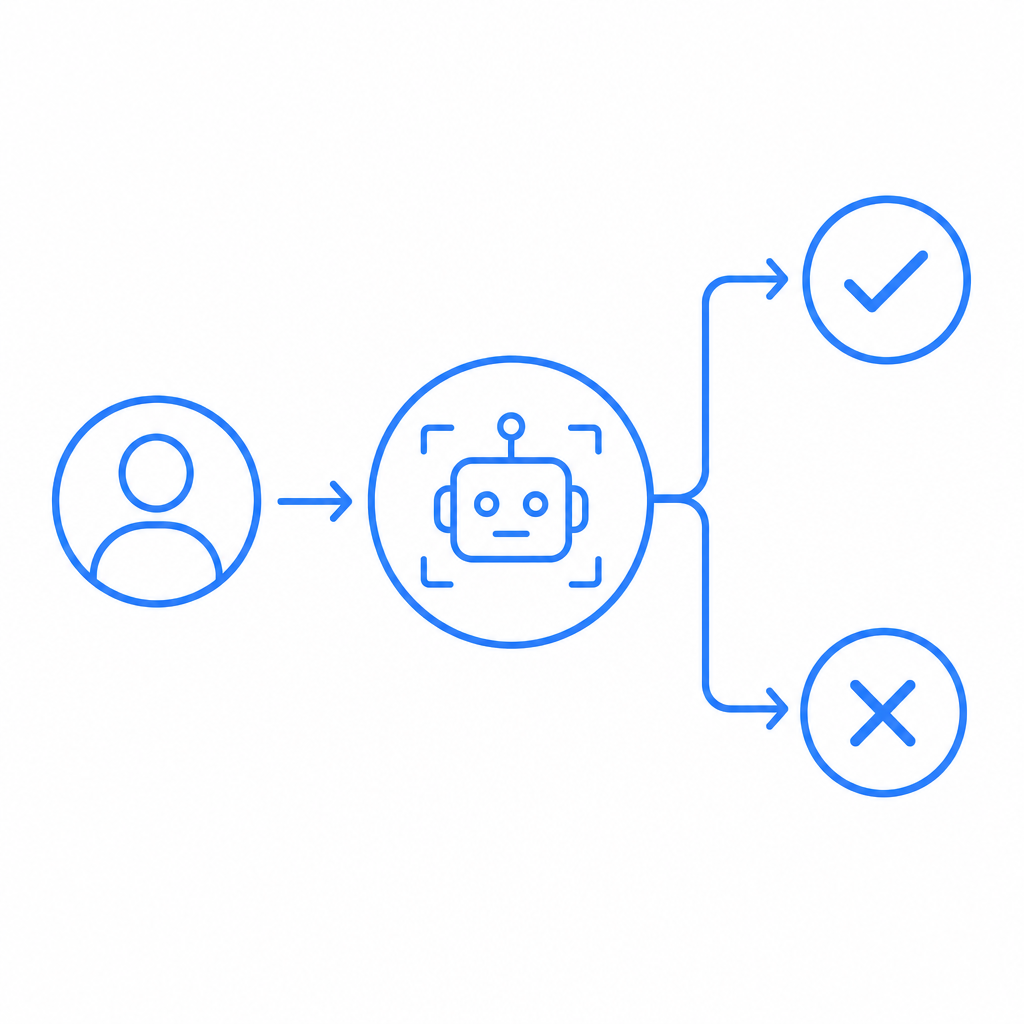
A lot of teams think of CAPTCHA only as a nuisance for users, but the defender’s view is different. CAPTCHA exists to raise the cost of automation. If a bot has to pause, fail, or solve a challenge, then mass abuse becomes slower, pricier, and less scalable.
Here are the most common operational benefits:
- Stops low-effort automation Bots that spray forms, registrations, password reset requests, or checkout attempts usually rely on scale. A challenge adds friction that breaks that scale.
- Reduces junk data Fake accounts and spam entries contaminate CRM records, email lists, and analytics. That makes experimentation and attribution harder. Blocking bad submissions early keeps downstream data cleaner.
- Protects expensive endpoints Login, OTP, registration, referral, and coupon endpoints are often targeted because they trigger work on your side. CAPTCHA can be used to protect those cost centers.
- Improves rate control CAPTCHA is not a replacement for rate limiting, but it pairs well with it. When both are present, bots have to evade multiple layers instead of one.
- Supports risk-based flows Many teams do not want to challenge every user. CAPTCHA can be applied only when behavior looks suspicious, preserving a smoother path for legitimate traffic.
That last point is important. Good implementation is about using challenge gates selectively, not turning every interaction into a puzzle.
The practical business benefits
The business case for CAPTCHA is usually easier to measure than the technical one.
1. Lower abuse-related costs
Every fake signup, spam post, or bot-generated support ticket has a cost. Even if that cost is small per event, the volume can be large enough to matter. CAPTCHA reduces wasted compute, email verification traffic, moderation time, and manual review.
2. Better conversion quality
At first glance, adding friction sounds like it would hurt conversion. In practice, blocking abusive traffic often improves the quality of the funnel. You may end up with fewer raw signups, but more real ones. That makes follow-up metrics more meaningful.
3. Cleaner security telemetry
If bots are flooding your login page, your monitoring may start to show noisy patterns that hide real incidents. CAPTCHA can reduce that noise so suspicious behavior is easier to spot. It also creates a useful signal when a client repeatedly fails challenge validation.
4. More predictable infrastructure usage
Abuse is spiky. A single bad actor can generate a disproportionate amount of traffic. CAPTCHA helps flatten those spikes before they become scaling problems. That matters for teams that want to avoid overprovisioning just to handle automated misuse.
5. Better user trust
Users notice when an app is full of spam, fake accounts, or obvious abuse. A moderated, defended surface tends to feel safer. CAPTCHA helps you maintain that trust without requiring manual moderation everywhere.
How CAPTCHA fits into a broader defense stack
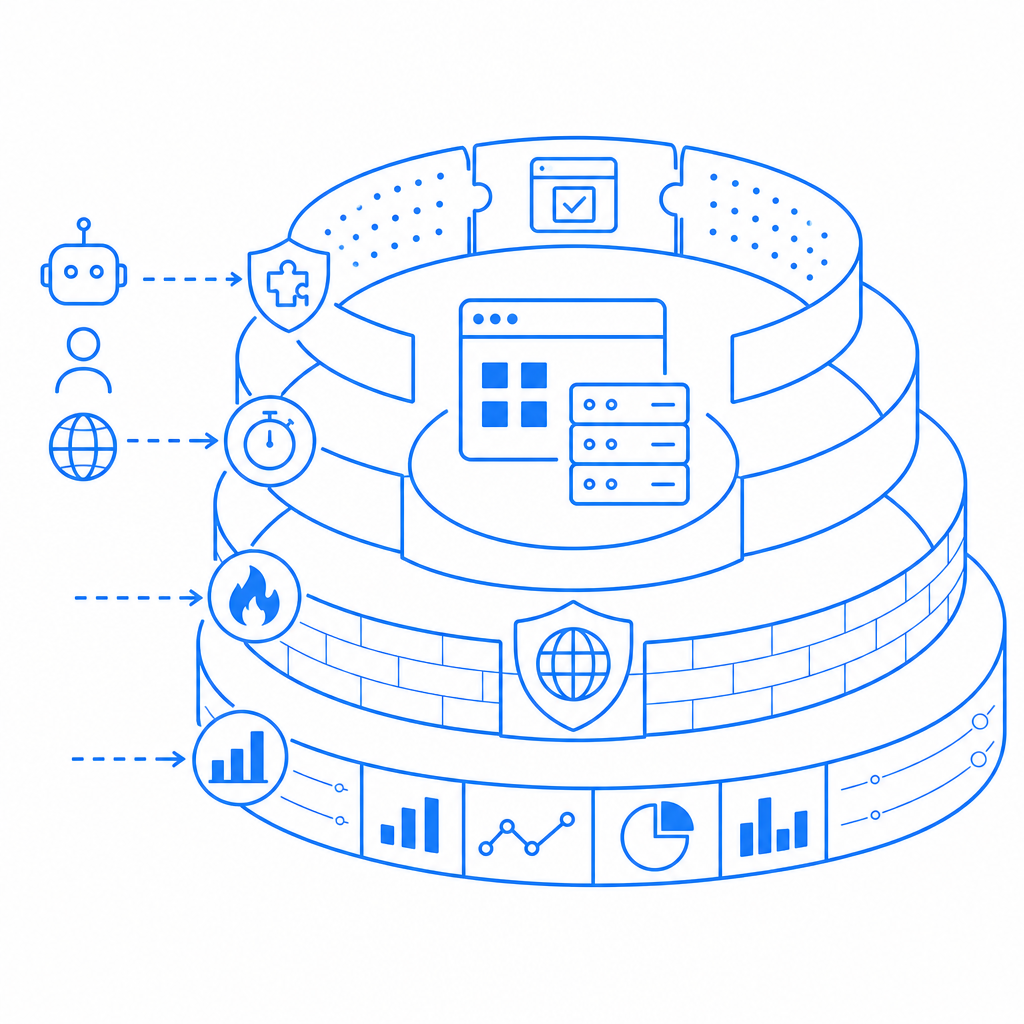
CAPTCHA works best as one layer among several. If you use it alone, determined attackers may shift tactics. If you combine it with other controls, you get a much stronger posture.
A practical stack often looks like this:
| Control | What it helps with | Strengths | Limitations |
|---|---|---|---|
| CAPTCHA | Automated form abuse, signup spam, login spraying | Human-vs-bot friction, low integration overhead | Not enough on its own |
| Rate limiting | Burst traffic, repeated requests | Simple and fast | Can be bypassed across IPs or distributed networks |
| Device/session signals | Fraud patterns, repeated clients | Useful for adaptive risk scoring | Requires more instrumentation |
| WAF rules | Known bad traffic patterns | Good perimeter coverage | Needs tuning to avoid false positives |
| Email/phone verification | Fake account creation | Raises account quality | Adds user friction and cost |
The right question is not “Should we use CAPTCHA?” but “Where should we use it, and what should sit next to it?”
For example, a signup flow might allow a normal user through without interruption, but trigger a challenge when there is suspicious velocity, a mismatched client pattern, or a failed reputation check. That approach keeps the human experience clean while still defending the endpoint.
Implementation details that affect the outcome
Implementation quality determines whether CAPTCHA feels helpful or annoying. The product can be strong, but integration decisions still matter.
If you are evaluating CaptchaLa, these are the kinds of details that matter in practice:
- Client-side loading The loader script is served from
https://cdn.captcha-cdn.net/captchala-loader.js, so it can be embedded into web flows without much ceremony. - Validation flow Server-side validation happens with a POST to
https://apiv1.captcha.la/v1/validateusing a body that includespass_tokenandclient_ip, plusX-App-KeyandX-App-Secretheaders. - Challenge issuance If you need to create a server-token challenge, the endpoint is
POST https://apiv1.captcha.la/v1/server/challenge/issue. - SDK coverage CaptchaLa supports native SDKs for Web (JS/Vue/React), iOS, Android, Flutter, and Electron, plus server SDKs like
captchala-phpandcaptchala-go. - Package availability Current package references include Maven
la.captcha:captchala:1.0.2, CocoaPodsCaptchala 1.0.2, and pub.devcaptchala 1.3.2. - Localization Eight UI languages can reduce friction for global users.
- Data handling CaptchaLa uses first-party data only, which is important for privacy-conscious teams.
A minimal server-side validation sketch might look like this:
# Validate the user's pass token on your server
# Keep the secret off the client
# Reject requests that fail validation

POST /v1/validate
Headers:
  X-App-Key: your_app_key
  X-App-Secret: your_app_secret
Body:
  pass_token: token_from_client
  client_ip: user_ip_address
The exact shape of the integration matters less than the principle: the browser proves something, the server verifies it, and the protected action only proceeds after validation succeeds.
If you want to inspect setup patterns before implementation, the docs are the natural starting point. If you need to estimate rollout across environments or traffic levels, the pricing page can help you map the free 1,000/month tier against Pro and Business ranges.
How CAPTCHA compares with common alternatives
Teams often compare reCAPTCHA, hCaptcha, and Cloudflare Turnstile before choosing a path. The comparison is less about “which one is universally better” and more about fit.
- reCAPTCHA is widely recognized and deeply familiar to many teams. That familiarity can reduce integration uncertainty, though the user experience and privacy tradeoffs should be reviewed carefully.
- hCaptcha is often evaluated by teams that want a different balance of privacy, challenge style, and abuse resistance.
- Cloudflare Turnstile is attractive when teams want a lighter challenge experience and already depend on Cloudflare’s ecosystem.
The right choice depends on your traffic profile, privacy posture, framework stack, and how much control you want over validation and localization. For teams that want SDK coverage across web and mobile, plus server-side validation control, it is worth comparing the full workflow rather than just the challenge widget.
Conclusion: the real value is control
The biggest benefit of CAPTCHA is not that it blocks every bot. It is that it gives you control over how automation reaches your product. That control lowers abuse, improves data quality, protects resources, and makes your security stack easier to reason about.
Used thoughtfully, CAPTCHA becomes a targeted checkpoint inside a larger defense strategy rather than a blunt hurdle for everyone. That is usually where the best balance lives: enough friction for bots, minimal friction for people.
Where to go next: review the docs for integration details, or compare plans on pricing if you are deciding how much protection your current traffic needs.