
AWS CAPTCHA and Google reCAPTCHA solve a similar problem, but they’re not identical products and they’re usually chosen for different reasons. If you want a simple answer: Google reCAPTCHA is the more familiar option for general web forms, while an AWS-oriented CAPTCHA setup tends to make more sense when you’re already deep in AWS infrastructure and want your bot defense to align with that stack. The right choice depends less on brand and more on your compliance needs, integration style, risk tolerance, and how much control you want over the challenge/validation flow.
That said, many teams don’t actually want “CAPTCHA” as a standalone product decision; they want a reliable way to stop automated abuse without creating friction for real users. That’s where details matter: how validation works, whether you can keep first-party data flows, whether mobile SDKs exist, and how much operational overhead the system adds.
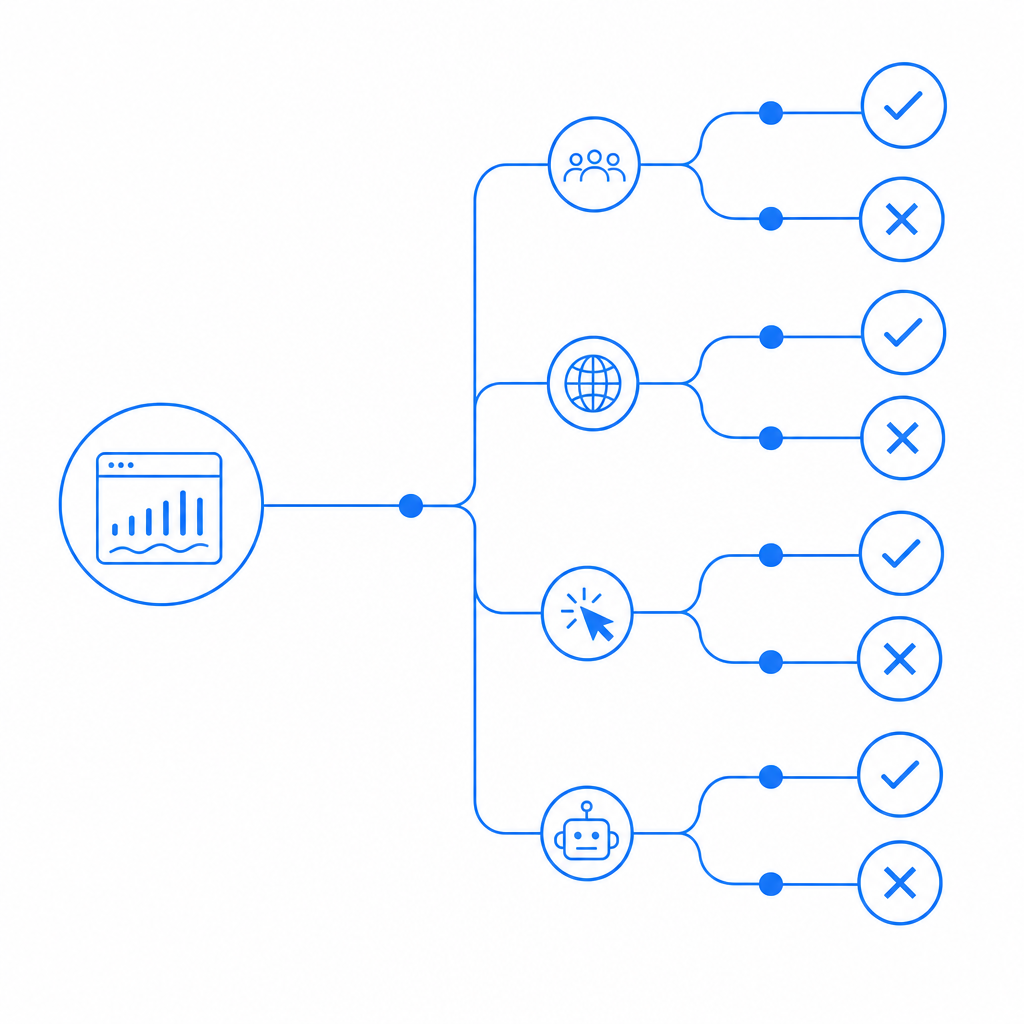
What the comparison really comes down to
When people search for “aws captcha vs google recaptcha,” they’re often comparing three separate concerns at once:
Platform fit
Do you already run workloads on AWS, or are you mostly shipping a web app with a small backend?User experience
Does the challenge stay invisible most of the time, or does it interrupt legitimate users with a puzzle or checkbox?Control and data handling
Do you need direct control over verification logic, token exchange, logging, and what gets sent to third parties?
Google reCAPTCHA is widely known and straightforward to recognize. It’s commonly used on forms, logins, signup flows, and checkout pages. AWS CAPTCHA, by contrast, is typically evaluated by teams that are already invested in AWS-native security patterns or are looking for something that plugs into a broader cloud architecture.
A useful mental model is this: if your team wants a familiar drop-in anti-bot layer, reCAPTCHA often feels easy to start with. If your team cares more about architecture alignment and operational ownership, you may evaluate AWS-centered options more seriously. Neither is automatically “better”; they just optimize for different constraints.

Feature comparison at a glance
Here’s a practical side-by-side view of the common tradeoffs:
| Area | AWS CAPTCHA | Google reCAPTCHA |
|---|---|---|
| Primary appeal | AWS ecosystem alignment | Familiarity and broad adoption |
| Typical deployment | Often chosen by AWS-centric teams | Common on general web apps |
| UX patterns | Varies by implementation | Often invisible or lightly interactive |
| Backend control | Depends on the AWS service used | Token verification is well understood |
| Ecosystem coupling | Stronger AWS association | Stronger Google association |
| Data strategy | Review carefully for your architecture | Review carefully for third-party exposure |
| Best fit | Teams standardizing around AWS | Teams wanting a widely recognized option |
A few important notes behind that table:
- UX is not just the challenge itself. How often users are challenged depends on the traffic profile and your abuse heuristics.
- Integration cost matters. A CAPTCHA that is “simple” on paper can become painful if you need to support web, iOS, Android, and desktop clients.
- Backend verification is the real security boundary. The front-end widget is only half of the story.
For teams that want more control over implementation details, it helps to think in terms of a token exchange. A client receives a challenge or passes a risk check, then your server validates the resulting token before allowing the request through.
Integration and verification: what developers actually touch
The practical difference between CAPTCHA products often shows up in implementation details. Here’s the kind of flow developers need to plan for:
# Client-side flow
1. Render CAPTCHA/loader on a form or action
2. Collect pass_token after the challenge succeeds
3. Submit pass_token with the original request

# Server-side flow
4. Receive pass_token and client_ip
5. Verify token with the CAPTCHA service
6. Approve or reject the action based on validation result
For example, CaptchaLa exposes a straightforward validation endpoint:
POST https://apiv1.captcha.la/v1/validate- Body:
{ pass_token, client_ip } - Headers:
X-App-KeyandX-App-Secret
There’s also a server-token issue endpoint for challenge flows:
POST https://apiv1.captcha.la/v1/server/challenge/issue
That kind of explicit API design is useful because it keeps the verification logic on your backend, where it belongs. It also makes it easier to reason about logging, retries, and error handling.
If you’re integrating across multiple clients, SDK availability matters just as much as the API. CaptchaLa, for instance, supports:
- Web: JavaScript, Vue, React
- Mobile: iOS, Android, Flutter
- Desktop: Electron
- Server SDKs:
captchala-php,captchala-go
It also includes 8 UI languages, which is easy to overlook until you’re shipping to a multilingual audience and discover that the CAPTCHA layer is one of the few pieces of UX users actually notice.
For teams comparing against reCAPTCHA or Cloudflare Turnstile, the big question is not “Can I embed it?” but “Can I integrate it cleanly across all the surfaces I own?” That’s especially relevant if your product has web + mobile sign-in, account recovery, and high-risk actions like password resets or coupon abuse checks.
Security, data, and operational tradeoffs
A CAPTCHA system should help you reduce automated abuse without creating unnecessary privacy or maintenance issues. That’s why you should look beyond branding and ask concrete questions:
What data leaves my system?
If your team prefers first-party data only, that can narrow the field quickly.How transparent is validation?
Can you clearly see what gets sent to the service and what the service returns?Can I enforce policy at the server?
Client-side checks alone are not sufficient for real abuse prevention.How hard is it to tune?
Some products are great for generic web forms but less flexible for custom flows like referral abuse, inventory scraping, or credential stuffing defenses.
Google reCAPTCHA remains common because many teams already know how to use it, and there’s value in familiarity. Cloudflare Turnstile is often discussed when teams want lower friction on the user side. hCaptcha is frequently considered when teams want an alternative with different ecosystem tradeoffs. The right comparison is less about which name is more recognizable and more about which risk model fits your application.
Operationally, you should also think about:
- rate limiting around your protected endpoints
- fallback behavior if validation fails
- logging without storing more than you need
- how CAPTCHA interacts with accessibility requirements
- whether you need different thresholds for signup, login, and payment flows
If your app is small, this may sound like overkill. If your app gets abused regularly, it becomes the difference between a manageable alert stream and a support queue full of fake signups.
Choosing the right fit for your stack
A simple way to choose is to map your stack and constraints first:
- If you want broad recognition and a mature mental model, Google reCAPTCHA is still a reasonable baseline.
- If your team is already standardized on AWS and wants the CAPTCHA layer to fit that architecture, an AWS CAPTCHA option may be more natural.
- If you want a compact integration with clear client/server boundaries, first-party data handling, and SDK coverage across web and mobile, it’s worth evaluating a dedicated independent provider too.
CaptchaLa is one example of that last category. It’s designed to keep the flow explicit: render on the client, validate on the server, and keep the ownership of the decision in your app. If that approach matters to your team, the implementation docs are the best next stop.
For teams planning cost as well as security, pricing tiers can also influence the decision. CaptchaLa’s public tiers include a free tier at 1,000 validations per month, Pro at 50K–200K, and Business at 1M. That makes it easier to prototype honestly before committing to a production rollout. You can review the details on pricing.
Where to go next: if you’re evaluating a bot-defense layer for a real product decision, start with the implementation details in the docs and compare them against your current auth and abuse-prevention flow.