
If you’re deciding between AWS CAPTCHA and a challenge flow, the short answer is this: use CAPTCHA when you need a human-verification step, and use a challenge when you want to gate, inspect, or rate-limit suspicious traffic before it reaches sensitive actions. They overlap, but they’re not the same tool, and the right choice depends on whether you’re trying to confirm a user or slow an attacker.
For most teams, the real question behind “aws captcha vs challenge” is not “which is stronger?” but “which control fits the risk at this point in the funnel?” A login page, checkout step, signup form, API gateway, or password reset flow may each need a different mix of friction and trust. The best outcome is usually a layered defense: score the request, challenge only when needed, and verify the interaction server-side.
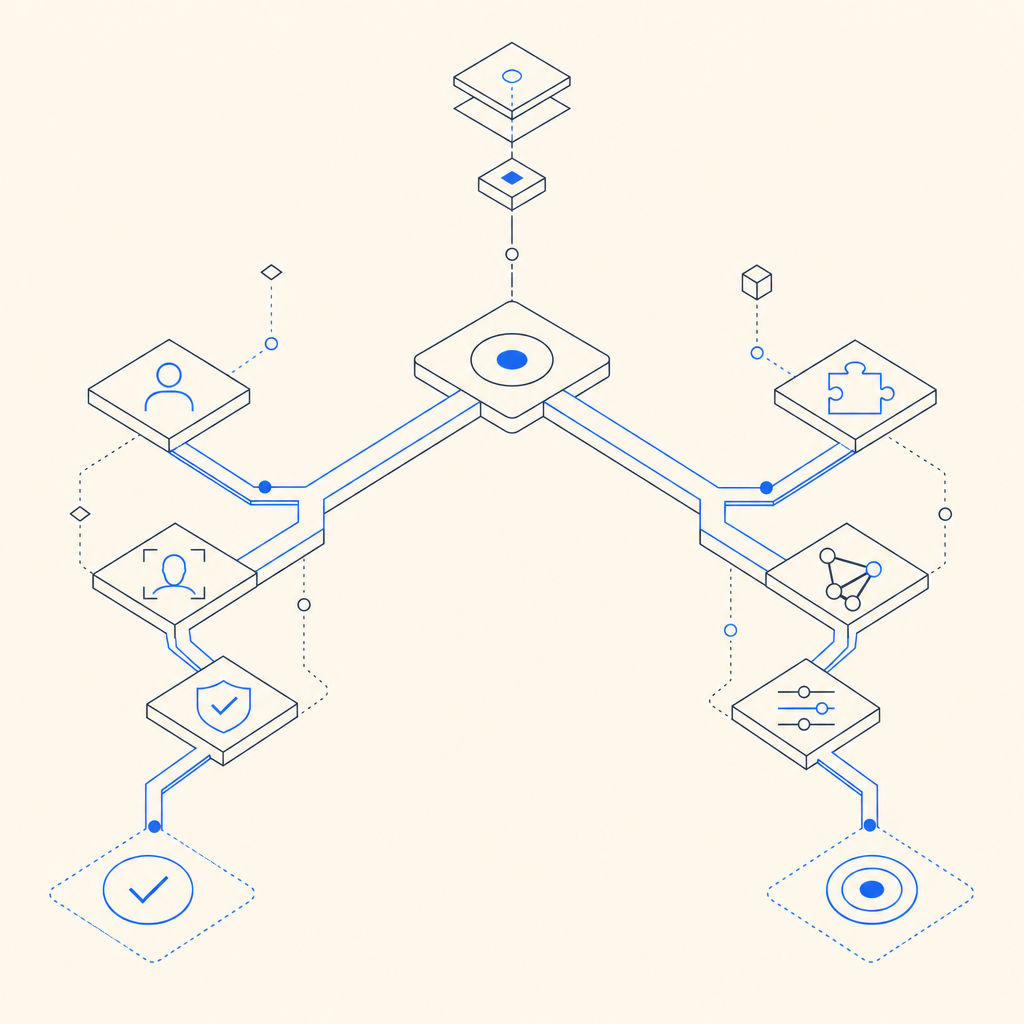
What AWS CAPTCHA and a challenge are actually doing
A CAPTCHA is designed to separate real users from automated traffic by asking for a response that is easy for humans and harder for bots. A challenge is broader: it can mean a proof-of-work style hurdle, a JS-based attestation, a token exchange, a rate-limit gate, or a request to complete a verification step before accessing a protected action.
In practice, people often use “challenge” as a catch-all for anything that blocks or scrutinizes traffic. That’s where confusion starts. If you’re comparing AWS CAPTCHA vs challenge, think in terms of intent:
CAPTCHA
- Primary goal: verify human presence
- Typical use: signup, password reset, comment submission
- Signal: a user interaction or token that proves completion
- Friction: visible, but familiar to users
Challenge
- Primary goal: assess risk or slow automation
- Typical use: suspicious login, rate spikes, API abuse
- Signal: token, header, JS runtime proof, or request behavior
- Friction: often invisible unless risk is elevated
That difference matters because a challenge can be adaptive, while a CAPTCHA is usually a more explicit checkpoint. A challenge may not even be shown to everyone; it can be triggered only when patterns look off.
AWS CAPTCHA vs challenge: a practical comparison
Here’s the simplest way to compare them.
| Dimension | CAPTCHA | Challenge |
|---|---|---|
| Main purpose | Human verification | Risk gating / bot friction |
| User experience | Visible task or token exchange | Often invisible unless triggered |
| Best for | Forms, registrations, password resets | Login abuse, scraping, API abuse |
| Typical signal | Human completion token | Attestation, behavioral check, server validation |
| Fraud handling | Blocks simple automation | Can adapt to different risk levels |
| Implementation style | Front-end widget + server verification | Front-end, edge, or server-side decisioning |
AWS’s security ecosystem includes several ways to put a challenge in front of traffic, especially when you’re working with web application protection, WAF rules, or managed bot control. That’s useful if you already live in AWS and want controls close to your infrastructure. But the tradeoff is usually in flexibility and UX tuning: a generic challenge may be good for broad friction, while a dedicated CAPTCHA product may give you more control over the exact verification step and how it’s presented.
If you care about the experience on mobile apps or embedded webviews, the difference becomes even more obvious. Native SDK support, localization, and clean validation flows often matter more than the label on the control. For example, CaptchaLa supports 8 UI languages and native SDKs for Web, iOS, Android, Flutter, and Electron, which helps teams apply the same trust model across platforms without stitching together a pile of bespoke logic.
When to prefer a CAPTCHA, and when to prefer a challenge
The right choice depends on where you are in the funnel and how costly false positives would be.
Prefer CAPTCHA when:
- You need a clear human-verification moment before a sensitive action
- The action is user-facing and can tolerate visible friction
- You want a simple server-side pass/fail decision
- The main threat is commodity automation, signup abuse, or form spam
Prefer a challenge when:
- You want to inspect traffic before forcing a visible step
- You need different treatment for low-, medium-, and high-risk requests
- You’re defending high-volume endpoints where every millisecond matters
- You’re integrating with existing edge or API controls
A good defender’s model is layered. For example, you might allow most traffic through with no friction, challenge suspicious sessions, and reserve CAPTCHA for the most sensitive branch. That reduces unnecessary interruptions while still protecting high-value actions.
A practical implementation pattern looks like this:
# English comments only
1. Receive request
2. Check risk score or rule match
3. If low risk: allow
4. If medium risk: issue challenge token
5. If high risk: present CAPTCHA
6. Validate response server-side
7. Log outcome for tuning
That sequence is more effective than treating every visitor the same. It also gives product and security teams room to tune thresholds together instead of arguing over a single hard block.
What implementation details should actually influence your decision
The best technical choice is usually the one your team can deploy, validate, and maintain without surprises. Here are the details that matter most:
Server-side verification
- Don’t trust the browser alone.
- Validate the token on your backend.
- For CaptchaLa, validation is done with
POST https://apiv1.captcha.la/v1/validateusing{pass_token, client_ip}and theX-App-Key/X-App-Secretheaders.
Challenge issuance
- If you want adaptive gating, you’ll need a server-token step.
- CaptchaLa exposes
POST https://apiv1.captcha.la/v1/server/challenge/issuefor that flow.
Client integration
- A lightweight loader can keep frontend work simple.
- CaptchaLa’s loader is available at
https://cdn.captcha-cdn.net/captchala-loader.js.
Platform coverage
- Web is only part of the story.
- Mobile and desktop apps need SDKs too.
- CaptchaLa offers native SDKs for Web (JS/Vue/React), iOS, Android, Flutter, and Electron, plus server SDKs like
captchala-phpandcaptchala-go.
Localization and accessibility
- If your audience is global, UI language support is not cosmetic.
- Eight UI languages can materially reduce drop-off in registration and checkout flows.
Data handling
- Use first-party data only when you can.
- That reduces dependency on third-party tracking assumptions and simplifies privacy reviews.
Competitors like reCAPTCHA, hCaptcha, and Cloudflare Turnstile each approach these tradeoffs differently. reCAPTCHA is widely recognized; hCaptcha is often chosen for its bot-management orientation; Turnstile is popular when teams want low-friction verification. None of these are inherently “wrong” choices. The key is whether your stack, UX goals, and compliance constraints align with the control you’re adopting.
A sensible decision framework for defenders
If you’re still weighing aws captcha vs challenge, use this decision path:
Is the action sensitive but user-facing?
- Use CAPTCHA first if the main risk is spam or fake signups.
Is the traffic pattern suspicious but not yet blocked?
- Use a challenge to gather more confidence before escalating.
Do you need both across the funnel?
- Start with a challenge for broad gating and reserve CAPTCHA for high-risk actions.
Do you need to tune by platform?
- Favor a product with mobile and web SDKs, plus straightforward server validation.
Do you need predictable packaging and costs?
- Look for usage tiers that match your traffic shape.
- CaptchaLa lists a free tier at 1,000/month, Pro at 50K–200K, and Business at 1M, which can help when you’re modeling growth or testing new enforcement points. You can compare the details on pricing.
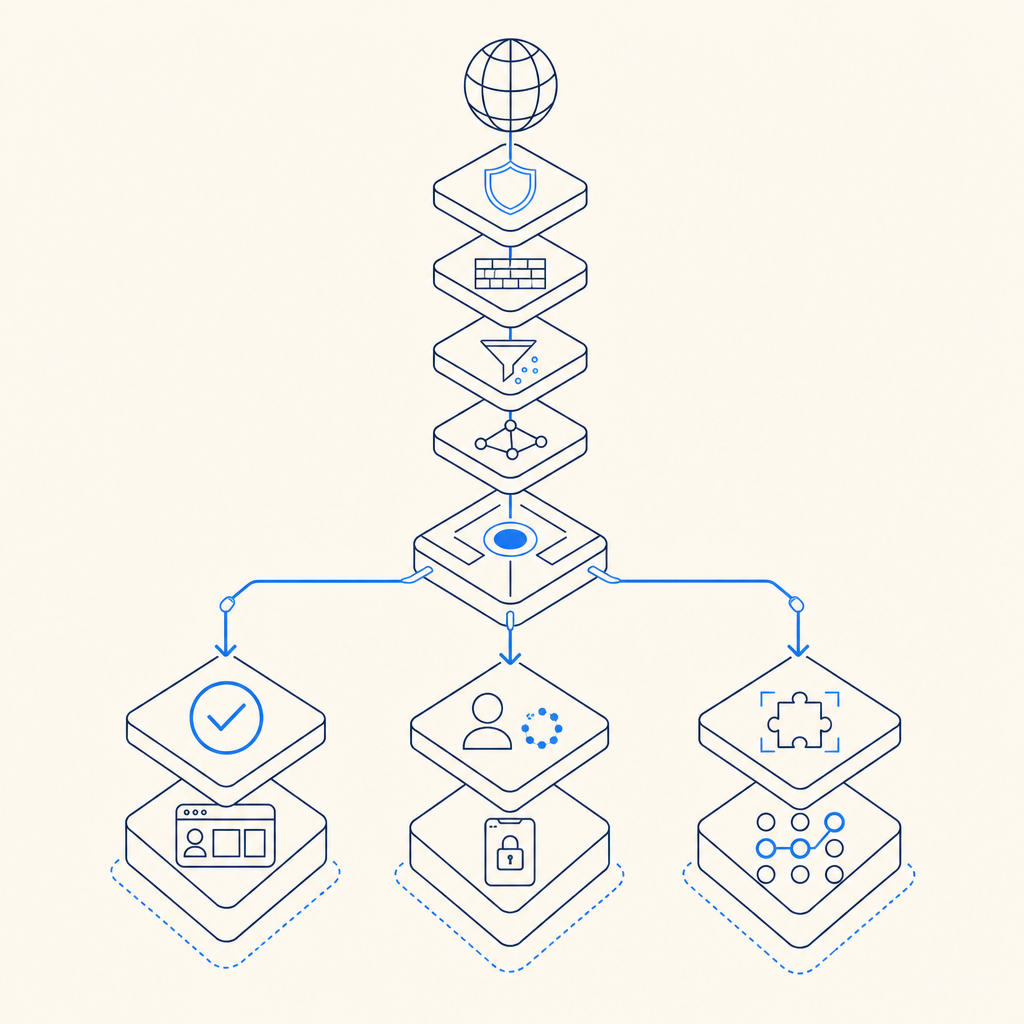
The biggest mistake is treating CAPTCHA and challenge as mutually exclusive philosophies. They’re just different controls. A challenge can be invisible and adaptive; a CAPTCHA can be explicit and user-centered. In a mature bot-defense setup, they often work together, with logging and backend validation doing the heavy lifting behind the scenes.
If you’re evaluating options now, the next useful step is to map your highest-risk user journeys and decide where friction should appear, if at all. For implementation details and token validation flow, see the docs. Where to go next: review the pricing page or the docs to see which flow fits your stack.