
If you’re asking about auto click captcha chrome, the practical answer is this: it usually refers to browser automation that tries to interact with CAPTCHA challenges automatically, and defenders should treat it as a sign of scripted traffic rather than a user experience problem. The goal on the defensive side is not to “beat” automation with gimmicks, but to make abuse harder, detect it earlier, and keep legitimate users moving.
That framing matters because Chrome automation can show up in several forms: headless browsers, extension-driven click simulation, scripted form submissions, or modified navigation flows that try to look human. A CAPTCHA is only one layer of friction. If your risk checks rely on a single challenge, automated clients will keep probing until they find a weak spot.
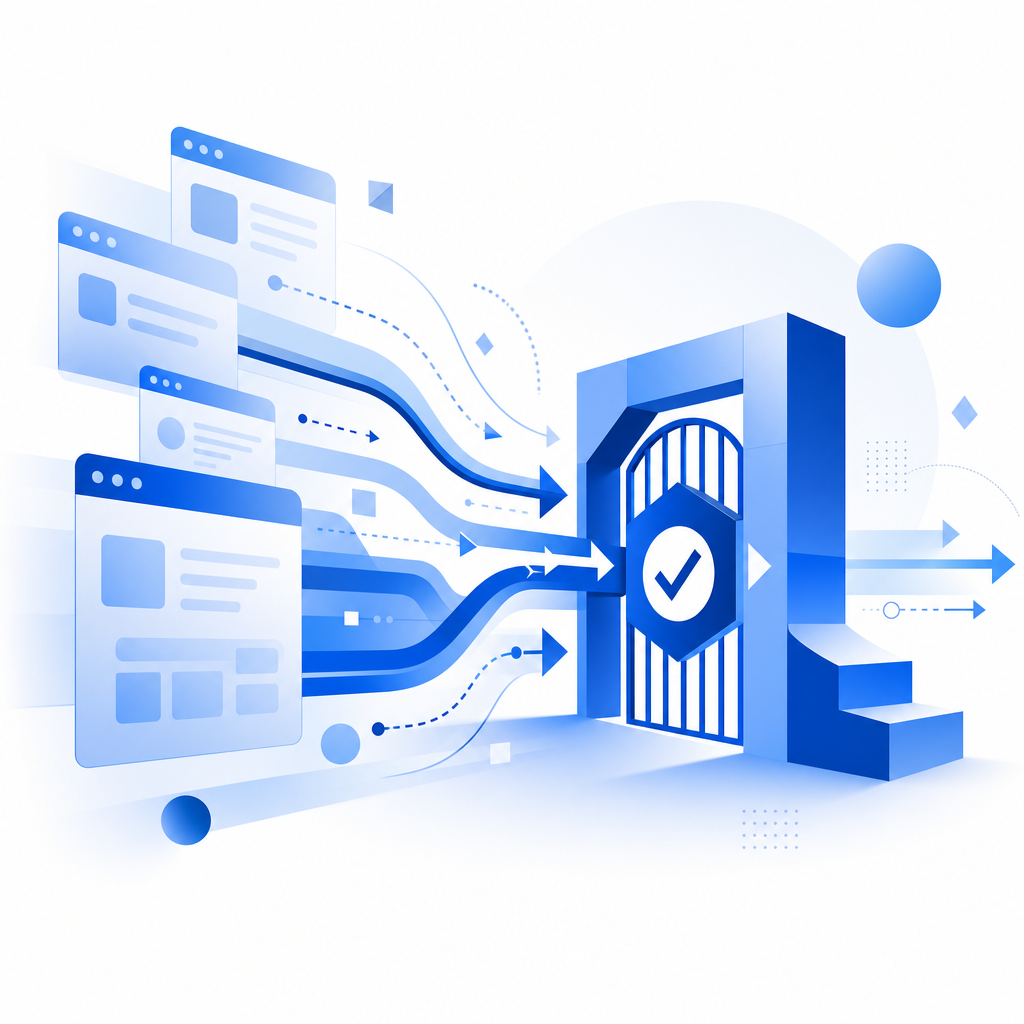
What “auto click captcha chrome” usually points to
The phrase is broad, but it tends to describe one of three things:
- A browser script that opens a page in Chrome and clicks through a CAPTCHA widget.
- An extension or injected automation tool that simulates pointer activity.
- A testing or scraping workflow that tries to bypass or reduce friction around verification.
From a defender’s perspective, the important detail is not whether the interaction is “a click” or “a solve.” It’s whether the session shows properties that are hard for normal users to fake at scale: device consistency, timing behavior, navigation patterns, and challenge integrity.
Why CAPTCHA widgets alone are not enough
Modern bot operators do not need to “solve” every challenge in a human sense. They can rotate sessions, replay tokens, or simply move to endpoints that are less protected. That’s why you want CAPTCHA to be one signal in a broader system:
- rate limits on suspicious bursts
- session continuity checks
- IP and device reputation
- challenge issuance tied to server-side state
- validation on your backend, not just in the browser
This is where products like CaptchaLa are designed to fit: as part of a larger verification flow, not as a standalone lock.
How defenders should think about browser automation
A lot of teams start with the question “How do we stop auto click captcha chrome?” A more useful question is “What does automated interaction reveal about the request pipeline?”
When a browser is automated, the easiest tells often come from timing and consistency. Real users pause, hesitate, and occasionally backtrack. Automation often produces patterns that are too regular, too fast, or oddly repeatable. None of those alone proves abuse, but together they can justify step-up verification.
Here’s a simple way to think about the signals:
| Signal category | What defenders observe | Why it matters |
|---|---|---|
| Timing | Uniform delays, instant field completion, repetitive navigation | Scripts tend to be more consistent than humans |
| Session integrity | Token reuse, mismatched client state, abrupt IP changes | Abuse often replays or relocates sessions |
| Browser behavior | Headless traits, missing interaction history, synthetic pointer paths | Automation may not fully emulate user activity |
| Server-side validation | Challenge solved but business action not consistent | A valid challenge should align with a valid session |
The key is to avoid overreacting to one signal. For example, a user on a corporate network or privacy-focused browser can look unusual without being malicious. Good defense is probabilistic, not absolute.
Building a verification flow that resists automation
If you’re implementing CAPTCHA as a defensive control, keep the design straightforward and server-centric.
A practical flow
- Issue the challenge only when risk justifies it.
- Collect the pass token in the client.
- Validate the token on your server with the original request context.
- Bind the result to the action you actually care about: signup, checkout, login, or content posting.
- Log both pass/fail outcomes and the surrounding telemetry for tuning.
For CaptchaLa, the server validation step is explicit: send a POST request to https://apiv1.captcha.la/v1/validate with pass_token and client_ip, plus your X-App-Key and X-App-Secret. That design keeps trust decisions on your backend instead of in the browser.
A minimal server-side validation sketch looks like this:
# English comments only

# 1. Receive the client's pass token after the challenge
# 2. Read the request IP from your trusted server context
# 3. Send token + IP to the validation endpoint
# 4. Reject the action if validation fails
# 5. Continue only if the challenge is valid for this session
If you issue challenges from your own backend, CaptchaLa also supports a server-token flow via POST https://apiv1.captcha.la/v1/server/challenge/issue, which is useful when you want tighter control over when and why a challenge appears.
Client integration should stay lightweight
Good verification should not become a performance tax. CaptchaLa provides native SDKs for Web with JS, Vue, and React, plus iOS, Android, Flutter, and Electron. It also ships server SDKs like captchala-php and captchala-go, which helps when you want consistent logic across a mixed stack.
The loader itself is hosted at https://cdn.captcha-cdn.net/captchala-loader.js, and the platform supports 8 UI languages. If your team serves multiple regions, that matters because challenge friction increases when the interface feels foreign or inconsistent.
Comparing common CAPTCHA approaches
It helps to compare the major options based on how they fit into a defense stack, especially when dealing with automated Chrome sessions.
| Solution | Typical strength | Typical tradeoff |
|---|---|---|
| reCAPTCHA | Broad familiarity and ecosystem support | Can add friction and may be noisy in some workflows |
| hCaptcha | Strong abuse resistance in many contexts | May require careful tuning for user experience |
| Cloudflare Turnstile | Low-friction verification for many sites | Best when your stack already aligns with Cloudflare |
| CaptchaLa | Server-first validation with SDK coverage across web and mobile | Works best when integrated into a broader risk policy |
This comparison is not about declaring one universally superior. It’s about matching the control to your application. A checkout flow, a public signup page, and a moderation queue all tolerate different levels of friction.
Another consideration is data handling. CaptchaLa uses first-party data only, which can simplify privacy discussions for teams that need tighter control over telemetry and consent boundaries. That won’t remove the need for legal review, but it does make the data story easier to explain.

Practical steps to reduce abuse without punishing real users
If your concern is specifically automated Chrome behavior around CAPTCHA, these measures usually provide the best return:
- Validate server-side every time. Never trust a client-side success flag alone.
- Tie challenges to a concrete action. A solved CAPTCHA should authorize one intended event, not a whole session forever.
- Use adaptive challenge timing. Don’t challenge every visitor; challenge risky traffic.
- Correlate with request context. IP, session age, request path, and prior behavior matter.
- Monitor failure clusters. Repeated failures from the same subnet, ASN, or device pattern can indicate automation.
- Keep the user path short. The less room for script-like retries, the better the experience for legitimate users.
For teams still deciding on implementation details, the docs are the best place to map these steps into your stack, and the pricing page is useful if you’re estimating traffic volume against the free tier, Pro range, or Business scale.
Final takeaway
“Auto click captcha chrome” is less a trick to defeat than a reminder that browser-based automation is always adapting. The defensive response is to design for verification depth: challenge only when needed, validate on the server, and combine CAPTCHA with the rest of your risk signals. That approach protects real users while making scripted traffic more expensive and less reliable.
Where to go next: review the implementation details in the docs or compare tiers on pricing if you’re planning for growth.