
When people refer to "auto click CAPTCHA," they usually mean automated tools or scripts that attempt to solve CAPTCHA challenges by simulating user clicks. These bots aim to bypass anti-bot protections by mimicking legitimate mouse or touchscreen interactions, including clicking on images, checkboxes, or audio controls. Understanding auto click CAPTCHA is essential for web developers and cybersecurity professionals working to defend websites against sophisticated bot traffic.
What is Auto Click CAPTCHA?
CAPTCHA stands for "Completely Automated Public Turing test to tell Computers and Humans Apart." They are designed to ensure users interacting with online services are human rather than automated scripts. An "auto click CAPTCHA" attack typically involves bots programmed to perform the clicking steps required by CAPTCHA challenges automatically. These bots leverage techniques such as:
- Image recognition AI to identify correct images in puzzles
- Simulated mouse movements and clicks to complete interaction
- Timing algorithms to replicate human behavior patterns
The term can also refer to tools that use browser automation frameworks (like Selenium or Puppeteer) to programmatically execute CAPTCHA interactions.
The crucial point is this: traditional CAPTCHA challenges relying solely on detecting click events or checkbox ticks are vulnerable to clever automation that generates synthetic clicks. Hence, web services need multi-layered defenses that combine behavioral analytics with challenge randomness and server-side validation.
How Does Auto Click CAPTCHA Affect Bot Defense?
Auto click bots pose several challenges for CAPTCHA systems:
- Event Simulation: By generating real click events via the browser’s event API, these bots bypass simple checks that only verify click occurrence.
- Speed and Predictability: Automated clicks tend to happen faster and with precise timing patterns unlike human delays, which some systems detect.
- Image and Audio Solver Bots: Using machine learning models to recognize challenge content, bots can select correct images or transcribe audio rapidly without human input.
However, defenses have evolved beyond just capturing clicks. Modern CAPTCHA systems like CaptchaLa use a combination of:
- Device fingerprinting to detect bots despite click events
- Risk scoring based on user interaction metrics beyond clicks (scrolling, mouse movement patterns)
- Server-side challenge issuance and validation with secure tokens
- Multilingual UI and adaptive difficulty
These techniques raise the bar for auto click bots, making full automation far less reliable and increasing bot detection accuracy.

Comparing CAPTCHA Solutions on Auto Click Bot Resistance
While CAPTCHAs vary widely, here’s a focused comparison of popular services regarding auto click bot resistance:
| Feature / Provider | CaptchaLa | reCAPTCHA (v3/v2 Checkbox) | hCaptcha | Cloudflare Turnstile |
|---|---|---|---|---|
| Click Event Detection | Yes, but combined with behavioral analytics | Yes, with scoring and frequency checks | Yes, with behavioral signals | Passive with risk scoring |
| Behavioral Analysis | Device fingerprints + motion data | Behavioral scoring & challenges | Advanced behavioral scoring | Risk-based, invisible by default |
| Challenge Adaptability | Dynamic challenges based on risk | Static + dynamic challenges | Custom challenge sets | Transparent to user, adaptive |
| Server-Side Token Validation | Mandatory for validation | Optional but recommended | Recommended | Integral part of flow |
| SDK and Language Support | JS/Vue/React, mobile SDKs, Flutter, Electron | JS-based; mobile APIs available | JS-based; mobile SDKs | JS-based, seamless integration |
| Pricing Model | Free tier plus tiered plans | Free with usage limits | Paid tiers with more features | Included with Cloudflare services |
Auto click bots have had varying success against reCAPTCHA v2 checkboxes, which rely heavily on click validation. Newer versions like reCAPTCHA v3 focus more on risk scoring than click detection alone, similar to CaptchaLa’s approach. Cloudflare Turnstile emphasizes a low-friction invisible flow relying on heuristics, reducing direct click challenges. hCaptcha combines challenge sets with behavioral scoring, improving resistance but sometimes at the cost of user friction.
Technical Specifics to Mitigate Auto Click CAPTCHA
To reduce vulnerabilities from auto click bots, developers can implement several practices:
Server-Side Challenge and Response Validation
Ensuring CAPTCHA responses and interaction tokens are validated server-side, not just client-side, adds a security layer that bots can’t easily bypass by fake clicks alone. For example, CaptchaLa’s API requires sendingpass_tokenandclient_ipin validation requests.Behavioral Analytics
Track metrics like mouse movement velocity, pause timing before clicks, typing cadence, and scroll events. Bots tend to produce unnatural distributions in these metrics.Adaptive Challenge Difficulty
Increase challenge complexity based on suspicious behaviors or scoring thresholds. This forces bots to invest more resources to solve harder puzzles.Multi-Factor Verification
Combine CAPTCHA with other verification methods (e.g., rate limiting, device fingerprinting, IP reputation) to build a layered defense.Randomized UI Elements
Dynamic placement of clickable areas or randomized puzzle formats make scripting solutions less reliable.
// Example pseudocode showing server validation for CAPTCHA pass token

// User submits form with CAPTCHA pass_token
async function validateCaptcha(pass_token, client_ip) {
  const response = await fetch('https://apiv1.captcha.la/v1/validate', {
    method: 'POST',
    headers: {
      'X-App-Key': 'your-app-key',
      'X-App-Secret': 'your-app-secret',
      'Content-Type': 'application/json',
    },
    body: JSON.stringify({ pass_token, client_ip }),
  });

  const result = await response.json();

  if (result.success) {
    // Allow form submission to proceed
    return true;
  } else {
    // Reject and request new CAPTCHA challenge
    return false;
  }
}
Why Use a Dedicated CAPTCHA Service like CaptchaLa?
While open-source or in-house CAPTCHA options exist, services like CaptchaLa provide several advantages:
SDKs and Native Support
CaptchaLa offers native SDKs for multiple platforms including Web (JS/Vue/React), iOS, Android, Flutter, and Electron, simplifying integration across product lines.Multilingual UIs
Supporting 8 UI languages helps provide a consistent experience for global users.Server-Side Challenge Issuance
Generating and invalidating challenges on the server reduces attack surface versus client-only control.Flexible Pricing Tiers
From a free tier with 1,000 monthly solves to Business tiers handling over a million challenges, it scales with your needs without surprises.Privacy-Oriented Approach
CaptchaLa relies on first-party data usage, a plus for compliance-conscious organizations.
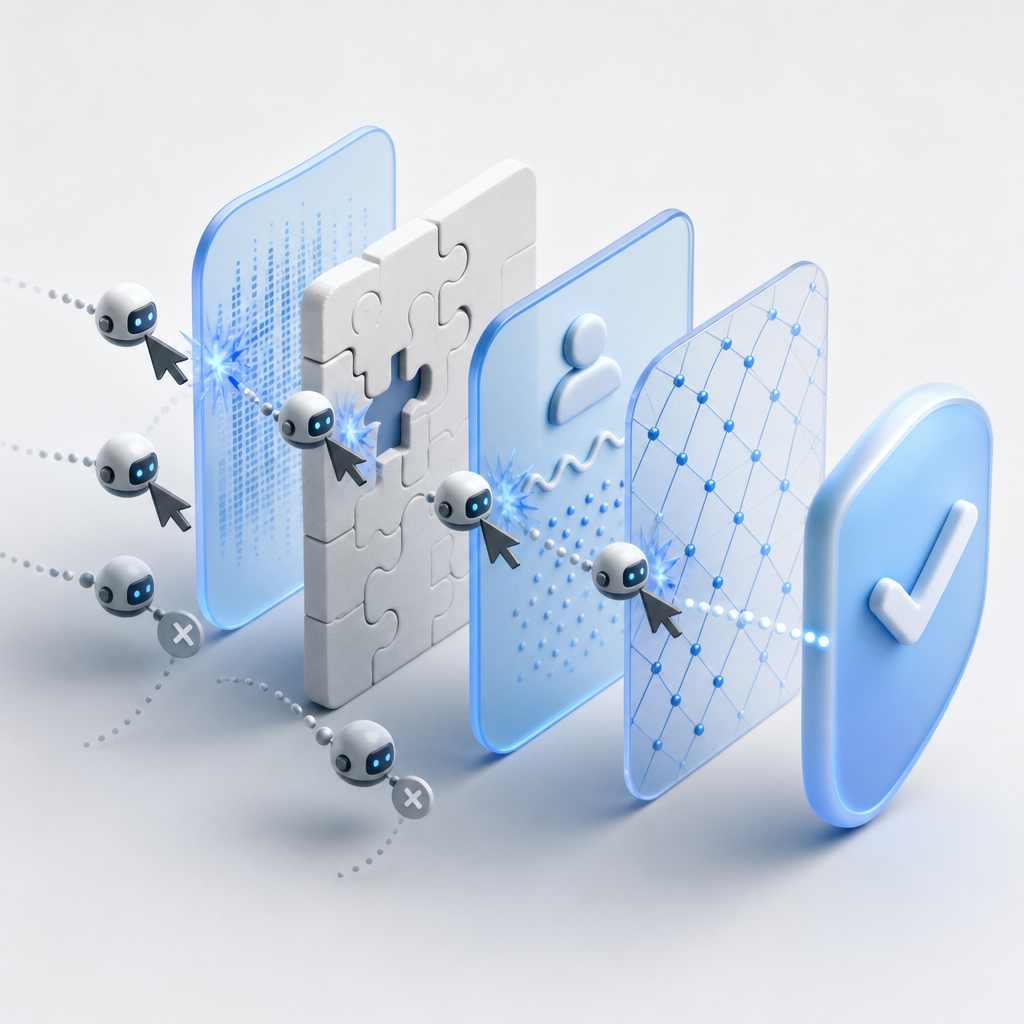
By combining behavioral analytics, server-side validation, and adaptive challenges, CaptchaLa provides robust defense against auto click bots without excessive user friction.
Conclusion
Auto click CAPTCHA refers to the attempts by bots to mimic human clicks and interactions to bypass CAPTCHA systems. While this presents a serious challenge for bot defenses, modern CAPTCHA solutions like CaptchaLa leverage behavior analytics, server validation, and adaptive challenges to detect and block such threats effectively. Awareness of auto click bot techniques and corresponding mitigation strategies helps developers maintain security while minimizing user friction.
Where to go next? Learn more about integrating CaptchaLa with your platform through our detailed docs, or explore flexible pricing tiers to fit your project’s scale and budget.