
An auto CAPTCHA API is a service that automatically presents and validates CAPTCHAs to distinguish humans from bots without requiring extensive manual integration. It works by providing seamless endpoints and client libraries that handle CAPTCHA issuance, user challenges, and verification behind the scenes. This API-driven approach allows websites and apps to protect themselves from automated abuse while minimizing friction for genuine users.
In this post, we’ll explore what an auto CAPTCHA API is, why it matters, and how it compares to popular alternatives like reCAPTCHA, hCaptcha, and Cloudflare Turnstile. We'll also cover technical implementation details, integration options, and best practices for developers.
What is an Auto CAPTCHA API?
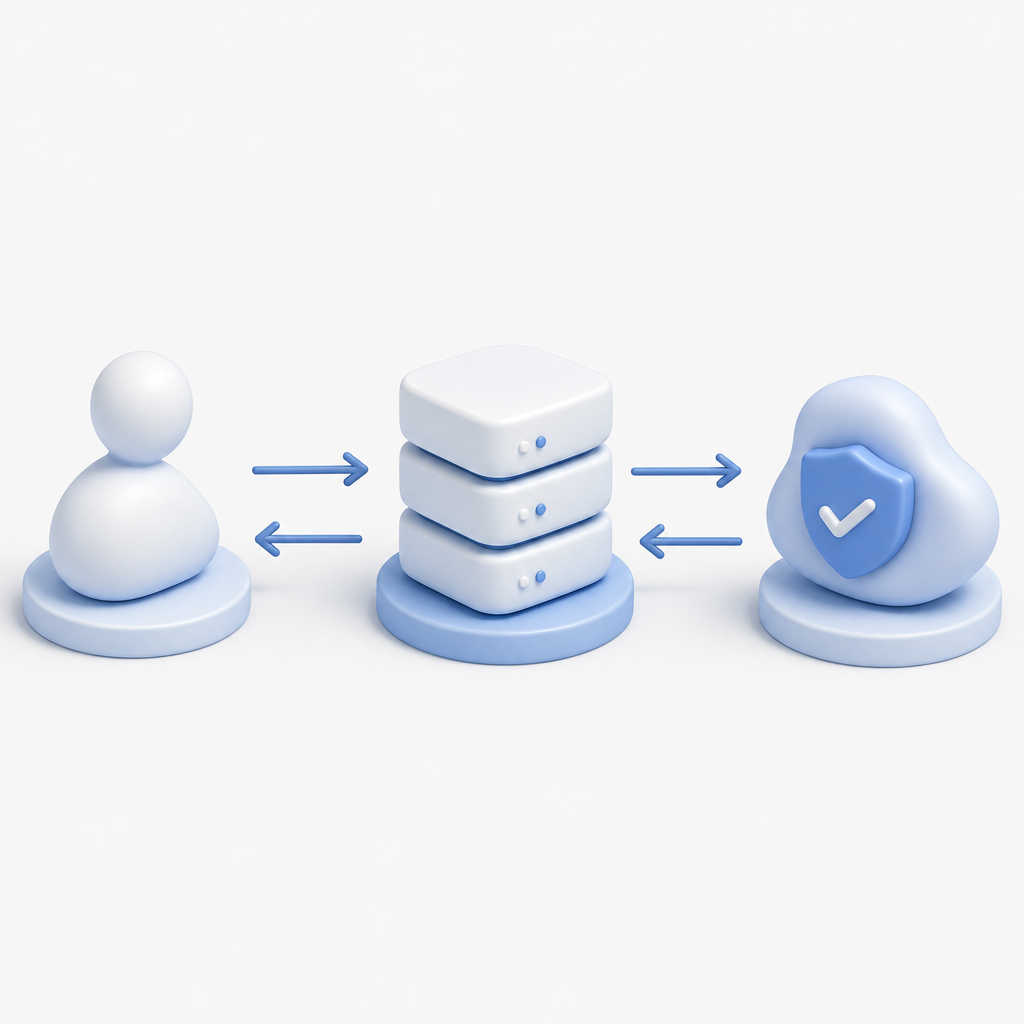
An auto CAPTCHA API automates the process of generating, serving, and validating CAPTCHA challenges via application programming interfaces. Instead of manually embedding complex scripts or handling challenge logic in your codebase, you interact with the API to:
- Request a CAPTCHA challenge token
- Embed client-side widgets or invisible checks
- Validate user responses securely on your server
This streamlining reduces overhead in bot defense implementation, allowing faster deployment and easier customization to your product’s needs.
Key Components of an Auto CAPTCHA API
- Challenge issuance: The API generates unique challenge tokens to serve CAPTCHAs.
- Client integration: JavaScript libraries or native SDKs render CAPTCHAs for users based on API responses.
- Verification endpoint: Servers validate tokens returned by clients, confirming if the user passed the test.
Streamlining these steps through an API avoids reinventing the wheel and helps maintain consistent security practices across platforms.
Why Use an Auto CAPTCHA API?
There are several advantages to relying on an auto CAPTCHA API rather than building custom CAPTCHA logic or using only client-side widgets:
- Simplified integration: With native SDKs for web (JS, Vue, React), mobile (iOS, Android, Flutter), and Electron, you can implement CAPTCHA in environments you already develop for. CaptchaLa supports many platforms with ready-made packages like Maven, CocoaPods, and pub.dev modules.
- Centralized verification: Server SDKs (
captchala-php,captchala-go) and secure API endpoints let your backend reliably verify user responses, reducing fraud risk. - Automated challenge management: The API handles issuing fresh challenges, passing them to clients, and aging out old tokens—taking burden off your infrastructure.
- Scalability and analytics: Providers typically offer monitoring, rate limits, and fraud analysis integrated with their API services.
These benefits lead to better security hygiene, faster developer onboarding, and smoother user experiences through invisible or user-friendly challenges.
Comparing Popular Auto CAPTCHA APIs
| Feature | CaptchaLa | reCAPTCHA | hCaptcha | Cloudflare Turnstile |
|---|---|---|---|---|
| Languages/UI SDKs | 8 UI languages + native SDKs | JS only, limited SDKs | JS + some mobile SDKs | JS only |
| Platforms Supported | Web, iOS, Android, Flutter | Web only | Web primarily | Web only |
| Server SDKs Available | PHP, Go | Not official | Community | Not official |
| Pricing Model | Free 1,000/mo; tiers to 1M+ | Free | Paid with revenue share | Free |
| Data Privacy | First-party data only | Google data processing | Third-party data sharing | Cloudflare data handling |
| Challenge Types | Customizable, invisible + visible | Invisible + visible | Visible mostly | Invisible only |
Each solution has strengths depending on your priorities—such as cost, privacy, customization, or platform support. CaptchaLa emphasizes developer flexibility with native SDKs and broader platform coverage while respecting data privacy by focusing on first-party data only.
Implementing an Auto CAPTCHA API with CaptchaLa
To get started with an auto CAPTCHA API like CaptchaLa, here is a simplified flow and code example:
Step-by-Step Integration
- Include client loader
Add CaptchaLa’s loader script to your frontend:html<script src="https://cdn.captcha-cdn.net/captchala-loader.js"></script> - Request a challenge token from server
Your backend calls:httpThis returns a token to embed on the client.POST https://apiv1.captcha.la/v1/server/challenge/issue Headers: X-App-Key, X-App-Secret Body: {} - Render CAPTCHA on client
Using the SDK or loader, display the challenge to the user. For invisible CAPTCHAs, trigger validation upon form submission. - Validate the user's response server-side
When the user submits, your backend sends:httpThe API indicates if validation passed or failed.POST https://apiv1.captcha.la/v1/validate Body: { pass_token: <user-token>, client_ip: <ip> } Headers: X-App-Key, X-App-Secret
Example server validation request in PHP
// Pseudo code for validating CAPTCHA response using CaptchaLa API
$passToken = $_POST['pass_token'];
$clientIp = $_SERVER['REMOTE_ADDR'];

$response = postToApi('https://apiv1.captcha.la/v1/validate', [
  'pass_token' => $passToken,
  'client_ip' => $clientIp
], [
  'X-App-Key' => 'your-app-key',
  'X-App-Secret' => 'your-app-secret'
]);

if ($response['passed']) {
  // Proceed with user request
} else {
  // Reject as bot or suspicious
}
This clear separation of concerns helps keep your code maintainable and secure.

Best Practices When Using Auto CAPTCHA APIs
- Always verify CAPTCHA server-side: Client checks alone aren’t secure. Use the API’s validation endpoint to confirm responses.
- Choose invisible or user-friendly challenges: Frictionless user experience reduces abandonment and support tickets.
- Monitor usage and adjust thresholds: Tailor challenge difficulty and rate limits based on suspicious traffic patterns.
- Leverage native SDKs for better UX: Native mobile or desktop libraries offer smoother, responsive challenge rendering.
- Keep API keys secure: Store and rotate your app keys privately, never expose them client-side.
Conclusion
An auto CAPTCHA API simplifies bot defense by centralizing challenge management and validation while providing robust SDKs for diverse platforms. Compared to widely used services like reCAPTCHA, hCaptcha, and Cloudflare Turnstile, CaptchaLa stands out with multi-language UI support and backend SDKs, offering developers an adaptable yet privacy-conscious solution.
If you want to start experimenting, CaptchaLa offers a free tier with 1,000 validations per month to test functionalities without commitment. The combination of extensive platform SDKs, straightforward REST endpoints, and scalable pricing plans makes it convenient to build effective bot protection into your apps and websites.
To explore detailed implementation guides, API references, or pricing options, visit CaptchaLa docs and CaptchaLa pricing.
Where to go next? Check out the documentation to see how your team can start integrating an auto CAPTCHA API today.