
An audio challenge captcha is a fallback verification step that asks a user to listen to a spoken code, then enter it to prove they can complete a human-facing task. It exists mainly for accessibility and resilience: if a visual challenge is hard to use, an audio option gives another path without removing the anti-bot signal entirely.
The important distinction is that an audio challenge captcha is not a magic fix for accessibility or security on its own. It should be treated as one input in a larger defense system that also looks at risk scoring, rate limits, device signals, and server-side validation. That’s the practical lens most teams need.
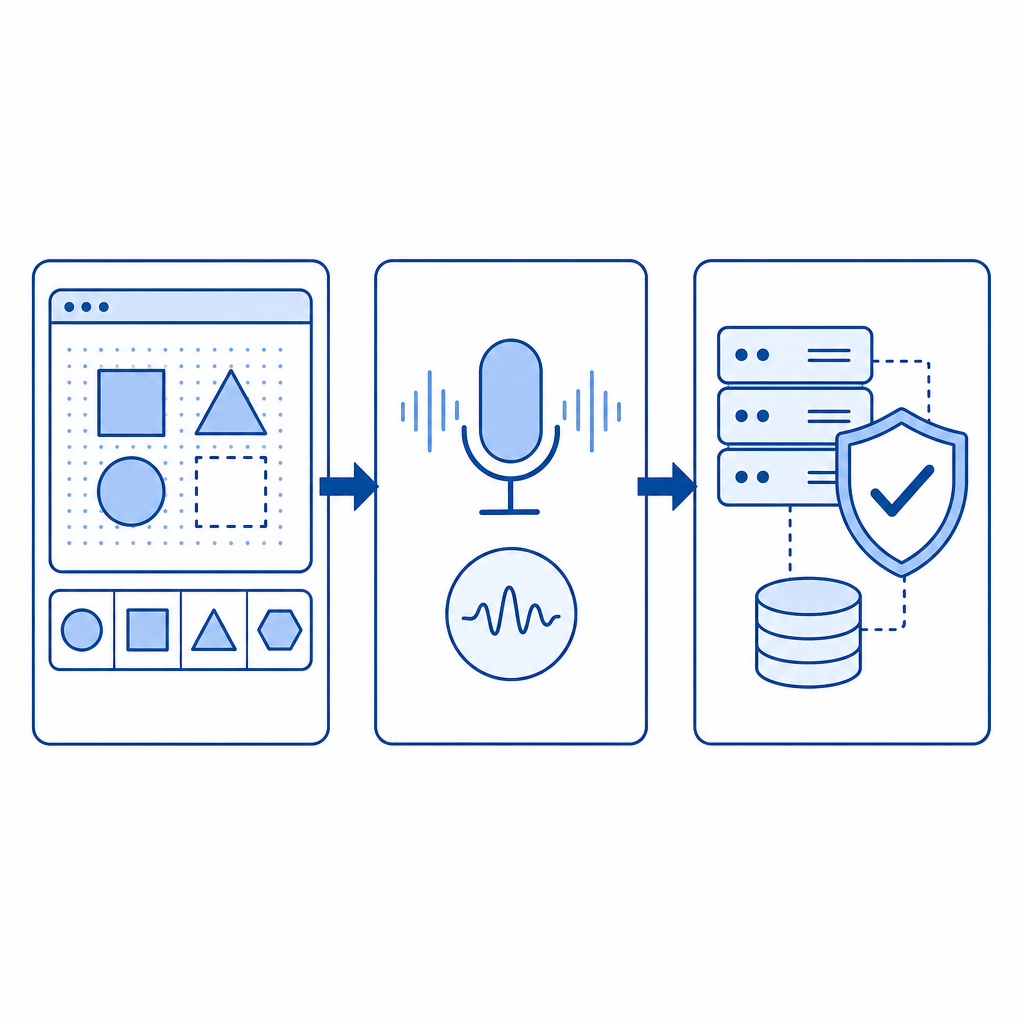
What an audio challenge captcha actually does
At a basic level, an audio challenge captcha converts a verification problem from “see and transcribe” into “hear and transcribe.” The system plays an audio clip, usually a short sequence of digits, letters, or words, and the user submits what they heard. For defenders, the goal is not to make the challenge impossible; the goal is to make automated abuse more expensive while preserving a usable fallback.
This is useful in a few situations:
- A user has difficulty perceiving a visual challenge because of low vision, screen glare, or attention issues.
- A browser or device has limited rendering support.
- A visual challenge is too noisy for the context, such as when the user is in a high-contrast or touch-only environment.
- You need a secondary path when the primary challenge fails, but you still want the same verification lifecycle.
The challenge is that audio is a format too. It can be scripted, transcribed, and attacked. So defenders should avoid thinking of it as a separate security mechanism. It is better understood as an alternate presentation layer for the same verification event.
Security and usability are both on the line
When teams add an audio option, they usually care about one of two outcomes:
- fewer human drop-offs during verification
- stronger accessibility compliance and UX coverage
Those goals are aligned, but not identical. A helpful audio challenge should be easy for legitimate users, yet still resist straightforward automation. That balance is hard, which is why many services, including reCAPTCHA, hCaptcha, and Cloudflare Turnstile, present a broader verification flow rather than relying only on audio.
When it helps, and when it doesn’t
An audio challenge captcha is most useful as a fallback, not as the primary defense for every workflow. If you make it the default for all traffic, you may actually reduce protection, because the format can become predictable and easier to target.
Here’s a simple comparison:
| Option | Main benefit | Main limitation | Best use case |
|---|---|---|---|
| Visual challenge | Familiar, quick for many users | Can be inaccessible or annoying | Default human verification |
| Audio challenge | Better fallback accessibility | More predictable input pattern | Alternate path for users who need it |
| Risk-based challenge | Adaptive friction | Requires more signals and tuning | High-volume abuse prevention |
| Invisible verification | Low user friction | Less transparent when it fails | Background bot checks |
A good rule of thumb is to let the system decide when to offer the audio path. If a user struggles with the visual challenge, the audio option should appear naturally. If abuse patterns are elevated, the backend can require stronger proof or a different challenge class.
How defenders should implement it
The most important implementation detail is server-side verification. A challenge is only useful if your backend verifies the token and ties it to the current session, request context, or IP metadata you already trust.
CaptchaLa’s flow is straightforward: the client gets a token, then your server validates that token using your app key and secret. If you’re integrating a challenge like this, the pattern looks like this:
1. Load the challenge script on the client
   # English comment: the client renders the verification experience

2. User completes the visual or audio path
   # English comment: the client receives a pass token

3. Send the token to your server
   # English comment: never trust client-side success alone

4. Validate with your backend
   # English comment: call the validation endpoint with the token and client IP

5. Allow or deny the protected action
   # English comment: keep the decision server-side
For teams evaluating CaptchaLa, the integration model includes a loader at https://cdn.captcha-cdn.net/captchala-loader.js, plus server validation at POST https://apiv1.captcha.la/v1/validate with {pass_token, client_ip} and X-App-Key / X-App-Secret. There’s also a server-token issuance endpoint at POST https://apiv1.captcha.la/v1/server/challenge/issue, which is useful when your backend wants to initiate or coordinate the challenge lifecycle.
Native support matters too. CaptchaLa provides Web SDKs for JS, Vue, and React, plus iOS, Android, Flutter, and Electron support. For backend teams, there are server SDKs like captchala-php and captchala-go. If your product ships in multiple clients, that breadth makes it easier to keep verification consistent without inventing separate flows per platform.
Practical details worth checking
If you’re rolling this out, confirm these items early:
- Audio playback works cleanly in your supported browsers and mobile devices.
- The challenge has a visible alternative for users who can’t use audio.
- Tokens expire quickly enough to reduce replay risk.
- Validation happens on the server, not only in client logic.
- Logging stores only the data you need for abuse analysis.
CaptchaLa’s docs are the best place to confirm the exact client patterns and endpoint usage: docs. If you’re planning rollout by traffic tier, the published pricing structure is also easy to compare against your request volume: pricing. The free tier covers 1000 monthly verifications, Pro ranges from 50K to 200K, and Business reaches 1M. CaptchaLa also notes first-party data only, which is relevant if you’re reviewing privacy posture.
Accessibility, privacy, and operational tradeoffs
The word “audio” often makes people think only about accessibility, but there are also privacy and operations concerns. An audio challenge can expose user environment constraints, language preferences, and device behavior. That’s not inherently a problem, but you should treat those signals carefully and avoid collecting more than you need.
A few defender-side principles help:
- Keep challenge content short and time-bound.
- Avoid overly complex pronunciation or accented content that hurts legitimate users.
- Provide clear instructions before the challenge starts.
- Make sure the fallback is not the only accessible path; offer multiple ways to verify.
- Measure abandonment rates separately for visual and audio flows.
One subtle operational issue is internationalization. An audio challenge that works in one language may create friction in another if the phonetics are unclear. If your product serves global traffic, this is where multi-language support becomes more than a nice-to-have. CaptchaLa’s 8 UI languages can help reduce friction in the surrounding interface, even when the challenge content itself remains short and standardized.
Another issue is that audio fallback can become a signal for abuse if it is overused. If bots learn that one path is softer than another, they’ll gravitate toward it. That’s why the best systems treat the audio option as part of a broader decision tree, not a separate loophole.
What a sensible deployment looks like
A defender-friendly deployment usually follows this pattern:
- Start with a normal verification flow for the majority of users.
- Offer audio only when the visual path fails or is unavailable.
- Validate every response on the server with short-lived tokens.
- Combine the result with rate limits, abuse heuristics, and request context.
- Review drop-off and success metrics by device, browser, and locale.
- Adjust difficulty only after looking at real failure patterns.
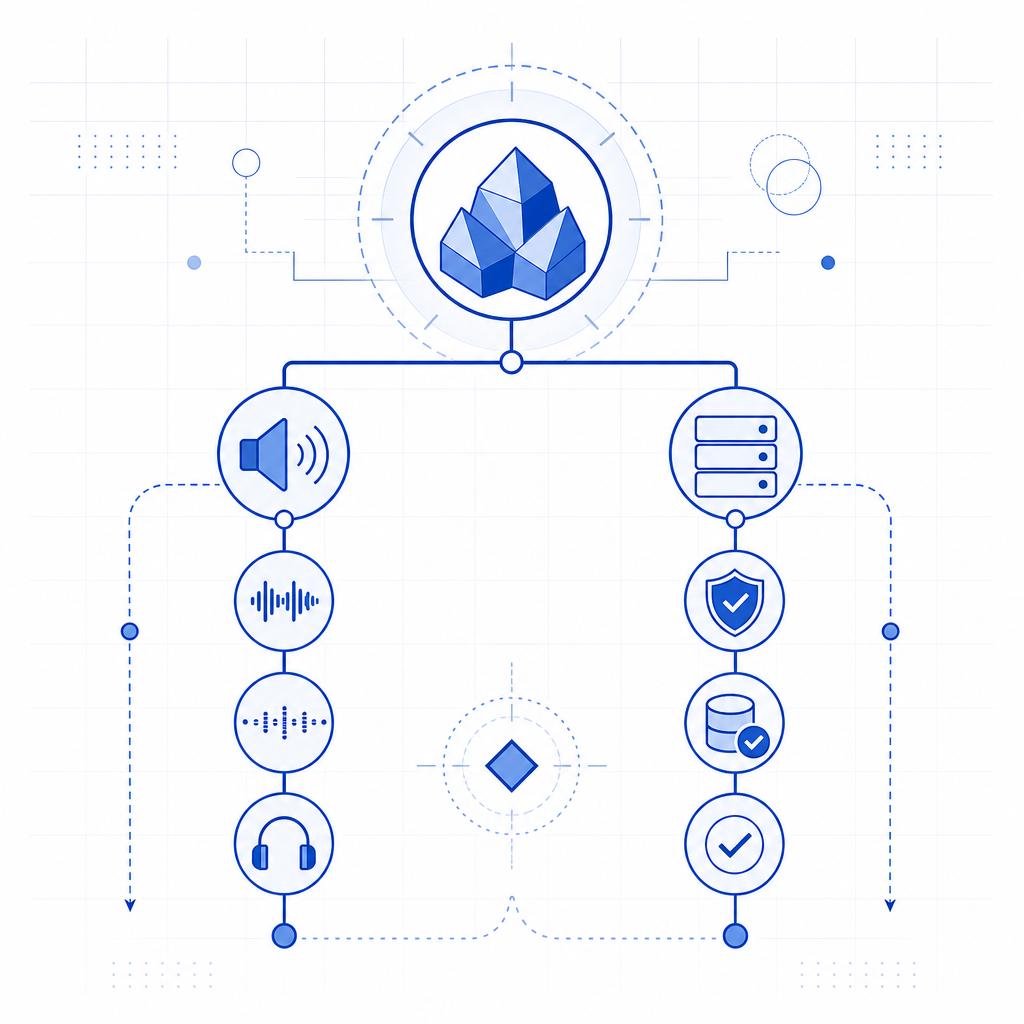
That approach keeps the audio option useful without turning it into a weakness. It also keeps the conversation grounded: the question is not whether audio is “good” or “bad,” but whether it fits into a verification strategy that is defensible, testable, and usable.
For many teams, the answer is yes, provided the audio path is one branch in a larger system. That’s especially true if you need to support web, mobile, and desktop clients without fragmenting your implementation.
Where to go next
If you’re reviewing an audio challenge captcha for your own product, the next step is to map it to your actual threat model and accessibility requirements. Read the integration details in the docs, or compare deployment tiers on the pricing page if you’re sizing usage.