
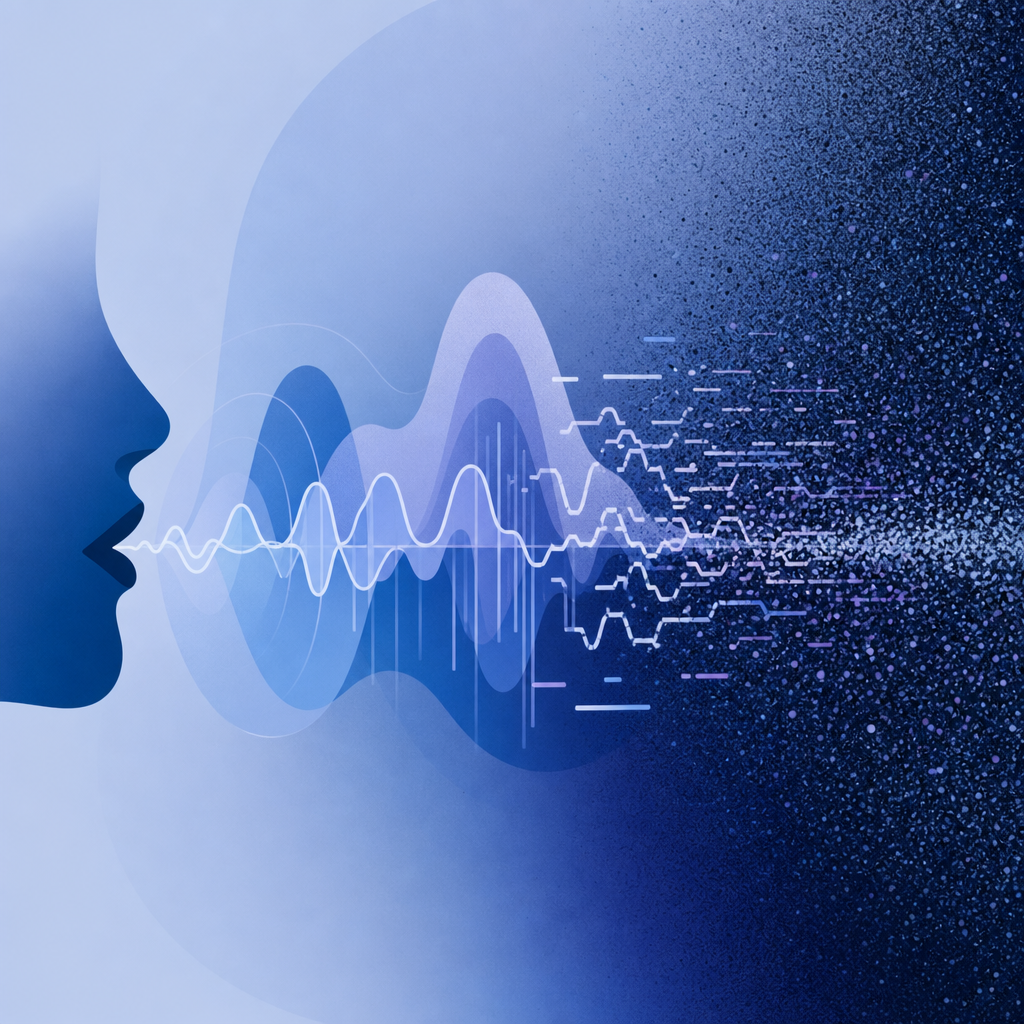
Audio CAPTCHA sound is an audible challenge designed to verify that a user is human by requiring them to interpret distorted speech or sounds. Unlike visual CAPTCHAs, these audio challenges provide an accessible alternative for users with visual impairments or when image-based CAPTCHAs fail to load properly. The sound usually consists of spoken letters or numbers embedded in background noise or other distortions to prevent automated bots from easily solving them.
How Audio CAPTCHA Sound Works in Bot Defense
Audio CAPTCHAs help distinguish legitimate users from bots by presenting a task that requires human listening and cognitive abilities. The challenge typically involves:
- Playing an audio clip with a sequence of digits or letters.
- The sounds have deliberate distortions, such as overlapping voices, static, or echoing.
- Users enter the characters they hear into a response field to prove they are not automated scripts.
The distortions reduce the effectiveness of automated speech recognition, which bots might attempt to use to bypass the challenge. At the same time, clear enough audio and repetition options improve usability for legitimate users with hearing difficulties or noisy environments.
Typical Audio CAPTCHA Sound Characteristics
| Feature | Description |
|---|---|
| Distorted Speech | Letters/numbers spoken with noise, echoes, or variable pacing |
| Background Noise | Static, clicks, or environmental sounds layered over vocal output |
| Repetition Option | Ability to replay the audio multiple times |
| Volume & Speed Adjustments | Controls for better clarity and accessibility |
| Randomized Phrases | Prevents automation by ensuring challenges vary each session |
Accessibility Benefits of Audio CAPTCHA Sound
Visual CAPTCHAs can pose a significant barrier to users who are visually impaired or colorblind. Audio challenges open access by:
- Providing an alternative verification method aligned with screen readers or audio devices.
- Ensuring compliance with accessibility standards such as WCAG (Web Content Accessibility Guidelines).
- Supporting users in situations where visual content fails to load due to low bandwidth or device limitations.
Solutions like CaptchaLa recognize the importance of accessibility by offering audio CAPTCHA options with multilingual support (8 UI languages) and optimized audio clarity. They also include native SDKs for mobile platforms (iOS, Android, Flutter) ensuring seamless integration for diverse user bases.
Comparing Audio CAPTCHA Sound Across Popular Providers
Here’s how audio CAPTCHA sound implementations compare across common CAPTCHA services:
| Feature/Provider | reCAPTCHA | hCaptcha | Cloudflare Turnstile | CaptchaLa |
|---|---|---|---|---|
| Audio Challenge | Available, recognizable distorted voice | Available, uses background noise | Limited/no audio support | Full audio challenge with distortion control |
| Accessibility Focus | Moderate, sometimes inconsistent | High, custom UI elements | Basic | Strong, multiple languages and SDKs |
| Replay and Volume Controls | Yes | Yes | Limited | Yes, with native mobile support |
| Customization | Limited | Moderate | Limited | Extensive (SDK, API-based) |
| Privacy Approach | Google data processing | Privacy-oriented | Cloudflare data involved | First-party data only |
Each approach offers valuable features, but providers like CaptchaLa emphasize maintaining privacy with first-party data while delivering rich audio CAPTCHA usability.
Implementing Audio CAPTCHA Sound With CaptchaLa
Integrating audio CAPTCHA sound into your website or app using CaptchaLa is straightforward:
- Load the CaptchaLa script loader:html
<script src="https://cdn.captcha-cdn.net/captchala-loader.js"></script> - Configure the CAPTCHA with audio enabled:javascript
// Initialize CaptchaLa widget with audio support enabled CaptchaLa.init({ container: '#captcha-container', enableAudio: true, // Enable audio CAPTCHA sound language: 'en', // Select UI language }); - Validate tokens server-side:
After user completion, validate the token with server SDKs or a REST API call:php// PHP validation snippet example $response = CaptchaLa::validate($_POST['pass_token'], $_SERVER['REMOTE_ADDR']); if ($response->success) { // Proceed with form submission } else { // Show error message } - Customize audio settings if needed:
Use SDK options to customize distortion levels, replay limits, or languages.
The CaptchaLa documentation provides further details on leveraging audio CAPTCHA sound effectively: docs.
Why Audio CAPTCHA Sound Remains Relevant
Though alternatives like invisible CAPTCHA and risk-based challenges are growing, audio CAPTCHA sound is likely to remain a crucial accessibility feature for several reasons:
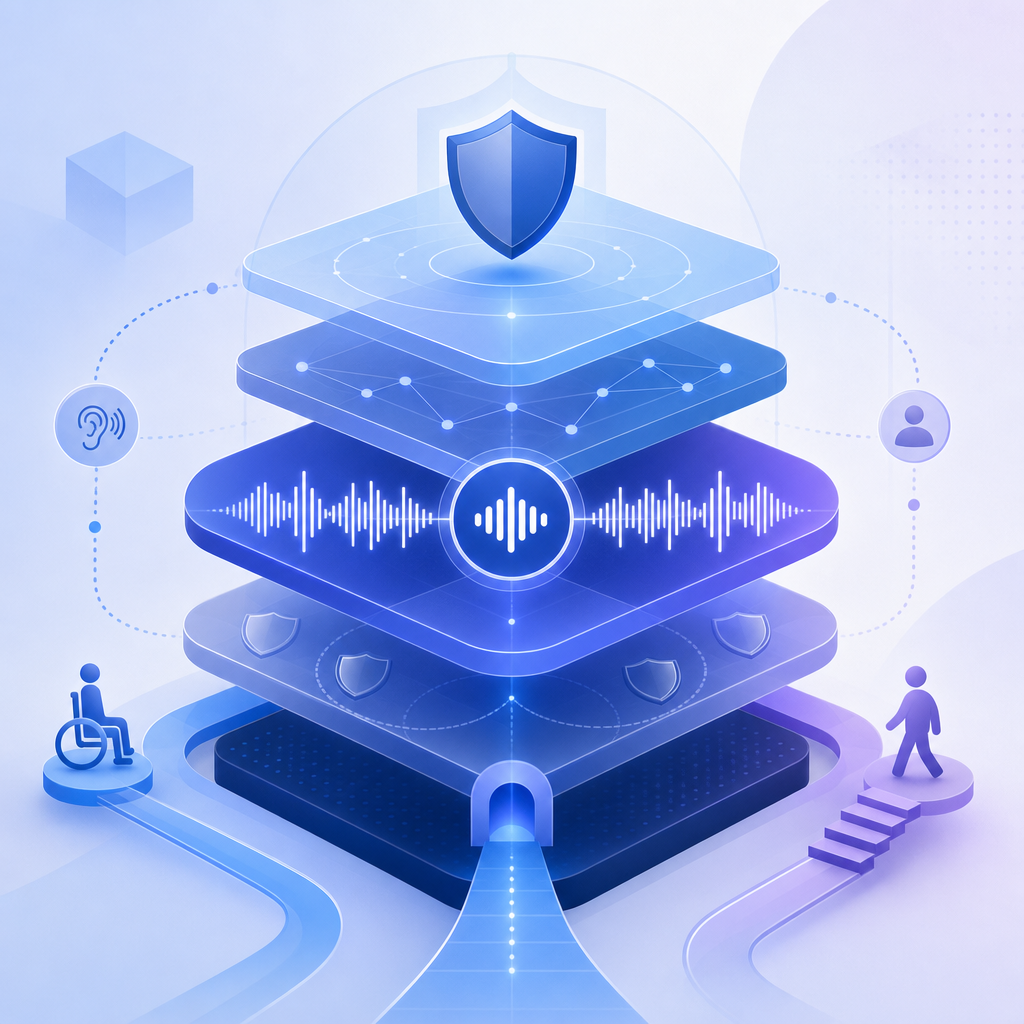
- It ensures inclusivity for users who cannot rely on visual prompts.
- It acts as a fallback when new bot detection methods produce false negatives.
- It helps meet stringent compliance requirements on government and enterprise sites.
By maintaining audio CAPTCHA as part of a multi-layer defense, organizations balance usability and security more effectively.
Conclusion
Audio CAPTCHA sound is an essential tool in web and app security that goes beyond bot defense—providing a necessary accessible verification method. Solutions like CaptchaLa stand out by supporting multiple languages, native SDKs, and privacy-first infrastructure while delivering well-crafted audio challenges suitable for diverse user needs.
If you’re looking to add or improve audio CAPTCHA sound on your platform, consider exploring CaptchaLa’s offerings and how they compare to other major providers. Get started by reviewing their pricing and detailed documentation.
Where to go next? Check out CaptchaLa’s pricing plans or dive deeper into implementation with their developer docs.