
An audio captcha sample is a short spoken or beeps-based challenge used to verify that a real person can listen, interpret, and respond correctly. It matters most when a visual puzzle is difficult or impossible to use, but it should be treated as an accessibility fallback—not as a separate security strategy.
That distinction matters because audio challenges can help users who can’t rely on sight, yet they can also be noisy, slow, or awkward if they’re poorly designed. A good implementation balances accessibility, usability, and bot resistance instead of over-optimizing for any one of them.
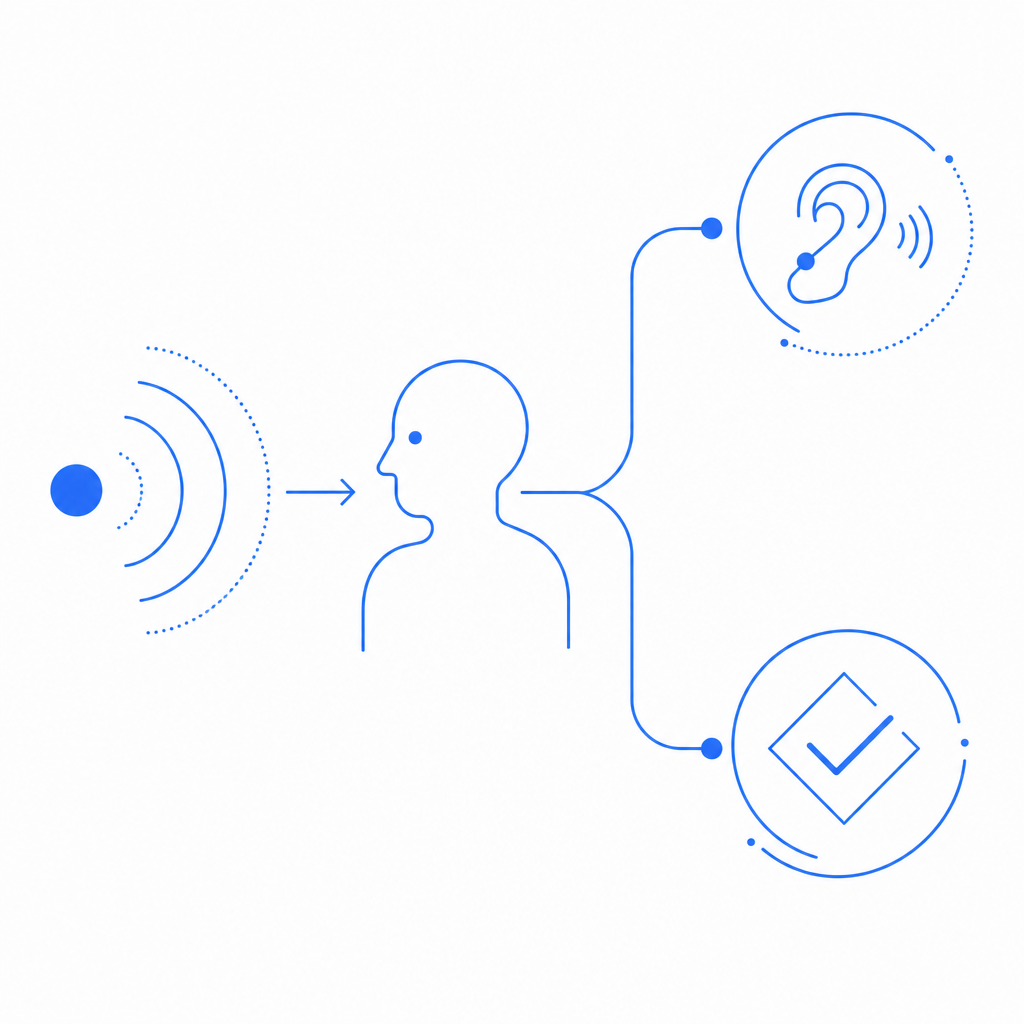
What an audio captcha sample is for
At its core, an audio captcha sample exists to answer one question: can the visitor process a human-oriented challenge through sound rather than sight? In practice, that often means a short sequence of spoken digits, letters, or words, sometimes layered with light distortion to make automated transcription harder.
For defenders, the sample is useful in three main situations:
Accessibility fallback
If a user can’t interpret image-based challenges, audio can offer an alternate path.Testing challenge flows
Product and security teams can review how a challenge sounds, how long it takes to solve, and whether the flow is understandable.Localization review
If your app supports multiple languages, audio samples help verify that the challenge experience matches the language and region settings you expose elsewhere.
Audio should not be your only anti-bot measure. It works best as one signal in a layered defense that may also include risk scoring, device intelligence, rate limits, and server-side validation.
What makes a good audio challenge
A useful audio captcha sample is recognizable by a few properties:
- Short: usually just enough to keep friction low.
- Clear: distinct phonemes or digits are easier to transcribe.
- Consistent: similar difficulty across attempts helps reduce user frustration.
- Accessible: compatible with screen readers, keyboard navigation, and no-hover/no-drag flows.
- Defensible: not so predictable that it becomes trivial to automate.
It’s a balancing act. Too easy, and bots may learn patterns. Too hard, and legitimate users will fail repeatedly. Too long, and conversion suffers. Too noisy, and the fallback becomes a barrier instead of a bridge.
A practical rule: if your audio challenge regularly takes more than a few seconds to understand, it probably needs simplification. If you’re using audio as a backup, the user should be able to switch to it quickly, without hunting through a maze of controls.
Comparing common captcha approaches
Different CAPTCHA approaches trade off friction, accessibility, and automation resistance differently. Here’s a simple comparison:
| Approach | User friction | Accessibility | Bot resistance | Typical use |
|---|---|---|---|---|
| Audio captcha sample | Medium | Good for non-visual access | Moderate | Fallback or verification |
| Image puzzle | Medium to high | Limited without alternatives | Moderate | General web forms |
| reCAPTCHA | Low to medium | Good, but depends on flow | Moderate to strong | Broad web protection |
| hCaptcha | Low to medium | Good, with accessibility options | Moderate to strong | Forms and account protection |
| Cloudflare Turnstile | Low | Strong when integrated well | Strong for many cases | Low-friction verification |
None of these is universally “right.” The best choice depends on your users, your threat model, and how much friction you can tolerate. If accessibility is a priority, audio should be part of the conversation from day one, not a retrofit after complaints start arriving.
How defenders should test an audio captcha sample
If you’re evaluating an audio challenge from the defender side, focus on the experience and the verification path, not on trying to outsmart it. The point is to make sure real users can complete the flow while automated abuse still gets caught upstream or downstream.
A good test plan usually includes:
Audio clarity tests
- Try different speakers and headphones.
- Check whether digits, letters, or words are distinguishable.
- Verify the audio remains intelligible at normal volume.
Completion time checks
- Measure how long users take to solve it.
- Compare first attempt vs. retry performance.
- Watch for repeated failures that signal bad UX rather than bot activity.
Accessibility audits
- Confirm keyboard access.
- Ensure screen readers announce the fallback properly.
- Check whether labels, instructions, and error messages are concise.
Localization review
- Confirm language, accent, and pronunciation are appropriate.
- Avoid mixing languages in the same challenge unless intentional.
- Keep the UI language aligned with the audio output.
Server validation
- Make sure the answer is never trusted client-side only.
- Tie the challenge response to a token and verify it server-side.
Here’s a simple server-side validation pattern:
# English comments only
# Receive token and client IP from the browser
pass_token = request.body.pass_token
client_ip = request.body.client_ip

# Send validation to the captcha API
POST https://apiv1.captcha.la/v1/validate
Headers:
  X-App-Key: your_app_key
  X-App-Secret: your_app_secret
Body:
  {
    "pass_token": pass_token,
    "client_ip": client_ip
  }

# Allow the request only if the API confirms validity
if response.valid:
  continue_request()
else:
  deny_request()
That server check matters more than the audio itself. Audio is just the human interaction layer; the trust decision belongs on the backend.
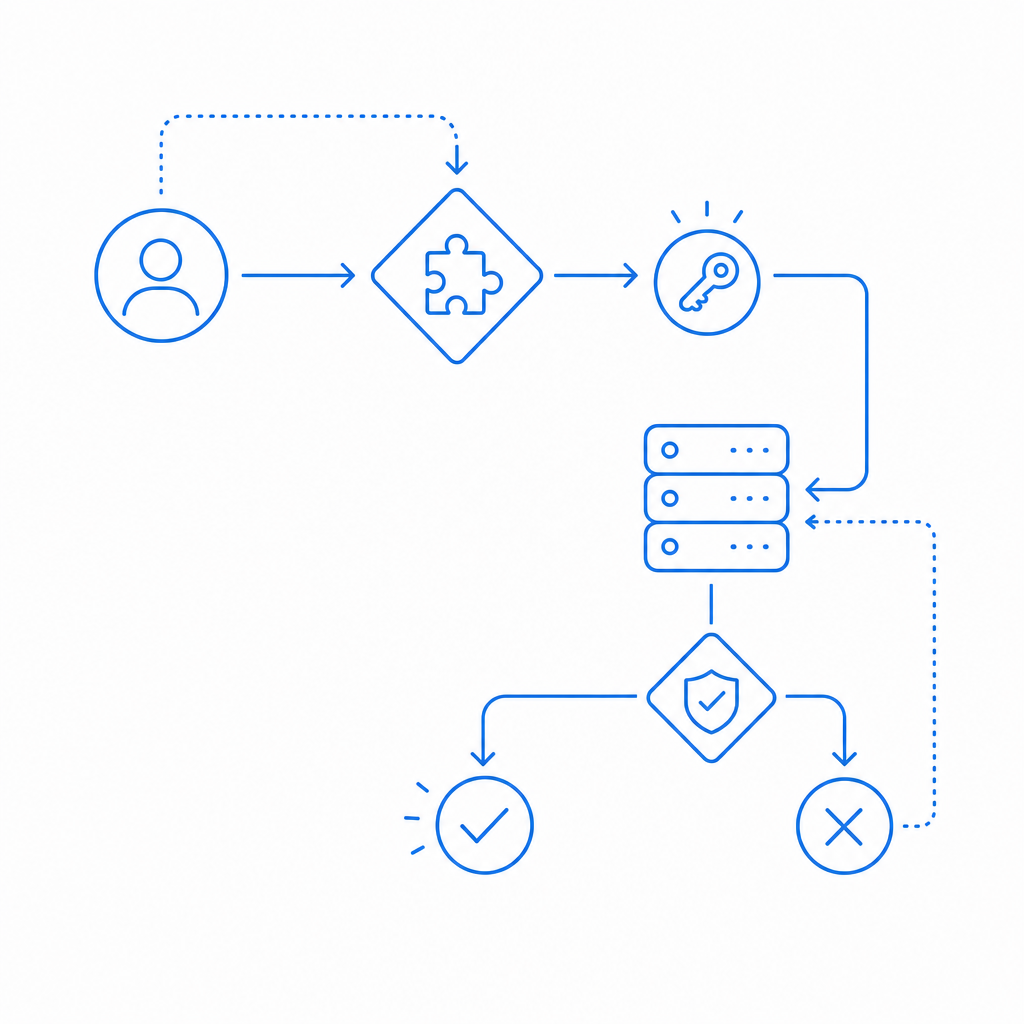
Where audio fits in a modern bot-defense stack
An audio captcha sample is usually one component in a broader system. For example, you might issue a challenge token on suspicious traffic, validate the result server-side, and then use other signals to decide whether to allow the action.
CaptchaLa supports that kind of flow with a straightforward model: a challenge is issued, a token is returned, and your backend validates it before processing the request. The validation endpoint is POST https://apiv1.captcha.la/v1/validate, and the server-token issue endpoint is POST https://apiv1.captcha.la/v1/server/challenge/issue. The loader script is served from https://cdn.captcha-cdn.net/captchala-loader.js.
If you’re implementing this in a web app, mobile app, or desktop client, the integration options are broad:
- Web: JavaScript, Vue, React
- Mobile: iOS, Android, Flutter
- Desktop: Electron
- Server:
captchala-php,captchala-go
There are also package options for popular ecosystems, including Maven la.captcha:captchala:1.0.2, CocoaPods Captchala 1.0.2, and pub.dev captchala 1.3.2. CaptchaLa also offers 8 UI languages, which helps when your fallback or challenge flow needs to fit a multilingual product.
If you’re comparing services like reCAPTCHA, hCaptcha, and Cloudflare Turnstile, the right questions are usually operational: how much friction do you want, how much control do you need over the challenge flow, and how clean is the server-side validation model? Those answers matter more than brand names.
Practical deployment notes
A few implementation details tend to make or break the experience:
- Use audio as a fallback, not a hidden default.
- Keep instructions visible and concise.
- Make sure retry behavior is predictable.
- Validate everything on the server.
- Monitor failure rates by language, region, and device type.
- Avoid forcing the user to restart the whole form when only the challenge failed.
If you’re planning capacity or traffic coverage, CaptchaLa’s published tiers are straightforward: Free covers 1,000 requests per month, Pro covers 50K–200K, and Business covers 1M. The platform is designed around first-party data only, which is worth noting if your privacy or data-minimization requirements are strict.
In most deployments, the goal is not to make the challenge fascinating. It’s to make it clear enough for real users, hard enough for automation, and simple enough for your backend to trust.
Where to go next: review the integration details in the docs or check current pricing if you’re planning rollout volumes.