
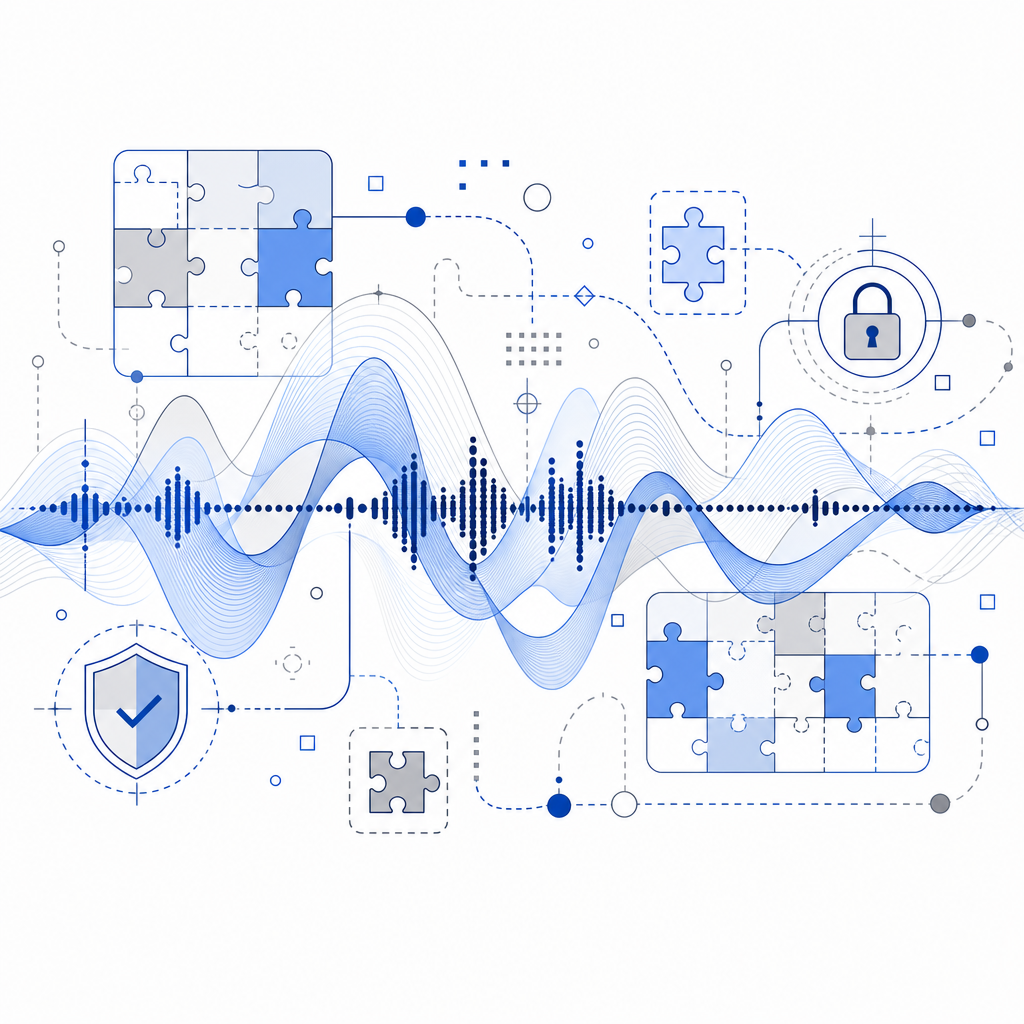
An audio CAPTCHA is a type of challenge-response test designed to differentiate humans from automated bots by asking users to listen to a series of spoken letters or digits and correctly enter what they hear. This approach provides an alternative to traditional visual CAPTCHAs, improving accessibility for users with visual impairments or other difficulties interacting with image-based tests. Beyond accessibility, audio CAPTCHAs serve as an important line of defense against bots attempting to abuse online forms and services.
What Does Audio CAPTCHA Mean?
The term "audio CAPTCHA" refers to a CAPTCHA mechanism that verifies user authenticity through an auditory challenge rather than a visual one. While traditional CAPTCHAs often ask users to identify distorted text or select images, audio CAPTCHAs generate an audio clip containing letters, numbers, or words, often obscured with background noise to deter automated speech recognition systems.
The essential goal is to present a task easy for humans but difficult for bots, thus blocking automated form submissions, fake registrations, or abusive activities. Audio CAPTCHAs offer an inclusive option especially valuable for blind users or anyone who struggles with visual puzzles.
How Audio CAPTCHA Works
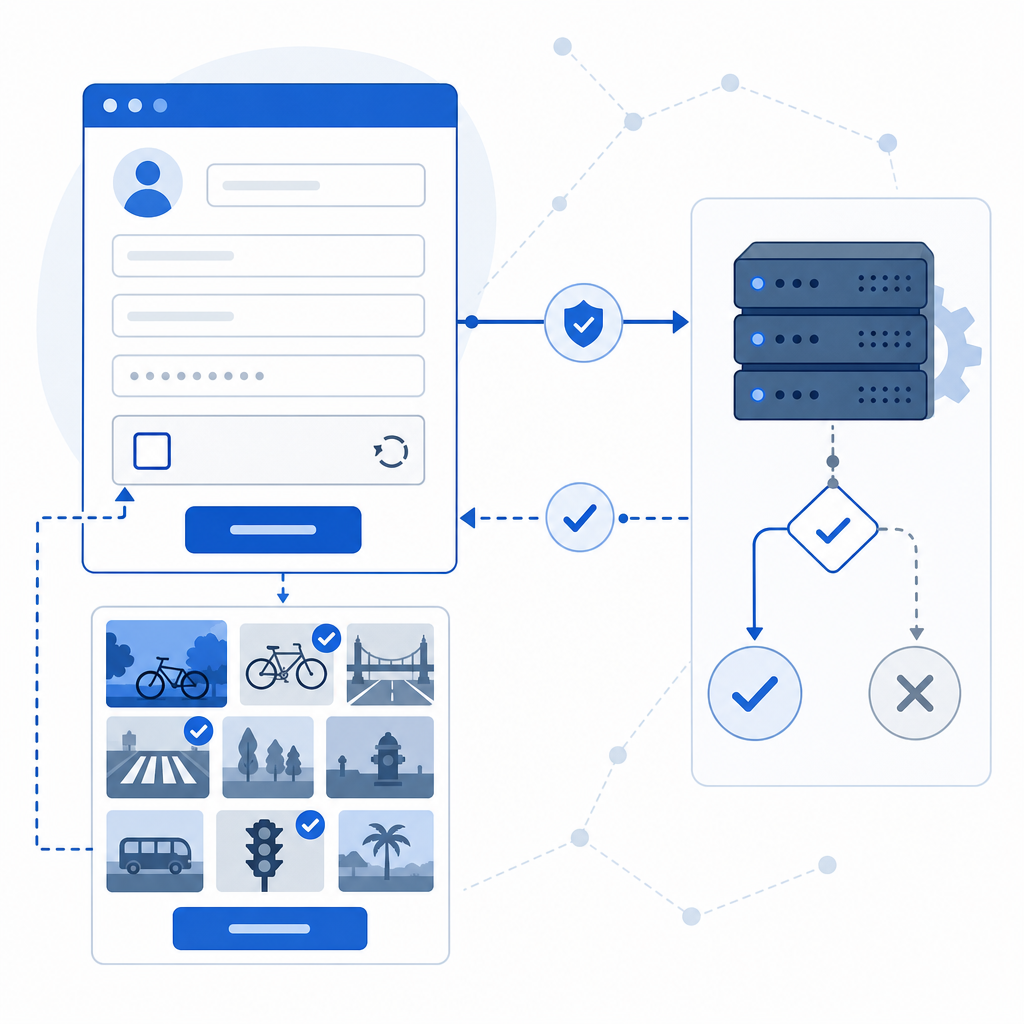
The technical workflow of an audio CAPTCHA typically involves:
- Challenge Generation: The CAPTCHA provider generates a random sequence of characters or digits and converts it into an audio file with added noise or distortions.
- Playback and Input: When a user requests the CAPTCHA, the audio clip plays via the browser or app interface. The user listens and types the interpreted text in an input field.
- Validation: The submitted text is sent to the server, where backend validation confirms if the response matches the expected value, accounting for minor differences if allowed.
This mechanism's effectiveness depends heavily on balancing accessibility and bot resistance. For example, generating audio that is clear enough for human users but resistant to advanced speech-to-text automation.
Audio CAPTCHA Compared to Other CAPTCHA Types
| CAPTCHA Type | Accessibility | Bot Resistance | User Convenience | Typical Use Cases |
|---|---|---|---|---|
| Visual Text CAPTCHA | Low for visually impaired | Moderate | Moderate | Simple form validation |
| Image Recognition CAPTCHA | Moderate | High | Varied | Complex bot filtering, spam prevention |
| Audio CAPTCHA | High for visually impaired | Moderate to Low* | Moderate | Accessibility focus, supplemental defense |
| Invisible CAPTCHA | High | Moderate | High | Background bot detection without user input |
*While audio CAPTCHAs improve accessibility, advanced audio-processing bots have increased challenges solving them, requiring continuous updates to maintain security.
Popular CAPTCHA solutions such as Google reCAPTCHA and hCaptcha support audio CAPTCHA options to improve inclusivity. Cloudflare Turnstile, focusing on frictionless defense, does not currently provide audio CAPTCHA, instead relying on other risk-based signals.
Challenges in Implementing Audio CAPTCHA
While audio CAPTCHAs have clear accessibility benefits, implementing them involves specific technical and design challenges:
1. Security
Audio CAPTCHA must balance human usability with resistance to automated speech recognition. Adding noise, varying speech speed, or using multiple speakers are common methods.
2. Accessibility Compliance
Standards like WCAG recommend providing audio alternatives to visual CAPTCHAs but also require that audio CAPTCHA be easy to understand and control (e.g., replay, volume).
3. Multilingual Support
Different languages, dialects, and accents must be supported based on audience. This may require text-to-speech engines that handle multiple languages natively.
4. Performance and Latency
Delivering audio quickly without buffering is important for user experience. Hosting audio files efficiently and caching properly are key technical concerns.
5. User Experience
Offering controls like replay buttons, adjustable volume, and clear instructions make audio CAPTCHA more user-friendly. The challenge must neither be too hard nor too easy.
How CaptchaLa Supports Audio CAPTCHA
CaptchaLa integrates audio CAPTCHA as part of its multilayered bot defense offering with features designed to address the challenges above:
- Multi-Language UI and Audio: Supports 8 UI languages with native audio playback adaptations to match user locale.
- Native SDKs: Provides easy-to-integrate SDKs for Web (JavaScript, Vue, React), iOS, Android, Flutter, and Electron that support audio CAPTCHA natively.
- Server-Side Validation: Uses secure endpoints for validating audio responses with anti-replay tokens and IP tracking.
- Accessibility First: Audio CAPTCHA is configured to meet accessibility guidelines, providing replay controls and adjustable playback.
- Balanced Security: Audio challenges include techniques to prevent automated recognition while maintaining usability.
This strategy helps ensure organizations can protect forms and login flows while providing an inclusive alternative for users with disabilities or temporary impairments.
Technical Overview: Integrating CaptchaLa Audio CAPTCHA
Here's a high-level overview of how to implement audio CAPTCHA using CaptchaLa SDKs:
// Load CaptchaLa loader script to enable CAPTCHA UI with audio option
const script = document.createElement('script');
script.src = 'https://cdn.captcha-cdn.net/captchala-loader.js';
document.head.appendChild(script);

// Initialize CaptchaLa in a web form with audio CAPTCHA enabled
const initCaptcha = () => {
  Captchala.init({
    siteKey: 'your-site-key',     // Your CaptchaLa site key
    container: '#captcha-container', // DOM container for CAPTCHA
    audioEnabled: true,             // Enable audio CAPTCHA option
    language: 'en',                 // Set UI language
  });
};

// Call on page load or form render
window.onload = initCaptcha;
This easy setup integrates audio CAPTCHA alongside visual challenges, backed by CaptchaLa’s server validation API:
- Validate submission: POST https://apiv1.captcha.la/v1/validate
Payload:{ pass_token, client_ip }with headersX-App-Key+X-App-Secret - Issue challenge token: POST https://apiv1.captcha.la/v1/server/challenge/issue
With tiered pricing plans offering free and paid options — from a 1000 requests/month free tier to business-level 1 million monthly caps — CaptchaLa makes deploying accessible CAPTCHA frictionless.
Conclusion: Audio CAPTCHA Meaning Beyond Accessibility
Audio CAPTCHA extends the traditional CAPTCHA model by providing an inclusive, accessible verification method without compromising security on most fronts. While not a silver bullet against all bots, when combined intelligently with other bot-defense layers like behavioral analysis and invisible CAPTCHA techniques, audio CAPTCHA strengthens any anti-automation strategy.
Whether you are running a public-facing signup page or a sensitive payment gateway, reconsidering CAPTCHA options for accessibility can improve user experience and maintain robust defense. CaptchaLa’s flexible, multi-platform approach helps developers add reliable audio CAPTCHA functionality without reinventing the wheel.
Where to go next? For detailed integration help, explore CaptchaLa's documentation or view available pricing plans that suit your traffic and security needs.